
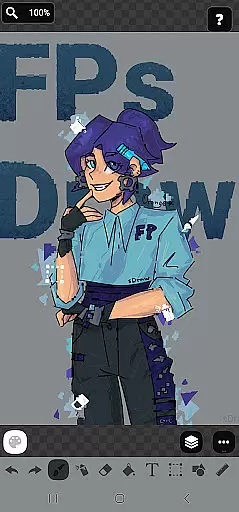
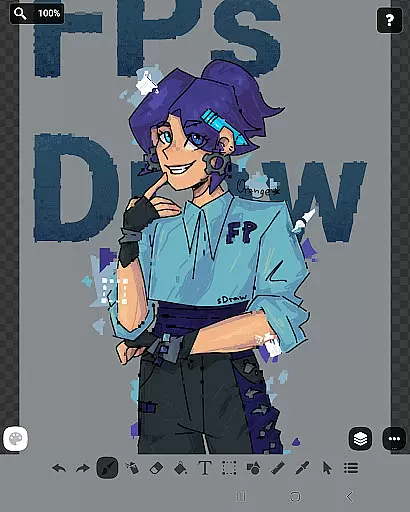
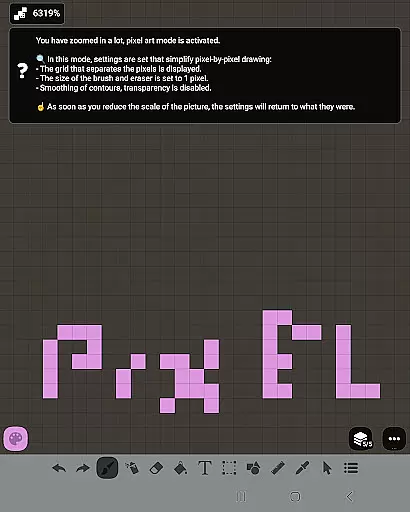
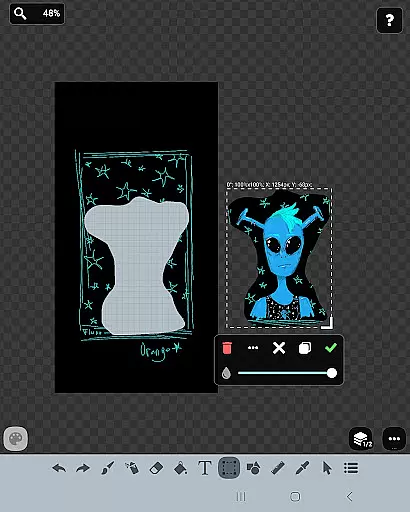
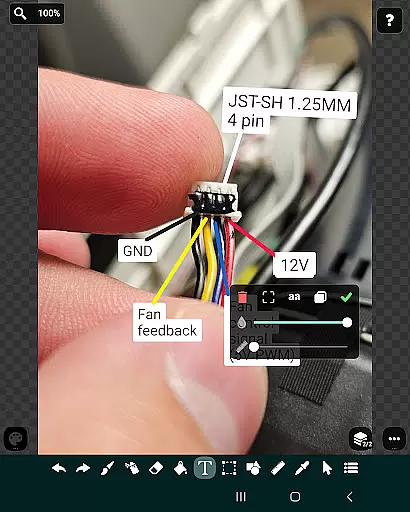
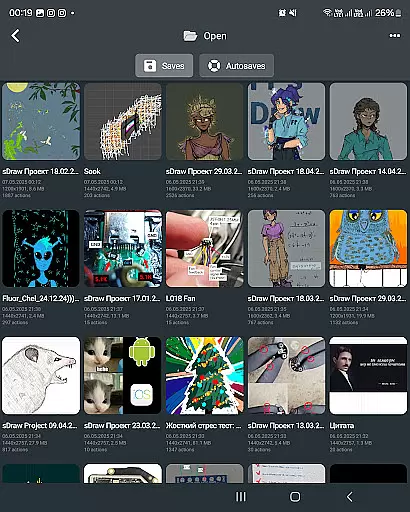
FP sDraw Pro is a streamlined drawing application tailored for users who need a simple yet powerful tool for quick creative tasks. Designed with minimalism in mind, this app allows users to create sketches, memes, or annotate images without any distractions. Its lightweight design ensures it runs smoothly even on older devices, while its intuitive interface provides flexibility and ease of use.
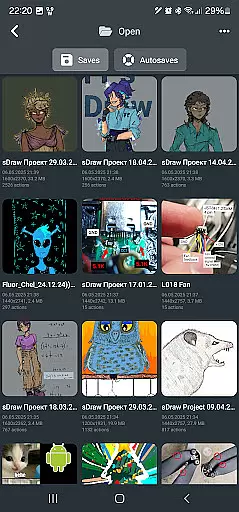
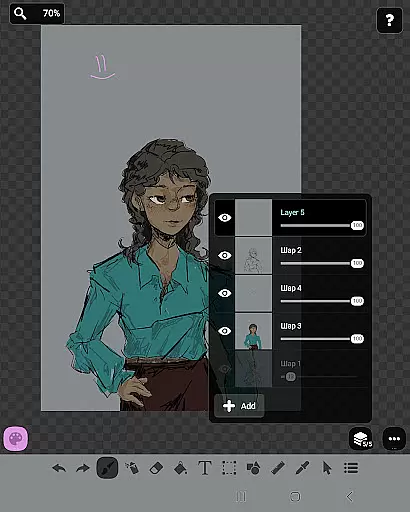
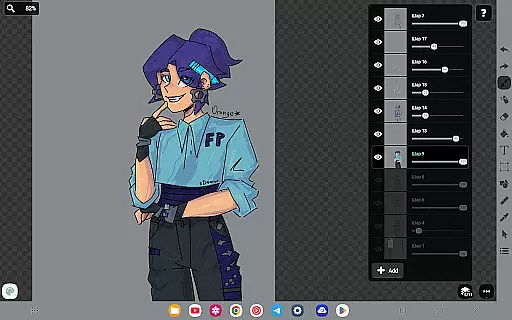
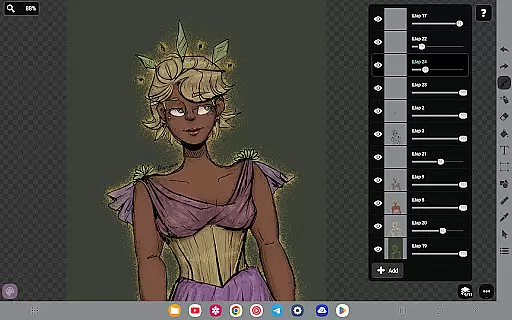
The app offers a comprehensive set of drawing tools including layers, brushes, text options, shapes, and more, making it suitable for both casual doodlers and those needing precise control over their artwork. With features like automatic backups, stylus support, and customizable UI elements, FP sDraw Pro ensures that creativity is never compromised by technical limitations.
Perfect for quick edits or detailed sketches, FP sDraw Pro is an ideal choice for anyone looking for a no-frills, reliable drawing app that delivers professional-grade functionality without consuming device resources.
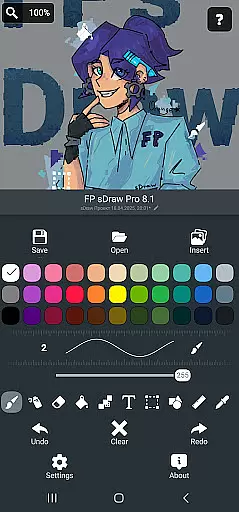
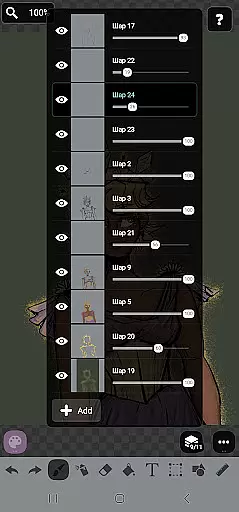
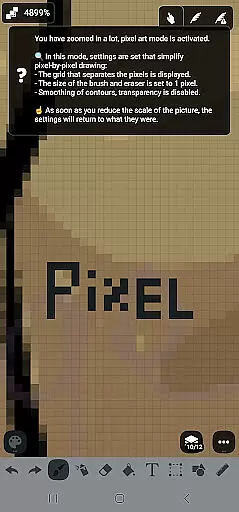
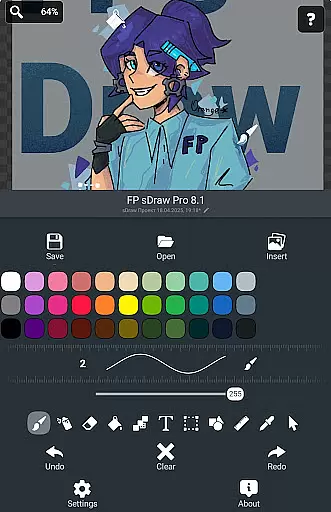
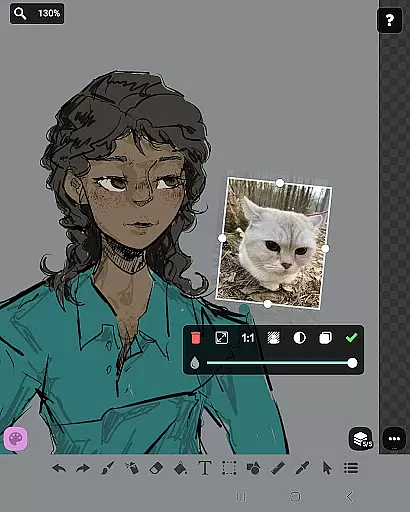
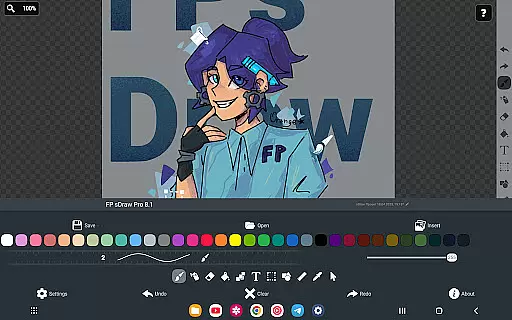
FP sDraw Pro stands out with its rich feature set designed to cater to various artistic needs. The app includes advanced drawing tools such as layers, which help organize complex sketches, and an airbrush for smooth shading effects. Users can insert images from their gallery and utilize the precision brush and eyedropper for detailed work.
One of the key highlights is its compatibility with styluses like sPen and Active Pen, offering a natural drawing experience. Additionally, the app supports automatic backups to safeguard projects and allows customization of UI elements, ensuring a personalized workflow. These features collectively enhance productivity and creative freedom.
With its focus on performance, FP sDraw Pro operates efficiently without draining system resources. It installs quickly, starts instantly, and works seamlessly on older devices, providing a reliable platform for all your drawing needs without unnecessary bloat.
FP sDraw Pro offers a comprehensive suite of creative tools that cater to both casual doodlers and serious artists. The application includes essential features such as layers for organizing complex sketches, a brush and eraser for traditional drawing techniques, and an airbrush for more nuanced shading effects.
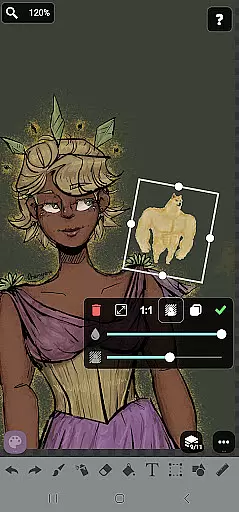
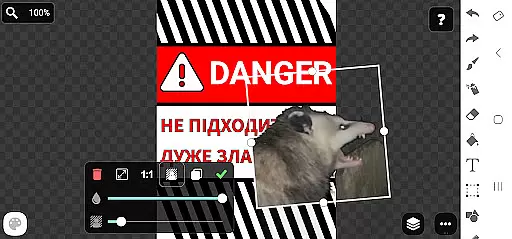
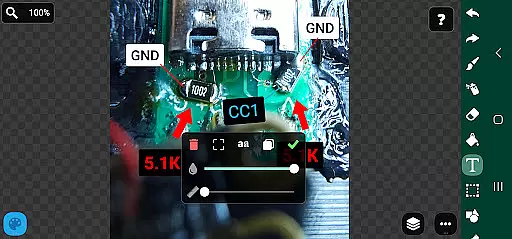
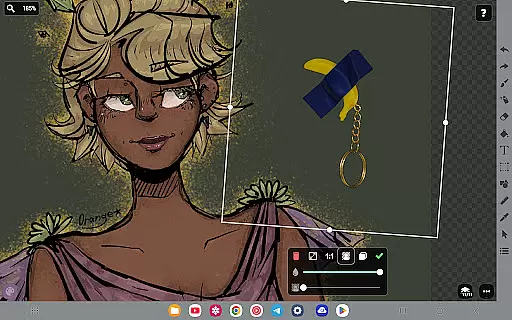
In addition to the basic tools, FP sDraw Pro provides users with the ability to insert images from their gallery, apply text, fill areas with color, and use a precision brush for detailed work. This ensures that no matter the project, users have access to all the necessary instruments to bring their ideas to life without needing to switch to another app.
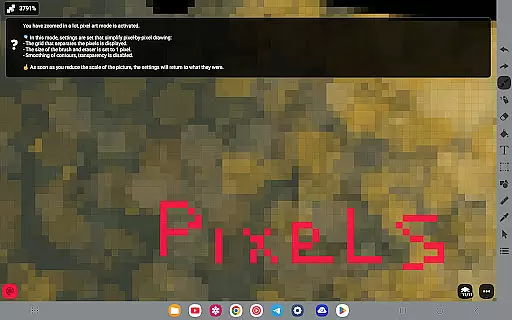
The inclusion of advanced features like a ruler for straight lines, an eyedropper for color selection, and mosaic effects for artistic flair makes FP sDraw Pro stand out. These tools are not only functional but also enhance the user's ability to experiment with different styles and techniques within a single platform.
With its focus on providing a complete set of drawing utilities, FP sDraw Pro empowers users to create everything from simple sketches to intricate artwork, ensuring that the creative process is never limited by the availability of tools.
FP sDraw Pro excels in offering canvas and format flexibility, allowing artists to customize their workspace according to their specific needs. Users can adjust the canvas size and resolution, catering to projects ranging from small icons to large-scale digital paintings.
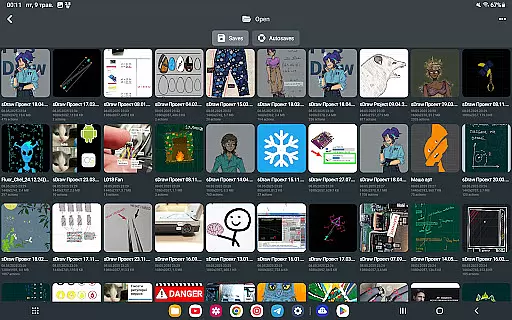
The app supports various file formats, making it easy to import and export artwork in PNG, JPEG, and other popular formats. This versatility ensures that your creations can be seamlessly integrated into different workflows or shared across multiple platforms without losing quality.
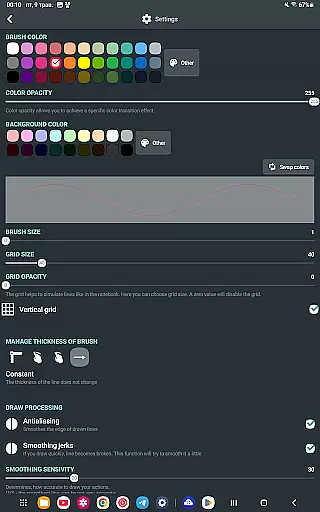
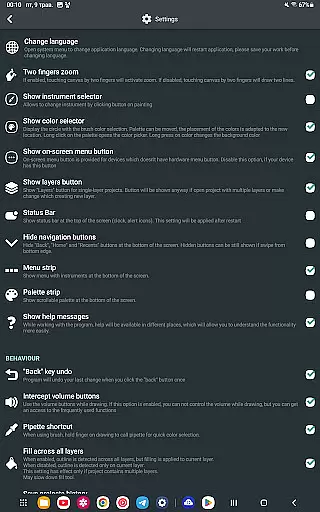
Moreover, FP sDraw Pro allows for flexible UI customization, enabling users to modify even the button shapes to suit their personal preferences. This level of personalization extends to stylus support, accommodating devices like sPen and Active Pen, which enhances the drawing experience on compatible devices.
By prioritizing canvas and format adaptability, FP sDraw Pro ensures that artists can focus on their work without being constrained by technical limitations, thus fostering an environment where creativity can flourish.
User-friendly interface
Lightweight and fast
No ads or distractions
Comprehensive drawing tools
Automatic backup feature
Limited advanced features
Basic UI design
Fewer filters
No cloud sync
Small user base

Create sweet, cool and unique couple avatars easily, in just a few steps!
 3.40
3.40
Digital illustration drawing & painting pad app to paint Anime and Manga art
4.50
Create neon drawing with magic doodle and fun doodle art effects!
4.50
Castle is social media for creating and playing games!
4.60
Nano Banana AI Image Generator, Anime Filter, AI Portrait, AI Photo Generator
4.30
Draw Trace image sketch by, AR art projector app, Easy to trace any image.
4.50
Your AI soulmate — meaningful chats, and unique emotional moments
4.70
Draw, fidget, and spin glow art! Relax and express your creativity with a finger
4.60
Multiplayer Drawing game, Coloring, Painting・Sketch, Handwriting・Paint, draw
4.30
Draw beautiful mandala's very easily
4.60
Image resizer to resize, crop, rotate, flip, change dpi photo or picture in bulk
4.60
Draw anime & manga drawing, art with templates to create stunning picture!
4.50
Painting, drawing, & sketching
4.50
Kling AI is an image and video generation and editing studio powered by AI.
4.50
Draw, make movies & animate cartoons easily with our 2D animation maker app
4.40
Easy 3D drawing design maker & creator. Model designing, Sculpting. Create&paint
4.00
Apply cartoon, caricature, and portrait effects to make your photos stand out!
3.60
Vidu is an AI video generator made for creators and aspiring makers.
3.30
Your Essential Color Theory Guide: Red, Yellow, Blue (RYB)
4.0


User Reviews