
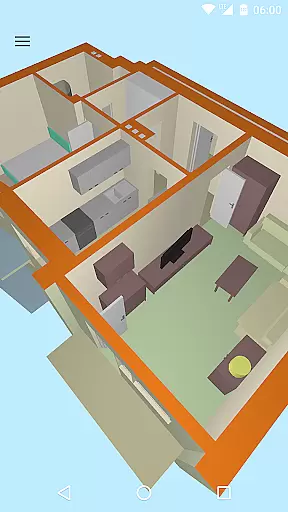
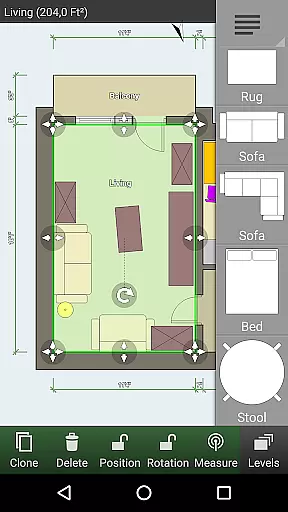
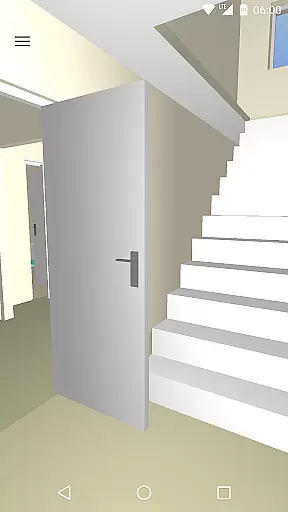
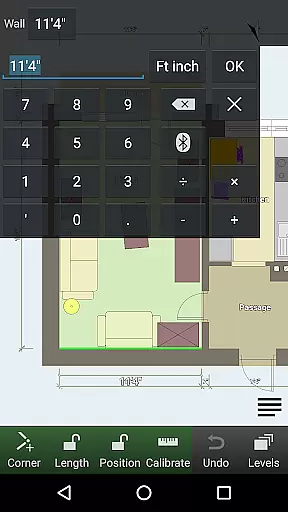
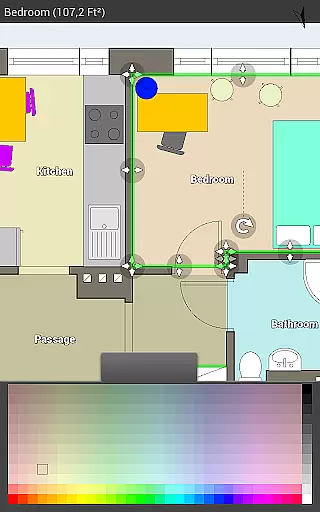
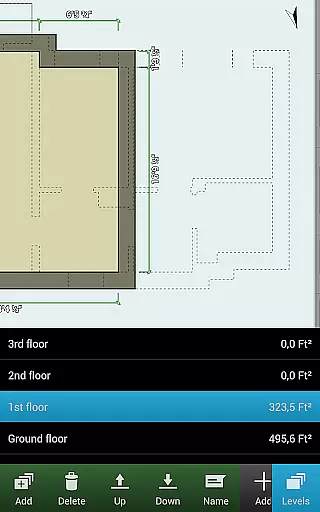
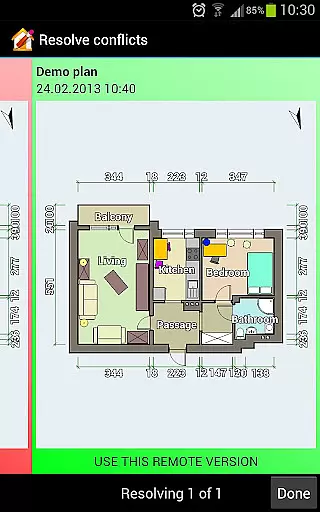
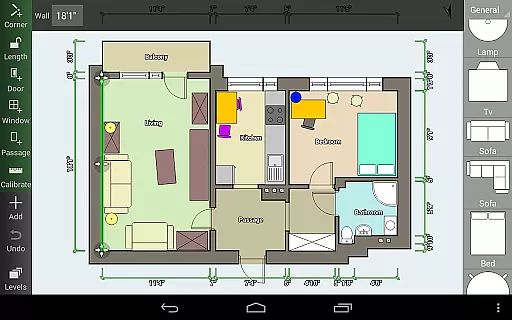
Floor Plan Creator is a comprehensive design tool that allows users to create detailed and precise floor plans with ease. The app supports multiple floors per project, automatic calculations for room dimensions, and includes a 3D tour mode for realistic visualization.
With its extensive symbol library and support for user-defined dimension lines, this app caters to both amateur home designers and professionals. It also offers practical features like cloud synchronization and cross-device editing capabilities, making it an ideal choice for those who need to access their plans on the go.
Whether you're planning a home renovation or shopping for new furniture, Floor Plan Creator provides the tools necessary to ensure your designs are accurate and reliable, helping you make informed decisions about your space.
The app boasts an array of features designed to enhance the floor planning experience. Users can create projects with multiple floors and rooms of various shapes, while benefiting from automatic calculations for area, perimeter, and symbol counts.
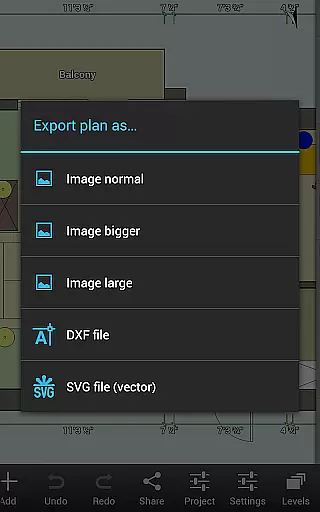
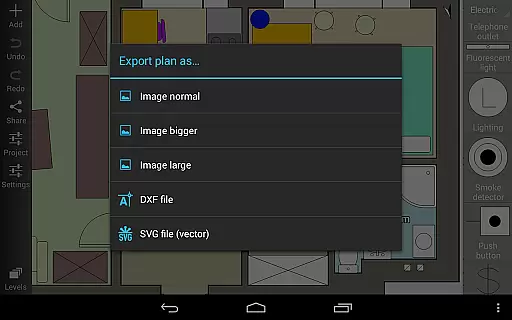
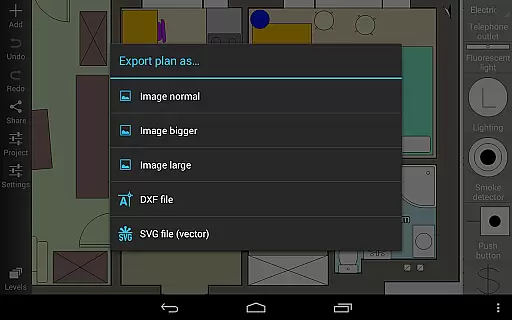
Floor Plan Creator supports S-Pen and mouse input, offers a rich symbol library including doors, windows, and furniture, and allows for custom dimension lines. With paid options, users can synchronize their plans via the cloud, edit them online, and export in multiple formats such as image, PDF, DXF, and SVG.
Additional functionalities include metric and imperial unit support and compatibility with several bluetooth laser meters, providing precision tools for exact measurements.
Floor Plan Creator offers a comprehensive suite of creative tools that cater to both amateur designers and professionals. The app provides an extensive symbol library including doors, windows, furniture, electrical components, and fire survey elements, allowing users to design with precision.
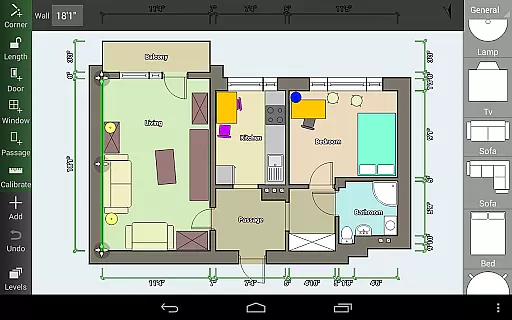
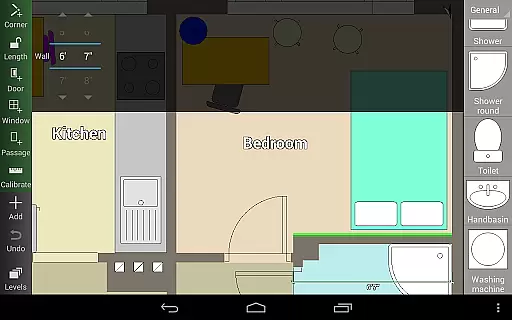
One of the standout features is the automatic calculation of room, wall, and level areas; perimeters; and counts of symbols, which streamlines the planning process. This ensures that every measurement is accurate, reducing the risk of errors in your designs.
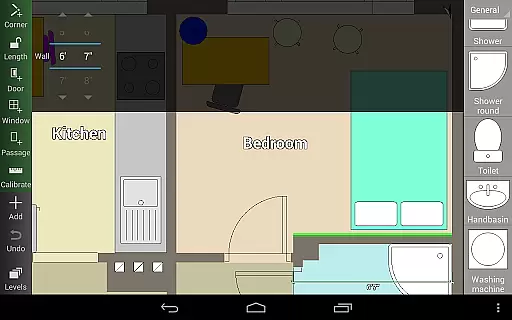
The inclusion of user-defined dimension lines further enhances the ability to modify distances and sizes within the floor plan. This feature empowers users to fine-tune their designs down to the smallest detail, ensuring that every aspect of the plan meets their exact specifications.
Moreover, Floor Plan Creator supports various units and offers cloud synchronization for automatic backups and sharing between devices. This means you can seamlessly continue your work on different platforms, whether on a mobile device or a computer, providing flexibility and reliability in your creative process.
Flexibility in canvas and format options is crucial for any design application, and Floor Plan Creator excels in this area. Users can create projects with multiple floors and rooms of any shape, limited to straight walls only, offering a versatile design environment that accommodates a wide range of architectural styles.
The app's support for metric and imperial units ensures that users from different regions can work with familiar measurements. This dual-unit compatibility makes it easier to transition between different systems and collaborate with international teams or clients.
Exporting options are abundant, allowing plans to be saved as images, PDFs, DXF files, or SVGs. This variety ensures that whatever your project requirements might be, Floor Plan Creator can deliver a format that suits your needs, whether for professional printing or digital use.
Additionally, the app's integration with web-based editing through https://floorplancreator.net adds another layer of flexibility. You can edit your uploaded plans on any device, making it convenient to make quick adjustments or detailed revisions without being tied to a specific platform or location.
User-friendly interface
Comprehensive feature set
Cloud synchronization
Cross-platform editing
Supports multiple formats
Paid features necessary
Complex for beginners
Limited free exports
Advanced tools overwhelming
Occasional bugs reported

Stylish letters, Stylish Keyboard, Symbols, Emojis, Cool nickname
 4.40
4.40
Create neon drawing with magic doodle and fun doodle art effects!
4.50
Photo blender app to create overlay photos & double exposure.
4.40
Art of Combination Wear OS Watch faces
4.3
Draw beautiful mandala's very easily
4.60
800+ Drawing, Painting Lessons App to Practice, Sketch & Paint Art.
4.30
Novices can also easily complete diamond painting masters
4.70
Android 14 style widgets and wallpapers app.
4.2
All-in-One art, logo & collage maker. Design photos and edit video backgrounds
4.80
Mobile pixel art editor. Simple. Fast. Portable.
4.80
The ultimate tool for creating animations
4.60
Digital, Abstract, Classic - all types of color wheels in one app!
4.60
Castle is social media for creating and playing games!
4.60
Digital illustration drawing & painting pad app to paint Anime and Manga art
4.50
Video AI: Revolutionize Your Content Creation with Advanced Video Generation
4.50
Custom Character Creator & PFP Maker!
4.20
Digital Drawing: Draw & Paint
4.10
Your homescreen as an elegant glass with customized blur, lighting, and visuals.
3.70
Draw anime easily with AR guidance, sketch templates & trace tools!
3.10


User Reviews