
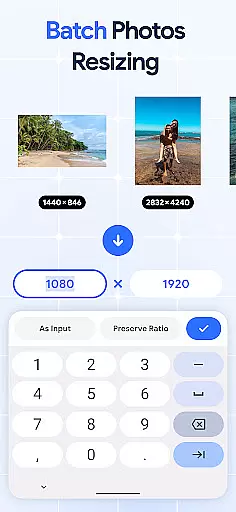
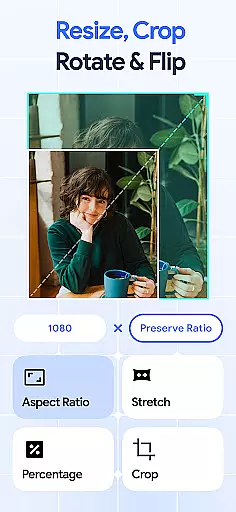
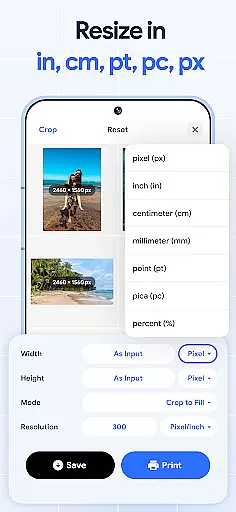
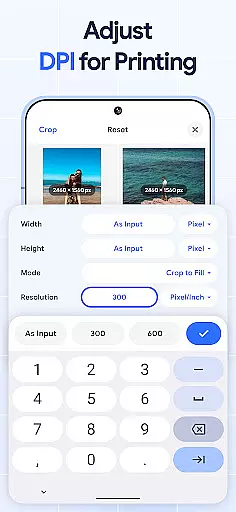
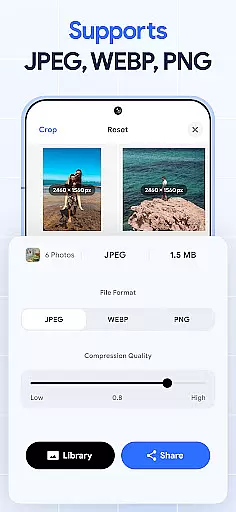
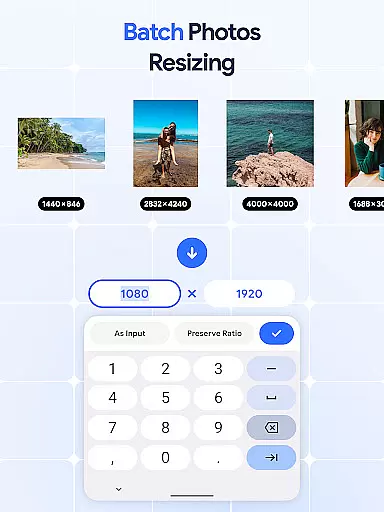
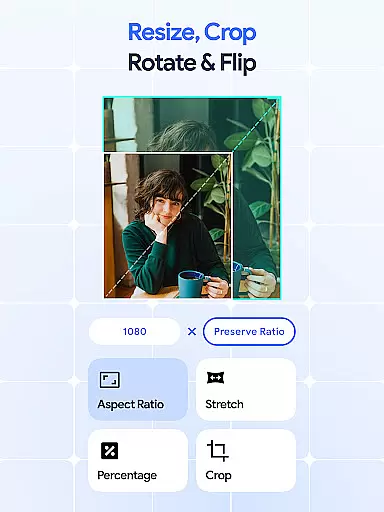
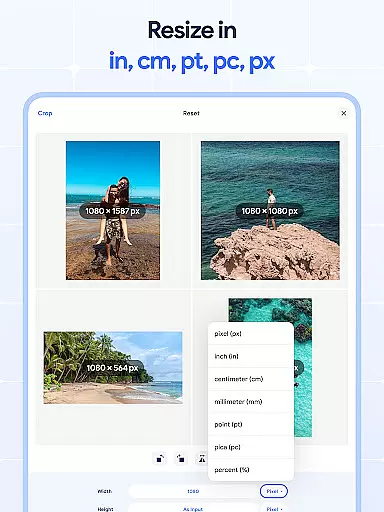
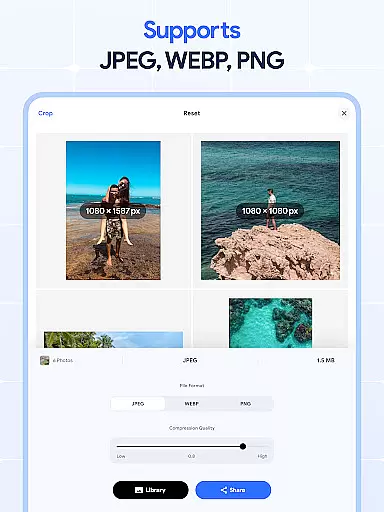
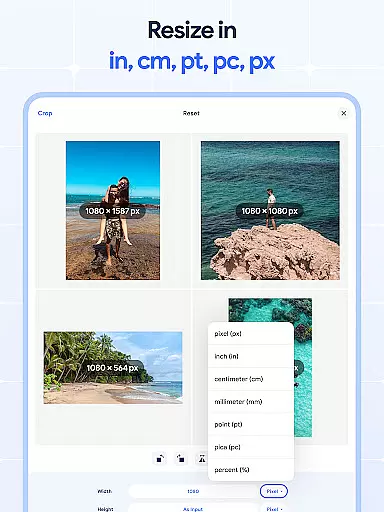
Image Resizer: Crop Photo is a versatile tool designed for resizing, cropping, rotating, flipping, and compressing images with ease. This app caters to users who need to adjust image dimensions for social media, optimize storage space, or prepare photos for printing with better resolution. With its intuitive interface, the app allows both quick adjustments and detailed edits, making it suitable for casual users and professionals alike.
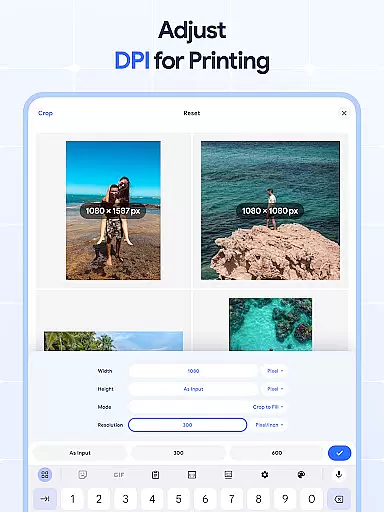
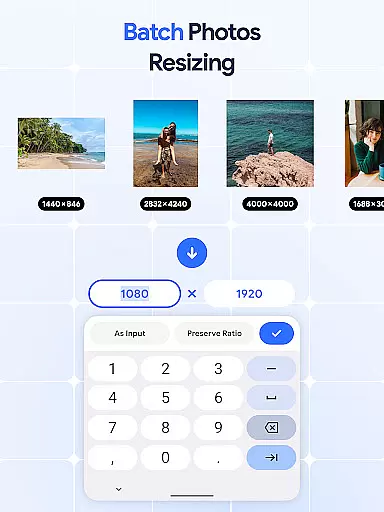
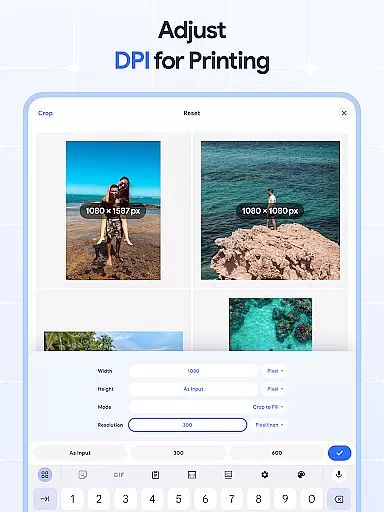
The application stands out with its batch processing capabilities, allowing users to edit multiple images simultaneously. Whether you need to resize, crop, rotate, or compress pictures in bulk, this feature saves significant time and effort. Additionally, the built-in DPI changer ensures that your images maintain optimal quality for both digital use and physical prints.
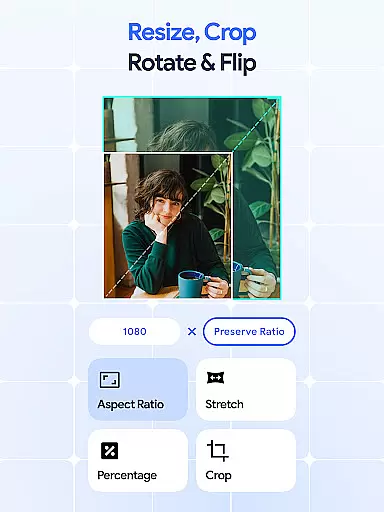
Image Resizer offers an impressive range of features that simplify image editing. The app provides precise control over image dimensions, enabling users to resize images individually or in batches. Its cropping tool allows for accurate edits, removing unwanted parts while maintaining aspect ratios. The rotation feature supports single-image adjustments as well as bulk rotations, ensuring all photos are correctly oriented.
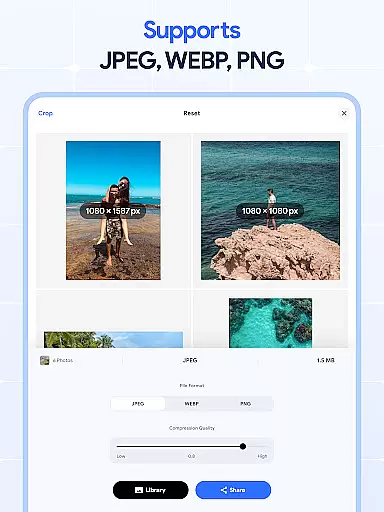
For creative projects, the flip and mirror tools add unique effects to images effortlessly. The DPI changer is another standout feature, letting users modify image resolution for improved print quality. Additionally, the photo compressor reduces file sizes without compromising visual quality, making it ideal for optimizing images for web uploads or email sharing. These comprehensive tools ensure that Image Resizer meets diverse editing needs efficiently.
In the realm of digital art and design, having access to comprehensive tools is essential for bringing creative visions to life. Image Resizer: Crop Photo stands out by offering a wide array of features that cater to various image editing needs.
From resizing and cropping to rotating and flipping images, this app provides users with everything required to modify photos according to their preferences or project requirements. The inclusion of a dpi changer and photo compressor further extends its utility, allowing for adjustments in resolution and file size without compromising on quality.
Users benefit from an all-in-one solution that simplifies complex tasks such as batch processing multiple images simultaneously. This not only saves time but also enhances productivity, making it an invaluable asset for both amateur enthusiasts and professional designers alike.
Ultimately, the app's extensive toolkit empowers creators to focus on their artistic expression rather than being limited by technical constraints, thus fostering a more efficient and enjoyable creative process.
Flexibility in canvas size and format options is crucial for accommodating diverse design projects and ensuring compatibility across different platforms. Image Resizer: Crop Photo excels in providing users with the ability to customize their workspace according to specific needs.
The application supports modifications ranging from simple dimension changes to complex transformations like aspect ratio adjustments and orientation shifts. Whether you're preparing images for social media, print, or web use, the app ensures that your visuals maintain optimal proportions and clarity.
Additionally, features such as bulk resizing and compression enable seamless handling of large volumes of files while preserving original quality. This adaptability makes it easier for artists and designers to meet varying client demands without sacrificing output standards.
By prioritizing user control over canvas settings, Image Resizer: Crop Photo facilitates a versatile editing experience that adapts to individual workflows, ultimately enhancing the overall efficiency and effectiveness of digital art creation.
User-friendly interface
Batch editing support
Precise cropping options
Efficient compression
Versatile DPI adjustment
Limited advanced filters
No cloud integration
Basic color correction
Occasional lag
Ads in free version

Vidu is an AI video generator made for creators and aspiring makers.
 3.30
3.30
Learn how to draw with step-by-step tutorials, fun lessons & multiplayer drawing
4.70
Sketch, plan, take notes and illustrate on an infinite canvas.
4.20
Paint with oils and sketch with natural tools on a realistic virtual canvas.
3.80
Convert image to JPG PNG HEIC PDF, support almost all kinds of image formats
4.70
Castle is social media for creating and playing games!
4.60
Create stunning video, photo & magic from text with FlixAI GPT video generator.
3.10
Create Logos, Tattoos, AI Art & more with our AI Photo Generator & Design Editor
4.20
Unleash your inner artist! Sketchar: AR Drawing for Limitless Creativity
4.40
Draw Trace image sketch by, AR art projector app, Easy to trace any image.
4.50
Photo blender app to create overlay photos & double exposure.
4.40
800+ Drawing, Painting Lessons App to Practice, Sketch & Paint Art.
4.30
Floor Plan Creator lets you create, edit and share floor plans.
4.00
AI Face Swap, Video Effects Editor, Realtime Morph, Funny Video FX,AI Filters
3.70
AI Art Generator transforms your words into AI generated art & paintings.
3.70
Sketch, trace and master AR drawing with awesome anime art!
3.30
Pose and morph realistic male and female models! 3D poser app
3.00
Retouch photos. Create or edit images. Endless capabilities.
2.70
Download now for a stylish and functional timepiece
4.1


User Reviews