
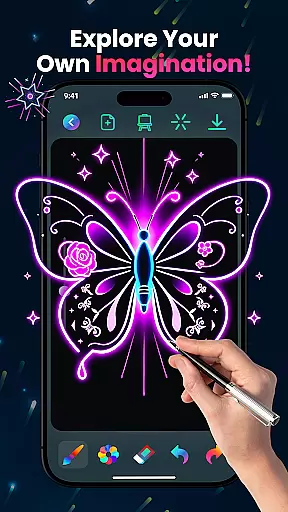
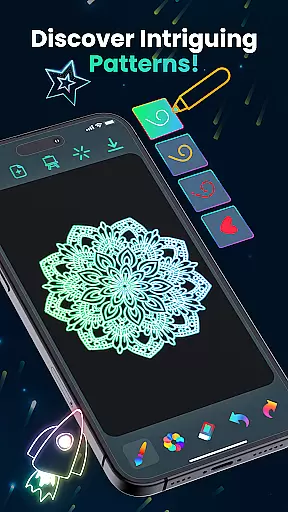
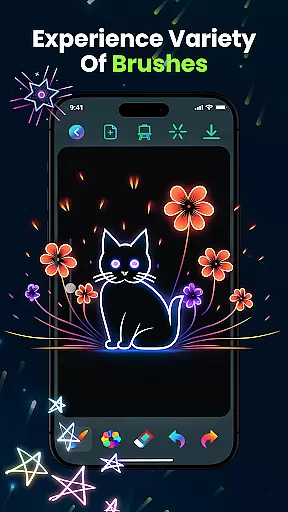
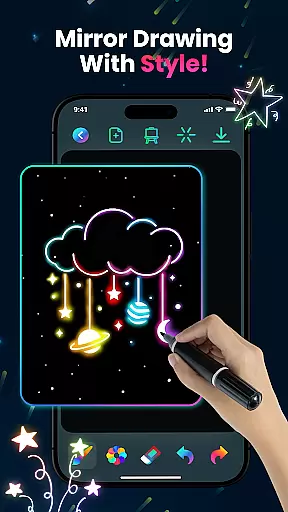
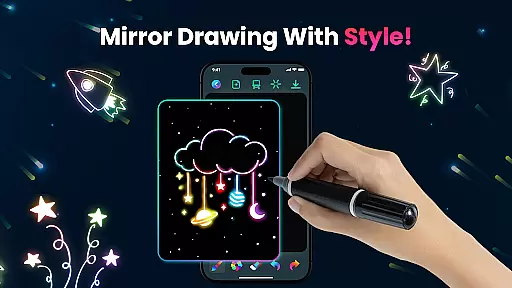
Magic Doodle is an innovative art and design application that allows users to create stunning neon artworks with ease. The app features a wide array of vibrant colors and glowing brushes, providing an immersive drawing experience on a spacious canvas. Whether you are a beginner or a professional artist, Magic Doodle caters to all skill levels with its intuitive interface.
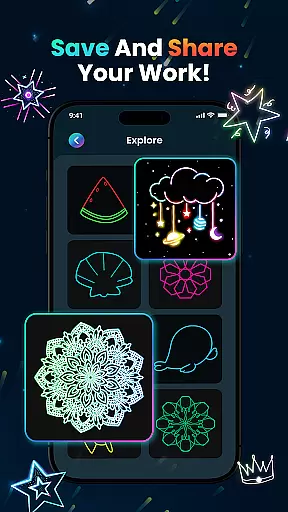
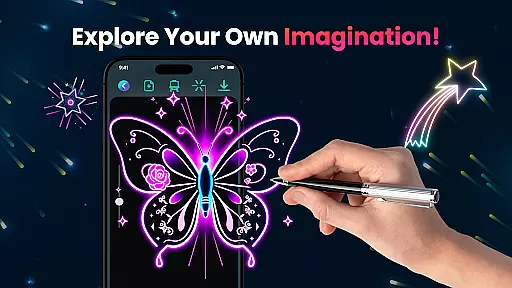
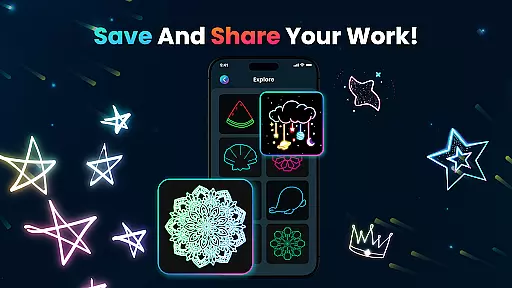
One of the standout features of Magic Doodle is its ability to transform simple ideas into glowing masterpieces. With easy-to-use sketch tools, users can express their creativity freely. Additionally, the app includes practical functions such as undo and redo options, making it easy to correct mistakes. Users can save their artwork and share it directly on social media, allowing for broader engagement with friends and family.
Magic Doodle is not only suitable for adults but also provides a kid-friendly environment where children can learn to paint using their fingers or predefined images. This makes it an ideal choice for family-friendly creative sessions. By offering unlimited color options and stress-free doodling, Magic Doodle ensures relaxation and fun for everyone.
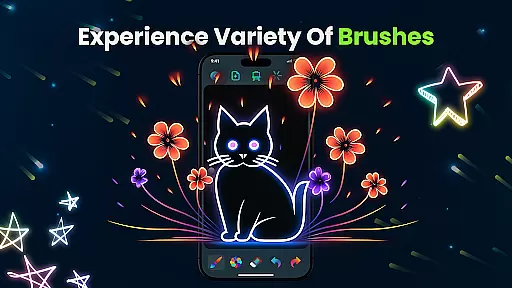
Magic Doodle stands out with its rich set of features designed to enhance the creative process. One of the primary highlights is the vibrant neon glow colors that bring artwork to life. These colors are complemented by magical glowing brushes and sketch tools, which provide an intuitive and seamless drawing experience.
The app offers extensive customization options, allowing users to express their artistic vision effortlessly. With built-in undo and redo buttons, users can easily correct any mistakes, ensuring a smooth workflow. Furthermore, Magic Doodle supports saving and sharing functionalities, enabling users to store their masterpieces and share them on various social media platforms.
Magic Doodle's user-friendly interface is crafted to cater to all age groups and skill levels. It is particularly beneficial for kids, offering a safe and engaging platform to explore their creativity. The app's ability to transform simple sketches into intricate neon designs showcases its innovative approach to digital art.
In the realm of digital art, having a comprehensive set of creative tools is essential for artists to fully express their visions. Magic Doodle offers an impressive array of features that cater to both budding artists and seasoned professionals. The app provides users with vibrant neon glow colors and glowing brushes, which are pivotal for creating stunning artworks.
With Magic Doodle, you have at your disposal intuitive sketch tools that simulate magical doodles, allowing for an authentic artistic experience. The inclusion of undo and redo functions ensures that artists can experiment without the fear of making irreversible mistakes, thus fostering a creative environment where ideas can flow freely.
The true value of Magic Doodle's complete toolkit is realized when users effortlessly transform their concepts into glowing artworks. This seamless process from imagination to creation not only enhances user satisfaction but also significantly reduces the learning curve associated with digital art software.
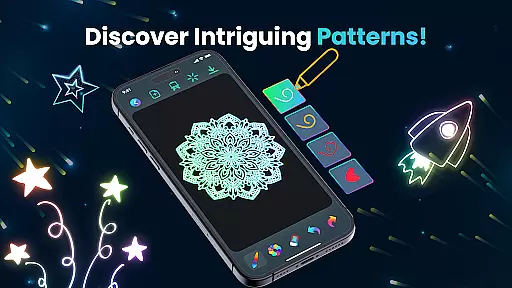
A canvas that adapts to the artist's needs is crucial in digital art applications. Magic Doodle shines in this aspect by offering a wide drawing canvas that supports various formats, giving artists the freedom to explore their creativity without limitations. Whether it's crafting intricate mandalas or expansive neon landscapes, the app accommodates all forms of expression.
Magic Doodle stands out with its easy-to-use interface that caters to all skill levels, ensuring that whether you're a child or an adult, the platform is accessible and enjoyable. Its kid-friendly nature means that even young users can learn to paint using either their fingers or predefined images, expanding the potential user base.
Ultimately, the flexibility offered by Magic Doodle empowers users to save and share their masterpieces across social media platforms, enhancing connectivity and allowing artists to showcase their work to friends and family. This feature amplifies the joy of creation and contributes to a vibrant community of digital artists.
User-friendly interface
Vibrant color options
Undo and redo functionality
Social media sharing
Kid-friendly environment
Limited advanced tools
No offline mode
Occasional bugs
Ads in free version
Learning curve for new users

Image/ Text to Video Generator
 4.40
4.40
Meet the magic aı 3d photo generator and smart AI video generator app.
3.20
800+ Drawing, Painting Lessons App to Practice, Sketch & Paint Art.
4.30
Painting, drawing, & sketching
4.50
Everything you need to create hand drawn animation, anywhere you go!
4.40
Retouch photos. Create or edit images. Endless capabilities.
2.70
Sketch and paint on your device with the feel and freedom of drawing on paper
4.00
Explore future self face age filter & remove background image for a unique look.
3.50
An intuitive, high-performance painting app that lets you focus on creating
4.40
Passport size photo maker, create ID photo and visa photo in seconds
4.80
Learn how to draw with step-by-step tutorials, fun lessons & multiplayer drawing
4.70
Convert image to JPG PNG HEIC PDF, support almost all kinds of image formats
4.70
2D animation studio for Android tablets - unlimited layers, infinite timeline
4.70
Beauty Camera - Selfie Camera is the ultimate beauty camera and selfie app
4.30
Easy 3D drawing design maker & creator. Model designing, Sculpting. Create&paint
4.00
Design your dream room with AI. Get decor ideas & plan home interiors
3.90
AI Assistant, powered by ChatGPT GPT-4 & GPT-4o. Your intelligent companion.
3.50
Sketch, trace and master AR drawing with awesome anime art!
3.30
Draw anime easily with AR guidance, sketch templates & trace tools!
3.10


User Reviews