
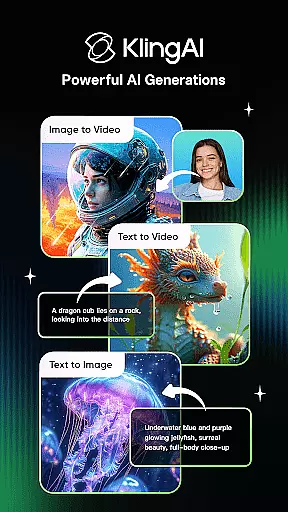
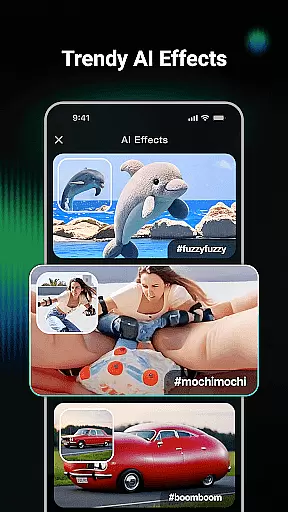
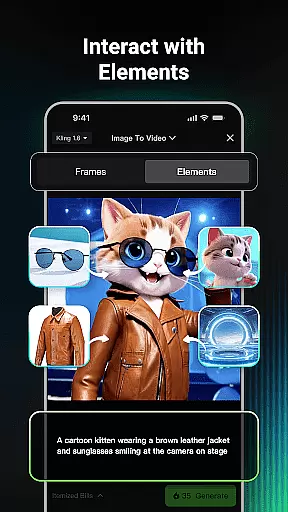
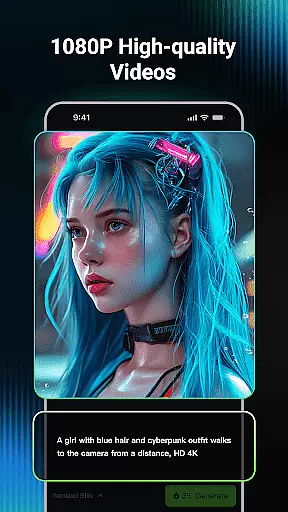
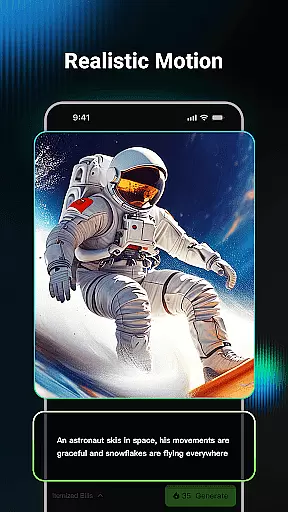
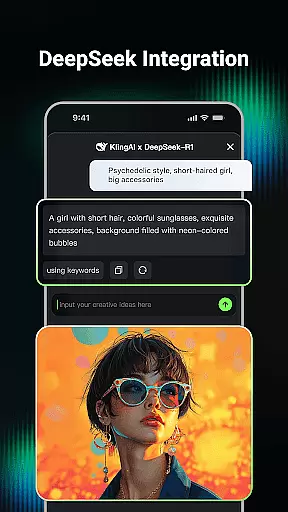
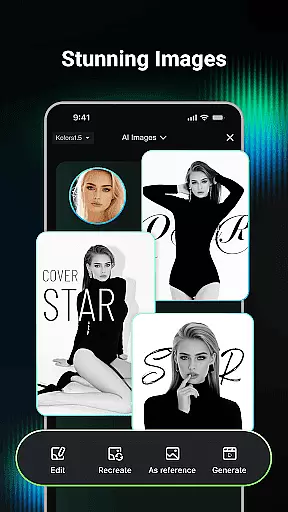
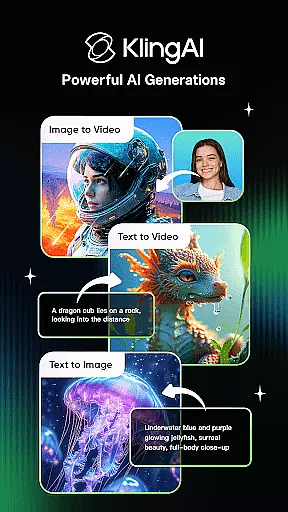
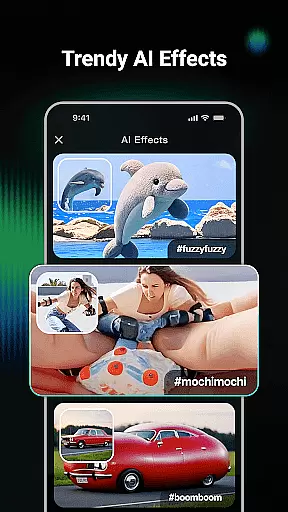
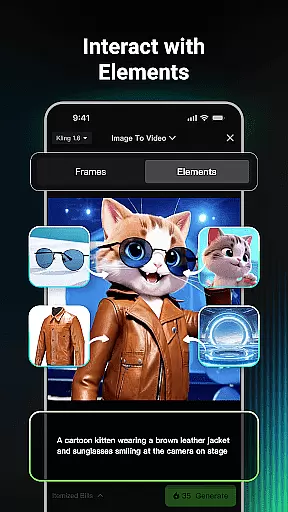
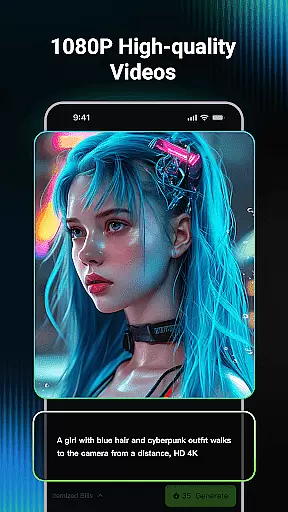
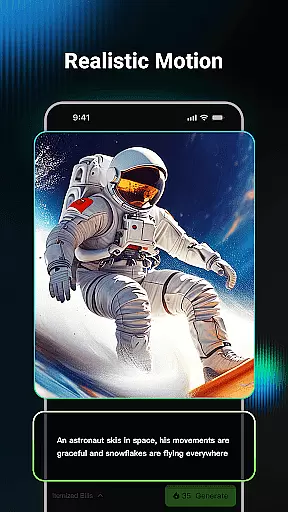
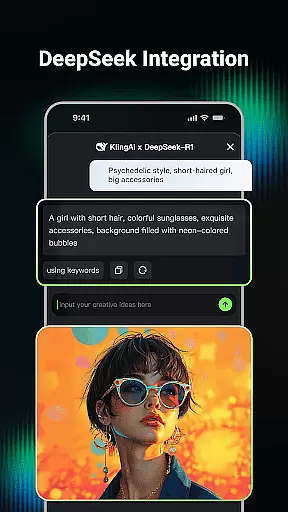
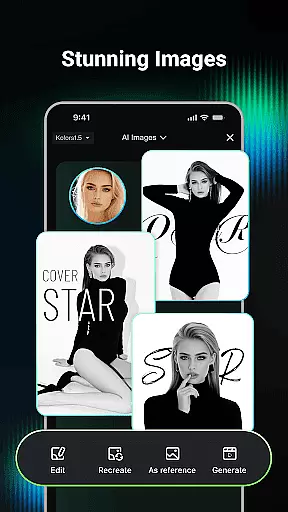
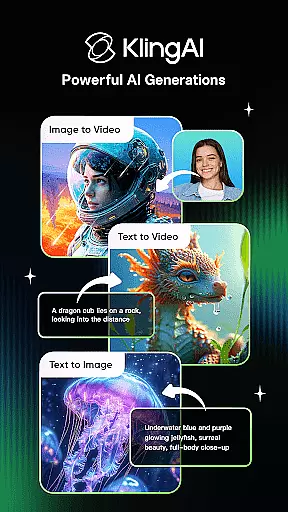
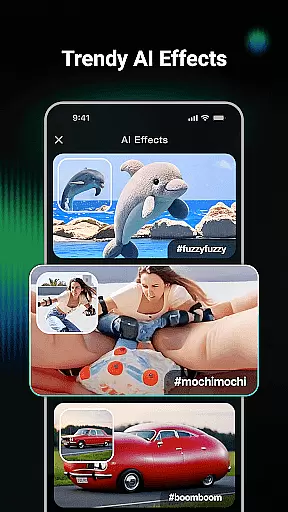
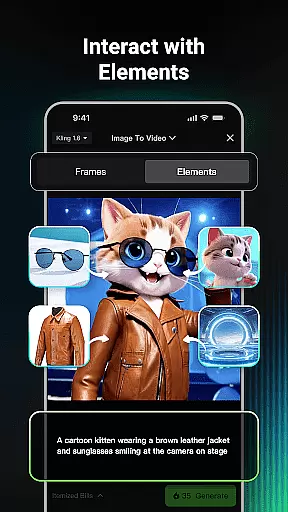
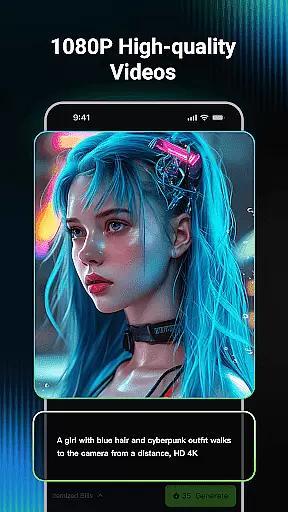
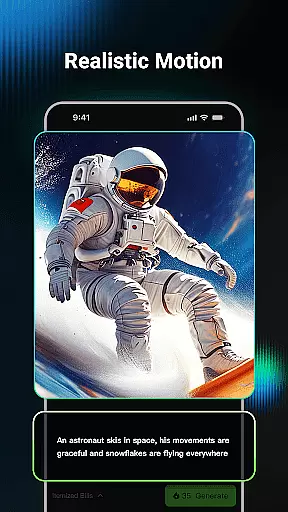
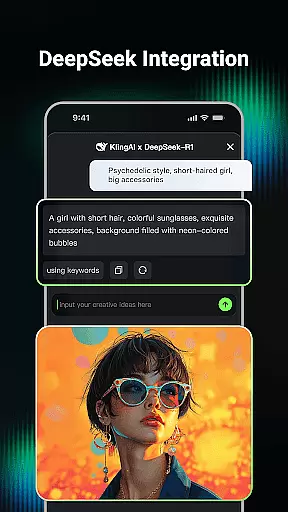
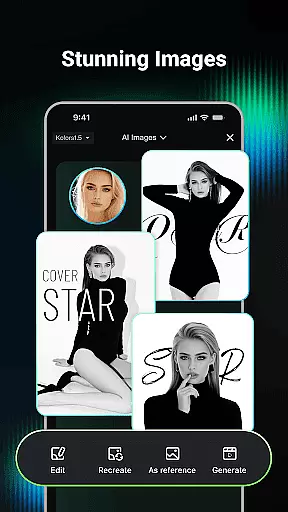
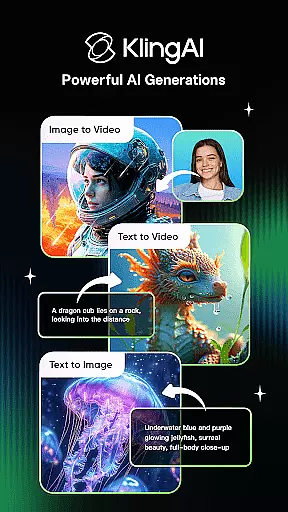
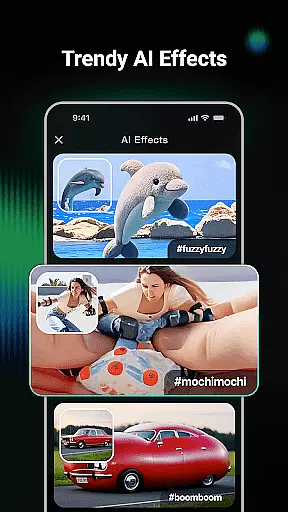
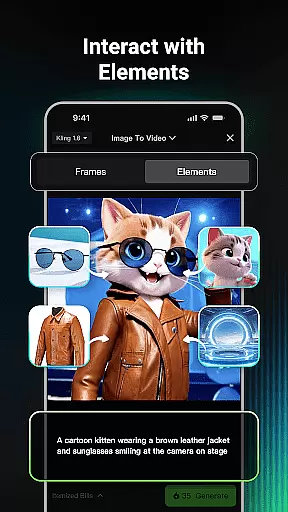
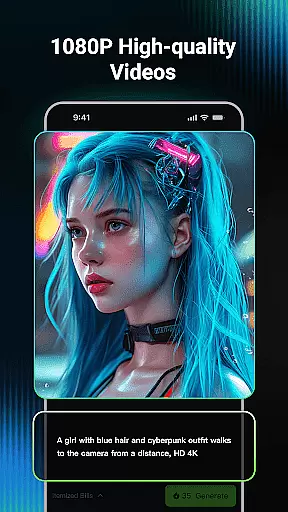
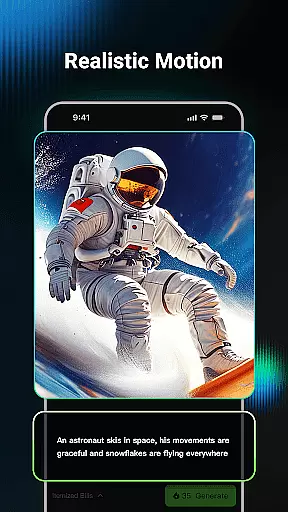
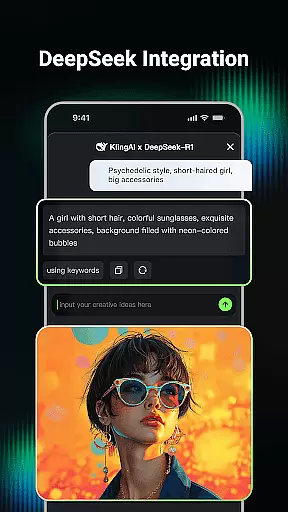
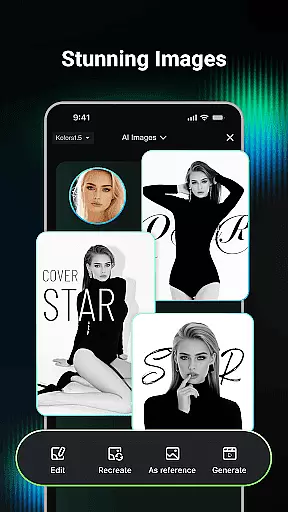
Kling AI is a cutting-edge creative studio powered by advanced AI models, designed for creators who seek to push the boundaries of video and image generation. This app enables users to effortlessly transform text or images into high-quality videos and images, with support for resolutions up to 1080P. Its standout feature is the ability to extend videos up to 3 minutes, offering unparalleled creative freedom.
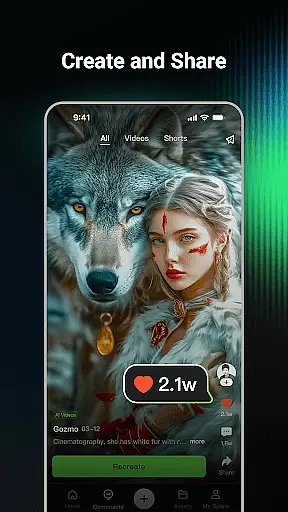
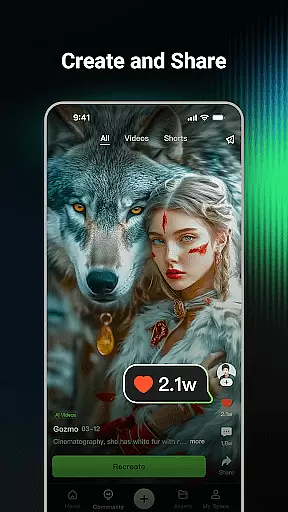
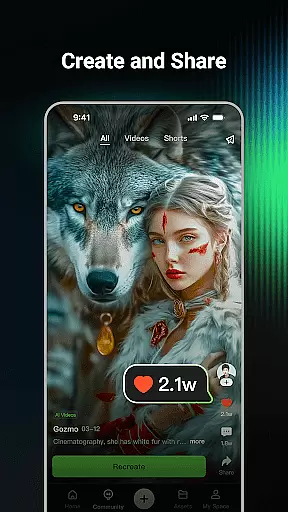
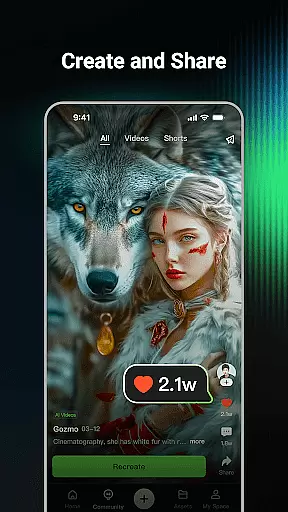
Beyond its powerful generative tools, Kling AI fosters a collaborative community where users can browse works from fellow creators, gain inspiration, and even clone projects to experiment with their own ideas. Whether you're an experienced creator or just starting out, this platform provides all the tools needed to bring your imagination to life.
Kling AI stands out with its robust suite of features tailored for creative professionals. The AI video generation supports both Text-to-Video and Image-to-Video workflows, allowing users to input simple prompts or images and receive fully rendered videos in stunning 1080P quality. Additionally, the video extension feature lets creators produce content up to 3 minutes long, ideal for storytelling or promotional material.
The AI image generation tool is equally impressive, supporting both Text-to-Image and Image-to-Image transformations. Users can generate custom visuals in various styles and dimensions or convert images into videos with a single click. The built-in community further enhances the experience by enabling collaboration, idea sharing, and cloning of popular works to inspire new creations.
Creative tools are essential for any digital artist or designer, and Kling AI offers a comprehensive suite of features that cater to various creative needs. The application supports both AI video and image generation, allowing users to transform simple text prompts or images into high-quality visual content. This versatility ensures that creators can experiment with different media types and styles without being constrained by traditional design limitations.
Kling AI's capabilities extend beyond basic generation. With support for Text-to-Video, Image-to-Video, Text-to-Image, and Image-to-Image generation, the platform enables users to produce content in multiple dimensions and formats. Whether you're looking to create a short film or design unique graphics, Kling AI provides the necessary tools to bring your ideas to life with professional-grade results.
Additionally, the inclusion of advanced features such as video extension and one-click cloning empowers users to further refine their projects. These functionalities not only enhance the creative process but also streamline workflows, making it easier for artists to focus on innovation rather than technical details. By offering such a robust set of creative tools, Kling AI establishes itself as an indispensable resource for modern creators.
Flexibility in canvas and format options is crucial for accommodating diverse artistic visions, and Kling AI excels in providing users with unparalleled adaptability. The platform supports the generation of videos and images in various resolutions and styles, ensuring that creators can tailor their work to specific requirements or preferences. Whether you need a high-definition 1080P video or a custom-sized image, Kling AI delivers the precision necessary to meet your creative goals.
Beyond its versatile output capabilities, Kling AI also allows users to convert images into videos effortlessly. This feature bridges the gap between static and dynamic content, enabling seamless transitions between different media forms. Such flexibility is particularly beneficial for multimedia projects where consistency across formats is key to maintaining a cohesive aesthetic.
Moreover, the ability to clone and try works from the community adds another layer of format flexibility. Users can take inspiration from existing pieces and modify them to suit their unique vision, experimenting with different styles and techniques without starting from scratch. By prioritizing canvas and format flexibility, Kling AI empowers artists to explore new creative horizons while maintaining complete control over their final product.
Advanced AI models
High-quality output
Versatile creation tools
Active user community
Innovative cloning feature
Steep learning curve
Limited free usage
Requires stable internet
Premium subscription costs
Resource-intensive

Image/ Text to Video Generator
 4.40
4.40
Sketch, trace and master AR drawing with awesome anime art!
3.30
Trace, draw, and create art with AR - from memes to masterpieces!
4.30
Nano Banana AI Image Generator, Anime Filter, AI Portrait, AI Photo Generator
4.30
Draw glowing spinners, relax, and spin your creative art
4.60
OneUI 8.5 icons ✨ Smooth, modern & based on the latest Play Store design ??
4.10
Experience next-gen icons with a modern liquid glass look.
3.60
Bring One UI 8.5 Icons to life -elegant dark icons with a modern, premium touch.
4.30
Just trace a projected picture on paper and color! Draw & Paint with AR drawing
4.40
Create stunning art with AI.
4.80
Digital, Abstract, Classic - all types of color wheels in one app!
4.60
Discover Cartoon Dream : Unleash Your Creativity with CuttingEdge AI
4.50
Digital illustration drawing & painting pad app to paint Anime and Manga art
4.50
Photo blender app to create overlay photos & double exposure.
4.40
Create Logos, Tattoos, AI Art & more with our AI Photo Generator & Design Editor
4.20
Art of Combination Wear OS Watch Faces
3.30
Create trending AI photos & videos with powerful effects and 3D styles.
3.20
Art of Combination Wear OS Watch faces (for Wear OS 5+ devices)
3.00
Your Essential Color Theory Guide: Red, Yellow, Blue (RYB)
4.3


User Reviews