![[KNA008] COMBINE logo](https://cdn.linksharehub.com/ocp/?u=https%3A%2F%2Fl3.fancapitalize.com%2Fimages%2F2025%2F12%2Fb47345dcb4d9c2b269681f24d67ad3cb.jpg&t=webp)
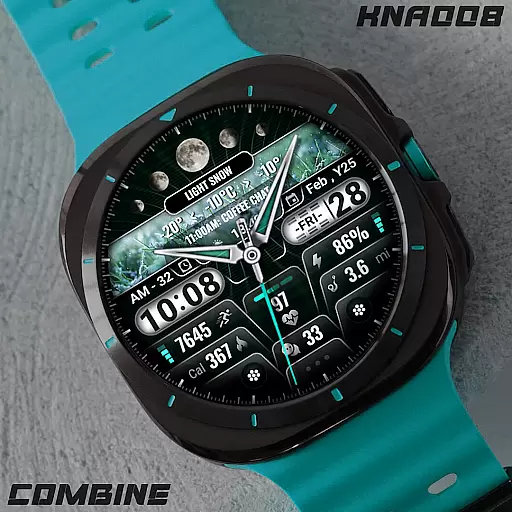
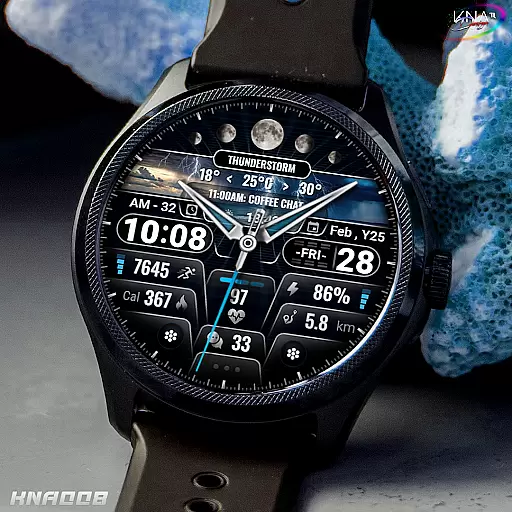
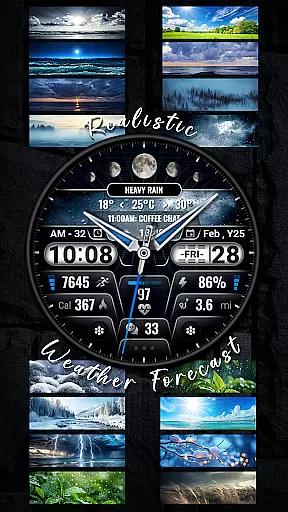
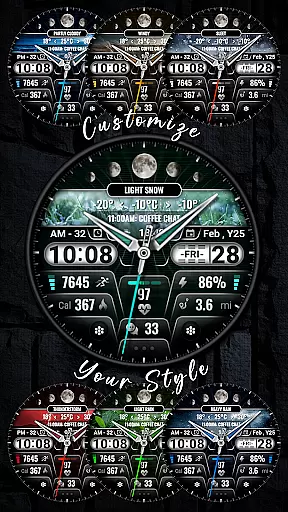
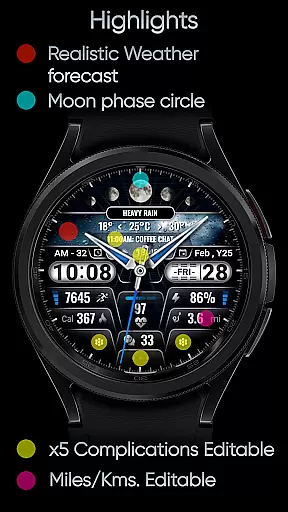
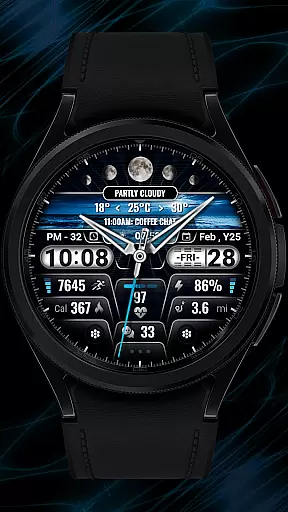
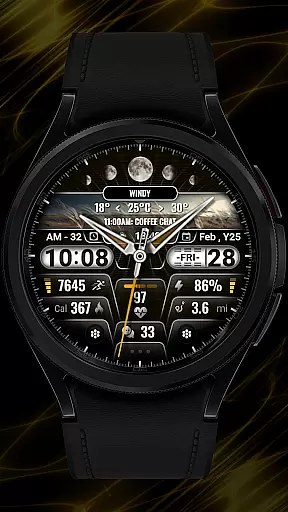
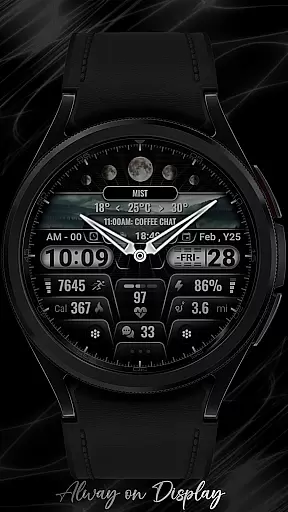
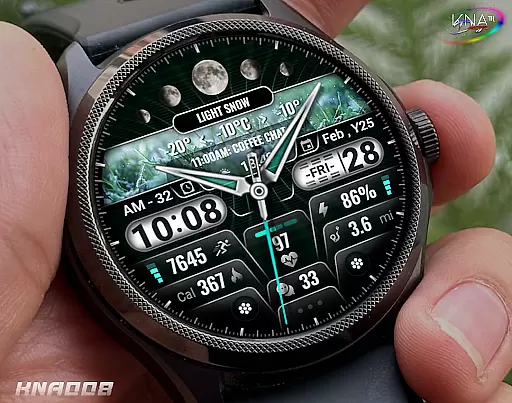
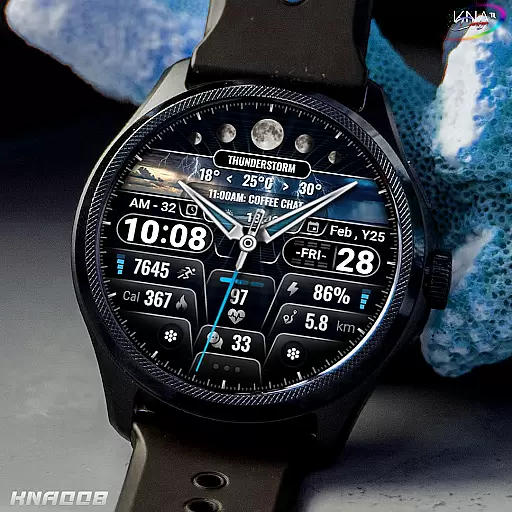
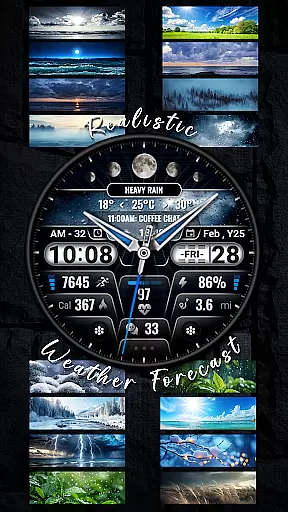
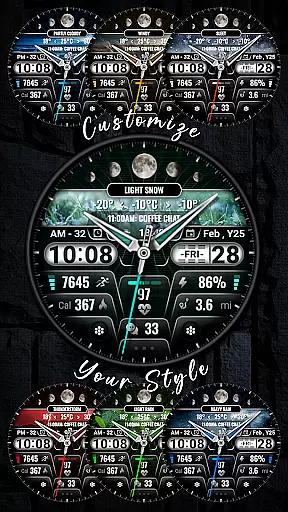
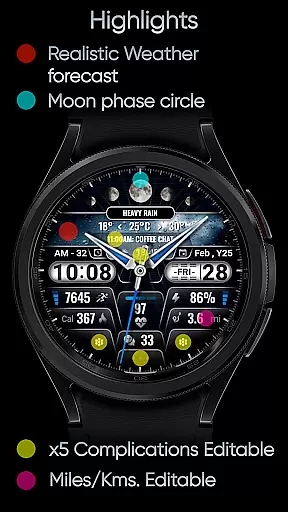
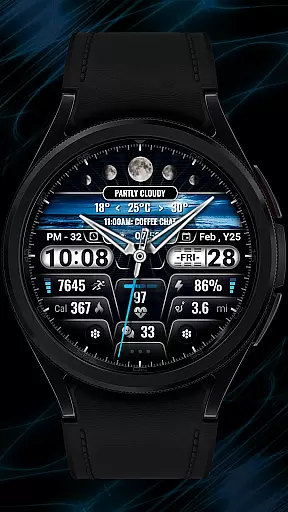
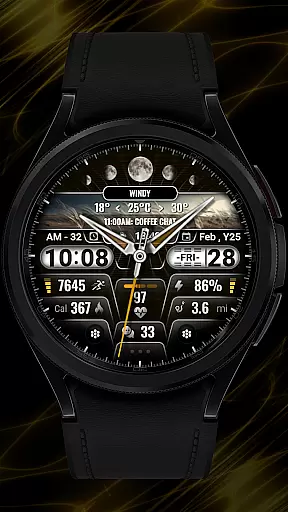
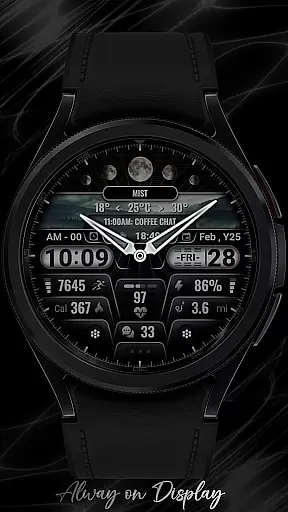
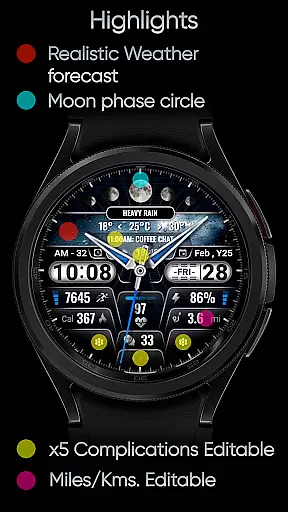
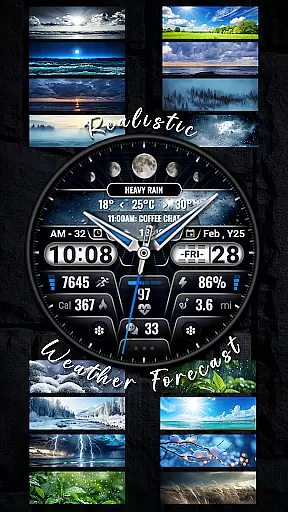
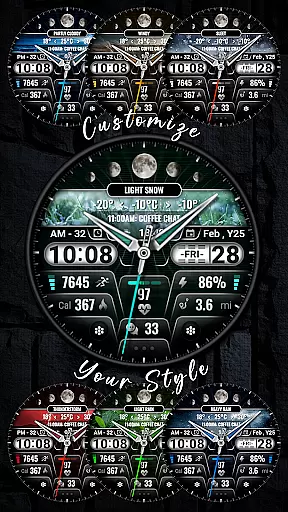
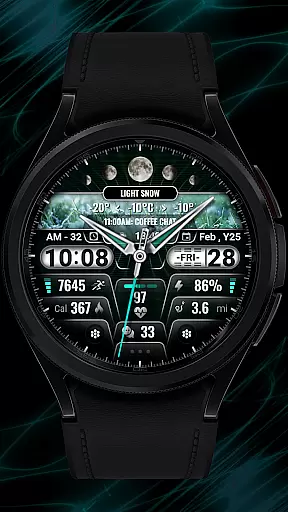
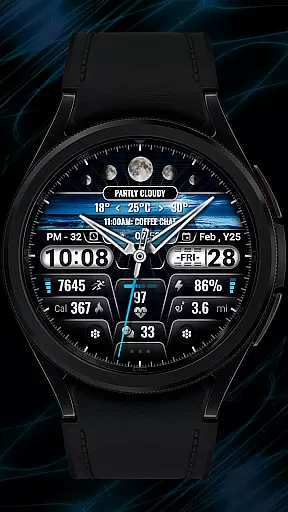
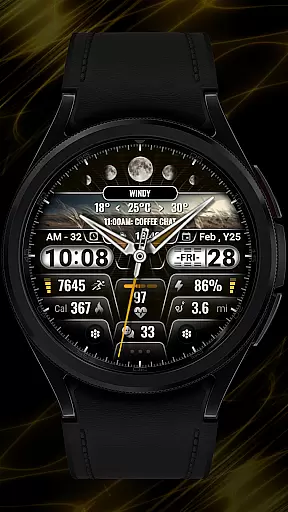
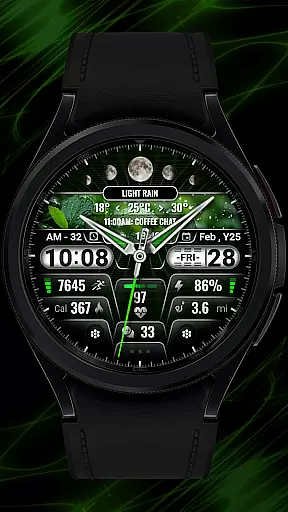
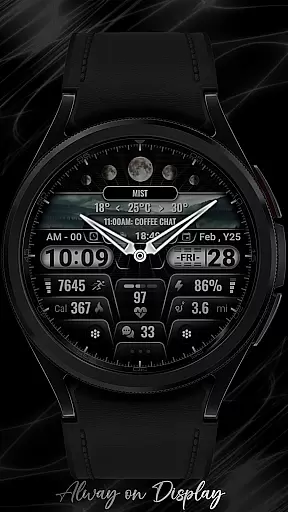
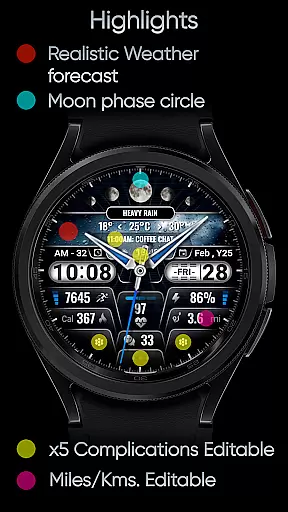
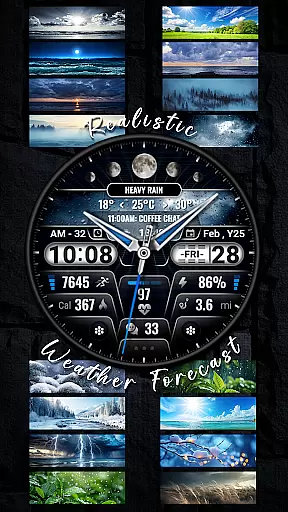
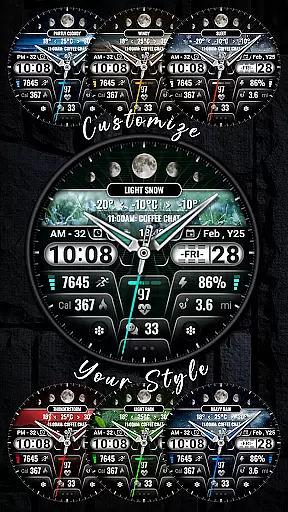
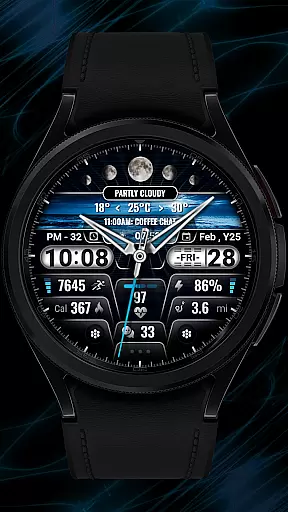
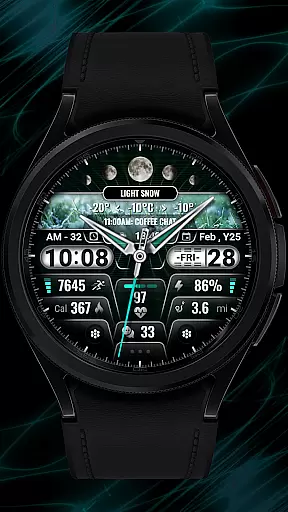
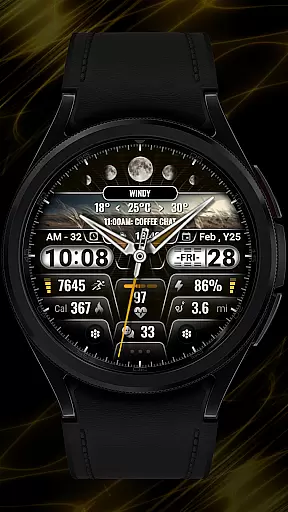
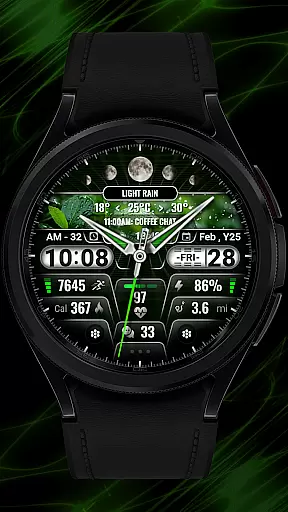
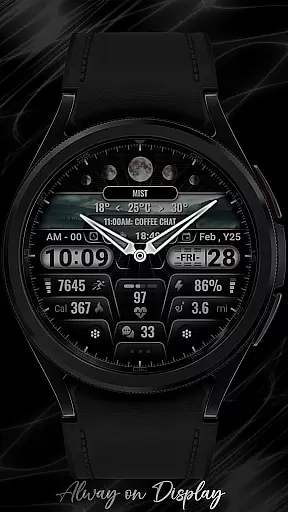
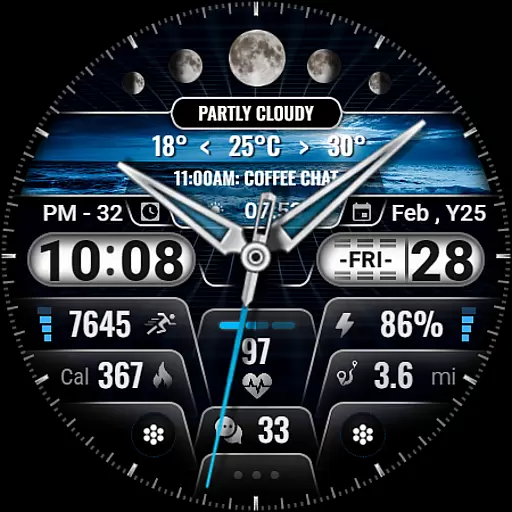
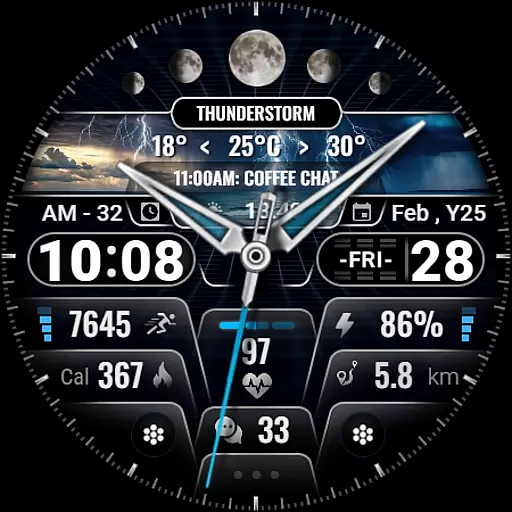
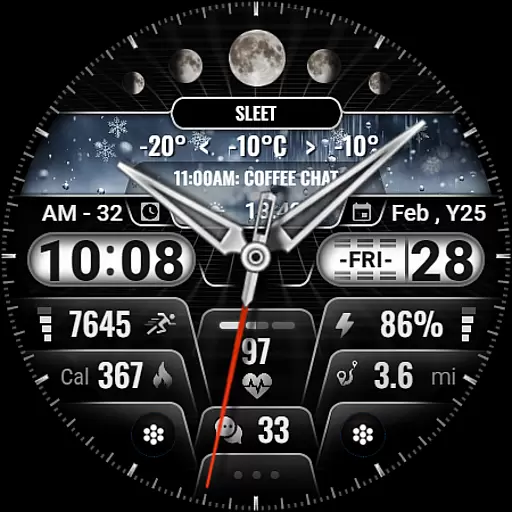
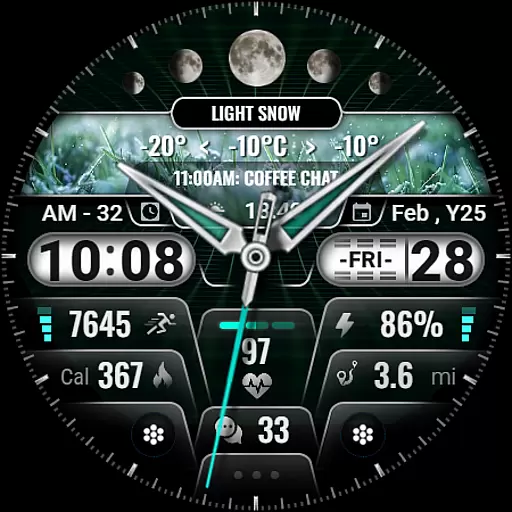
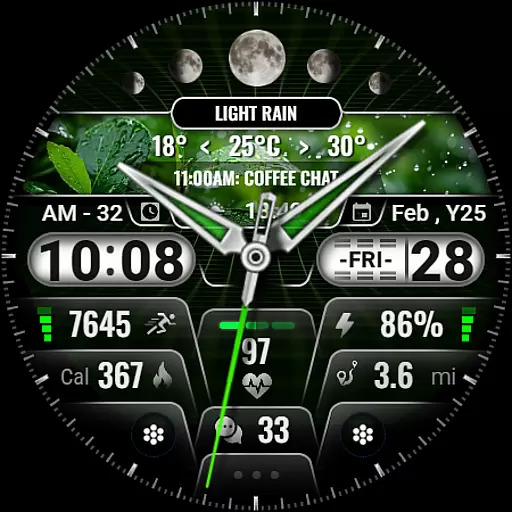
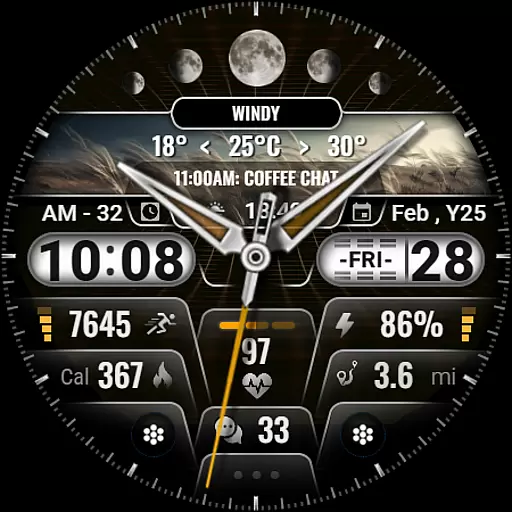
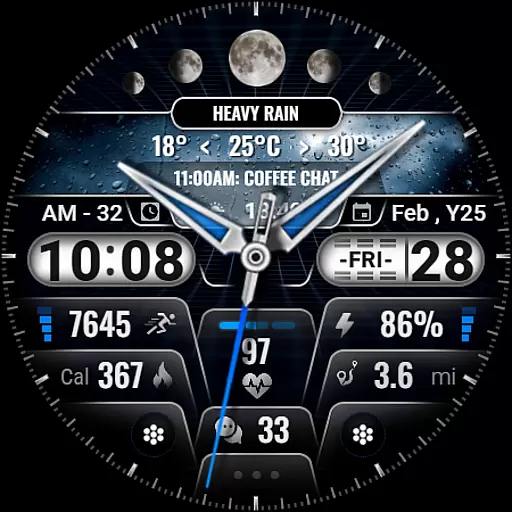
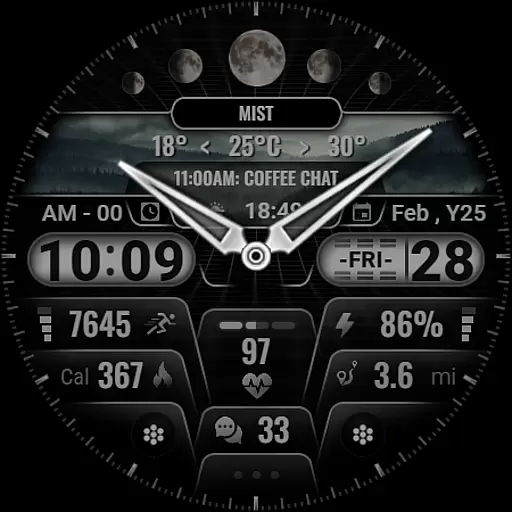
[KNA008] COMBINE is a feature-rich watch face designed specifically for Wear OS devices, offering users an enhanced and customizable timekeeping experience. This application supports advanced functionalities such as hybrid time formats, realistic weather forecasts, and multiple complications that can be tailored to individual preferences.
The watch face stands out with its ability to display essential information like date, day of the week, moon phases, and health metrics including heart rate and step count. With 9 color options and 10 unique styles, users can personalize their watch faces to match their personal aesthetics while enjoying practical features like battery level indicators and unread message counts.
Designed for tech-savvy individuals who value both form and function in wearable technology, [KNA008] COMBINE ensures seamless integration with various Wear OS devices, providing a sophisticated solution for those seeking a smartwatch experience that goes beyond basic time display.
This innovative watch face distinguishes itself through its extensive customization capabilities. Users can choose from 5 editable complications, allowing them to display relevant information such as world clocks, weather updates, or fitness metrics directly on their watch face. The hybrid style feature supports both 12-hour and 24-hour time formats, catering to diverse user preferences.
With 9 color variations and 10 distinct styles, [KNA008] COMBINE offers unparalleled personalization options. The realistic weather forecast function provides accurate meteorological data, while additional features like moon phase tracking and sunrise/sunset times add depth to the user experience. Health-conscious users will appreciate the integration of step counters, heart rate monitors, and calorie calculators.
What sets this watch face apart is its seamless compatibility with various Wear OS devices and its intuitive customization process. By simply touching and holding the display, users can access comprehensive customization options that transform their smartwatch into a truly personal device, making it an ideal choice for those seeking both functionality and style in their wearable technology.
In the realm of digital art and design, having a comprehensive suite of creative tools is essential for unleashing an artist's full potential. The [KNA008] COMBINE watch face offers a versatile canvas for personal expression on Wear OS devices. With features like customizable complications, users can tailor their watch faces to display a myriad of information that suits their lifestyle and preferences.
This application provides up to five editable complications, allowing users to incorporate real-time data such as weather forecasts, heart rate, and unread message counts into their designs. Additionally, with nine colors and ten styles at their disposal, wearers can create a personalized look that resonates with their individuality. Such variety ensures that whether you're an artist or simply someone who appreciates fine design, this app delivers the means to craft a unique wearable experience.
Moreover, practical elements such as date, day of the week, and moon phase circles are seamlessly integrated, providing both aesthetic appeal and functional value. These features collectively contribute to a holistic package that empowers users to push the boundaries of customization on their smartwatches.
The ability to adapt and modify the format of your digital canvas is a cornerstone of effective design work. The [KNA008] COMBINE watch face excels in offering canvas/format flexibility that caters to diverse user needs. Whether you prefer a 12-hour or 24-hour time format, this application accommodates your preference with hybrid style options that ensure clarity and convenience.
Furthermore, the customization process is intuitive; by simply touching and holding the display, users gain access to a range of settings that can be adjusted to their liking. This includes choosing from various complications that can show steps count, battery level, next event details, and more. Such flexibility not only enhances usability but also encourages experimentation with different data displays.
It's important to note that while some features may not be available on all watches, the core experience remains robust across compatible devices. By prioritizing compatibility and ease of use, this app ensures that users can enjoy a tailored experience without compromising on functionality or style.
Highly customizable
Realistic weather forecasts
Multiple color options
Comprehensive health metrics
User-friendly interface
Limited device compatibility
Some features not available on all watches
Requires latest Android version
No automatic application after installation
Complicated setup process

Download now for a stylish and functional timepiece
 4.4
4.4
Draw anime & manga drawing, art with templates to create stunning picture!
4.50
Draw anime easily with AR guidance, sketch templates & trace tools!
3.10
Design unique, funny and adorable cat stickers that reflect your own style!
3.80
Get an overview over all your embroidery threads, projects and more.
4.60
OneUI 8.5 icons ✨ Smooth, modern & based on the latest Play Store design ??
4.10
Create amazing pictures and unleash your creative genius with AR Drawing Sketch
4.40
Explore future self face age filter & remove background image for a unique look.
3.50
Multiplayer Drawing game, Coloring, Painting・Sketch, Handwriting・Paint, draw
4.30
Passport size photo maker, create ID photo and visa photo in seconds
4.80
Draw on screen: FP sDraw is a simple and lightweight drawing app
4.70
Create color palette from Image, RGB & RYB Color wheel harmonies, Color Scheme
4.50
AI Tattoo Generator: Create Tattoo Designs & Get Ideas! Ink & Stencil Maker
4.50
Create and Design Custom Logos in Seconds with AI-Powered Tools!
4.40
800+ Drawing, Painting Lessons App to Practice, Sketch & Paint Art.
4.30
Text to Image, Image to Video & AI Chat
4.20
Easy 3D drawing design maker & creator. Model designing, Sculpting. Create&paint
4.00
Resize photos and print photos in exact size with our powerful photo printer!
3.80
Retouch photos. Create or edit images. Endless capabilities.
2.70


User Reviews