
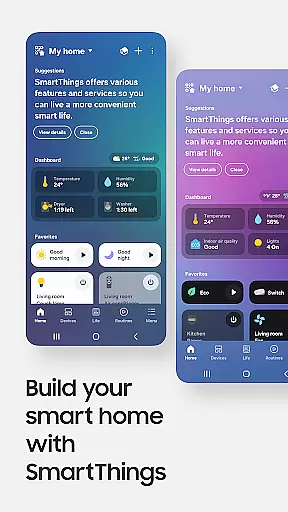
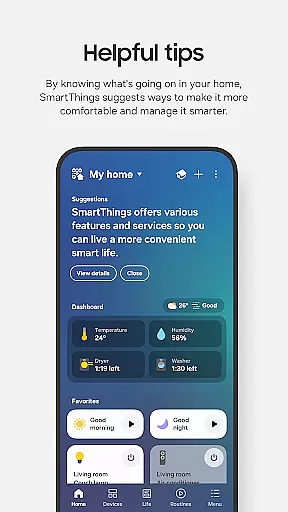
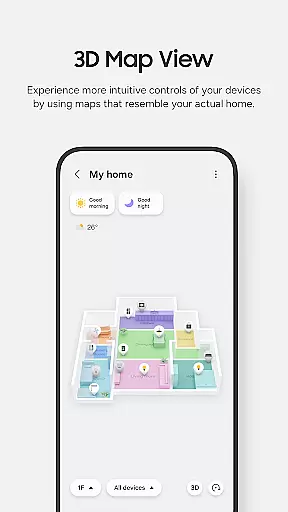
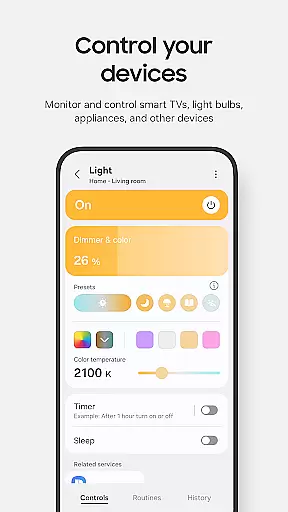
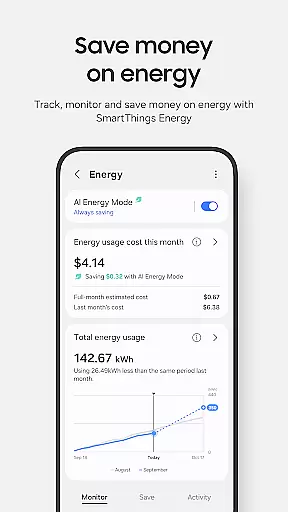
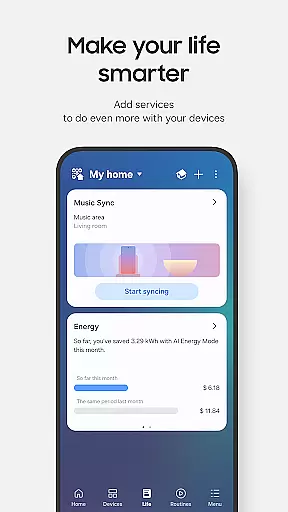
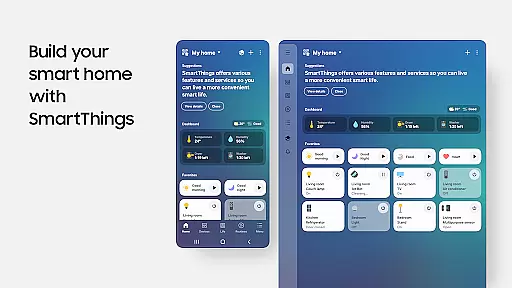
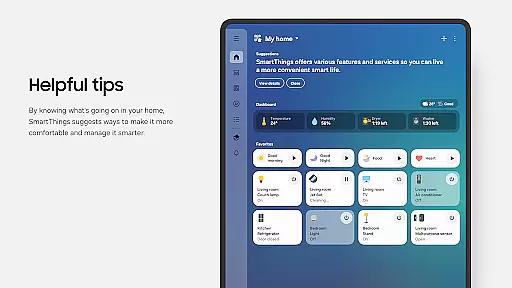
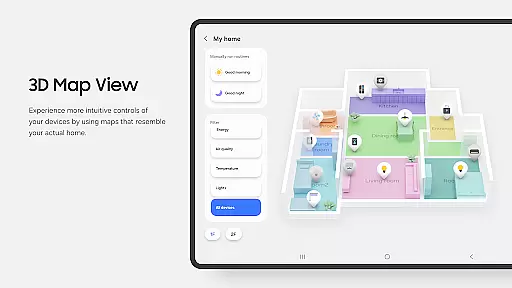
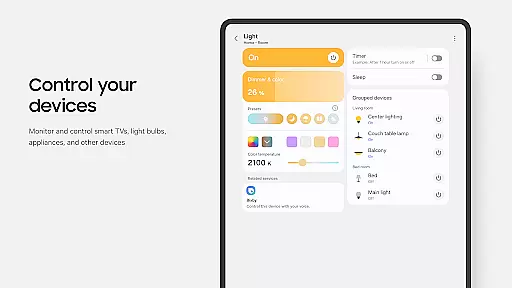
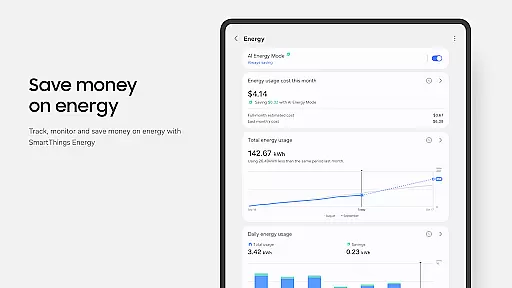
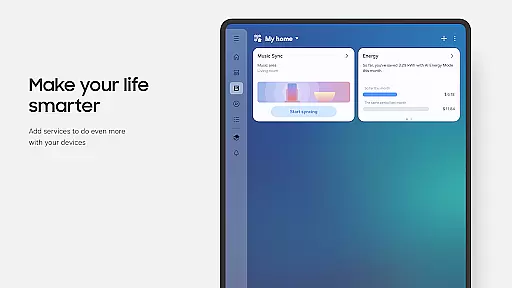
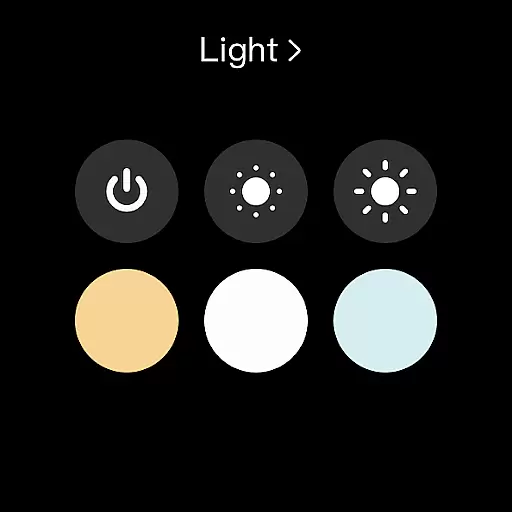
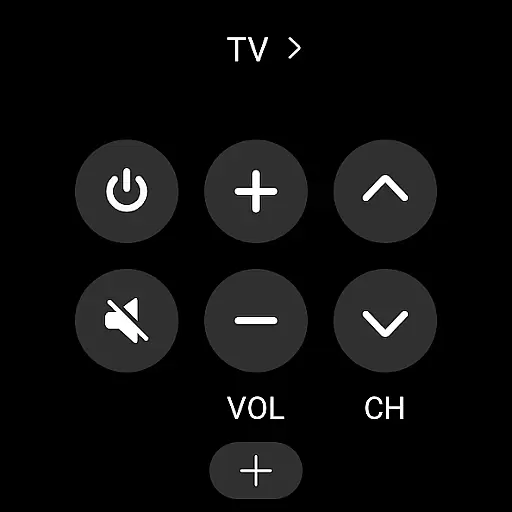
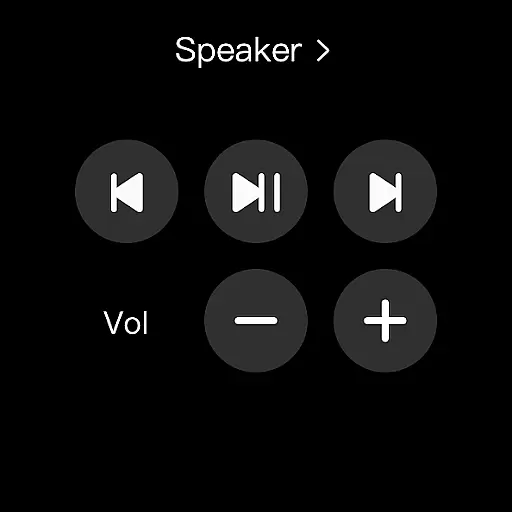
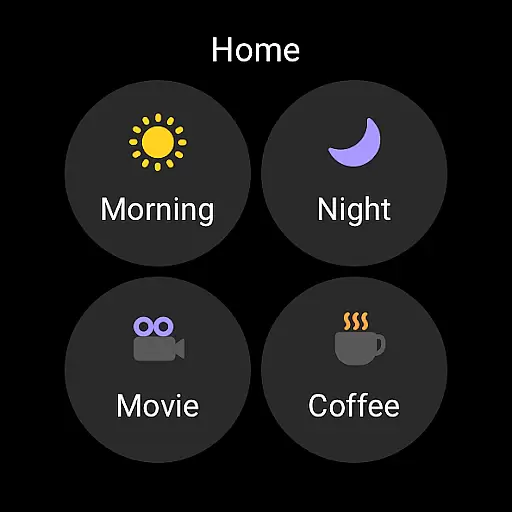
SmartThings is a comprehensive smart home management application designed to seamlessly connect and control all your IoT devices through a single platform. The app supports hundreds of smart home brands, including Samsung Smart TVs, smart appliances, and third-party devices like Ring, Nest, and Philips Hue.
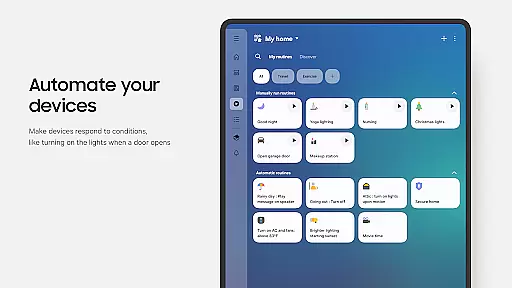
With its intuitive interface, SmartThings allows users to monitor and manage their smart home gadgets remotely. Key features include voice assistant integration with Alexa, Bixby, and Google Assistant, customizable routines based on time, weather, or device status, and shared access for multiple users. Whether you're controlling lights, thermostats, or security cameras, SmartThings provides a unified solution for managing your smart home ecosystem.
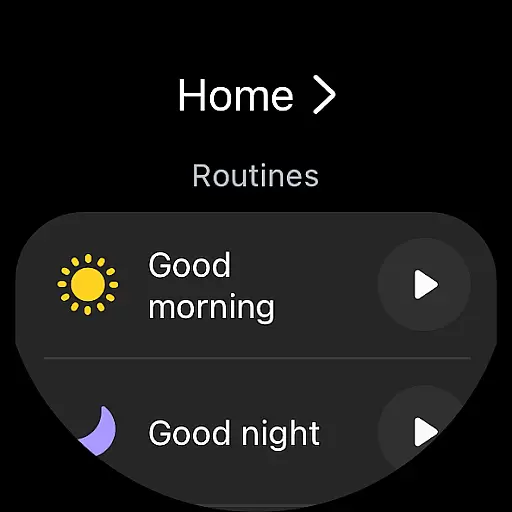
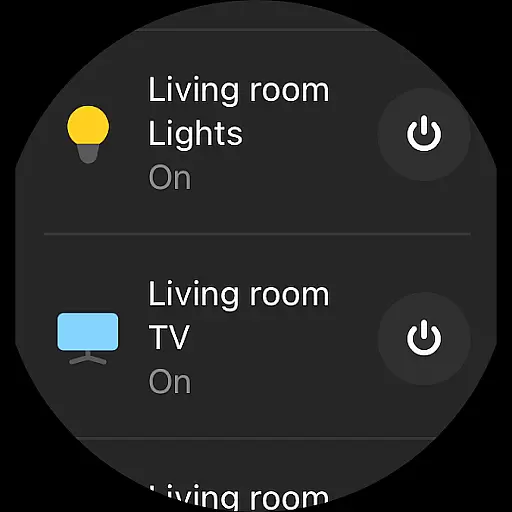
The app also extends its functionality to Wear OS-based smartwatches, offering quick access to routines and device controls directly from your wrist. This makes it an ideal choice for users seeking a centralized and versatile smart home management system.
SmartThings stands out with its extensive compatibility and robust feature set. The app integrates over 100 smart home brands, enabling users to control multiple devices such as smart TVs, appliances, speakers, and third-party gadgets like Ring and Nest from a single dashboard.
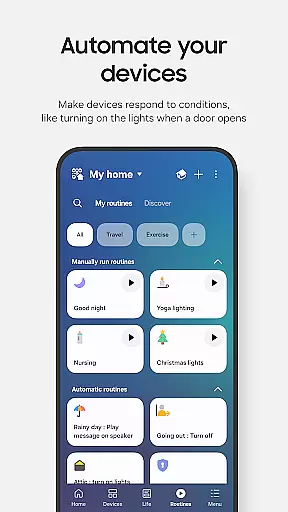
One of the standout features is the ability to create automated routines. Users can design custom routines triggered by specific conditions such as time, weather, or device status. For instance, you can set your lights to turn on at sunset or your thermostat to adjust when you leave home. The app also supports voice control through popular assistants like Alexa, Bixby, and Google Assistant, providing hands-free operation.
Additionally, SmartThings offers advanced sharing capabilities, allowing multiple users to control devices and receive automated notifications about device statuses. Its Wear OS integration further enhances accessibility, letting users manage routines and control devices directly from their smartwatch. These features collectively deliver a powerful and flexible smart home management experience.
SmartThings offers seamless companion app integration, allowing users to control and monitor their smart home devices from a single platform. This centralized approach ensures that all connected devices, including Samsung Smart TVs, smart appliances, and third-party brands like Ring and Nest, can be managed efficiently.
The app's integration extends to voice assistants such as Alexa, Bixby, and Google Assistant, providing users with versatile control options. By incorporating routines based on time, weather, and device status, SmartThings ensures your home operates smoothly in the background while you focus on more important tasks.
For users of Wear OS-based watches, SmartThings provides an additional layer of convenience. The app supports quick access to routines and device controls directly from your watch face through dedicated complications. This feature enhances accessibility and ensures you can manage your smart home even when you're on the go.
SmartThings is optimized for Samsung smartphones but also offers compatibility with Wear OS-based devices, ensuring a broad range of users can benefit from its features. When used with a Wear OS watch, the app allows users to add SmartThings tiles for quick access to routines and device controls directly from their watch face.
This compatibility is particularly beneficial for those who prefer managing their smart home devices without needing to take out their phone. With SmartThings complications, users can enter the app service directly from their watch face, streamlining the process of controlling smart devices.
However, it's important to note that some features may be limited when using non-Samsung smartphones or older Android versions. Additionally, certain functionalities like location-based routines and notifications require specific permissions, which might vary depending on the device's operating system version.
User-friendly interface
Extensive device compatibility
Customizable automation routines
Voice assistant integration
Wear OS support
Limited third-party features
Occasional connectivity issues
High system requirements
Complex setup for beginners
Country-specific limitations

Precision analog watch face with 7 complications and style options
 4.4
4.4
MyNISSAN® lets you remotely control your car from your phone.*
4.50
A watch face that fuses motorsport precision with contemporary smartwatch design
4.1
Beautiful, colorful and practical watch face. For Wear OS devices.
5.00
Stylish digital watch face for Wear OS devices with customizable features
4.1
Monitor health with the stress test and pulse checker in the heart rate app.
4.60
Gym & home workout plans with strength training, exercise tracking, HIIT & more.
4.60
Retro digital watch face with customizable colors and a unique lighting effect
4.60
Track your active life in one place and share the journey with friends.
4.40
Digital, flexibly customizable watch face. For Wear OS 5.0, API 34+ and later.
5.00
The Chevron App allows you to pay for fuel from the comfort of your car!
4.80
WTW M17 is a premium and luxurious hybrid watch face
4.70
The most customizable minimal watch face. For Wear OS 5.0, API 34+ and later
4.70
Your second brain for organizing your life: to-do, calendar, reminder.
4.70
Animated video-game inspired “secret agent” simulation, right on your wrist!
4.20
sleep, alarm, snoring, stress, healing, focus, sound therapy, circadian rhythm
4.10
Structured watch face with seven complications and modular UI elements
3.90
Authentic military-tactical design with ZULU time! Realistic and functional!
3.80
Simple Analog-Digital Watchface For Wear OS 3.0 and Up Smartwatches
4.5


User Reviews