
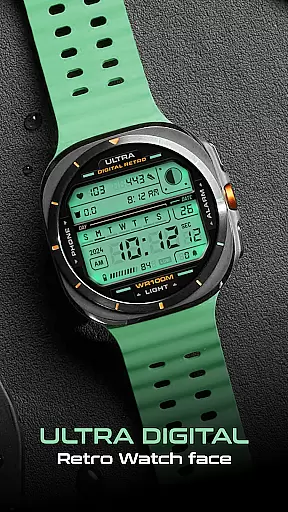
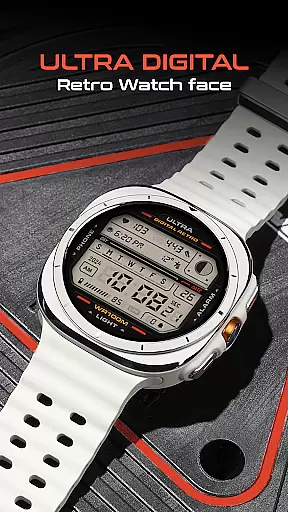
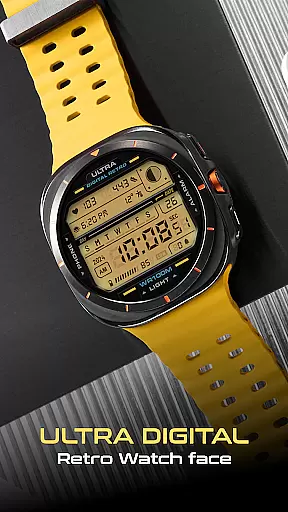
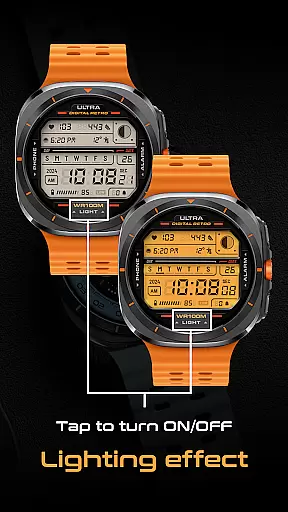
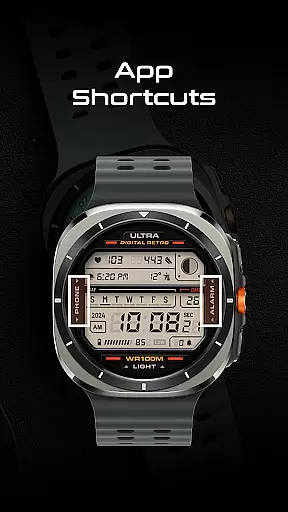
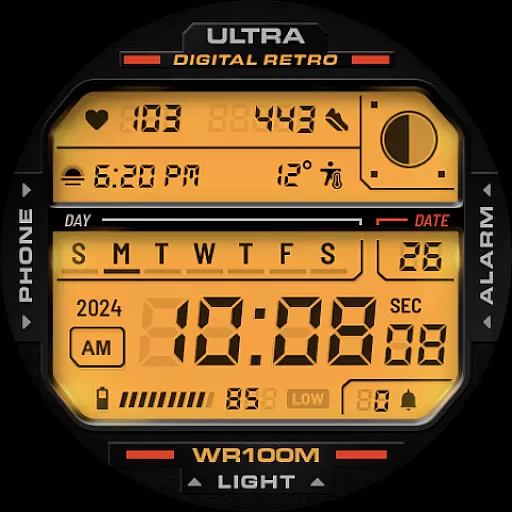
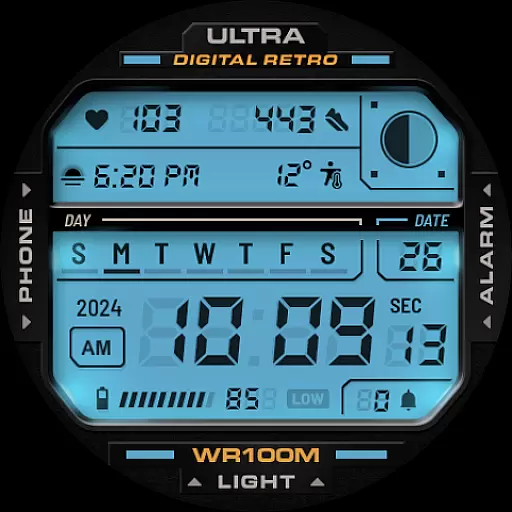
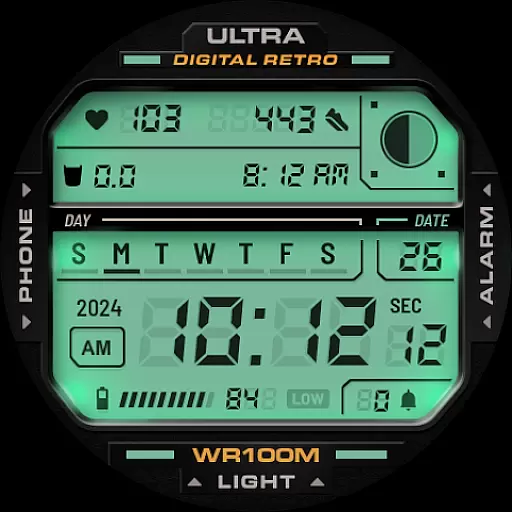
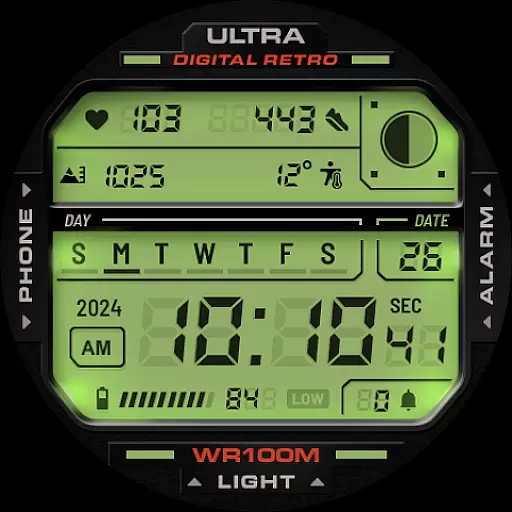
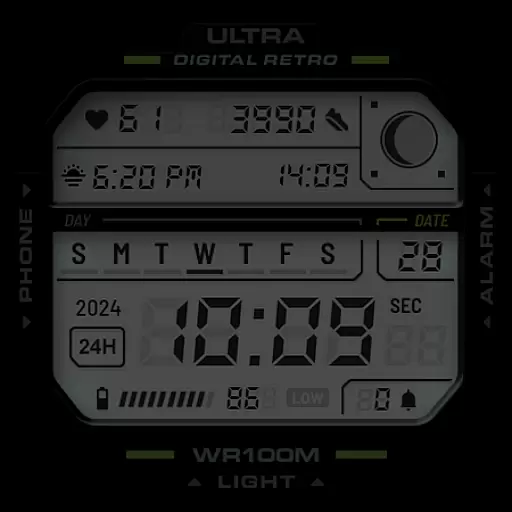
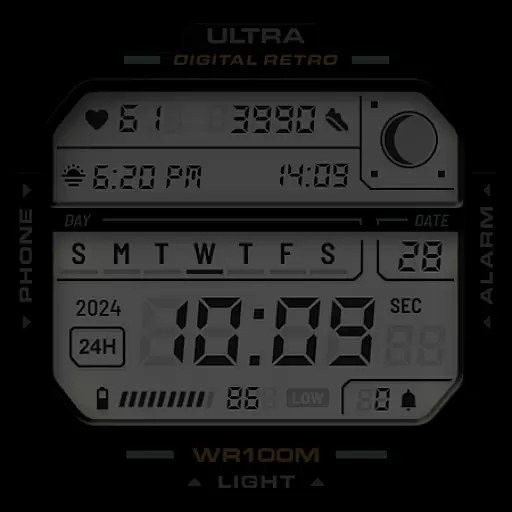
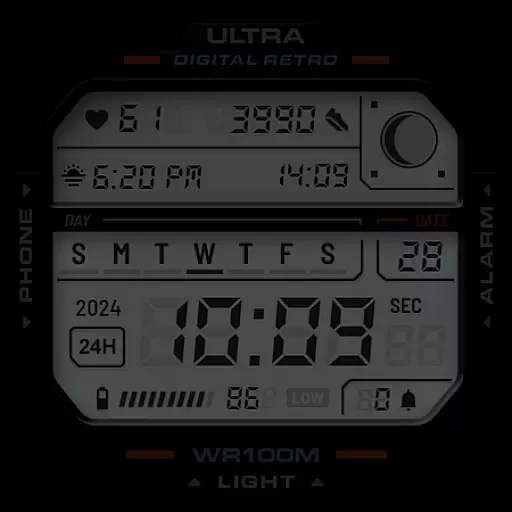
ULTRA Digital Retro watch face brings a nostalgic digital aesthetic to your Wear OS smartwatch while offering modern functionality. This versatile watch face features customizable colors, unique lighting effects, and practical complications that enhance both style and usability.
Designed for Samsung Galaxy Watch7, Ultra, Pixel Watch 3, and other WearOS devices, it supports multiple app shortcuts and provides essential information like time, date, battery level, and health metrics. Its retro LCD design combined with modern smartwatch capabilities makes it an ideal choice for users seeking both fashion and utility on their wrist.
ULTRA Digital Retro watch face stands out with its diverse feature set tailored for customization and convenience. The unique lighting mode, activated by tapping the bottom of the screen, adds a distinctive visual effect while multiple LCD color options allow personalized styling.
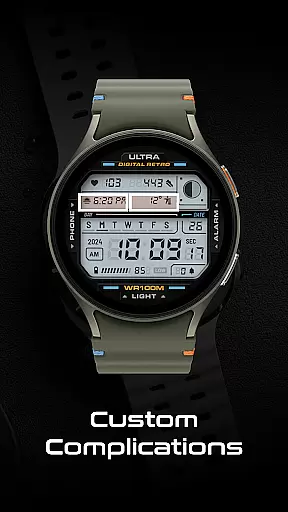
With two customizable complications and various data points including step counter, heart rate monitor, and moon phases, this watch face ensures you stay informed about your daily activities and health. Practical shortcuts to Phone and Alarm apps further enhance accessibility, making it a well-rounded choice for those who value both aesthetics and functionality in their smartwatch experience.
Companion app integration is essential for a seamless smartwatch experience. ULTRA Digital Retro watch face offers deep integration with its companion app, allowing users to customize and control various aspects of the watch face directly from their smartphone.
This integration enables users to choose from multiple LCD lighting colors and personalize detail colors through the options available in the CUSTOMIZE menu. The ability to adjust these settings via the companion app ensures that users can easily tailor the watch face to match their personal style or mood without needing to interact directly with the watch interface.
Beyond aesthetics, the companion app also facilitates practical functionalities such as setting up customizable complications. Users can configure two complications that provide at-a-glance information most relevant to them, enhancing both the utility and personalization of their Wear OS smartwatch.
The synchronization between the ULTRA Digital Retro watch face and its companion app ensures that all changes are updated in real-time, providing an efficient and user-friendly way to manage the smartwatch's appearance and functionality.
Compatibility with a wide range of devices is crucial for maximizing the reach and utility of any Wear OS watch face. The ULTRA Digital Retro watch face boasts extensive compatibility, working seamlessly with popular models like the Samsung Galaxy Watch7, Ultra, and Pixel Watch 3.
This broad device support means that regardless of the specific Wear OS smartwatch model a user owns, they can enjoy the distinctive features of this retro digital watch face. Whether it's the unique lighting mode, customizable complications, or multiple app shortcuts, users will find consistent performance across different devices.
In addition to supporting leading smartwatch models, ULTRA Digital Retro adheres to Google's Watch Face Format, ensuring optimal functionality and appearance on all compatible devices. This standardization helps maintain high-quality visuals and reliable operation, contributing to a superior user experience.
By prioritizing Wear OS and device compatibility, ULTRA Digital Retro ensures that its rich feature setu2014including a 12h/24h digital clock, day and date display, battery level indicator, step counter, heart rate monitor, moon phases, and notification counteru2014is accessible to as many users as possible, enhancing both style and functionality.
Highly customizable
Versatile compatibility
Unique lighting mode
Informative display
Stylish retro design
Limited to Wear OS
No advanced widgets
Premium only features
Complex setup
Battery intensive

WTW M17 is a premium and luxurious hybrid watch face
 4.70
4.70
Highly customizable hybrid watch face for Wear OS, perfect for everyday use.
4.60
Embrace the holiday spirit with this magical animated watch face!
4.40
Christmas - Festive - Christmas Village - Winter - Christmas lights
5.00
Precision analog watch face with 7 complications and style options
4.3
Watch face for Wear OS.
4.20
Locate your family members by GPS phone location tracker everywhere and anytime
4.30
To-Do List: daily schedule planner, task organizer, to do reminder app, calendar
4.60
Toyota app currently supports 2010 or newer vehicles (2018 or newer for Hawaii).
4.50
The most customizable hybrid watch face. For Wear OS 5.0, API 34+ and later
4.70
Gym & home workout plans with strength training, exercise tracking, HIIT & more.
4.60
Reliable phone calls with spam protection, caller ID and more helpful features
4.40
The ultimate destination for kids ages 3-8 to explore the Marvel Universe!
4.30
Snowflake Rose Gold Watch Face - Digital, modern, & sleek with GYRO effect.
4.10
The #1 source of faces for your smartwatch!
4.00
Animated Watch Face and Customizable with 24 Backgrounds. Perfect for Christmas!
3.90
Professional weather radar and more
3.90
Watch face designed for Thanksgiving Day. 7 Background Styles included.
3.20
Christmas is near, let's count together the days left until Santa comes
4.1


User Reviews