
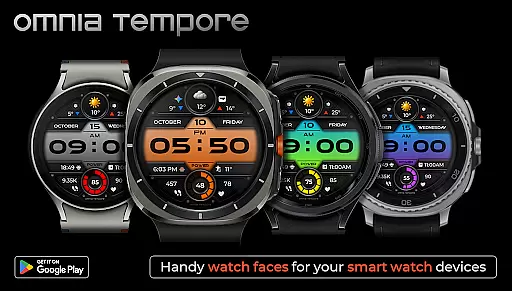
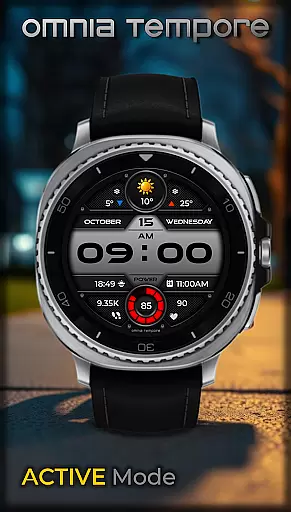
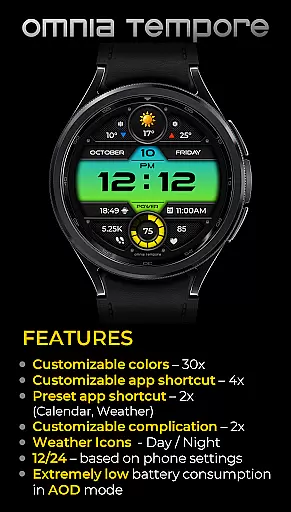
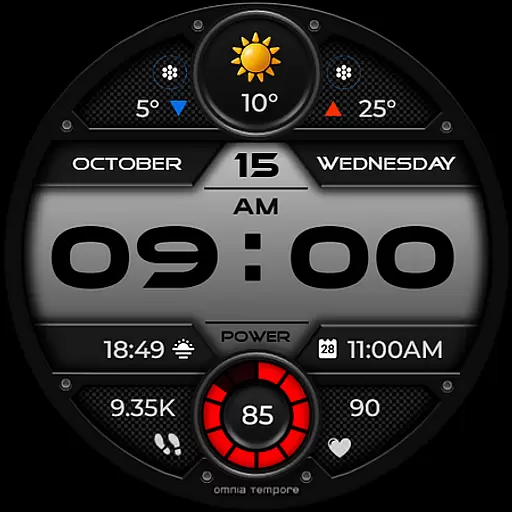
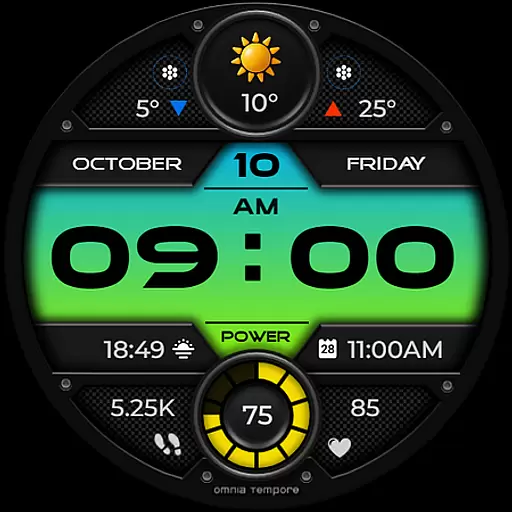
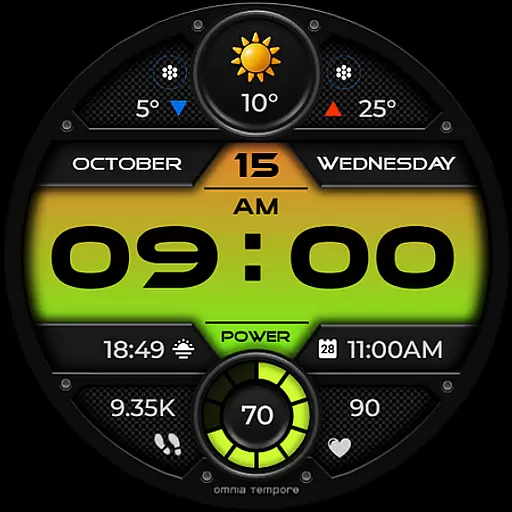
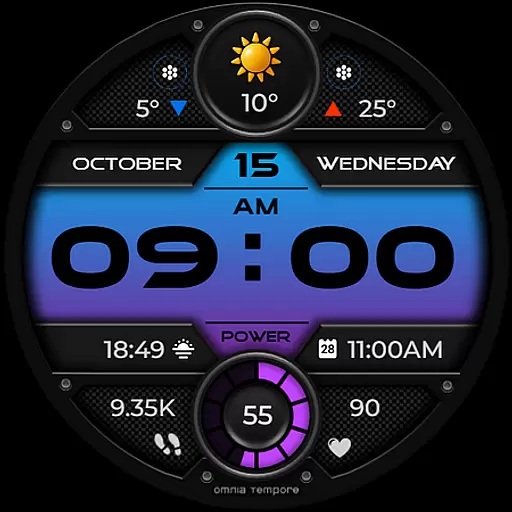
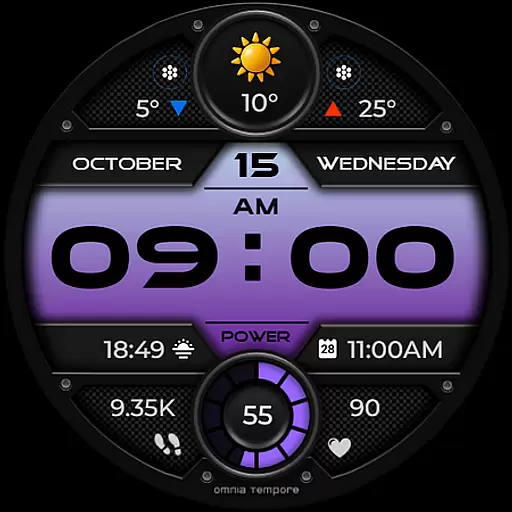
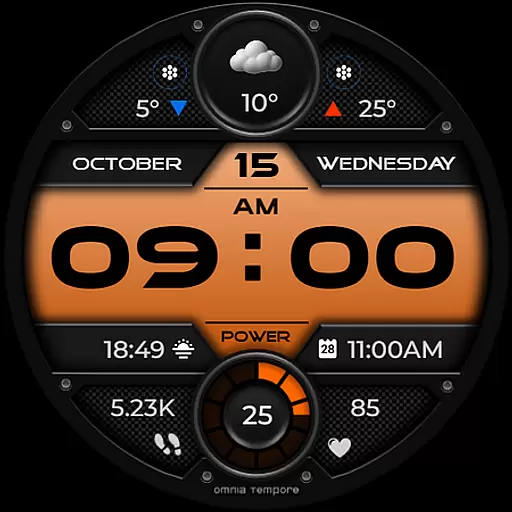
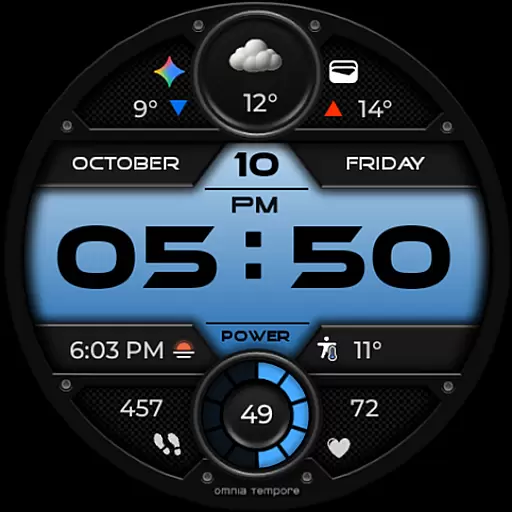
OT is a sophisticated digital watch face designed for Wear OS devices running version 5.0 and above. This application seamlessly blends style with functionality, offering users an elegant timepiece that doesn't compromise on smart features. With real-time weather updates, step counting, and heart rate monitoring, OT ensures you stay informed and health-conscious throughout your day.
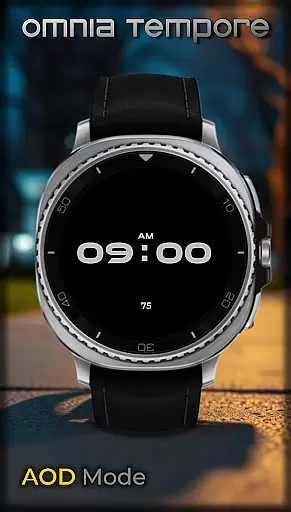
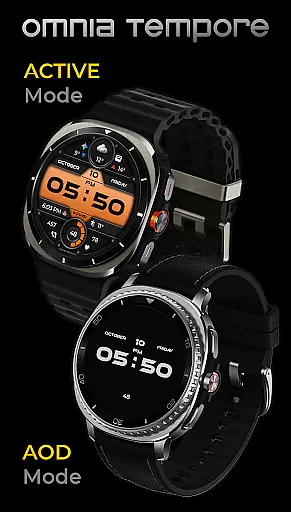
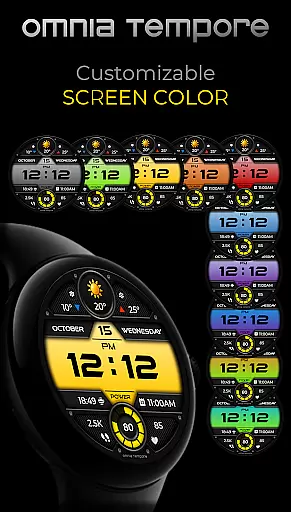
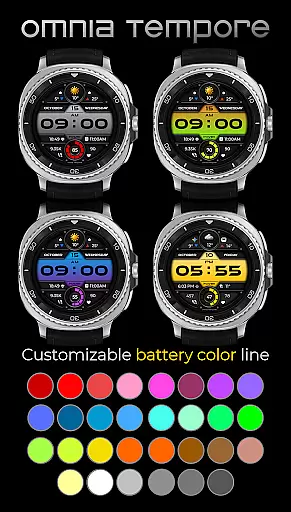
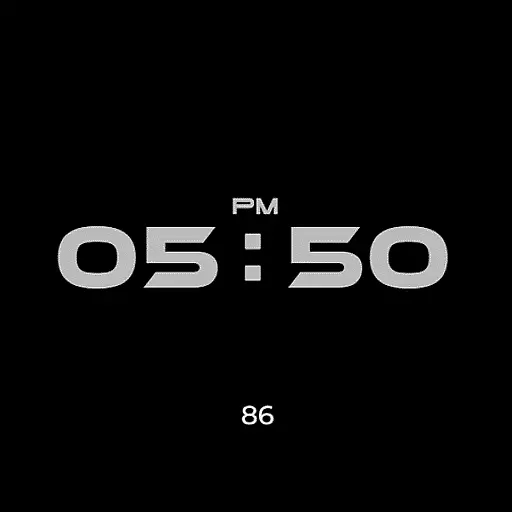
Beyond its primary functions, OT provides customization options to truly make your watch face your own. It includes customizable complications, app shortcuts to Calendar and Weather, and additional slots for your favorite tools. With ten color versions for the display and thirty for battery status indication, personalization is at your fingertips. Its low power consumption in Always-On Display (AOD) mode also ensures that style doesn't come at the expense of battery life.
OT stands out with its comprehensive feature set tailored for the modern individual. The integration of real-time weather updates keeps you prepared for the elements, while fitness tracking capabilities such as step counting and heart rate monitoring support a healthy lifestyle. These features are presented within a sleek design that complements any attire or occasion.
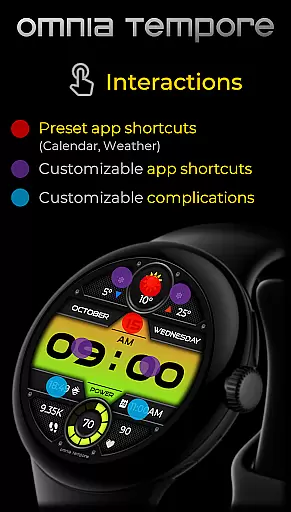
Customization is at the core of OT's offerings. Users can personalize their watch face with two customizable complications and choose from preset app shortcuts like Calendar and Weather. Four app shortcut slots, two visible and two hidden, allow quick access to frequently used applications. Aesthetic preferences are catered to with ten display color schemes and thirty battery status color options, ensuring a look that's uniquely yours. Moreover, OT's optimization for low power consumption in AOD mode means you can enjoy these features without worrying about frequent charging.
Companion app integration is essential for a seamless wearable experience. The OT watch face excels in this area by offering deep connectivity with your primary device. This ensures that all your important notifications, health stats, and personal data are synchronized effortlessly.
The watch face supports real-time updates from various apps such as Calendar and Weather, keeping you informed at a glance. With just a tap, users can access their most-used applications directly from the watch interface, enhancing productivity without needing to reach for their phone.
Furthermore, customizable complications allow users to tailor the display to show relevant information that matters most to them. Whether it's tracking daily steps or monitoring heart rate, the integration capabilities of the OT watch face ensure that users stay connected to both their digital and physical worlds simultaneously.
Compatibility with Wear OS devices is crucial for ensuring optimal performance across different hardware models. The OT watch face is designed specifically for Wear OS 5.0 and above, guaranteeing smooth operation on a wide range of smartwatches. This broad compatibility means more users can enjoy its stylish design and advanced features without worrying about technical limitations.
In addition to supporting multiple devices, the OT watch face offers extensive customization options. Users can choose from ten color versions of the display and thirty color options for battery status, allowing them to personalize their watch face according to their preferences. Such flexibility enhances user satisfaction and engagement.
Low power consumption in Always-On Display (AOD) mode further underscores the thoughtful engineering behind this product. By balancing functionality with energy efficiency, the OT watch face delivers an exceptional user experience while preserving battery lifeu2014a key consideration for any wearable technology.
User-friendly interface
Real-time weather updates
Heart rate monitoring
Customizable complications
Low power consumption
Limited to Wear OS
Requires Android 5.0+
Premium features may cost extra
Some features need third-party apps
Design might not appeal to all

Diet tracker for weight loss - track calories, food and macros. Simple and easy!
 4.70
4.70
Christmas is near, let's count together the days left until Santa comes
4.5
Current temperature, weather hourly, weather radar by the weather forecast app
4.40
Deck out your Wear OS Watch face with a beautifully decorated pine wreath!
4.50
Beautiful, colorful and practical watch face. For Wear OS devices.
5.00
Your second brain for organizing your life: to-do, calendar, reminder.
4.70
Minimalistic design modern digital watch face.
4.3
Hybrid watch face for Wear OS with customizable complications by Matteo Dini MD
4.70
Back up your contacts & access them anywhere
4.30
Hyperlocal rain alerts by MyRadar using patent-pending technology, radar & more
4.80
Walking app for weight loss: walk & step tracker, pedometer, indoor treadmill
4.60
MyNISSAN® lets you remotely control your car from your phone.*
4.50
Digital watch face with big numbers and many customization for Wear OS devices
4.40
A white realistic classic analog watch face with many customization options.
4.40
Connect, create, and collaborate with Gmail, part of Google Workspace.
4.10
Wear Os Watch Face - Animated Snow Effect & Christmas Lights
4.1
an Analog Watch Face for winter season with freeze winter background for Wear OS
4.0
Fitness interactive virtual pet super fighter boy watch face
4.4
Hybrid Vibrant Health Watch Face for Wear OS
4.0


User Reviews