
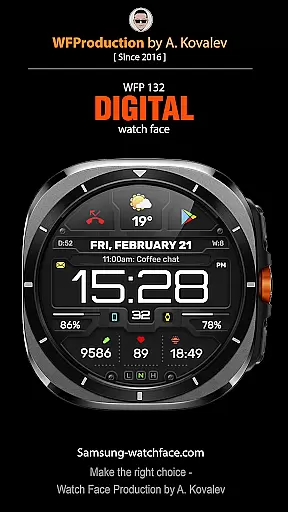
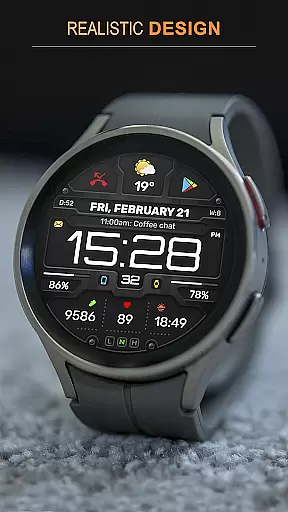
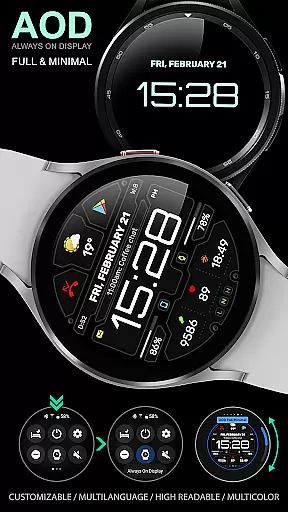
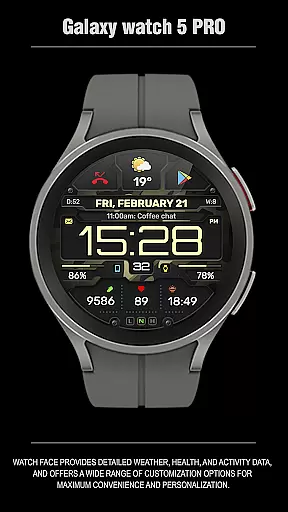
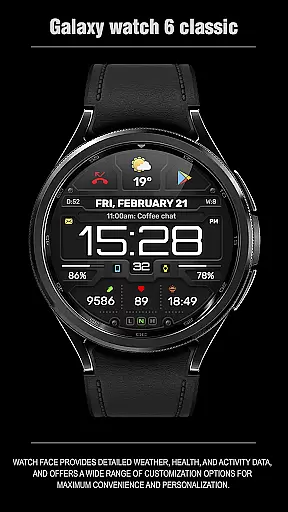
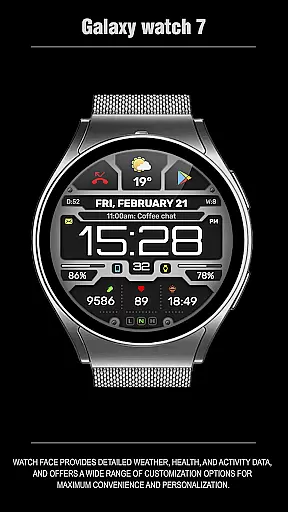
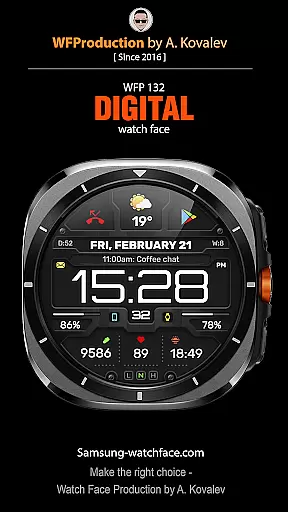
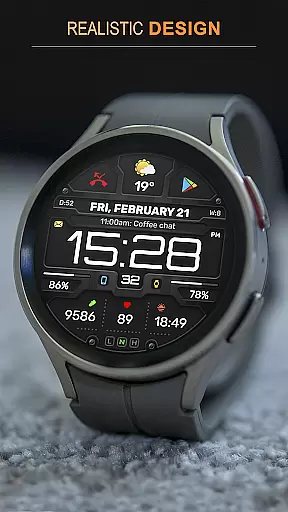
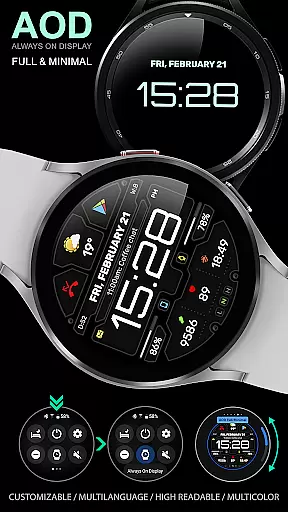
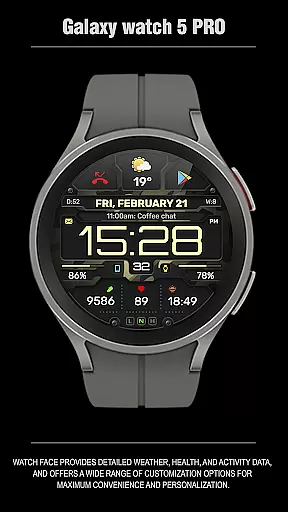
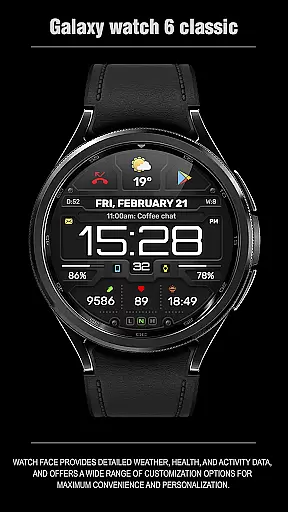
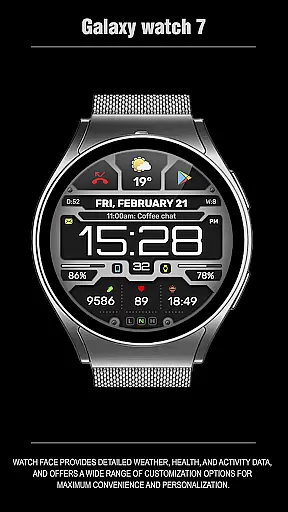
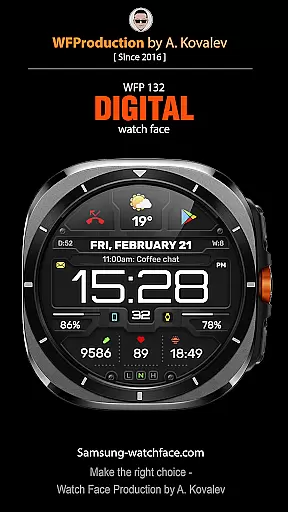
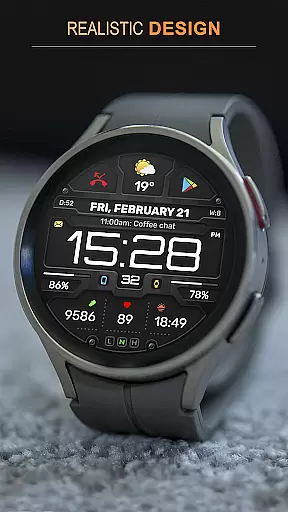
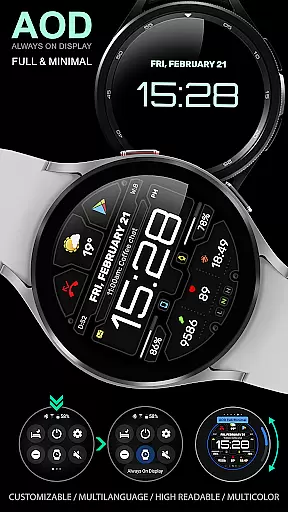
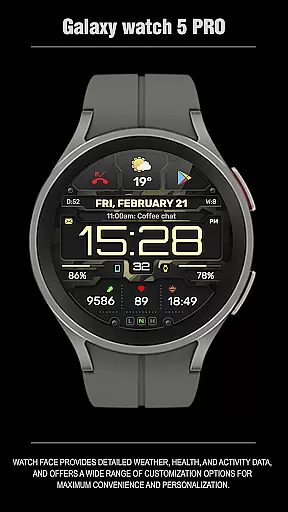
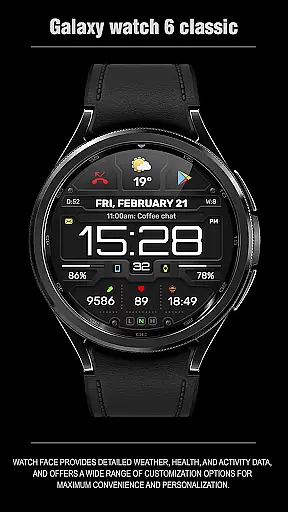
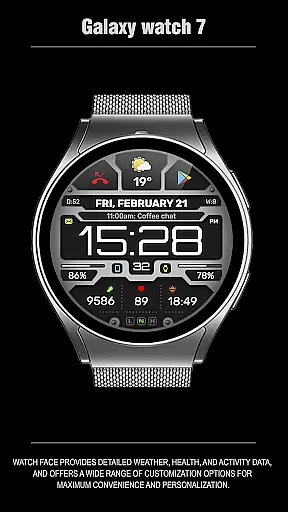
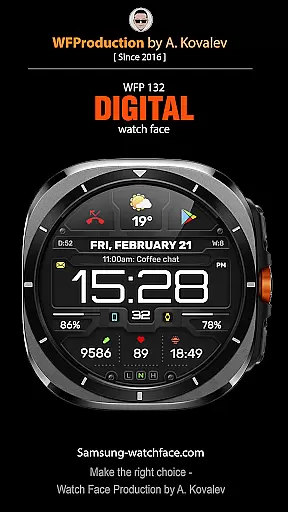
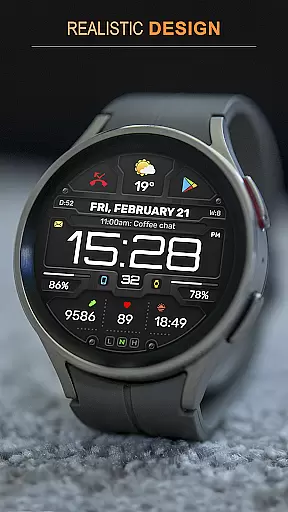
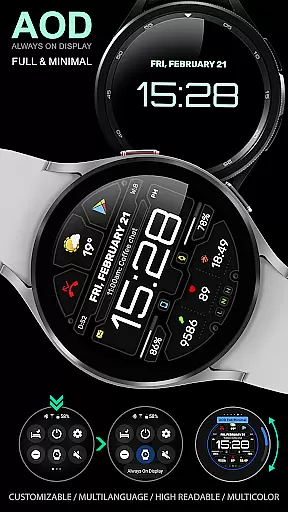
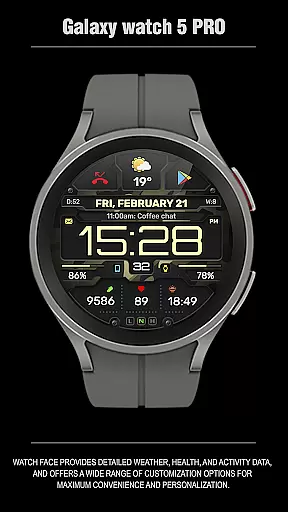
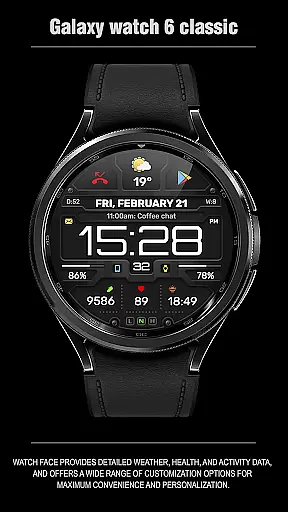
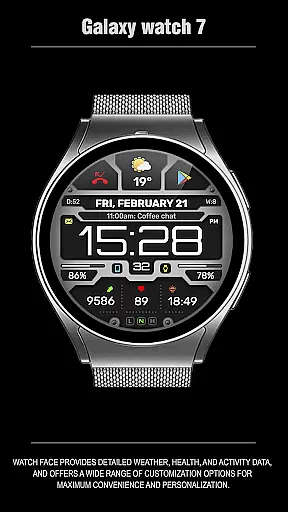
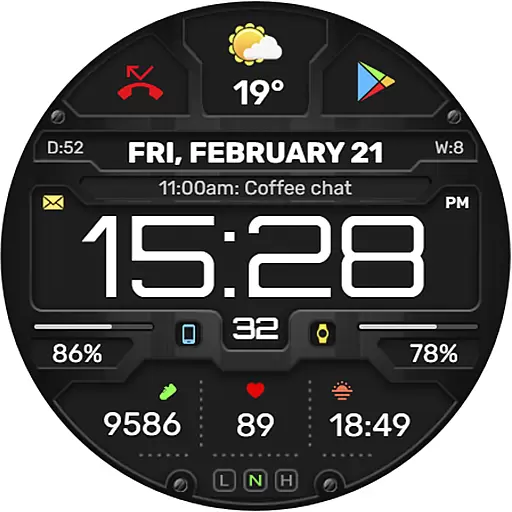
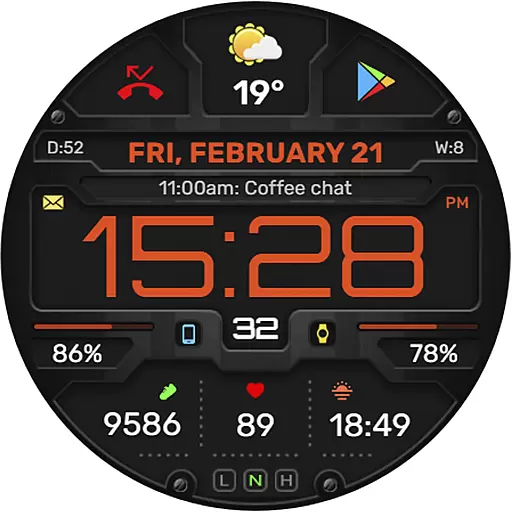
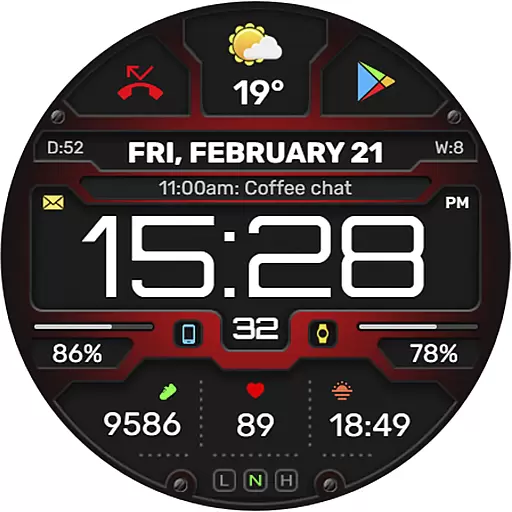
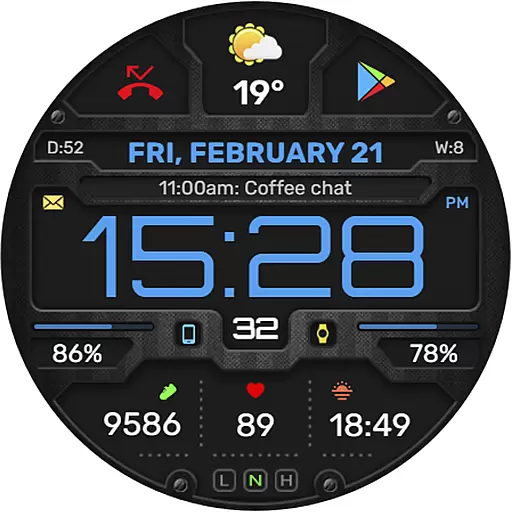
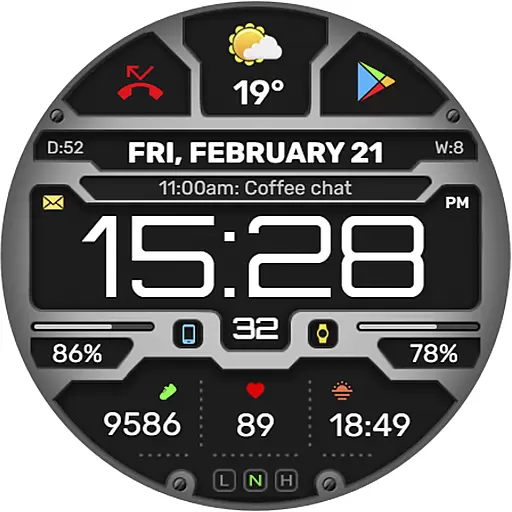
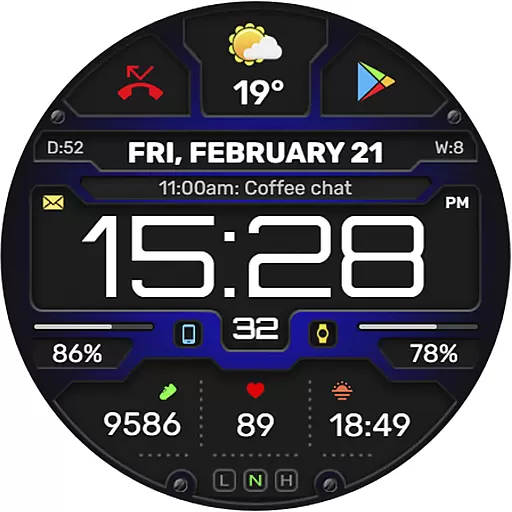
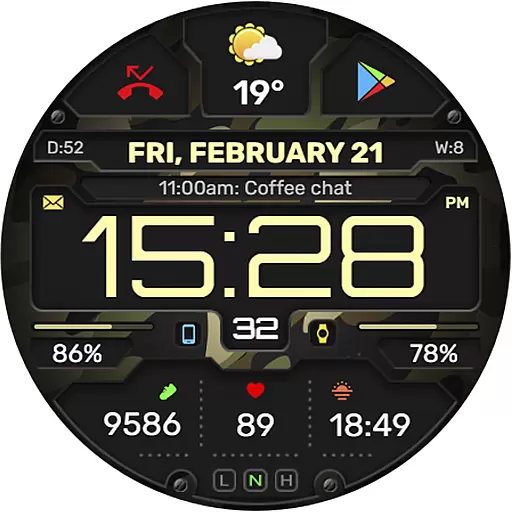
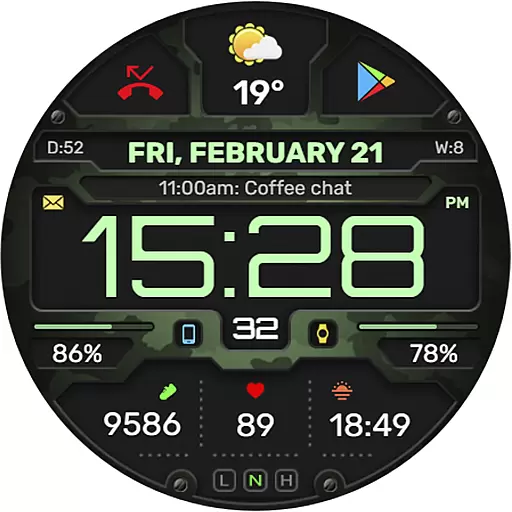
The WFP 132 Digital watch face is a stylish and functional accessory for your smartwatch, offering users an impressive range of features. It provides detailed weather forecasts, health tracking, and activity data while allowing extensive customization options to suit individual preferences. Compatible with devices running API 34+ (5.0) and later, this watch face ensures high resolution and optimization, consuming minimal battery power.
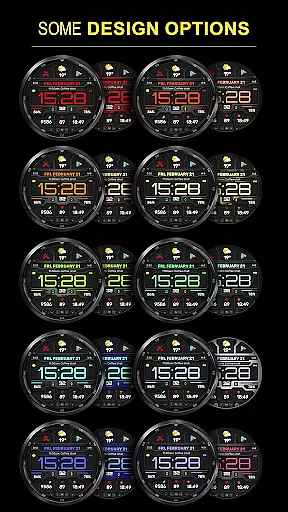
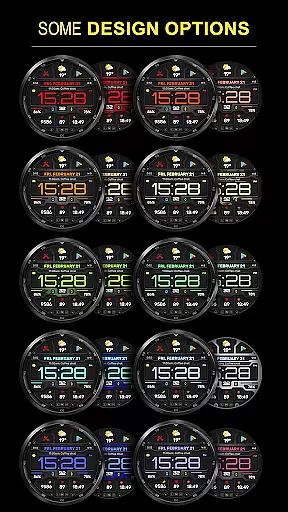
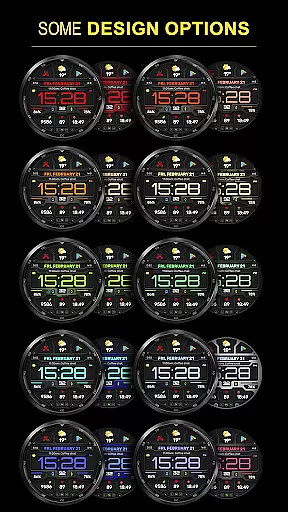
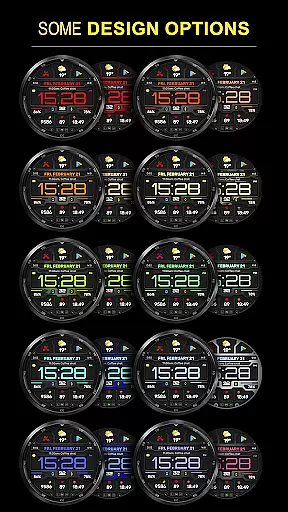
With support for multiple color combinations, changeable backgrounds, and customizable Always-On Display (AOD) modes, the WFP 132 enhances both convenience and personalization. Whether you're monitoring your daily fitness goals or staying updated on weather conditions in Fahrenheit or Celsius, this digital watch face delivers a seamless experience tailored to your lifestyle.
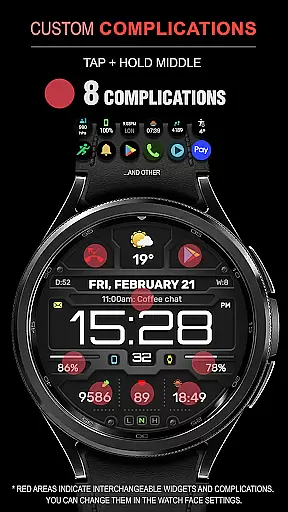
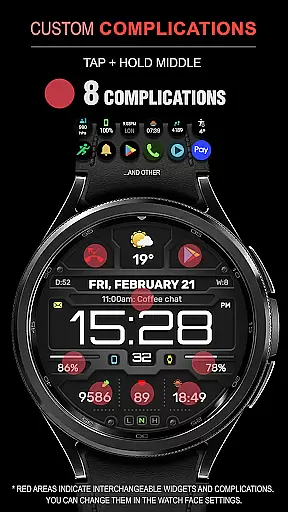
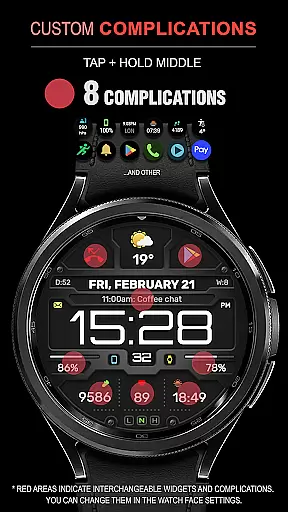
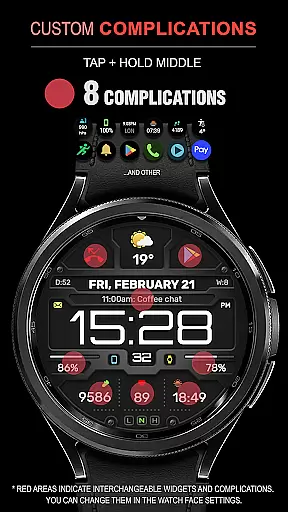
The WFP 132 Digital watch face stands out with its advanced functionality and user-centric design. Featuring eight complications and widgets, it provides quick access to essential information such as weather forecasts, calories burned, floors climbed, and more. The wide array of color combinations and changeable backgrounds allows users to personalize their watch faces according to their unique style.
Engineered for performance, the WFP 132 boasts high resolution and optimization, ensuring crisp visuals without compromising battery life. Its low power consumption makes it ideal for everyday use. Additionally, multilingual support and customizable AOD modes (Full and Minimal) cater to diverse user needs, making this watch face not only versatile but also highly practical.
Companion app integration is essential for a seamless experience between wearable devices and smartphones. The WFP 132 Digital watch face excels in this area by offering users the ability to sync data effortlessly across their devices.
This digital watch face supports detailed weather, health, and activity tracking features that are accessible through its companion app. Users can easily configure settings such as weather units in Fahrenheit or Celsius, customize Always-On Display (AOD) modes, and choose from a variety of color combinations and changeable backgrounds.
By following simple installation instructions available on samsung-watchface.com, users can ensure that their watch face is perfectly set up with all functionalities operational. This includes setting up phone charge widgets and other information like calories and floors climbed, enhancing the overall utility of the device.
The synchronization extends beyond mere aesthetics; it also encompasses practical aspects such as notifications and updates about promotions directly from platforms like Telegram, Facebook, and Instagram. Such comprehensive integration ensures that users have an enriched experience tailored specifically to their preferences.
Ensuring broad Wear OS/device compatibility is crucial for reaching a wider audience. The WFP 132 Digital watch face is designed to be compatible with devices running API 34+ and later, making it accessible to many users who own modern smartwatches.
This compatibility allows the watch face to leverage advanced features available on these platforms, including high-resolution displays and optimized performance metrics. With support for multiple complications and widgets, users benefit from enhanced functionality without compromising battery life due to efficient coding practices.
Moreover, multilingual support adds another layer of accessibility, catering to diverse user bases worldwide. Whether you're monitoring your daily activities or checking the weather forecast, this watch face provides accurate data presentation regardless of language barriers.
For those interested in further personalization options, links provided on samsung-watchface.com guide users through additional settings and promotional offers. By maintaining robust compatibility standards while continuously updating features based on community feedback, WFP 132 remains at the forefront of innovative wearable technology solutions.
Highly customizable
Low battery usage
Accurate weather updates
Wide compatibility
Stylish design
Limited free features
Requires newer OS
Premium cost
Complex setup
Widget dependency

Artistic Digital Watchface
 4.3
4.3
Stylish digital watch face for Wear OS devices with customizable features
4.3
Gym & home workout plans with strength training, exercise tracking, HIIT & more.
4.60
To-Do List: daily schedule planner, task organizer, to do reminder app, calendar
4.60
Stay in touch with your friends and family using LINE!
3.40
Real-time weather radar with temperatures, warnings, hurricanes, and widgets
4.80
A realistic hybrid watch face with many customization options.
4.60
Your local weather forecast, storm tracker, radar maps & live weather news
3.40
Control your Samsung Smart TVs, appliances, and SmartThings-compatible devices
4.60
Christmas - Festive - Christmas Village - Winter - Christmas lights
5.00
The Chevron App allows you to pay for fuel from the comfort of your car!
4.80
Real-time results, stats, schedules and player profiles for all leagues
4.60
Premium hybrid watch face with many customizations for Wear OS devices.
4.40
Christmas watch face. For Wear OS devices.
4.30
The ultimate destination for kids ages 3-8 to explore the Marvel Universe!
4.30
Your music, your playlists, and more—offline and unlimited.
4.20
Connect, create, and collaborate with Gmail, part of Google Workspace.
4.10
Christmas and New Year - Themed Watchface
4.1
A Wintery Snow Globe on Your Wrist; now celebrating Christmas!
4.1


User Reviews