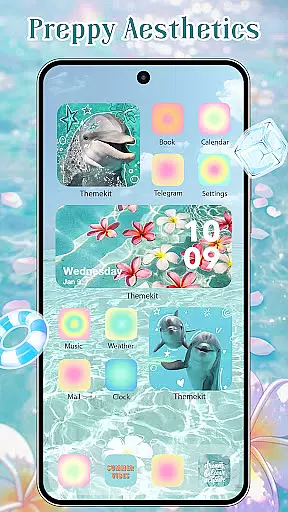
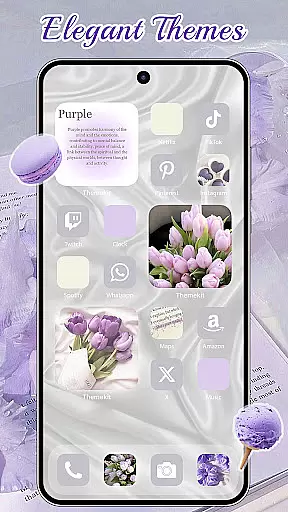
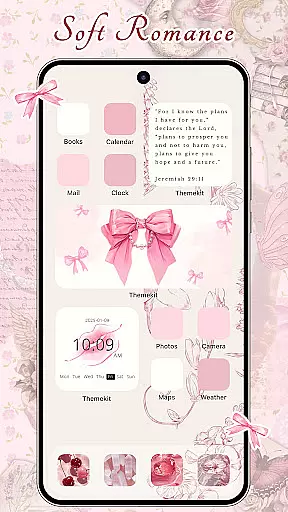
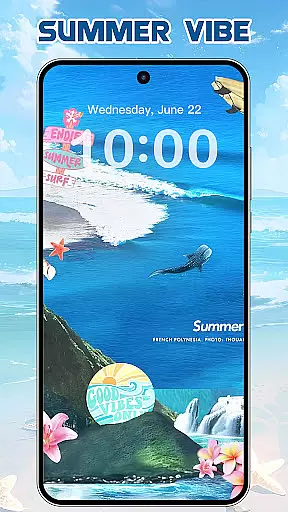
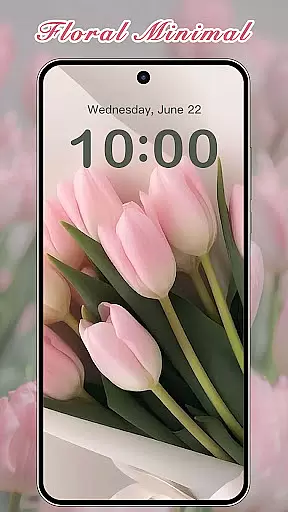
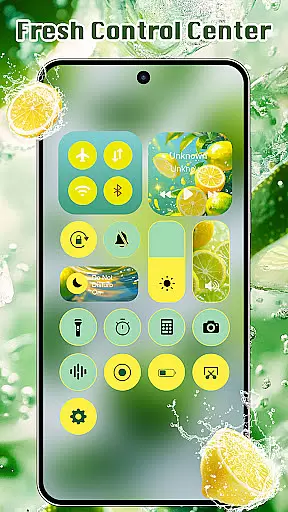
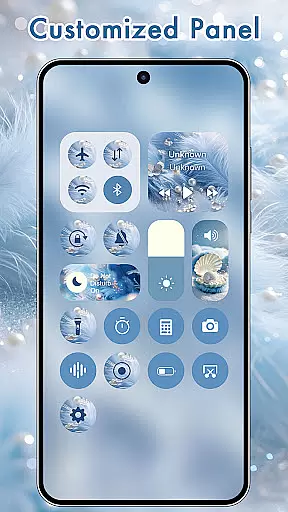
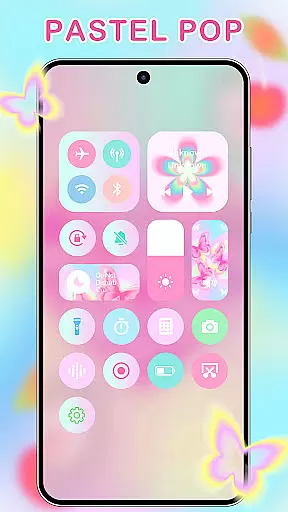
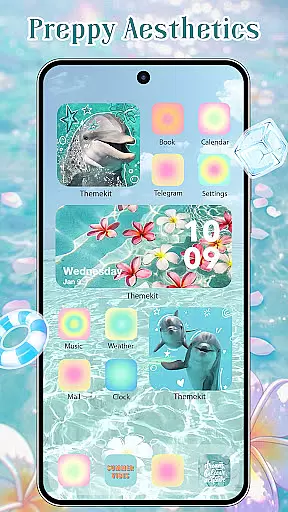
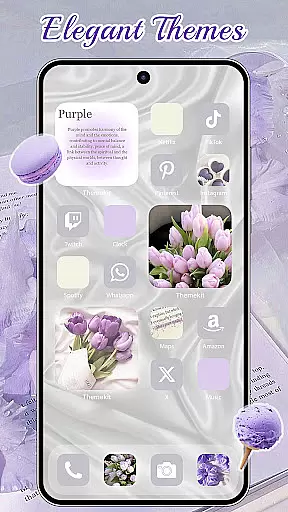
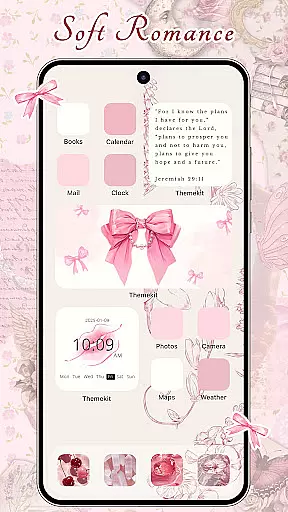
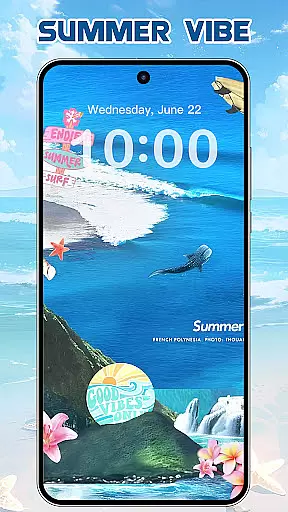
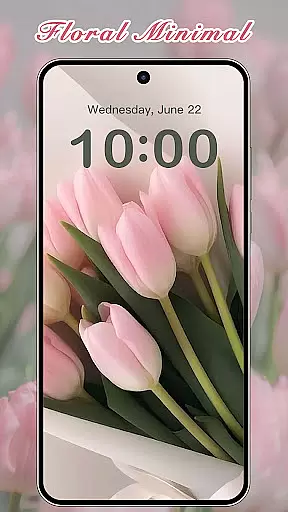

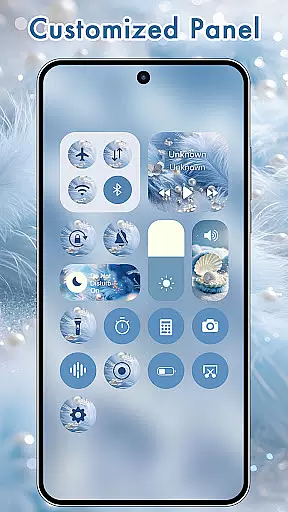
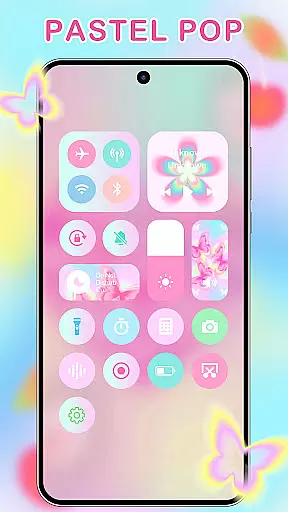
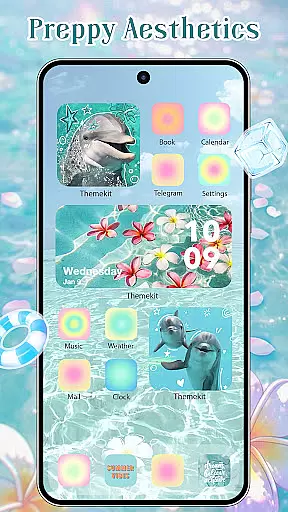
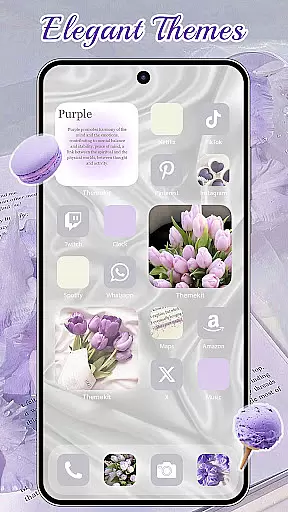
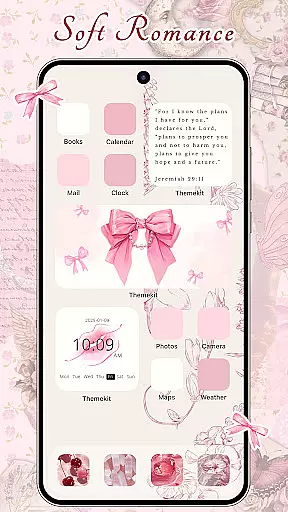
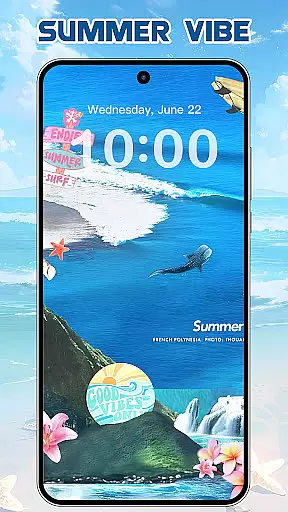
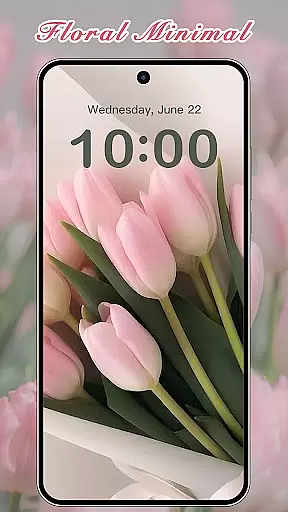
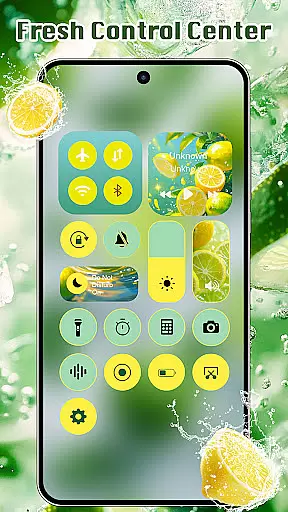
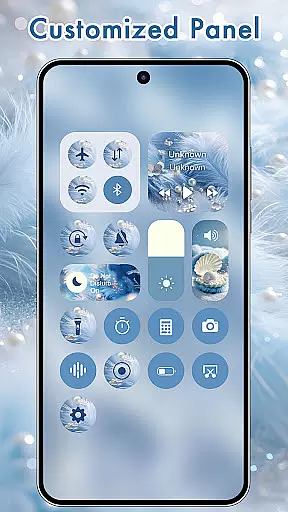
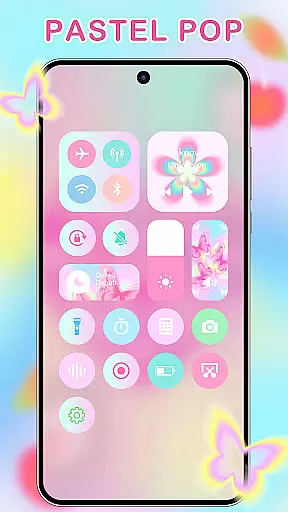
ThemeKit is a comprehensive personalization app designed specifically for Android users who want to enhance their device's aesthetics. This app offers an extensive collection of icon packs, widgets, and wallpapers that allow users to customize their home screens with ease. With over 5000 icons, 3000 themes, and 9000 widgets, ThemeKit provides limitless possibilities for personal expression.
The app stands out with its DIY capabilities, enabling users to design unique icons and widgets using personal photos. Whether you're looking for seasonal themes like Christmas or Autumn, or specific styles such as Aesthetic, Brat Green, or Kpop, ThemeKit has something for everyone. The app also features daily updates to keep up with the latest trends in mobile aesthetics.
ThemeKit is not just about looks; it's about functionality too. Users can enjoy dynamic widgets that display real-time information, making their devices both beautiful and practical. Suitable for various Android devices including Samsung, Vivo, OPPO, and Xiaomi, ThemeKit ensures compatibility and ease of use across different platforms.
ThemeKit offers a robust set of features that cater to every aspect of phone personalization. One of its standout features is the icon changer, which allows users to replace default app icons with custom designs without needing a separate launcher. The app includes thousands of professionally designed icons and supports creating custom icons from gallery images.
Another significant feature is the widget kit, which provides hundreds of customizable widget styles. Users can edit and personalize widgets to match their themes, offering a cohesive look across the home screen. Additionally, ThemeKit boasts a 4K wallpaper changer, giving users access to high-definition backgrounds that are updated daily, ensuring fresh content regularly.
ThemeKit also emphasizes user experience with its intuitive interface and easy navigation. It supports multiple languages, ensuring no language barriers for international users. Moreover, the app integrates seamlessly with Android's Accessibility Services, allowing advanced functionalities like music and volume control directly from the home screen. These features collectively make ThemeKit a powerful tool for anyone looking to personalize their Android device comprehensively.
ThemeKit offers an extensive range of customization options that allow users to personalize their Android devices like never before. With over 5000 aesthetically designed icons, 3000 themes, and 9000 widgets, the app provides a comprehensive suite for home screen personalization.
The app includes DIY functions enabling users to design unique icons and widgets using personal album pictures and wallpapers. This feature ensures that your device not only looks personalized but feels truly one-of-a-kind as well.
Users can choose from various styles such as Christmas, Autumn moments, Summer Vacation themes, and more. The availability of thousands of wallpapers updated daily ensures you always have fresh content to keep your device looking current and stylish.
ThemeKit stands out with its exceptional theme compatibility across different Android devices including Samsung, Vivo, OPPO, and Xiaomi among others. This makes it a versatile choice for users regardless of their device brand or model.
In addition to broad device support, ThemeKit also integrates seamlessly with multiple launchers without requiring additional icon changers. Users can apply new icons directly on their home screens from a wide selection available within the app's gallery.
Furthermore, the app supports numerous languages which removes any language barriers during usage. Its user-friendly interface coupled with no watermarks policy enhances the overall experience making it accessible even for non-tech-savvy individuals seeking aesthetic enhancements for their smartphones.
Extensive icon packs
Daily content updates
User-friendly interface
High compatibility
Versatile customization
Limited iOS support
Occasional bugs
Ads in free version
Large app size
Complex for beginners

Wear Os Watch Face - Seasonal - Animated Snow Effect - 9 Animals
 4.20
4.20
Over 28,000 high quality icons to bring color & homogeneity to your phone.
4.60
Interactive Miniature Painting Catalogue
3.30
Want to make your phone more special than ever?
4.60
Ultimate Gallery Lock App - Hide Pictures, Videos and Lock Apps Instantly!
4.60
Transfer your live wallpapers from Windows to Android using Wallpaper Engine!
4.00
Zip lock screen with magic wallpaper to decorate your phone with fun zipper lock
4.60
Adorable pets roam and play right on your phone screen!
3.30
A minimalist productivity launcher. One-hand-friendly. Zero ads.
4.70
Vertically oriented rectangular icons
4.70
300+ Stunning and well-designed widgets inspired by NOTHING.
4.70
Glass style colourful icons with a One UI look and feel
4.60
300+ widgets inspired by Material You and Material 3 expressive design.
4.60
3D, live, and moving wallpapers & themes in 4K and HD for your device.
4.50
Try creating your own keyboard with "Keyboard theme for android" app now!
4.50
Themes - Widget & Wallpaper: Customize home screen, icon changer w unique themes
4.30
App Icon Changer & Shortcut Creator. Customize your icons without any watermarks
4.30
Organize and manage your photos and videos effortlessly with Photo Gallery
4.20
Struggling to find apps? Use this app to locate and open any app on your phone!
2.20


User Reviews