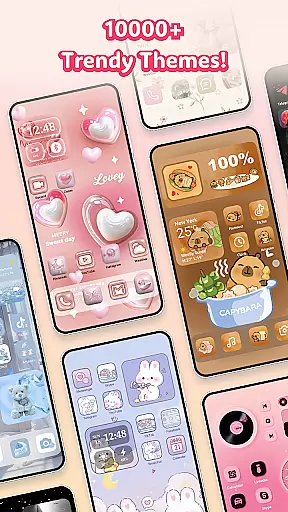
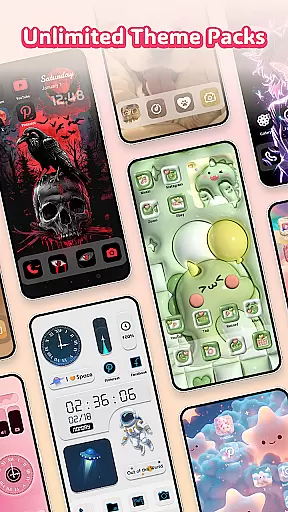
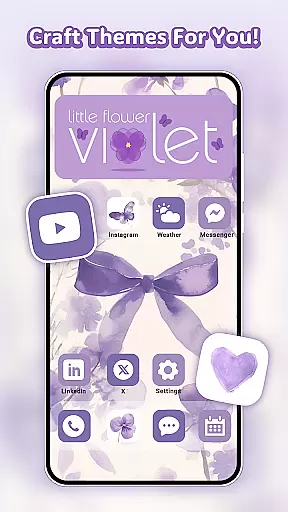
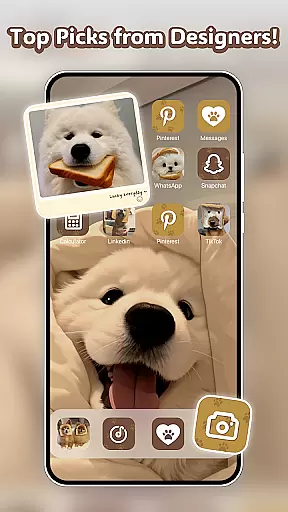
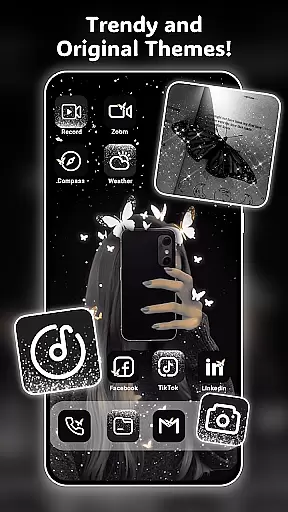
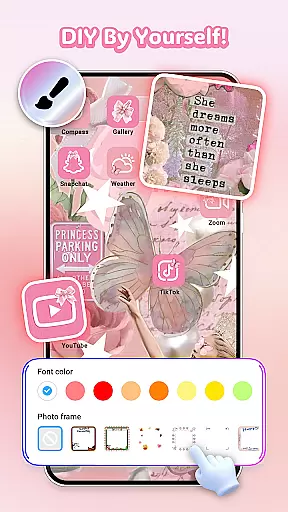
Themely - Icons & Widgets is a comprehensive personalization app designed to transform your Android device's interface. With over 10,000 live 3D themes, HD wallpapers, and customizable widgets, it offers endless possibilities for home screen customization. The app supports diverse styles including cute, neon, anime, K-pop, and more, allowing users to express their unique personality through their device.
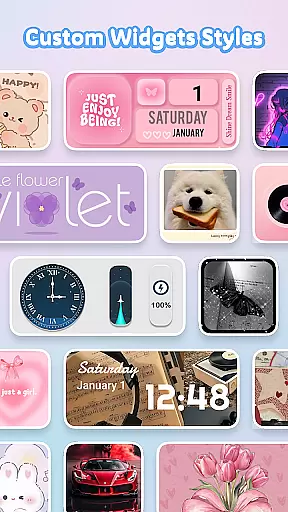
The app's standout feature is its extensive collection of DIY widgets and icons. Users can create custom widgets with live battery indicators, dynamic image effects, and personalized photo options. The icon customization includes various styles, fonts, colors, and transparency settings, ensuring each user's home screen is truly one-of-a-kind. Additionally, the app provides aesthetic wallpapers and themed backgrounds that can be applied with a single click.
Themely offers an impressive array of features that cater to every personalization need. The app includes 1,000+ custom widgets with live functionality, such as battery indicators, weather updates, and calendar displays. These widgets support dynamic effects and GIF integration, bringing your home screen to life with vibrant animations and real-time information.
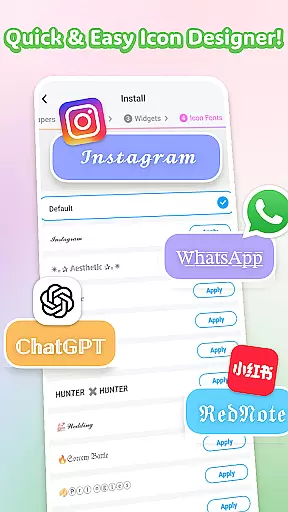
The DIY icon creation tool allows users to design unique app icons with customizable shapes, colors, and fonts. The app also maintains a vast library of pre-designed aesthetic wallpapers and themes across multiple categories including sports, anime, and seasonal designs. All assets are crafted by professional designers, ensuring high-quality visuals and consistent updates. The app's one-click application system makes customization quick and intuitive.
Themely offers an extensive range of customization options that cater to diverse user preferences. With over 10,000 live 3D themes, HD wallpapers, and unique stickers, users can tailor their device's appearance to match their personal style.
The app includes a vast selection of DIY widgets covering various functionalities such as battery indicators, calendars, clocks, and weather updates. These widgets not only serve practical purposes but also add a touch of personality with live dynamic effects and customizable images from your gallery.
For those who love to fine-tune every detail, Themely provides creative DIY icons. Users can choose from different icon styles, fonts, colors, and transparency levels, allowing for complete control over the look and feel of their home screen.
This wide array of customization choices ensures that each user can create a truly personalized experience on their Android device, reflecting their individuality through a blend of aesthetic elements and functional enhancements.
Theme compatibility is a crucial aspect of any personalization app, and Themely excels in this area. The app supports a broad spectrum of themes, including popular styles like puffy, cute, neon, sports, anime, K-pop, and more.
Users can seamlessly integrate these themes into their home screens without worrying about formatting issues or visual inconsistencies. Each theme is designed by top designers, ensuring high-quality aesthetics and smooth performance across different devices.
Moreover, Themely's one-click replacement feature simplifies the process of applying new themes. This ease of use allows users to experiment with various looks quickly and effortlessly, keeping their devices fresh and exciting.
With regular updates and a commitment to quality, Themely guarantees that its themes remain compatible with the latest Android versions, providing a reliable and enjoyable customization experience for all users.
User-friendly interface
Extensive customization options
Regular content updates
High-quality design elements
Versatile widget functionality
Requires accessibility permissions
Premium content available
May impact device performance
Some features need learning
Design styles subjective

Ninja Turtles Cowabunga SE watch face for Wear OS
 4.50
4.50
3D, live, and moving wallpapers & themes in 4K and HD for your device.
4.50 4.50
4.50
Adaptive Dot Style IconPack with Light & Dark Theme.
3.70
300+ widgets inspired by Material You and Material 3 expressive design.
4.60
Transform your device in a game console
4.40
Modern Glass Icon Pack with glossy icons, clean minimal theme & aesthetic style
4.4
350+ widgets with a premium glass-style finish, perfect for home & lock screens.
4.70
Enjoy a variety of amazing live wallpapers and colorful EDGE lighting borders!
4.80
Vertically oriented rectangular icons
4.70
Nothing Icon pack with more than 3750+ highly crafted icons.
4.70
Transform your phone with Launcher iOS 26 - Smooth & elegant iOS experience
4.50
App Icon Changer & Shortcut Creator. Customize your icons without any watermarks
4.30
Launcher OS™ Pro without ads help make your phone simple and pretty
4.30
Organize and manage your photos and videos effortlessly with Photo Gallery
4.20
Run multiple accounts of the same app on a single device
4.10
Customizable flower power digital watch face for Wear OS watches.
4.00
Ultimate widget creator. Design custom widgets for a truly unique home screen!
3.90
Turn your lock screen into fun with smile live wallpapers & animated wallpapers!
2.50


User Reviews