
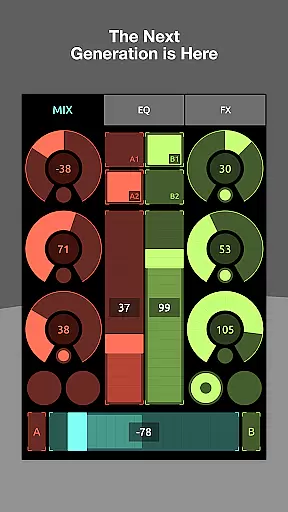
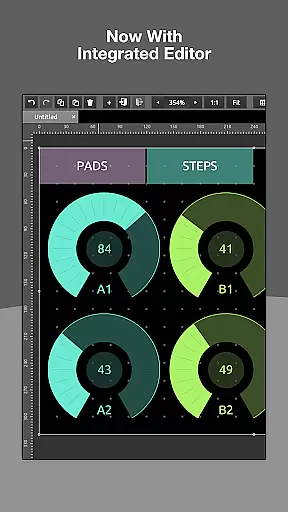
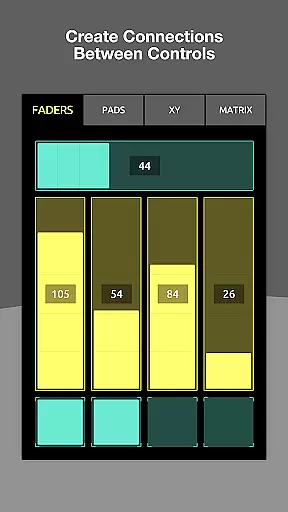
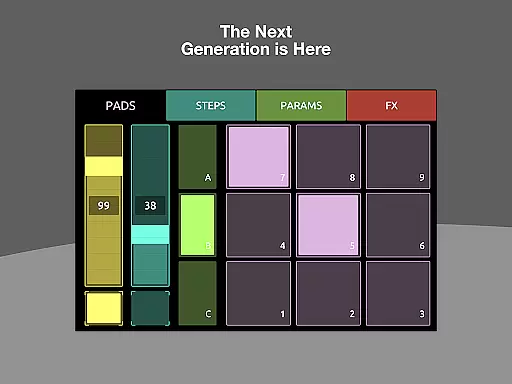
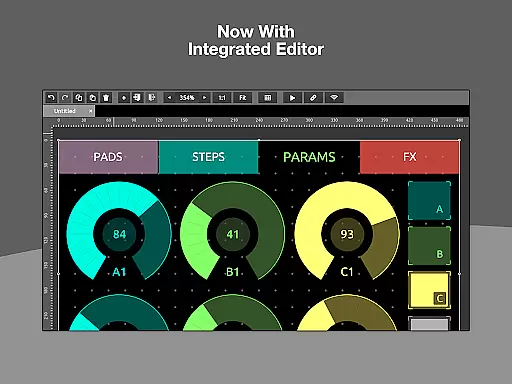
TouchOSC is a cutting-edge music and audio control application designed for both professional musicians and hobbyists. The app features a completely re-written GPU-powered editor that allows users to create complex control layouts with precision and ease. It supports MIDI, OSC, and various other protocols over multiple simultaneous connections, including wired and wireless MIDI options.
One of the standout capabilities of TouchOSC is its cross-network synchronized editing functionality. This allows multiple devices to be connected on the same network for real-time previewing and editing. Additionally, the app includes a fast scripting engine that provides deep access to controller customization, enabling limitless interactivity and personalization.
Whether you're performing live or working in a studio setting, TouchOSC offers the tools needed to build intricate control interfaces tailored to your specific requirements. Its combination of advanced features, usability, and multi-platform support makes it an invaluable tool for modern music production and performance.
TouchOSC boasts an array of powerful features that set it apart from other music and audio control apps. At its core is a GPU-powered editor that ensures speed and precision when creating control layouts. Users can design highly complex interfaces with ease, thanks to the app's intuitive drag-and-drop functionality and extensive customization options.
The app supports sending and receiving MIDI and OSC messages over various connections, including UDP, TCP, and MIDI over USB. This versatility enables seamless integration with a wide range of hardware and software setups. Furthermore, TouchOSC's synchronized editing feature allows multiple instances of the app to be connected across a network, facilitating collaborative workflows and real-time testing.
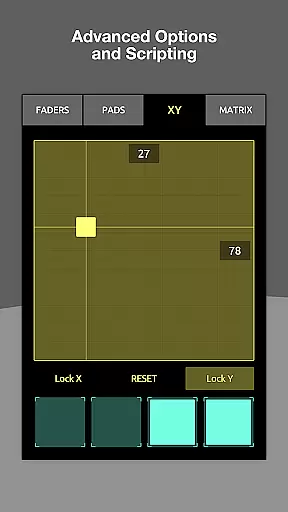
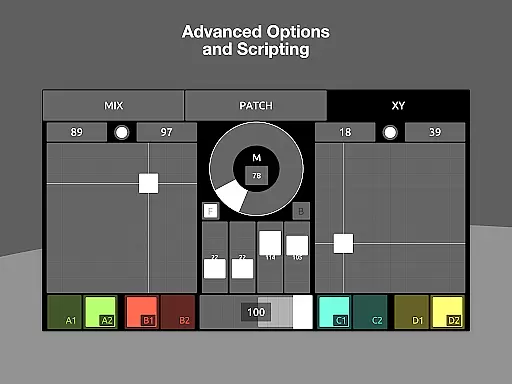
For users seeking even deeper customization, TouchOSC includes a lightweight scripting engine. This feature provides access to all aspects of the controller, allowing for sophisticated interactive designs without requiring extensive programming knowledge. With these robust capabilities, TouchOSC empowers users to push the boundaries of what's possible in music and audio control.
TouchOSC offers a comprehensive and versatile platform for creating complex control layouts, which can be considered as its unique music library. The app supports sending and receiving MIDI and OSC messages over various connections simultaneously, ensuring that users have access to an extensive range of controls and parameters.
The application has been re-written from the ground up with speed, features, and usability in mind. This ensures that the available music library is not only vast but also responsive and user-friendly. Users can create intricate control layouts with ease and precision thanks to the GPU-powered editor integrated into all platforms.
With support for every type of wired and wireless MIDI connection your device can offer, including MIDI over USB, TouchOSC guarantees that the music content you interact with is authentic and respects copyright laws. This provides peace of mind for users who require reliable tools for their musical projects.
TouchOSC places a strong emphasis on audio quality options, providing users with a powerful scripting engine that allows deep access to all aspects of their controller. This enables limitless customization and interactivity, catering to both simple tasks and more complex requirements without compromising on audio fidelity.
The app's support for multiple simultaneous connections means that whether you're using OSC over UDP & TCP or any form of wired MIDI connection, the audio signals remain clear and true to the source. Such versatility ensures high-quality output regardless of the setup or environment.
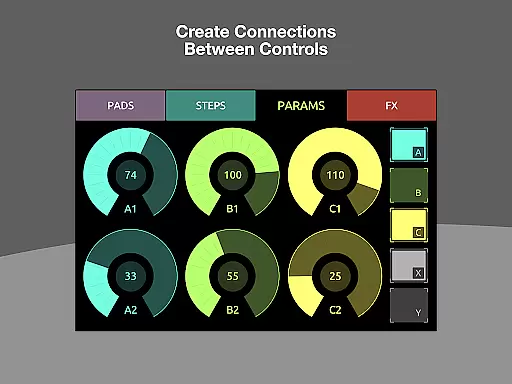
Additionally, local messages allow users to wire up controls to transmit or display values easily, simplifying the process while maintaining excellent audio quality. These features combined make TouchOSC an ideal choice for musicians and audio professionals seeking robust solutions for their performance and production needs.
Highly customizable
Multi-platform support
Real-time synchronization
Advanced scripting engine
Comprehensive protocol support
Steep learning curve
Requires compatible hardware
Premium pricing
Complex setup process
Limited beginner resources

Simply convert wav to mp3. Clear. Reliable. Safe.
 4.5
4.5
Pay Once, no monthly payment
4.60
The only true audiophile music player with Hi-Fi audio rendering and DSP engine
3.90
Ultimate Sonos Controller
4.70
24,000 free audio books and no ads!
4.90
Recording studio w/ 10k beats, pro vocal FX and a network of 20M rappers & fans!
4.60
Listen radio AM / FM Stations. Live AM / FM Radio App Station. Radio Com.
4.70
PowerAudio is a powerful offline music player.
4.20
Responsive piano with great sounds, graphics, and songs
4.80
Music, News & Sports Radio Tuner App. Tune in Live FM & AM Radio Stations.
4.80 4.70
4.70
SqueezePlayer turns your Android phone or tablet into a SqueezeBox on its own!
4.60
Over 100 million tracks available for high quality streaming and download
4.60
A synth that really lets you shape your sounds!
4.50
Save hundreds of dollars for a physical strobe tuner and instead use this app.
4.50
Network/Cloud Streaming, Visualization, Graphic Equalizer and Sound Effects.
4.20
Versatile MP3 recorder with auto-backup to Dropbox and Google Drive
4.10
Slow music down without changing pitch.
3.70
Make music anywhere. Turn your device into an instrument.
4.4


User Reviews