
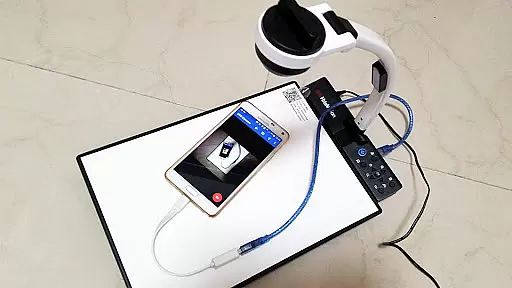
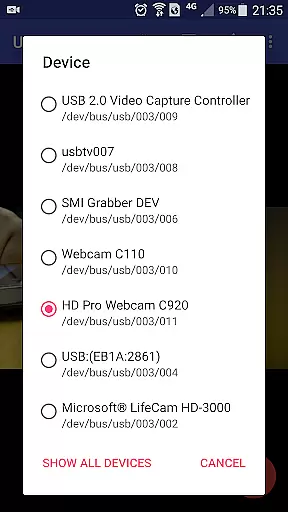
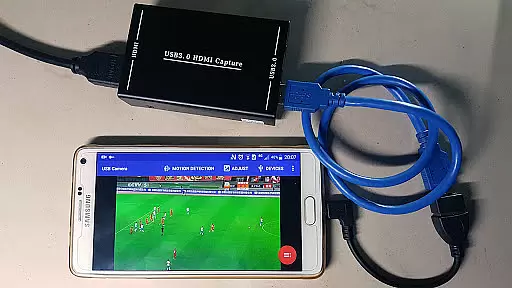
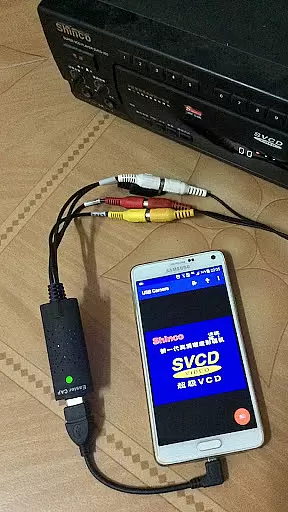
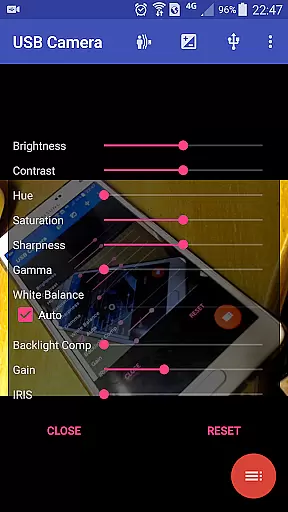
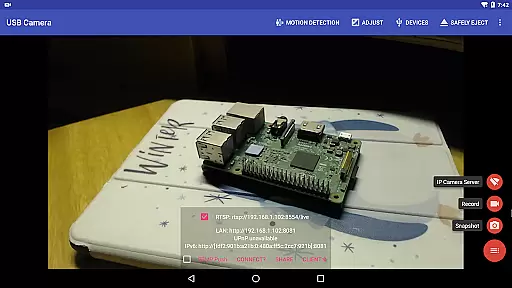
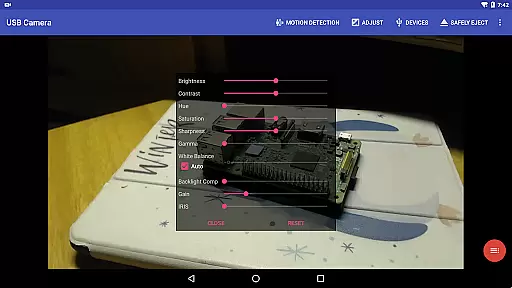
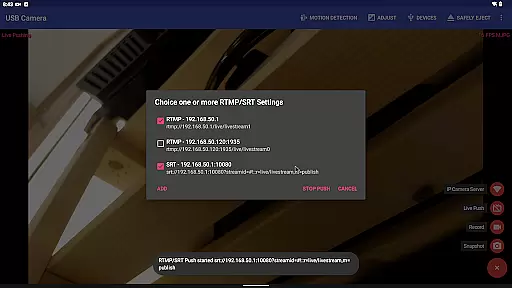
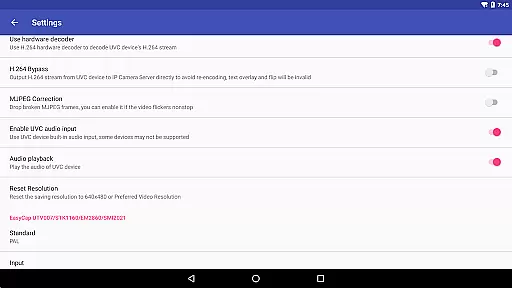
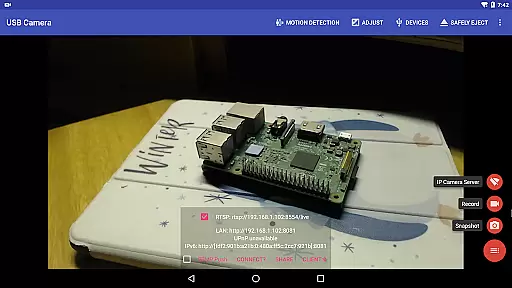
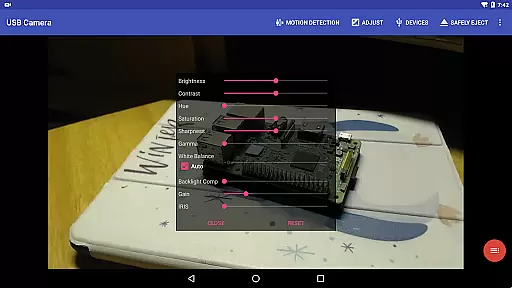
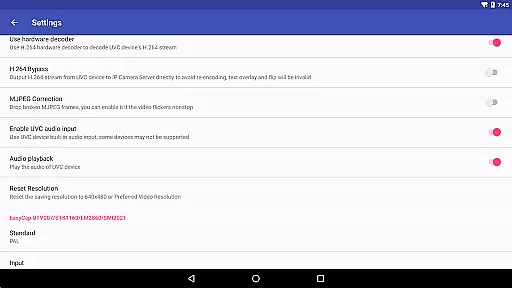
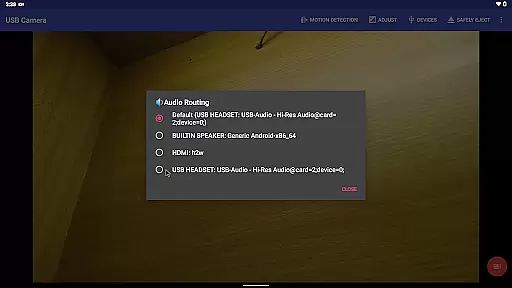
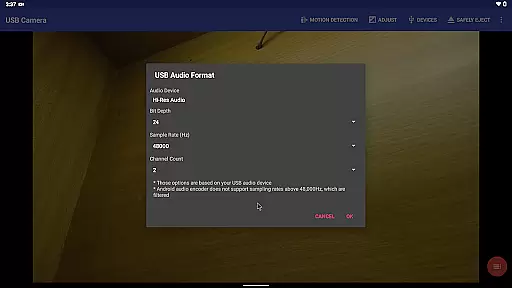
USB Camera Pro is a versatile application that transforms your Android device into a wireless IP camera with bi-directional audio support. It allows you to connect USB WebCams or video capture cards via USB-OTG, enabling video recording, snapshots, and live streaming through RTSP and HTTP servers for security monitoring.
The app supports various devices including UVC WebCams, video grabbers, Windows Hello Cameras, IR Cameras, and non-UVC devices like USB Endoscopes. With features such as Picture-in-Picture, VR/FPV view, and the ability to display video on the lock screen, it caters to both casual users and professionals in need of advanced functionalities.
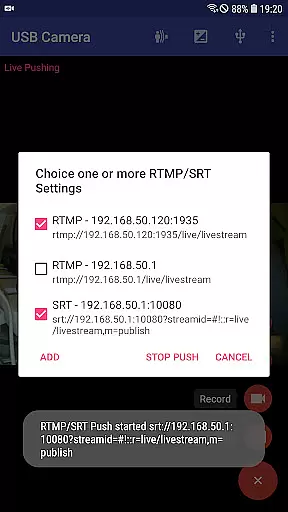
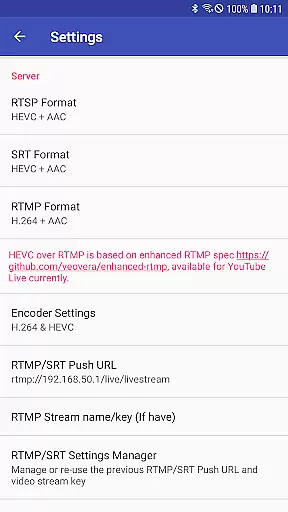
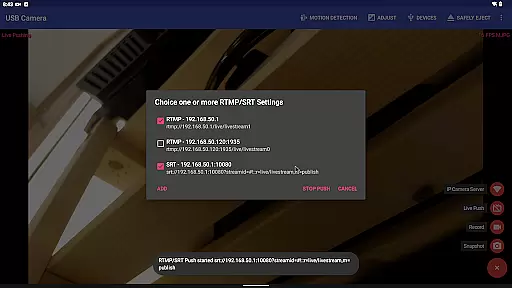
USB Camera Pro also excels in live broadcasting by pushing video and audio to RTMP/SRT media servers, supporting protocols like rtmps and SRT. Its compatibility with YouTube Live and other platforms makes it an ideal choice for content creators looking to stream high-quality video with minimal latency.
USB Camera Pro boasts an array of features designed to enhance user experience. The app can mix USB audio with built-in microphones or system audio, overlay internal camera footage onto external video feeds, and push streams to multiple media servers simultaneously. This flexibility ensures users can customize their setup according to specific needs.
One standout feature is its Side-by-Side (SBS) view capability, which works seamlessly with FPV goggles for immersive experiences. Additionally, the app supports adding timestamps, GPS data, speed information, and more directly onto video frames during recording. Users can utilize headsets or Bluetooth devices for capturing snapshots and recording videos.
Loop-recording functionality allows continuous video capture with auto-segmentation and deletion of old files when storage runs low, making it perfect for dashcam usage. Furthermore, motion detection-based auto-recording and automatic FTP uploads ensure comprehensive security monitoring without manual intervention.
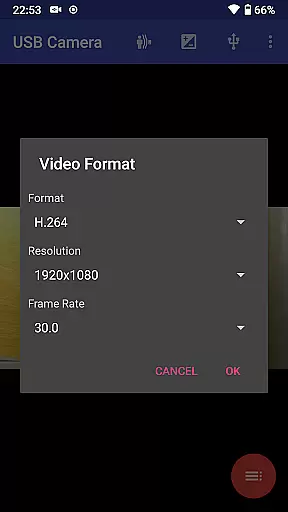
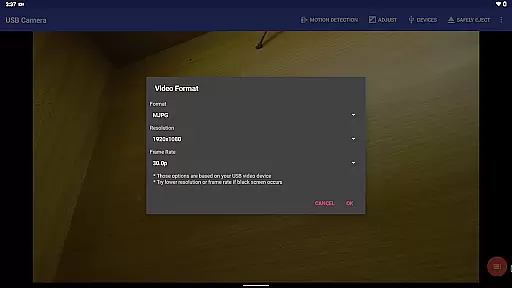
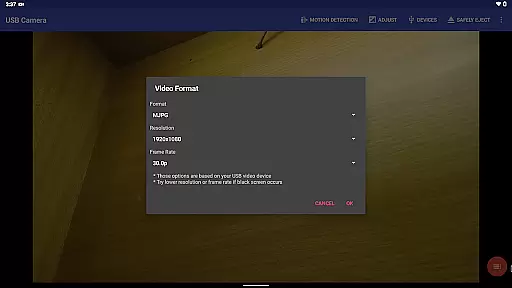
USB Camera Pro demonstrates exceptional versatility in video format compatibility, making it a powerful tool for various professional and personal use cases. The application supports an extensive range of video formats including H.264, H.265, HEVC, MJPG, YUY2, P010, and NV12 among others. This wide array of supported formats ensures that users can connect and work with numerous types of USB webcams and video capture devices without worrying about format restrictions.
The app's ability to handle both progressive and interlaced video further enhances its utility, particularly when working with high-resolution sources up to 4K via HDMI. This feature is crucial for professionals who require precise control over video quality and format selection. Additionally, the support for advanced codecs like HEVC and AV1 enables users to take advantage of modern compression technologies, resulting in better video quality at lower bitrates.
For Android users, the application provides clear system requirements for different video formats. HEVC recording and streaming necessitate Android 5.0 or newer, while AV1 streaming requires Android 10 or above. These specifications ensure optimal performance across various devices. By offering such comprehensive format support, USB Camera Pro empowers users to select the most appropriate settings for their specific needs, whether they're capturing high-definition content or optimizing for bandwidth efficiency.
While primarily focused on video capture and streaming capabilities, USB Camera Pro incorporates several innovative features that leverage AI-powered technology to enhance the video production process. One notable implementation is the automatic video recording based on motion detection, which utilizes intelligent algorithms to identify significant movement within the frame. This feature not only saves storage space but also helps users efficiently monitor important events without manually reviewing hours of footage.
The application takes automation further by enabling automatic FTP uploads of recorded videos, accompanied by email notifications. This smart workflow solution streamlines the process of securing and reviewing surveillance footage, making it particularly valuable for security monitoring applications. The built-in timestamp, GPS, and speed information overlay capabilities add another layer of intelligence to the captured footage, providing valuable metadata for various professional uses.
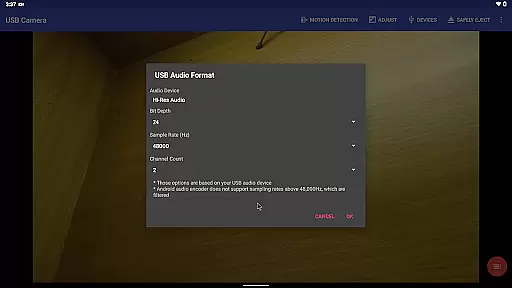
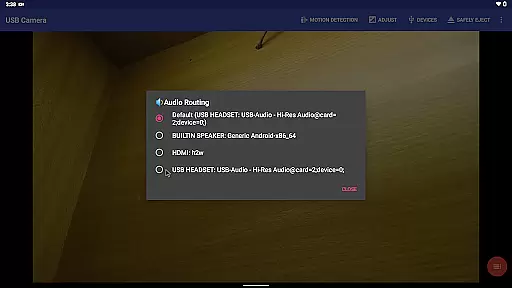
Additionally, USB Camera Pro offers sophisticated audio mixing features that demonstrate AI-driven enhancement. The application can intelligently combine USB audio with built-in microphones or system audio, creating professional-quality audio tracks. Furthermore, the seamless integration of external camera feeds with device screen content showcases the app's capability to manage complex video layers effectively. These AI-powered features collectively contribute to a more efficient and professional-grade video production experience, setting USB Camera Pro apart from basic video capture applications.
User-friendly interface
Wide device compatibility
Advanced live streaming options
Robust security features
Flexible customization settings
Requires good quality OTG cables
Some features need additional apps
Higher power consumption
Limited third-party app integration
Premium version may be costly

Kodi media center, a free and open source cross-platform entertainment hub
 3.60
3.60
Search & download videos from net with all video downloader, auto-detect & safe.
4.60
Full HD Video mp3 Player, MP4 player play 1080p, File manager, Video Downloader
4.40
All format media Player, no need video converter any more!
4.00
High-Quality USB Camera Viewer & HDMI Display
4.70
Mix with Virtual DJ directly from your phone or tablet !
3.10
Browser + Remote for Roku to stream webvideos, online movies and livestreams
4.60
Download Hub, easy and private way to download and enjoy your videos offline
4.80
Capture the moment and Cut
3.40
Download videos and play them offline
4.70
Find, download, and play torrents with the official BitTorrent® Pro app
4.70
Movie maker & video editing app with AI effects and green screen
4.30
Web Browser for LG TV to stream webvideos, online movies and livestreams in HD
4.20
LumaFusion: The Ultimate Storytelling Experience for Video Editing
4.10
Save photos and videos from social apps in one tap.
3.60
AirMirror is Receiver for Screen Mirroring and Casting from Apple Devices.
3.60
Download videos easily & play them all in one smart, powerful video manager.
3.40
Client application for NextPVR software
3.00
Powerful HD video player with support for all formats & subtitles.
4.4


User Reviews