

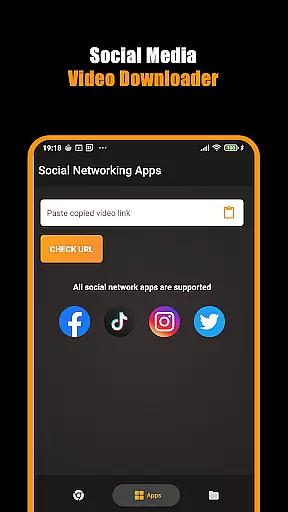
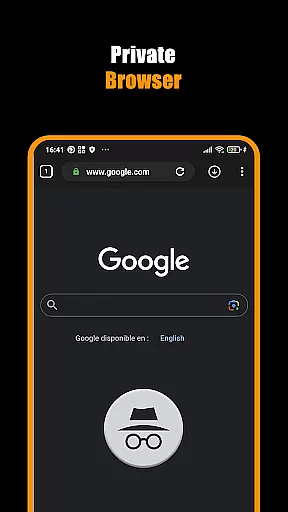
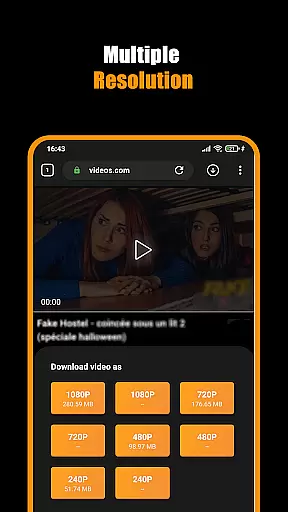

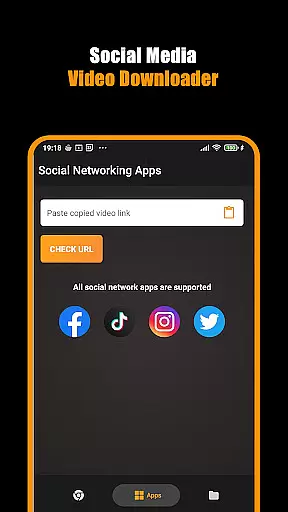
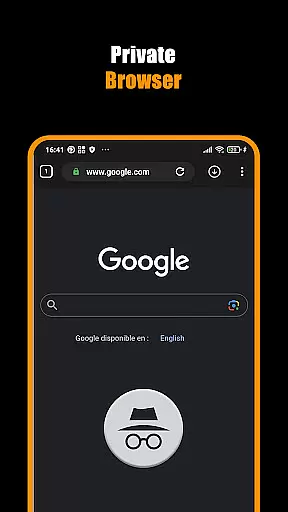
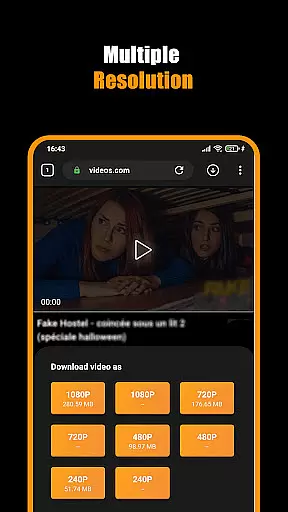
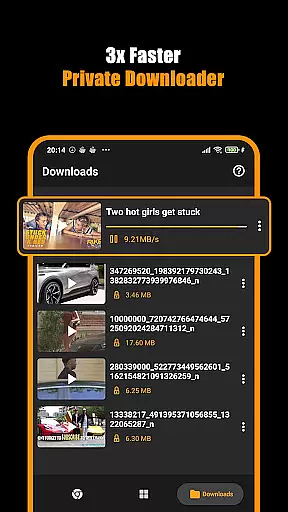

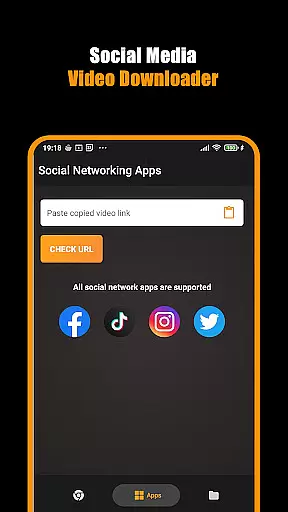
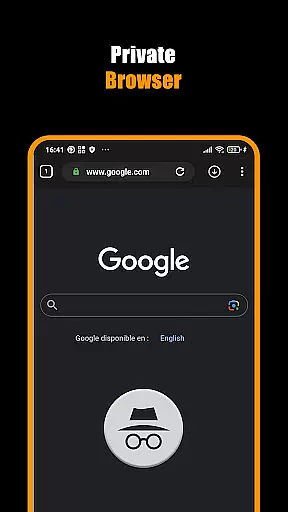
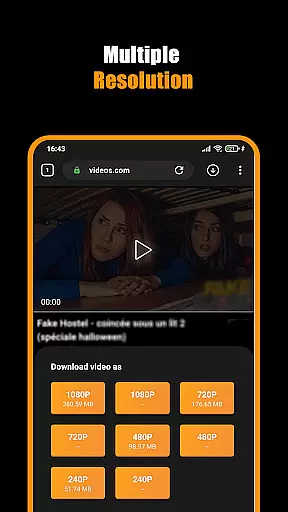
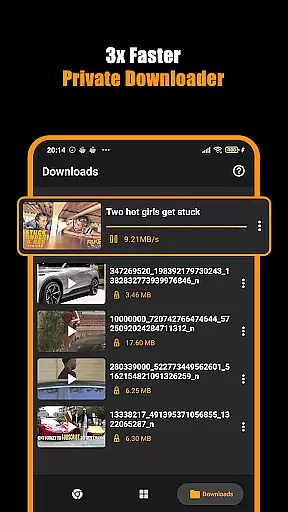

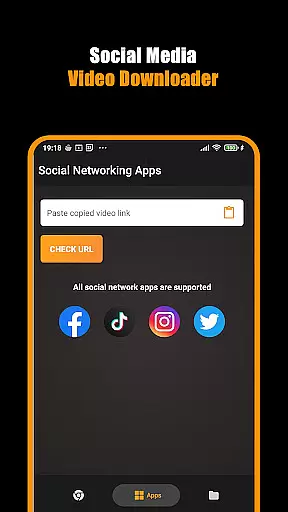
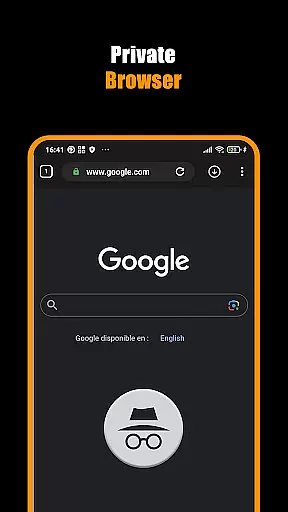
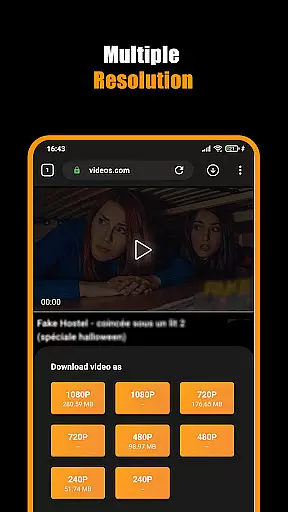
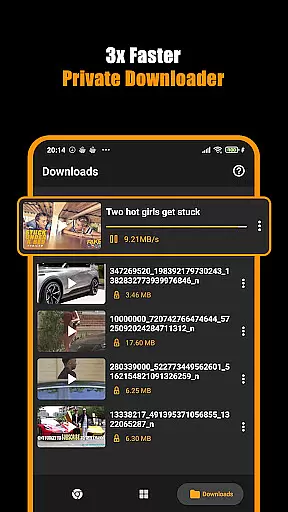

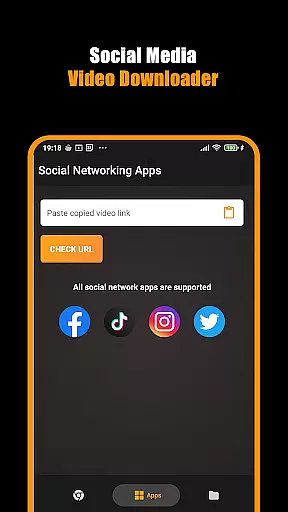
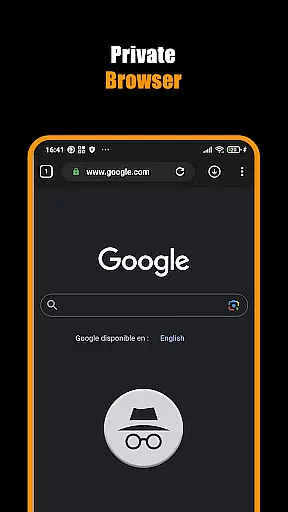
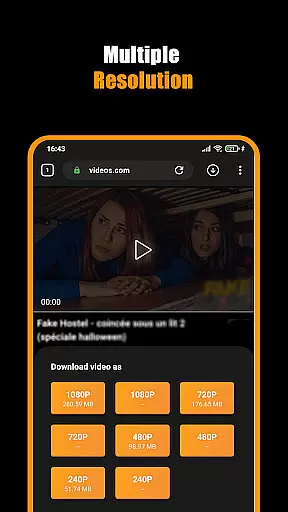
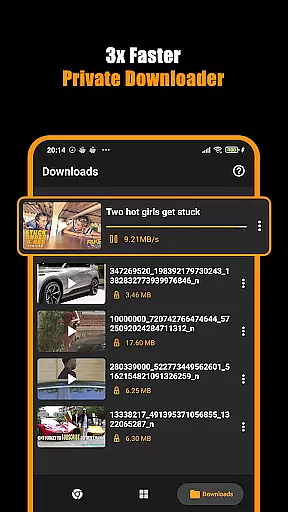
Hub Video Downloader is a versatile video downloading tool designed for users who want to save online videos directly to their devices. The app features a built-in private browser that allows users to browse the web securely while automatically detecting downloadable video content. With support for high-definition video downloads in 2K and 4K resolutions, it ensures premium quality for every saved file.
In addition to its powerful downloading capabilities, Hub Video Downloader offers multitasking features such as background downloads, pause-resume functionality, and automatic video storage to the device's gallery. Whether you're saving short clips or full-length movies, this app provides a seamless experience tailored for both casual viewers and avid movie enthusiasts.
The app is ideal for users seeking privacy and convenience. By blocking intrusive trackers and clearing browsing history after each session, it ensures your activities remain confidential. Its intuitive interface and customizable settings make it an excellent choice for anyone looking to manage their video library efficiently.
Hub Video Downloader stands out with its comprehensive set of features designed to enhance user experience. One notable feature is its automatic video detection technology, which identifies downloadable content on websites instantly. This eliminates the need for manual searches and simplifies the process of saving videos. Additionally, the app supports unlimited tabs within its private browser, enabling users to multitask without limitations.
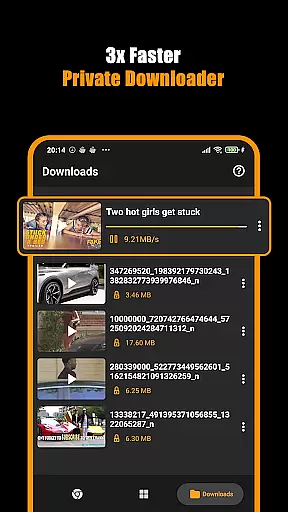
Another key highlight is the app's ability to handle multiple downloads simultaneously. Users can pause, resume, or cancel downloads at any time, giving them complete control over their tasks. Background downloading ensures that even if the app runs in the background, all queued files will continue processing uninterrupted. Furthermore, the inclusion of a Download Hub tool streamlines the management of large media files.
For those prioritizing privacy, Hub Video Downloader includes advanced security measures. It blocks unwanted tracking scripts and erases all browsing data once the session ends. These features, combined with bookmarking options and easy access to saved videos, create a robust solution for individuals who value both performance and discretion.
Video format compatibility is a crucial feature for any video player and editor application. It ensures that users can work with a wide range of video file types without facing playback or editing issues. Save Hub: All Video Downloader Browser excels in this area by supporting an extensive list of formats including HD videos in 2K and 4K resolution directly from websites.
The app's built-in browser automatically detects and grabs videos upon visiting a site, allowing seamless downloading regardless of the original format. This means whether you're saving clips from social media or high-definition movies, the process remains smooth and hassle-free. With its Movie Downloader tool, it offers lightning-fast downloads while maintaining quality across various formats.
For users who require flexibility in their video management tasks, having robust video format support translates into greater convenience. You won't need to convert files before playing or editing them within the app. Instead, enjoy immediate access to your content right after download, stored neatly in your gallery ready for binge-watching anytime you desire.
AI-powered editing features represent the cutting-edge advancement in video players and editors, providing users with intelligent tools to enhance their multimedia projects effortlessly. Save Hub: All Video Downloader Browser incorporates such innovative technology through its smart built-in browser and advanced downloading capabilities, making it more than just a downloader but also a powerful editor at your fingertips.
When using this app, you benefit from automatic video detection as soon as you visit a webpage containing media content. The underlying AI algorithms ensure that not only are these videos identified quickly, but theyu2019re also prepared for download in optimal quality settings tailored to your deviceu2019s specifications. Such precision saves time and effort while guaranteeing top-notch results every single time.
Moreover, the integration of AI extends beyond mere detection; it enhances user experience by streamlining operations like pausing, resuming, or canceling downloads on-the-go. These intuitive controls empower even novice users to manage complex tasks efficiently. Whether you're handling short clips or full-length films, rest assured knowing that each file will be processed accurately thanks to the sophisticated AI-driven mechanisms embedded within Save Hub: All Video Downloader Browser.
User-friendly interface
High-definition downloads
Private browsing mode
Background download support
Automatic video detection
No YouTube support
Limited to non-copyrighted material
Requires stable internet
Occasional ads
Gallery organization needed

Save photos and videos from social apps in one tap.
 3.60
3.60
Create photo video with music & template. AI video maker for stunning slideshow.
4.60
VLC Remote lets you control your VLC Media Player on Mac, PC or Linux.
4.60
This app was created to edit the metadata of music files.
4.20
Pro video editor app for Instagram, edit video with song, AI, effect & slowmo.
4.80
Manage your IPTV live channels and VOD playlists (no playlist included)
3.80
Fast & Private HD Video Downloader with Built-in Proxy Browser and Video Player.
4.50
Enjoy your favorite videos and channels with the official YouTube app.
3.90
Photo editor & video maker with music and slideshows.
4.10
Fast, private downloading, video saving, social media
4.50
KineMaster, Your Ultimate Video Editor!
4.40
Video player with 4K & 1080P support, popup play, background play and subtitle.
4.20
Browser for Samsung TV to stream webvideos, online movies and livestreams in HD
4.10
VLC for Android is the best open source video and music player, fast and easy!
4.10
1)AirPlay/DLNA Mirroring/Streaming, up to 4 connections; 2)Samba/NAS/DMS Player.
4.00
Kodi media center, a free and open source cross-platform entertainment hub
3.60
This app is an emulator of some specific IPTV boxes
3.50
A full editing room to accompany your Insta360 cameras and handheld gimbals.
3.30
Play and download HD videos from all sources — fast, simple, and all-in-one.
4.3


User Reviews