
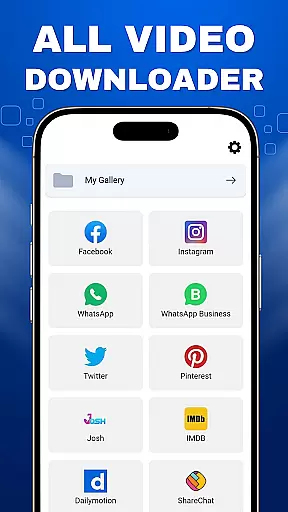
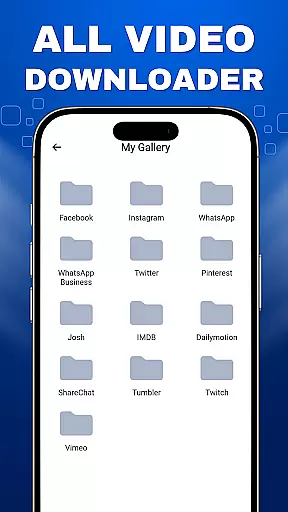
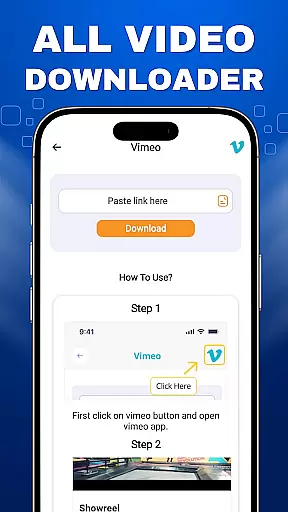
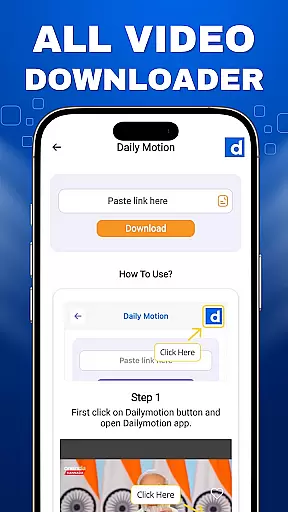
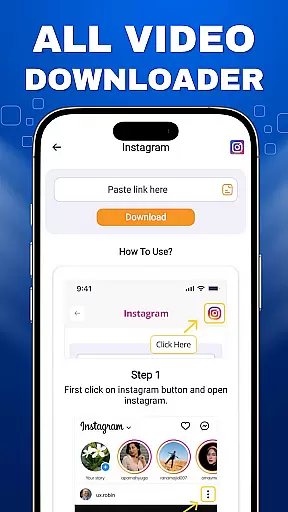
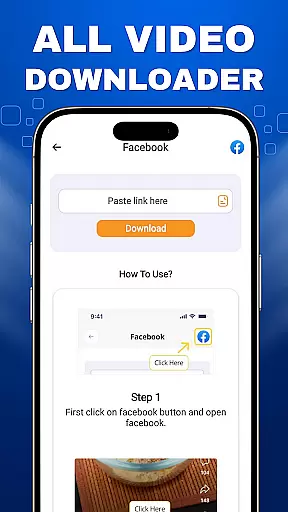

VidoXer - All Video Downloader is a versatile tool designed for users who need to download and save videos from various platforms, including social media sites. This app stands out with its ability to handle multiple video downloads simultaneously while supporting HD, UHD, 4K, and 1080P quality formats. Whether you're looking to save video statuses or reels, VidoXer provides an efficient solution.
With a built-in video player and image viewer, users can easily play back their downloaded content in high resolution. The app ensures that only publicly available videos can be downloaded, respecting copyright laws and promoting responsible usage. It's the perfect companion for anyone seeking seamless video downloads without compromising on quality.
VidoXer offers a comprehensive suite of features tailored for video enthusiasts. One of its standout capabilities is downloading videos from popular social media platforms, allowing users to save engaging content for offline viewing. The app supports multiple simultaneous downloads, making it easy to gather several videos at once without any hassle.
In addition to its downloading prowess, VidoXer includes a built-in video player and image viewer. These tools ensure that users can immediately enjoy their downloaded content in stunning HD, UHD, 4K, and 1080P resolutions. By focusing on user experience, VidoXer makes video management straightforward and enjoyable, all within a single application.
Video format compatibility is a crucial feature for any video player and editor, ensuring that users can enjoy a wide range of video content without worrying about format support. VidoXer - All Video Downloader excels in this area by supporting all video formats, allowing users to download and play videos in HD, UHD, 4K, and 1080P quality effortlessly.
The application's robust compatibility covers popular formats such as MP4, AVI, MOV, and MKV, among others. This extensive support means that no matter the source of the video, users can rely on VidoXer to handle it with ease. Whether you're downloading from social media platforms or transferring files from a computer, the app ensures seamless playback.
For users, this translates into a hassle-free experience where they can focus on enjoying their content rather than troubleshooting format issues. The built-in video player further enhances this experience by providing smooth playback and intuitive controls, making VidoXer an ideal choice for anyone looking to manage their video library efficiently.
AI-powered editing features represent the cutting edge of video player and editor technology, offering users advanced tools to enhance their video content automatically. VidoXer - All Video Downloader incorporates these innovative features to provide a smarter and more efficient editing process.
One of the standout AI capabilities within VidoXer is its ability to optimize video quality automatically. By analyzing each frame, the app can enhance details, adjust colors, and stabilize shaky footage, resulting in professional-grade output every time. Additionally, the app supports multiple video downloads simultaneously, streamlining the process for users who need to manage large volumes of content.
These intelligent features not only save time but also open up new creative possibilities for users. Whether you're looking to improve the visual appeal of downloaded videos or streamline your editing workflow, VidoXer's AI-powered tools offer a significant advantage. With such powerful functionality at your fingertips, creating stunning videos has never been easier.
User-friendly interface
High-quality video support
Multiple simultaneous downloads
Built-in media players
Respect for copyright guidelines
Limited to public videos
No social media stories
Requires internet connection
Ads may appear
Download speed varies

KMPlayer Plus (Divx Codec) officially support Divx codec.
 4.30
4.30
Movie maker & video editing app with AI effects and green screen
4.30
All in one HD video downloader & player for multiple formats with full privacy
4.70
Video Downloader, Multiple Resolution Options, Video Player
4.50
This app is an emulator of some specific IPTV boxes
3.50
Web Browser for LG TV to stream webvideos, online movies and livestreams in HD
4.20
Fast private browser with secure, seamless access & supported video downloads!
4.00
Enjoy your favorite videos and channels with the official YouTube app.
3.90
Photo editor & video maker with music and slideshows.
4.10
An easy-to-use and all-round screen recorder with audio
4.80
Screen recorder with audio to take live videos & Screenshot in high quality!
4.70
IPTV Loader, loads your own Playlist. DOES NOT CONTAIN ANY LIST OR CHANNELS
4.60
Browser + Remote for Roku to stream webvideos, online movies and livestreams
4.60
Fast, private downloading, video saving, social media
4.50
1)AirPlay/DLNA Mirroring/Streaming, up to 4 connections; 2)Samba/NAS/DMS Player.
4.00
Online Videos Player
3.90
Cast to Smart TV, Fire TV. Cast video, photo - Fast & Stable!
3.90
Livestream, news, & gaming content. Watch, chat, and upload. Join Rumble today!
3.80
Connect EasyCap or UVC devices for recording and broadcast video/audio stream
3.60


User Reviews