
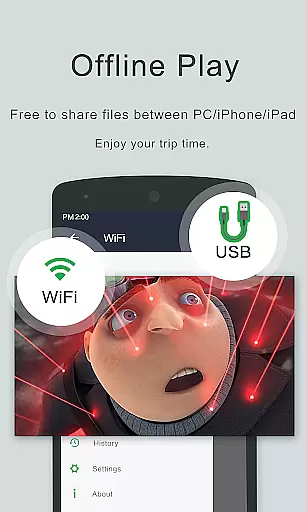
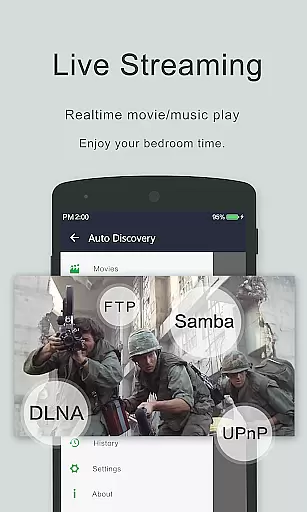

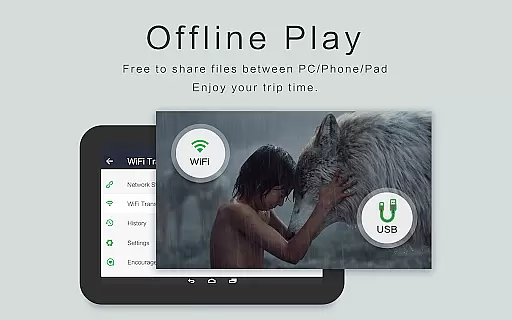
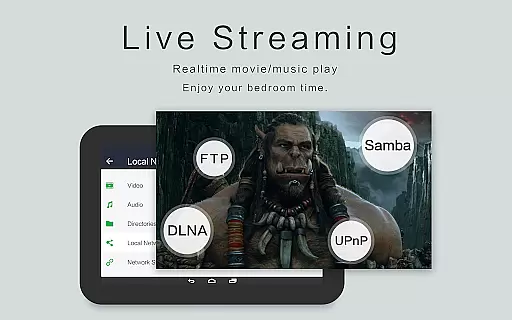
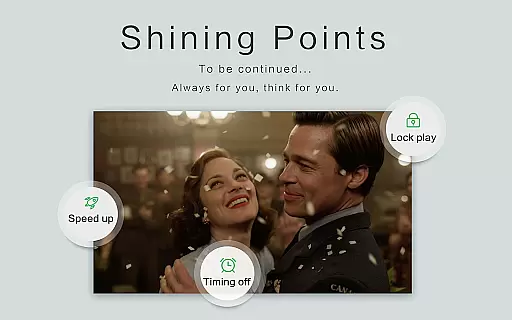
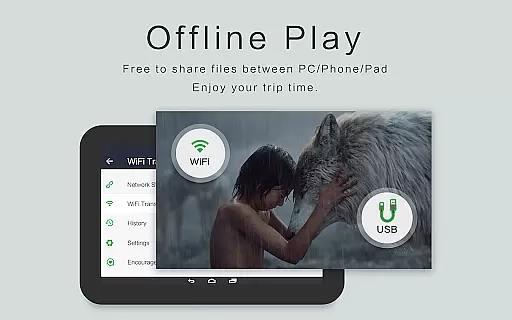
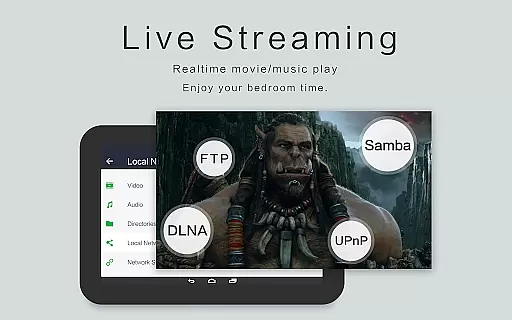
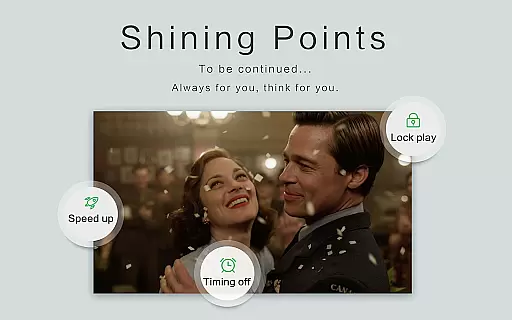
OPlayer is a professional media playback tool that has been under development for 12 years, making it one of the best HD video players available for Android tablets and phones. Officially supporting DTS and DivX, this application caters to users who require high-quality video playback on their devices.
With its ability to support almost all media formats including MKV, MP4, AVI, and more, OPlayer ensures an extensive compatibility range. The app's Ultra HD capabilities extend to 4K video playback, enhanced by hardware acceleration for smooth performance. Users can also enjoy added features such as Chromecast support, pop-up window playback, and comprehensive file management directly within the app.
Whether you're looking to manage your media library or stream content to a larger screen, OPlayer provides a versatile solution with practical functionalities like gesture unlock protection, night mode, and multi-playback options tailored for both casual viewers and tech-savvy enthusiasts alike.
OPlayer distinguishes itself through its robust feature set designed for diverse multimedia needs. One of the standout characteristics is its broad format support, accommodating virtually every video type from MKV to WMV, ensuring no additional conversion is needed. Its Ultra HD player supports up to 4K resolution, providing crystal-clear visuals bolstered by hardware acceleration for seamless playback.
The inclusion of advanced security measures such as gesture unlock keeps user content private while innovative viewing modes like pop-up windows and background play offer flexibility in consumption. Integration with Chromecast allows easy casting to TVs, enhancing the home entertainment experience. Moreover, automatic subtitle downloading enriches the viewing experience without manual intervention.
For those managing large libraries, OPlayer acts not only as a video player but also as a fully featured file manager capable of identifying all video files on your device and SD card automatically. This dual functionality simplifies organization tasks significantly, allowing users to move, cut, paste, and share videos effortlessly—all wrapped into a sleek interface optimized for both Android tablets and smartphones.
Video format compatibility is a crucial feature for any video player as it determines the range of video files that can be played. OPlayer excels in this area by supporting almost all media formats, making it one of the best HD video players for Android devices.
The application supports a wide array of video formats including but not limited to MKV, MP4, M4V, AVI, MOV, 3GP, FLV, WMV, RMVB, and TS. This extensive support ensures that users can play videos without worrying about format incompatibility issues.
With OPlayer, users benefit from an Ultra HD video player experience that supports 4K resolution. The inclusion of hardware acceleration enhances playback performance, allowing for smooth and high-quality video streaming on both Android tablets and phones.
Moreover, OPlayer's ability to cast videos to TV with Chromecast adds another layer of convenience, ensuring that users can enjoy their content on larger screens without any hitches. This comprehensive video format support makes OPlayer a versatile choice for discerning users.
AI-powered editing features are becoming increasingly important in video players and editors, offering users advanced tools to enhance their viewing experience. While OPlayer focuses primarily on playback, it incorporates several smart features that leverage AI for improved functionality.
OPlayer includes a subtitle downloader, which uses AI to match and download appropriate subtitles for your videos. This feature simplifies the process of finding and synchronizing subtitles, enhancing accessibility and viewer engagement.
The app also offers a pop-up video player option, utilizing intelligent screen management to allow multitasking. Users can resize and move the floating window across the screen, enabling them to watch videos while using other applicationsu2014a testament to AI-driven interface adaptability.
Additionally, OPlayer automatically identifies all video files on your device and SD Card, employing smart scanning algorithms. This feature streamlines media management and sharing, providing users with a seamless and efficient way to organize their video libraries.
User-friendly interface
Extensive format support
High-definition playback
Advanced security features
Versatile file management
Occasional bugs reported
Interface may feel dated
Limited customer support
Premium version required
Heavy on system resources

Save photos and videos from social apps in one tap.
 3.60
3.60
Photo and Music Video Creator into Stunning Videos—Effortlessly
4.40
Cast to Chromecast, Xbox, Fire Stick, Roku, DLNA, Smart TV & No Feature Limited!
4.50
KineMaster, Your Ultimate Video Editor!
4.40
Powerful HD video player with support for all formats & subtitles.
4.4
1)AirPlay/DLNA Mirroring/Streaming, up to 4 connections; 2)Samba/NAS/DMS Player.
4.00
Fast & easy HD video downloader for all formats, support 4K playback & download.
4.60
Make your own Animations, Video and Photo Edits, Visual Effects, and more!
4.00
Fast private browser with secure, seamless access & supported video downloads!
4.00
Download Hub, easy and private way to download and enjoy your videos offline
4.80
High-Quality USB Camera Viewer & HDMI Display
4.70
All in one HD video downloader & player for multiple formats with full privacy
4.70
Download videos and play them offline
4.70
Fast, private downloading, video saving, social media
4.50
Powerful video player with advanced hardware acceleration and subtitle supports
4.20
All in one multi protocols stream receiver for AirPlay, Cast and DLNA.
3.60
Watch full episodes of your favorite Cartoon Network and Cartoonito shows!
3.50
The essential companion to your Blue Iris PC software
2.50
Video player with powerful streaming playback and various convenient features.
2.10


User Reviews