


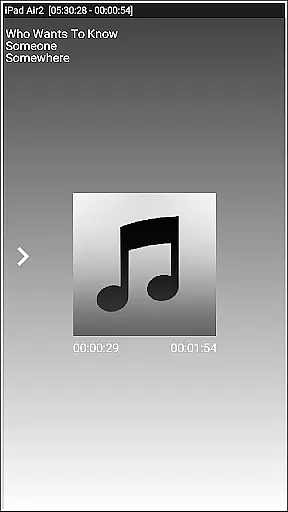


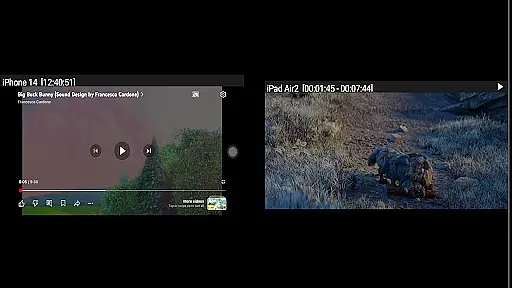
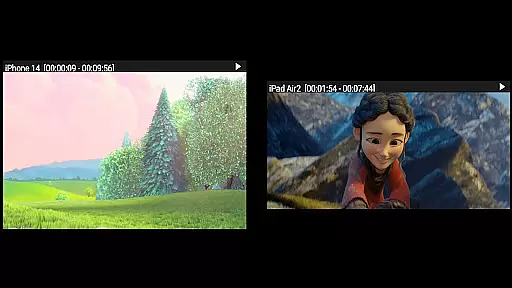

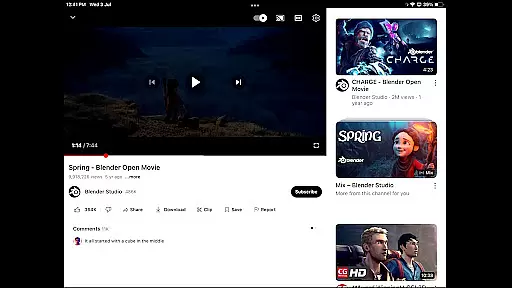
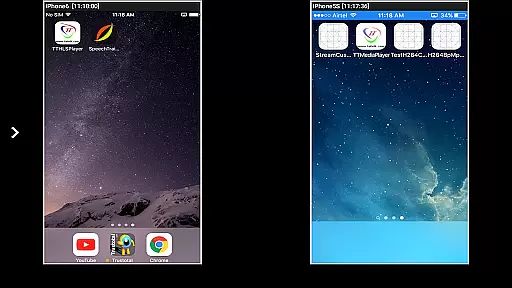

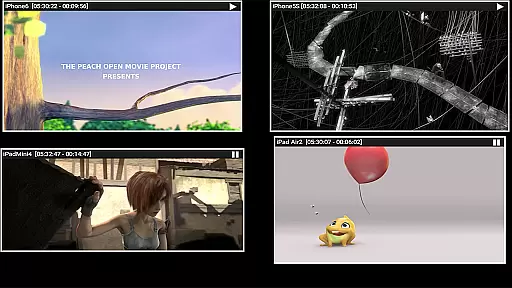
AirMirror is a specialized receiver application designed for Android devices, enabling seamless screen mirroring and casting from Apple devices such as iPhones, iPads, MacBooks, and iMacs. This app allows users to mirror screens, play back media content, and even cast YouTube videos from Apple devices onto an Android device within the same local network.
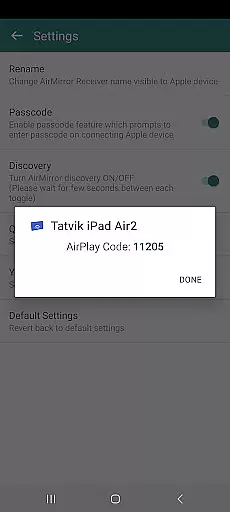
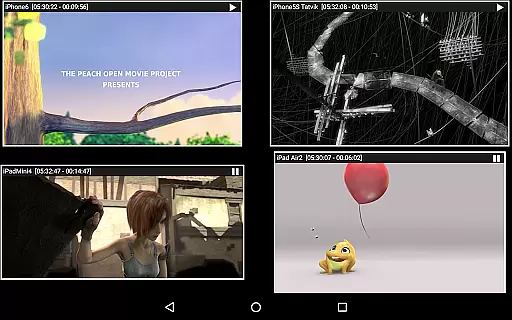
With support for iOS versions 9 to 15, AirMirror facilitates simultaneous screen sharing from up to four Apple devices. Its passcode feature ensures secure connections by restricting unauthorized access. The app also supports adjustable mirroring windows and slideshow presentations of photos and videos, making it ideal for sharing content with family, friends, or business partners.
This functionality proves particularly useful in collaborative environments where visual content needs to be shared effortlessly across different platforms. By bridging Apple and Android ecosystems, AirMirror enhances productivity and entertainment experiences.
AirMirror stands out with its comprehensive feature set tailored for cross-platform content sharing. The app enables high-quality screen mirroring from Apple devices, supporting simultaneous connections from up to four devices. Users can resize and move the mirroring window within the app interface, ensuring optimal viewing experiences without disruptions.
One of the key highlights is its ability to play back media content, including photos, images, and videos stored on Apple devices. Additionally, AirMirror supports YouTube video playback directly from Apple devices. The inclusion of Bluetooth Low Energy advertising extends its reach across different subnets, enhancing connectivity options.
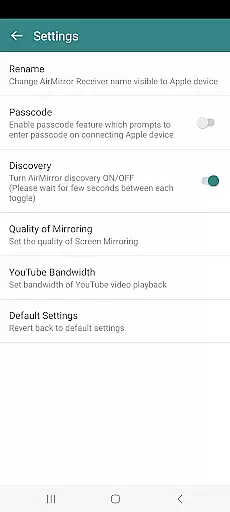
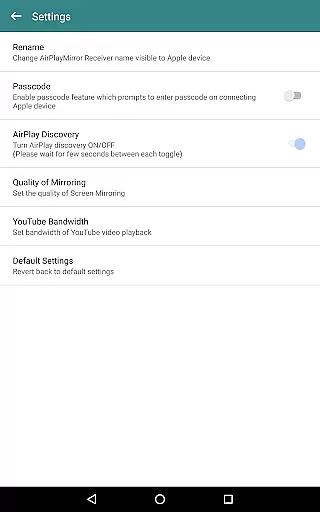
The app provides a semi-transparent control screen for managing connected devices, allowing users to disconnect, mute, or unmute mirroring sessions easily. Advanced settings enable customization of receiver names, authentication passwords, mirroring quality, and YouTube bandwidth settings. These features collectively offer a versatile solution for both personal and professional content sharing needs.
Video format compatibility is a crucial feature for any video player or editor, ensuring that users can work with a wide range of file types without conversion hassles. AirMirror excels in this area by supporting screen mirroring and casting from Apple devices, which typically use proprietary formats.
The application facilitates the playback of various media content stored on Apple devices, including photos, images, and videos. This means users can easily share their multimedia across different platforms without worrying about format restrictions.
AirMirror's ability to mirror screens from iOS versions 9 to 15 showcases its broad compatibility. Whether it's an iPhone, iPad, MacBook, or iMac, users can mirror or cast their screens simultaneously from up to four Apple devices, enhancing collaborative experiences.
Moreover, the app supports YouTube video links over the local network, adding another layer of convenience for sharing free content. With features like resizing and moving the mirroring window, AirMirror provides a versatile environment for both entertainment and professional presentations.
AI-powered editing features are transforming how users interact with video content, offering smart tools that enhance productivity and creativity. Although AirMirror focuses primarily on screen mirroring, it incorporates several intelligent functionalities that streamline the user experience.
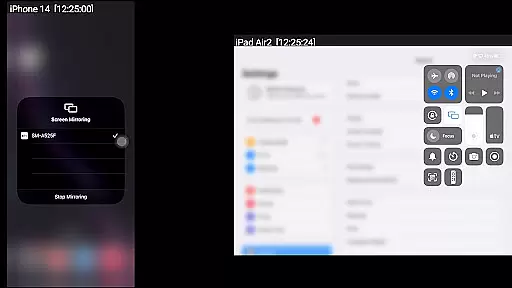
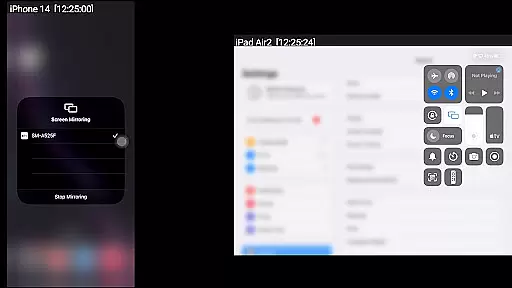
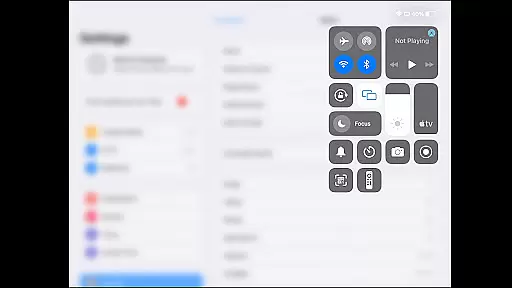
One notable feature is the automatic detection and connection process when an Apple device enables screen mirroring. By simply selecting the AirMirror Receiver's name from the list, users benefit from seamless integration powered by underlying AI technologies that ensure smooth connectivity.
The app also includes a semi-transparent control-screen that lists connected Apple devices, allowing users to manage connections effortlessly. This intuitive interface is akin to AI-driven dashboards found in advanced video editors, providing real-time control over mirrored screens.
Additionally, AirMirror offers settings where users can adjust mirroring quality, set bandwidth preferences for YouTube playback, and toggle discovery modes. These customizable options reflect AI's role in optimizing performance based on individual needs, making AirMirror not just a receiver but a smart tool for dynamic content sharing.
User-friendly interface
Multi-device support
Secure passcode protection
Customizable mirroring window
Cross-platform compatibility
No DRM content support
Limited live TV capability
Network dependency
Occasional connectivity issues
Settings complexity for beginners

Kodi media center, a free and open source cross-platform entertainment hub
 3.60
3.60
KineMaster, Your Ultimate Video Editor!
4.40
Fast video downloader & private browser. Save HD clips to watch offline.
4.40
Create photo video with music & template. AI video maker for stunning slideshow.
4.60
Play ALL formats in 4K & HD. Video downloader, MP3 player, Chromecast & more.
4.80
This app was created to edit the metadata of music files.
4.20
Web Browser for LG TV to stream webvideos, online movies and livestreams in HD
4.20
Powerful video player with advanced hardware acceleration and subtitle supports
4.20
Enjoy your favorite videos and channels with the official YouTube app.
3.90
?100% FREE! Download & save videos? safely in this app. All formats supported.
4.60
Browser + Remote for Roku to stream webvideos, online movies and livestreams
4.60
Full HD Video mp3 Player, MP4 player play 1080p, File manager, Video Downloader
4.40
Create & edit videos with AI
4.30
Movie maker & video editing app with AI effects and green screen
4.30
All format media Player, no need video converter any more!
4.00
AI Video Editor:AI Music, Text to Video,Text to Speech,Auto Caption,Video Effect
4.00
Save photos and videos from social apps in one tap.
3.60
Mix with Virtual DJ directly from your phone or tablet !
3.10
You can play SWF format file!
2.50


User Reviews