
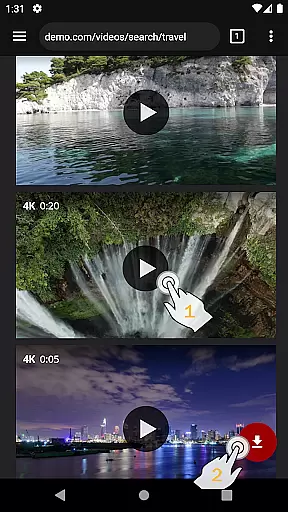
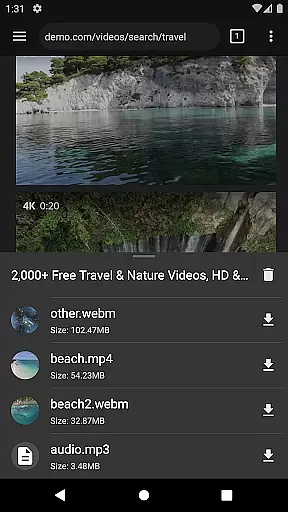
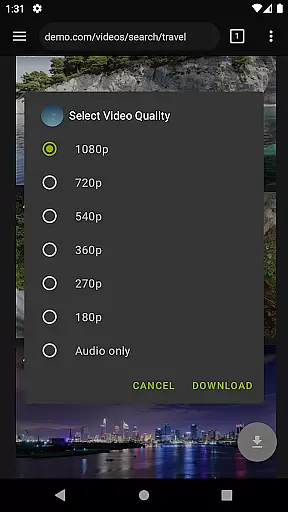
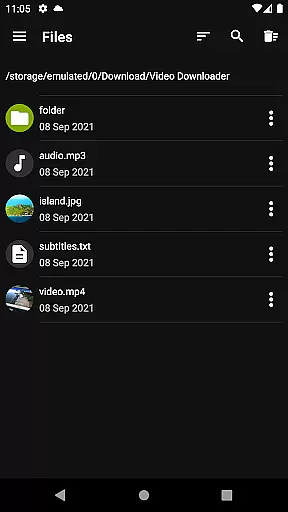

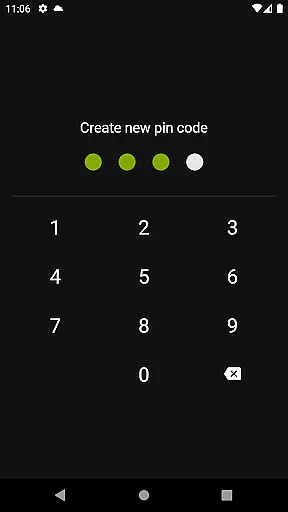
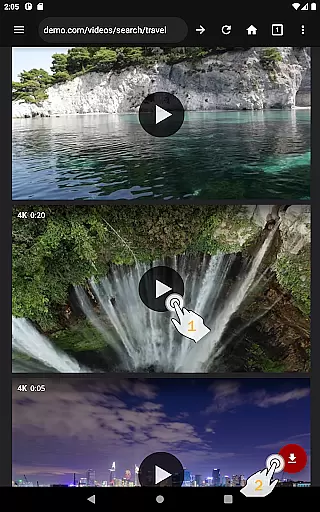
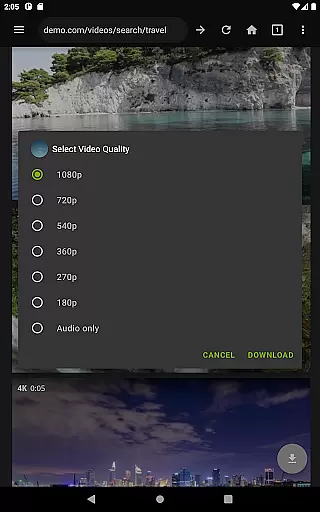
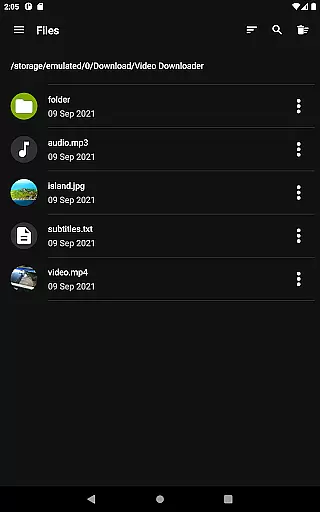
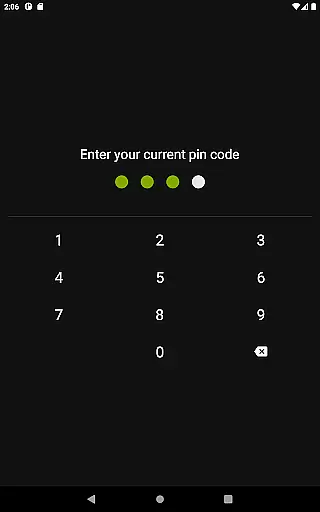
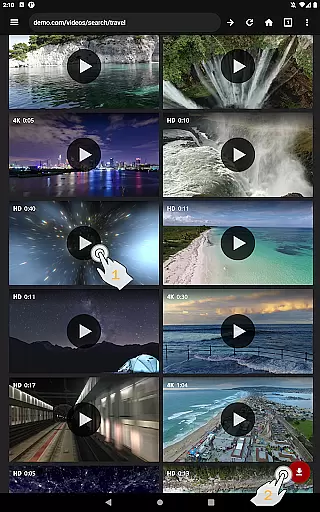
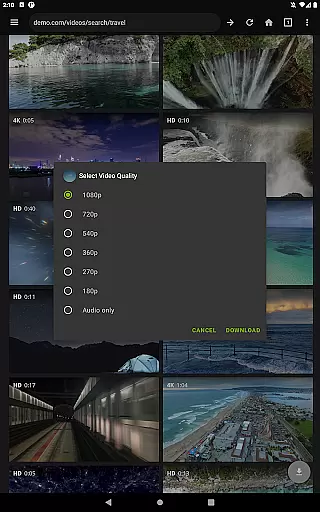
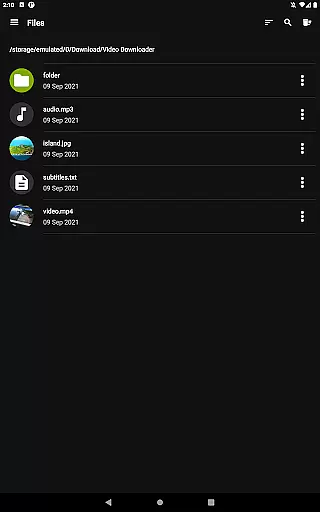
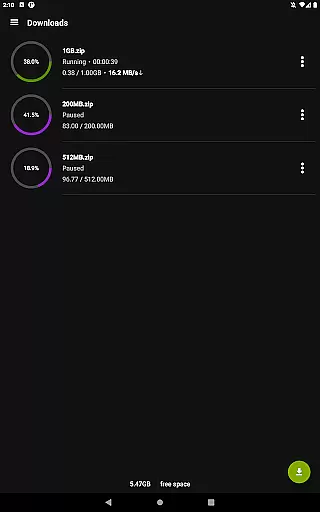
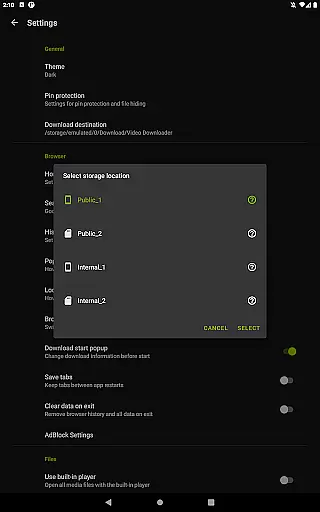
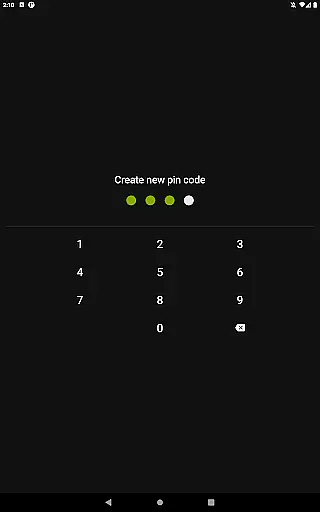
Video Downloader Pro is a premium application designed for users who need an efficient way to download and manage video content. The app offers the ability to download both static videos and live streams, allowing users to watch their favorite content offline at any time. With its private web browser, users can browse in incognito mode with PIN protection, ensuring privacy while downloading or streaming.
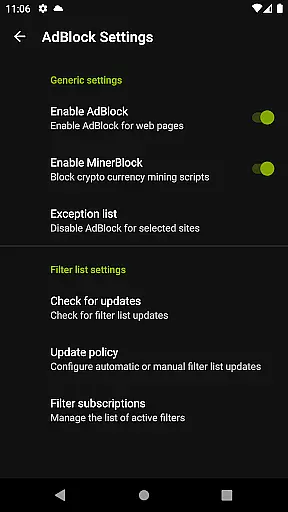
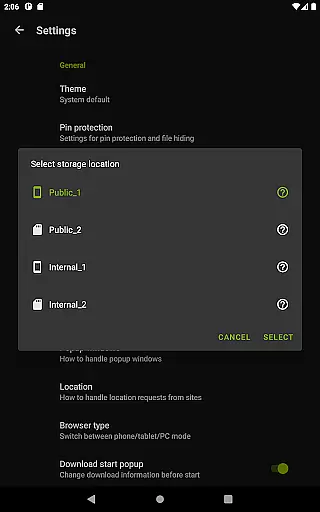
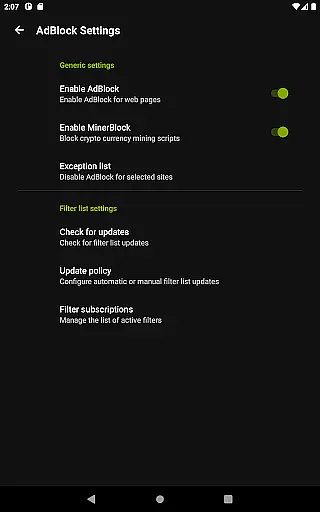
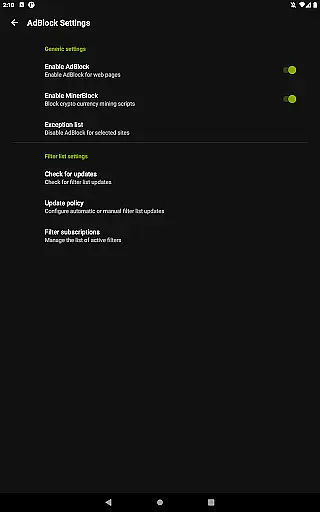
In addition to its core functionality, Video Downloader Pro includes advanced features such as a fully featured AdBlocker, multi-connection download manager, and support for multiple SD cards. These tools not only enhance the user experience but also provide faster downloads and better storage management. Whether you're looking to download high-quality videos or manage large files, this app provides a comprehensive solution tailored to meet your needs.
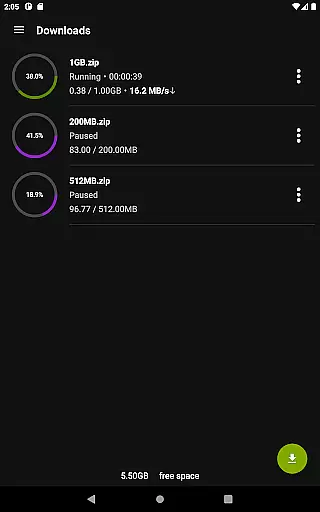
Video Downloader Pro stands out due to its rich feature set that caters to various user requirements. One of the key highlights is the ability to download live video streams, which is a premium feature exclusive to the Pro version. This allows users to capture real-time content without interruptions. Additionally, the app supports multiple file downloads simultaneously, making it easy to manage several downloads at once.
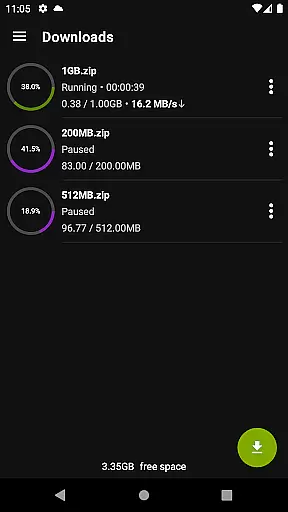
The multi-connection download manager significantly accelerates download speeds by utilizing multiple connections to retrieve data more efficiently. Users also benefit from advanced download controls, including pause, resume, and removal options. Failed downloads can be resumed from the point of failure, ensuring no data is lost. Furthermore, the app supports files over 4GB, making it suitable for downloading large video files without any limitations.
Video Downloader Pro stands out with its extensive video format compatibility, ensuring users can download and enjoy videos in various formats without hassle. This feature is crucial for a seamless user experience, as it allows the application to cater to different user preferences and device capabilities.
The app supports an array of video formats including but not limited to MP4, AVI, and MKV. This wide-ranging support means that no matter the source of the video, users can download their content and view it later without worrying about format incompatibility issues. The inclusion of live video streams downloading further enhances this capability, offering users more flexibility in their viewing options.
For users, this means freedom and convenience. Whether downloading videos for offline viewing or transferring content between devices, Video Downloader Pro ensures that all videos are accessible in the best possible quality. This commitment to compatibility underscores the app's dedication to providing a comprehensive and user-friendly video downloading solution.
Beyond just downloading, Video Downloader Pro incorporates AI-powered editing features that elevate the user's control over their video content. In today's digital age, having the ability to quickly edit and enhance videos is almost as important as downloading them, making this feature a significant value-add for users.
The AI technology integrated into the app allows for smart video trimming, format conversion without quality loss, and even basic color correction. These tools are designed to be intuitive, ensuring that even users with minimal editing experience can enhance their videos with ease. The emphasis on maintaining video quality during these processes highlights the app's focus on delivering premium functionality.
Ultimately, these AI-powered editing features empower users to not only download but also personalize their video content efficiently. By integrating advanced editing capabilities with robust downloading functions, Video Downloader Pro positions itself as a versatile tool in the realm of video players and editors, catering to both casual viewers and content creators alike.
Ads removed
Live stream downloads
Multi-connection manager
Multiple SD card support
Priority email support
Paid app
Requires permission
No free trial
Limited refunds
Complex setup

Kodi media center, a free and open source cross-platform entertainment hub
 3.60
3.60
Capture images & record videos for USB Camera, Webcam, Microscopes, Endoscopes
3.80
Video player with powerful streaming playback and various convenient features.
2.10
AirMirror Receiver - Screen mirroring/cast web videos to Android TV by AirPlay.
4.40
Fast & easy HD video downloader for all formats, support 4K playback & download.
4.60
Add date and time watermark to photos and videos
4.50
LumaFusion: The Ultimate Storytelling Experience for Video Editing
4.10
Cast movies, tv shows and live streams to Chromecast, Roku, DLNA, Fire TV & more
4.60
VLC for Android is the best open source video and music player, fast and easy!
4.10
Cast to Chromecast, Xbox, Fire Stick, Roku, DLNA, Smart TV & No Feature Limited!
4.50
Download website videos fast&privacy
4.40
Fast & Private Video Downloader App. Save all videos easily from the Internet.
4.40
Powerful video player with advanced hardware acceleration and subtitle supports
4.20
Video player with 4K & 1080P support, popup play, background play and subtitle.
4.20
Powerful, professional, versatile teleprompter. Developed by an active film crew
4.00
All format media Player, no need video converter any more!
4.00
This app is an emulator of some specific IPTV boxes
3.50
Browser for Sony TV to stream web videos, online movies and live tv
3.20
You can play SWF format file!
2.50


User Reviews