
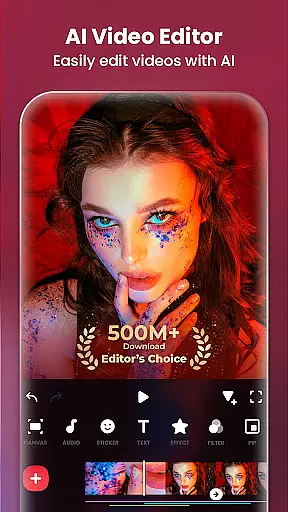
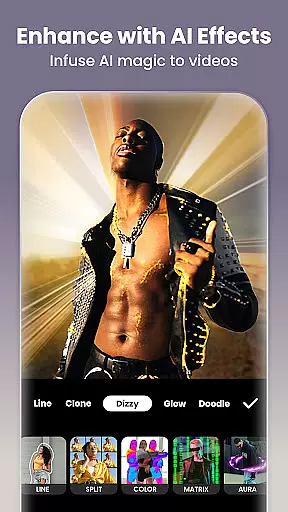
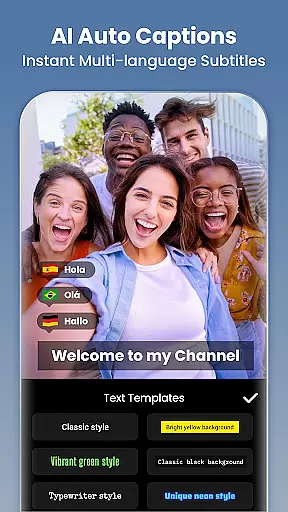
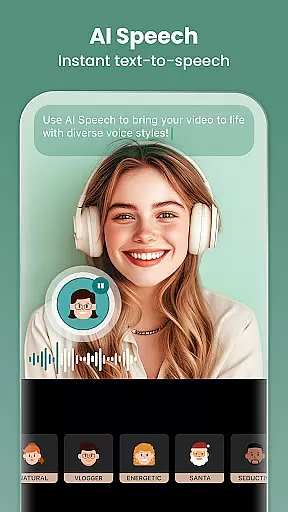
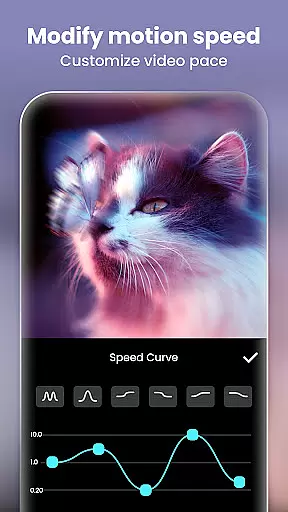
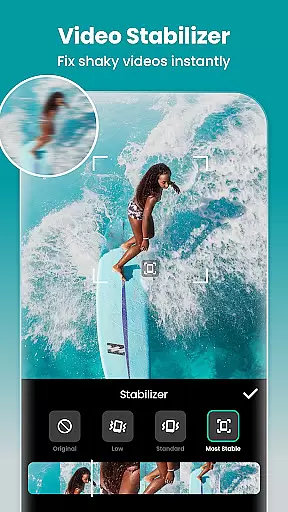
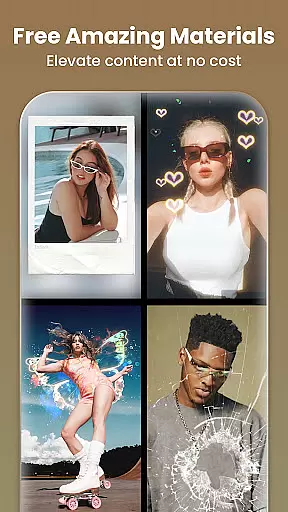
InShot is a versatile video editing and photo enhancement application designed for both casual users and professional content creators. This all-in-one tool allows you to create stunning videos with features like music integration, text overlays, transition effects, and smooth slow-motion capabilities. It also functions as a powerful photo editor and collage maker, enabling users to adjust HSL settings, apply filters, and remove backgrounds effortlessly.
With its intuitive interface and advanced AI tools, InShot makes video and photo editing accessible to everyone. Whether you're crafting engaging vlogs for YouTube, Instagram, TikTok, or other social media platforms, this app provides the resources needed to produce high-quality content. Its ability to blend creativity with ease of use ensures that users can focus on storytelling while achieving polished results.
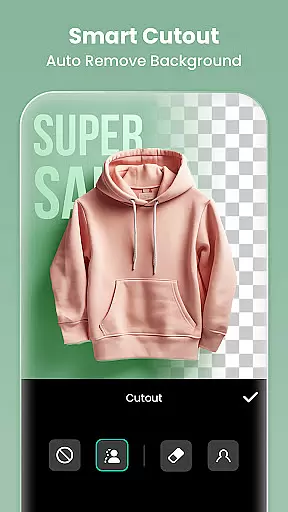
The app's standout feature is its AI-powered tools, which include automatic captions, smart object tracking, and instant background removal. These innovations streamline the editing process, making it easier than ever to create dynamic visuals. For anyone looking to enhance their digital presence, InShot offers an invaluable suite of tools that cater to diverse creative needs.
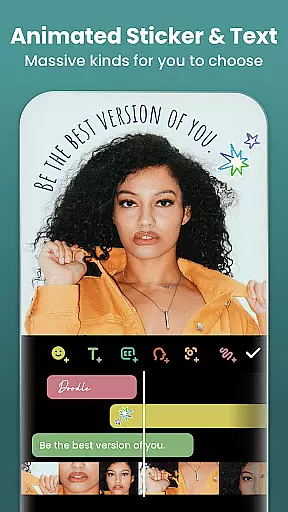
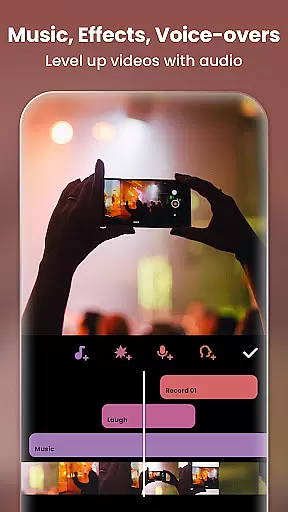
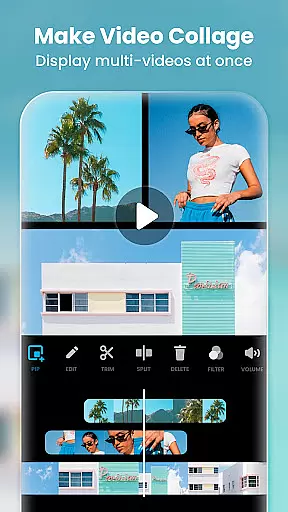
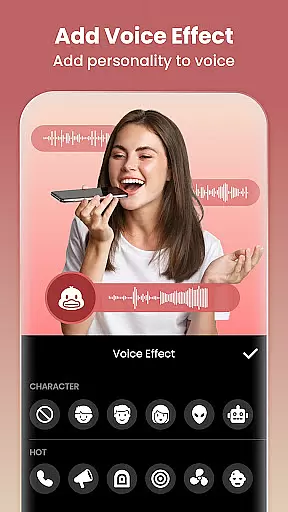
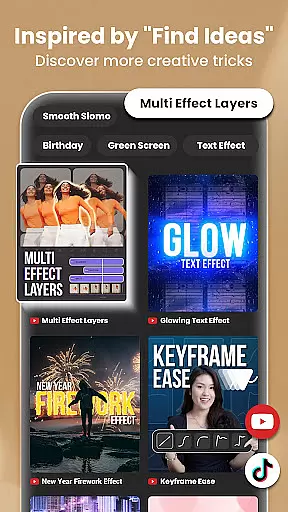
InShot stands out with its comprehensive set of features tailored for modern content creators. The app includes robust video editing capabilities such as trimming, merging, reversing clips, and adjusting playback speed. Users can add custom text, emojis, exclusive stickers, and voice-overs, along with various audio enhancements like sound effects and voice modulation. Advanced options like chromakey editing (green screen), picture-in-picture, and keyframe animations provide even more creative control.
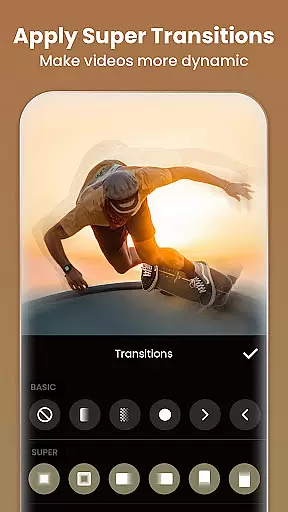
Beyond video editing, InShot excels in visual effects and transitions. It offers cinematic filters, brightness/contrast adjustments, and unique effects such as glitch, fade, and retro styles. The AI-driven effects allow for cloning, auto-blurring, and stroke enhancements, ensuring your videos stand out. Additionally, the app supports professional-grade transitions between clips, elevating the overall production quality.
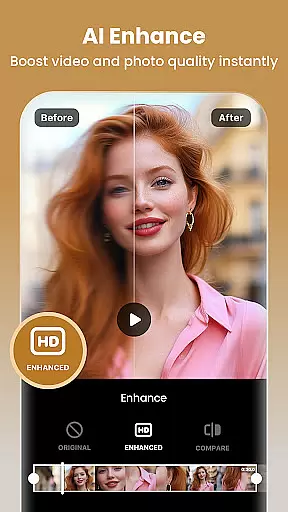
For photo editing, InShot provides equally impressive functionalities. Users can blur backgrounds, utilize over 1000 stickers, memes, and customizable texts, and enhance low-quality images using AI Photo Enhancer. Unwanted objects can be removed seamlessly through either AI or manual tools. With easy-to-use collage templates and canvas customization, including aspect ratio adjustments for different platforms, InShot empowers users to craft visually appealing posts and stories effortlessly.
Real-time capture and preview functionality is essential for any video editing application as it allows users to see the results of their edits immediately. This feature ensures that creators can make precise adjustments to their videos without delay, enhancing both efficiency and creativity.
InShot provides a seamless real-time capture and preview experience by integrating professional-grade tools directly into the editing interface. Users can instantly view changes made through features like AI Body Effects, Auto Captions, and Smart Tracking, ensuring that every edit aligns perfectly with their vision.
The benefit of this immediate feedback loop is significant for content creators who rely on quick turnarounds. Whether you're crafting engaging vlogs for YouTube or short clips for TikTok, InShot's real-time capabilities allow you to produce high-quality content swiftly and share it across platforms such as Instagram, WhatsApp, and Facebook with confidence.
Ultimately, the real-time capture and preview feature in InShot empowers users to create polished, professional-looking videos efficiently. By eliminating guesswork and providing instant visual confirmation, this tool enhances the overall editing process, making it accessible even for beginners while still offering advanced options for seasoned editors.
AI beauty and enhancement features have become increasingly popular in photo and video editing applications, allowing users to refine their content naturally. These tools are crucial for maintaining authenticity while improving visual appeal, which is especially important for influencers and social media enthusiasts.
InShot incorporates advanced AI technology to offer natural-looking enhancements. Features like Auto Remove Background, AI Photo Enhancer, and various cinematic filters enable users to elevate their photos and videos effortlessly. The app intelligently adjusts elements such as brightness, contrast, and saturation, ensuring that edits appear organic rather than over-processed.
For creators aiming to maintain a genuine aesthetic, InShot's AI-driven enhancements provide a competitive edge. By using smart algorithms to remove unwanted objects or blur backgrounds, users can focus on storytelling without compromising on quality. This capability supports diverse creative needs, from crafting Instagram stories to producing YouTube videos.
Overall, InShot's commitment to natural enhancement ensures that users can achieve professional-grade results without sacrificing authenticity. With intuitive controls and sophisticated AI tools, the app makes it easy for anyone to enhance their digital content beautifully and share it confidently across multiple platforms.
User-friendly interface
Extensive AI tools
Versatile editing options
High-quality export
Regular updates
Ads in free version
Paid subscriptions
Occasional bugs
Limited free features
Large file size

Long exposure camera with computational photography
 2.60
2.60
Create funny photos and videos with the popular Time Warp Scan filter.
4.90
How old age camera Gender Swap App Face Shape Hairstyle App Hair Styler App fun!
4.00
Natural Beauty, Selfie Retouch
4.30
Photo prints, cards, & gifts at Walgreens. Easy ordering & fast local pickup !
4.80
Be your best in every shot! Fix, edit and retouch your face in selfies & photos.
3.70
Transform photos into videos! Create realistic or anime-style images easily!
4.50
Enhance, retouch & create your story - Share the moment with Photoshop Express.
4.60
Try an anime version, cartoon yourself, and generate AI hug or aging videos!
3.70
Perfect body tune & face app - photo retouch, makeup, slim body & beautify face.
4.80
Cartoon and artistic effects for your photos and videos
4.70
Viewfinder, Light meter, Reciprocity failure time, DOF & Bellows Extension
4.60
Add Watermark - Sign your pictures with a text or logo. Effective, quick, easy!
4.50
Photo Exif Editor allows to view, add and modify EXIF data of multiple photos
4.50
Photo editor & gallery. Crop pictures & edit photos offline, no wifi!
4.50
Effortlessly organize, view and share your photos & videos with Gallery app!
4.40
Transform Photos: Edit, Beautify and Craft Memories & Make Collages!
4.10
Remote control of the phone camera from your Wear OS smartwatch
3.70
Superimpose one photo on top of another using the original Superimpose app!
3.20


User Reviews