
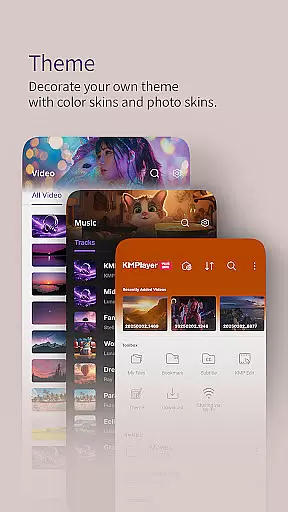
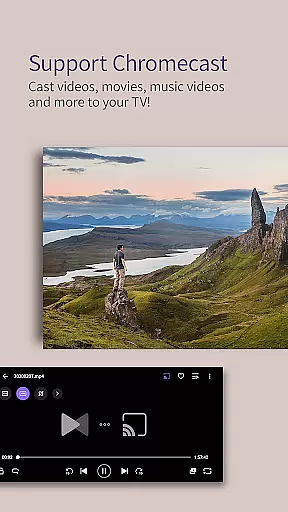
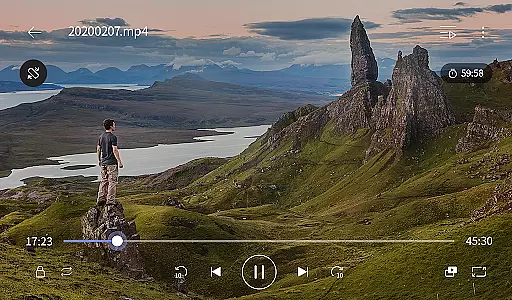
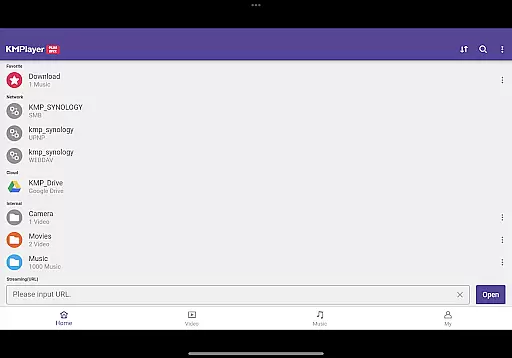
KMPlayer Plus (Divx Codec) is a versatile video player that supports Divx codec, offering an extensive range of functionalities for media enthusiasts. It allows users to play high-definition videos including HD, 4K, and even 8K content with advanced playback controls.
With support for a wide array of codecs and subtitle formats, this app ensures compatibility with numerous file types. Users can customize their viewing experience through color adjustments, zooming, and section repeats, making it ideal for enjoying multimedia content on Android devices.
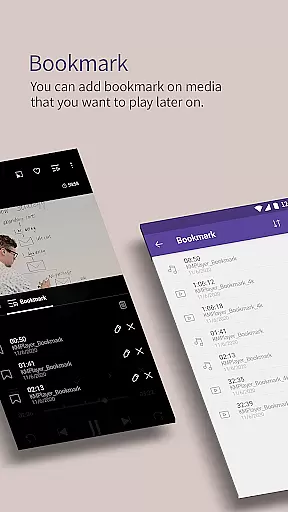
The KMPlayer Plus boasts features like bookmarking, video color adjustment, and multi-speed playback ranging from 0.25 to 4 times the original speed. Its popup play feature enables multitasking while watching videos.
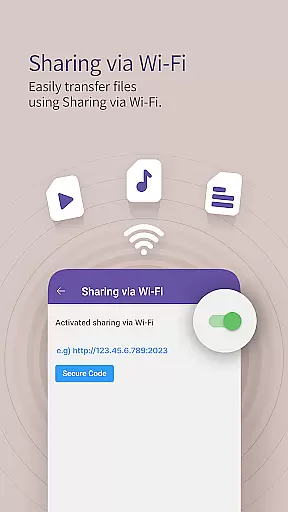
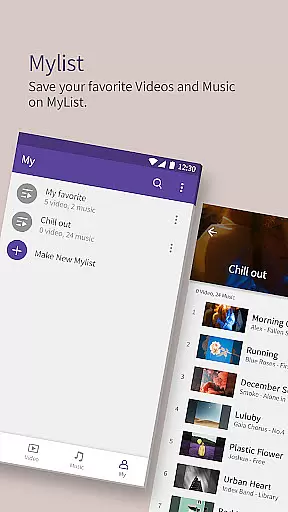
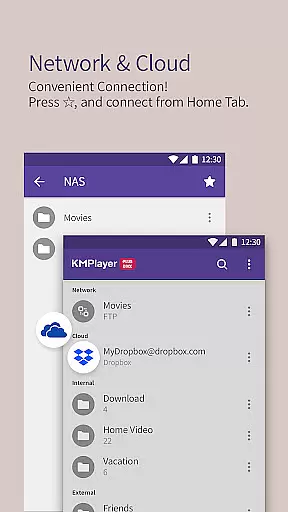
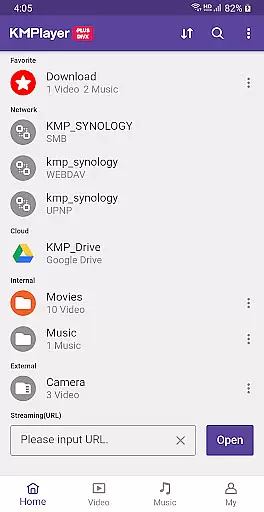
Additional functions include Wi-Fi sharing, playlist creation, URL streaming, and network server connections. The VIP version offers exclusive features such as torrent client integration, video cropping, GIF creation, and MP3 conversion, enhancing user engagement and convenience.
Video format compatibility is a critical feature for any video player, ensuring that users can enjoy a wide range of media files without technical barriers. KMPlayer Plus (Divx Codec) excels in this area by supporting an extensive list of codecs and file formats.
The application officially supports Divx codec, catering to Avi and MKV files with specific FourCC codes such as DXMF, DX50, DIVX, DIV4, DIV3, and MP4V. This ensures smooth playback of videos encoded in these formats, providing users with a hassle-free experience.
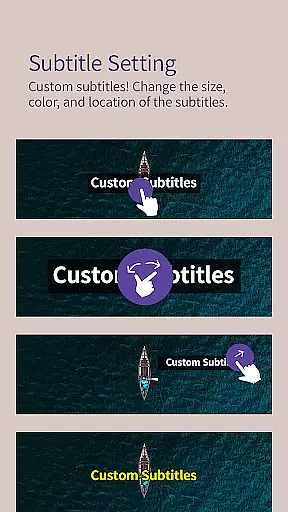
Moreover, KMPlayer Plus goes beyond just video codecs by also supporting various subtitle formats including SubStation Alpha (.ssa/.ass), SAMI (.smi), SubRip (.srt), and many others. This comprehensive support allows users to load their preferred subtitles seamlessly, enhancing the overall viewing experience.
By offering such broad compatibility, KMPlayer Plus empowers users to play virtually any video file they encounter, eliminating the need for additional conversion tools or plugins. This versatility makes it an ideal choice for individuals who work with diverse multimedia content on a regular basis.
While KMPlayer Plus (Divx Codec) is primarily known for its robust video playback capabilities, it also offers several AI-powered editing features that enhance user interaction with media files. These intelligent tools provide added convenience and creativity options for users looking to modify their content.
One notable feature is the ability to crop both video and audio segments easily. Users can select their desired sections and make precise cuts, allowing them to create customized clips tailored to their preferences or requirements. This functionality is particularly useful for content creators who need to edit raw footage quickly.
In addition to cropping, KMPlayer Plus includes a GIF creation tool that lets users generate dynamic picture GIFs from their favorite videos. By selecting specific portions of a video, users can convert these moments into shareable GIFs, perfect for social media or personal collections.
Another innovative feature is the MP3 converter, which extracts and converts audio from video files into MP3 format swiftly. This tool simplifies the process of creating standalone audio tracks, enabling users to enjoy music extracted from videos across different devices. Such AI-driven functionalities underscore KMPlayer Plus's commitment to delivering a versatile multimedia experience.
User-friendly interface
Wide codec support
Advanced playback options
VIP customization features
Cloud service integration
Some features require in-app purchase
Free trial limitations
Automatic subscription renewal
Storage permission required
Selectable permissions needed for full functionality

Watch a large amount of high-definition short drama content
 4.60
4.60
KineMaster, Your Ultimate Video Editor!
4.40
This app was created to edit the metadata of music files.
4.20
Fast & Private Video Downloader App. Save all videos easily from the Internet.
4.40
Download videos and play them offline
4.70
This app is an emulator of some specific IPTV boxes
3.50
A Simple app to download Video & Music from the Internet.
4.70
Fast & Private HD Video Downloader with Built-in Proxy Browser and Video Player.
4.50
Make videos you’re proud to share with Edits, a video editor for creators.
4.70
GENRAL PRO - General Pro is the best video player that fully supports all formats.
4.70
Cast Videos from Web Browser, IPTV to Roku, Chromecast, DLNA, Smart TV +more
4.60
Support 1000+ Video Format, Subtitle Download, mp3 & Background Play, Cast On TV
4.60
Seamlessly connect and control your smart devices, anytime, anywhere with ease.
4.60
Browser + Remote for Roku to stream webvideos, online movies and livestreams
4.60
AirMirror Receiver - Screen mirroring/cast web videos to Android TV by AirPlay.
4.40
Your media, on your terms.
4.10
IPTV-Smarters Player Pro M3U - Watch Live Stream TV Channels with Chromecast
4.00
Stream Web Videos to Chromecast, Samsung, LG, Sony, Roku, Fire TV, DLNA + more
4.00
Live TV, anywhere in your home
3.80


User Reviews