
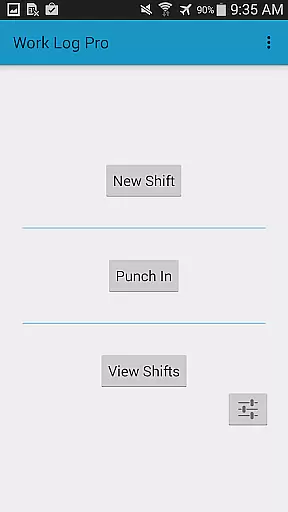
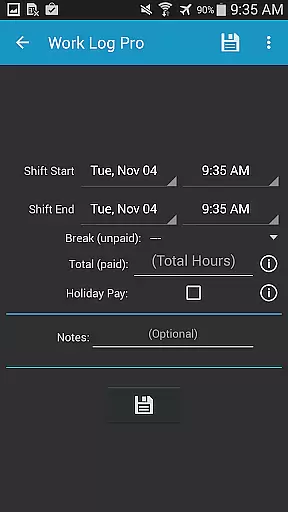
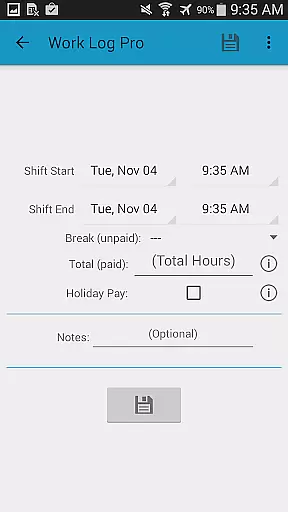
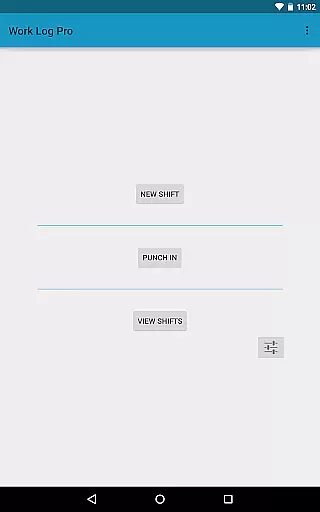
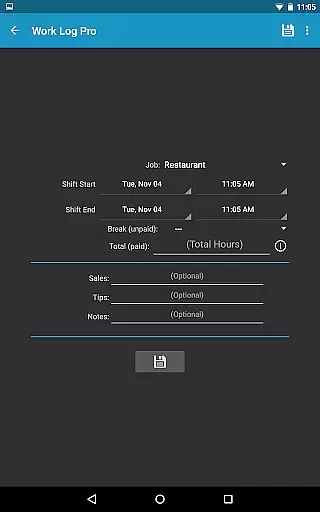
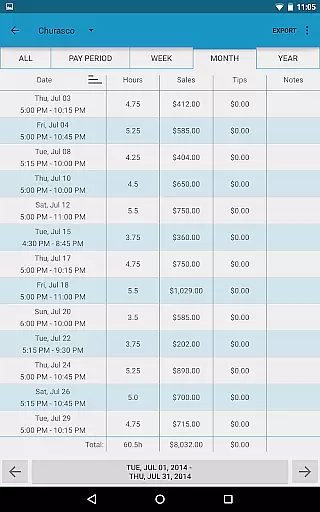
Work Log Pro is a comprehensive productivity tool designed for professionals who need to efficiently track their work hours and earnings. The app offers an intuitive interface that allows users to punch in and out, manually enter shift details, and calculate wages with precision.
One of the standout features is its ability to handle multiple jobs, each with customizable settings such as pay rates, overtime calculations, and break deductions. This makes it particularly useful for freelancers or individuals working multiple part-time positions.
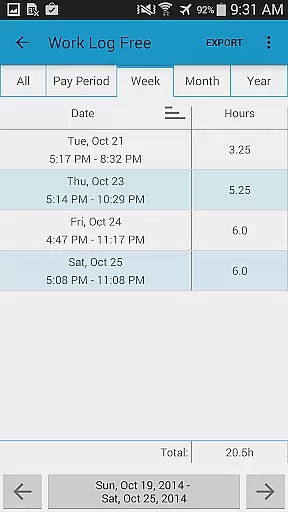
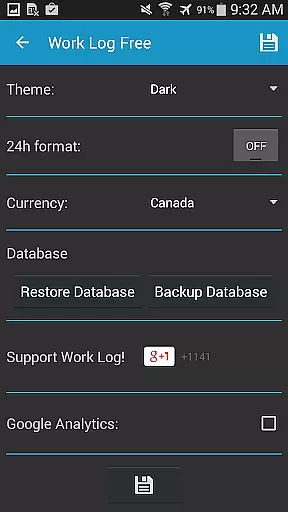
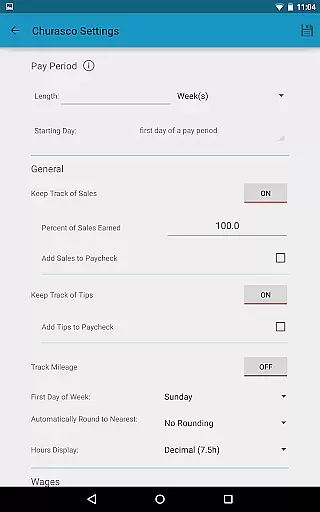
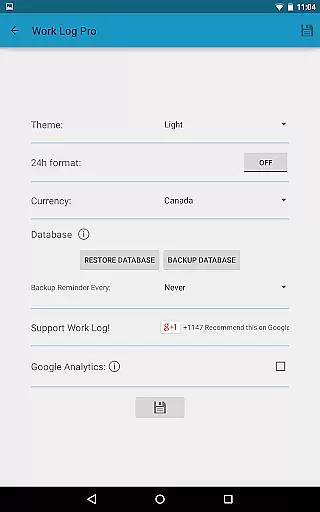
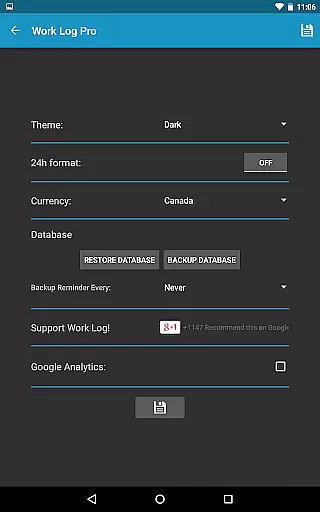
The application's value lies in its detailed reporting capabilities. Users can export their data as spreadsheets or PDFs, making it easy to share work logs with employers or accountants. Additionally, the app supports various customization options including 24-hour time format, currency selection, and automatic rounding of shift times.
Work Log Pro stands out through its extensive feature set tailored for efficient time tracking. The app provides advanced tools like automatic break deductions, customizable pay period settings, and support for multiple job profiles, each with unique configurations.
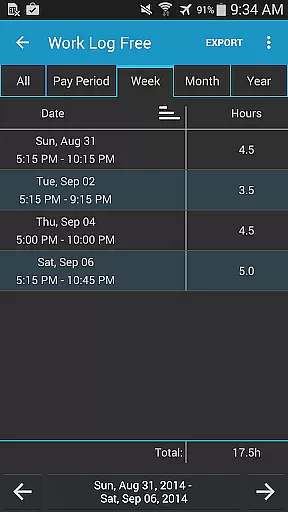
A key innovation is the widget functionality that enables quick punching in and out directly from the home screen. The app also supports exporting data in CSV format by week, month, year, or custom pay periods, which is crucial for financial record-keeping.
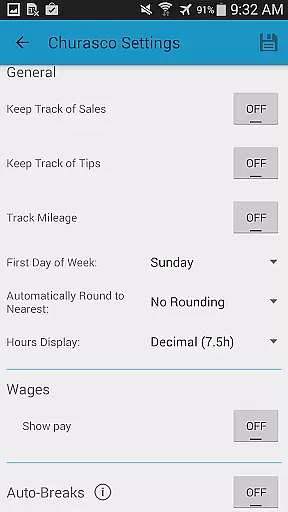
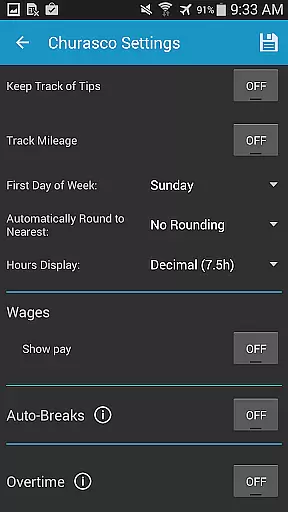
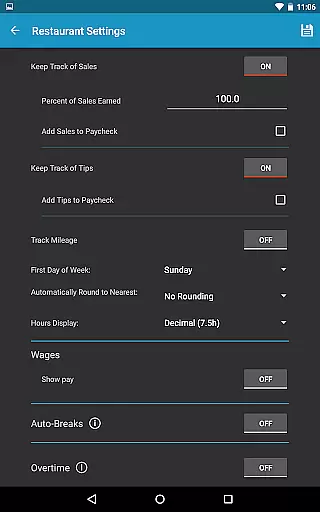
What sets Work Log Pro apart from competitors is its comprehensive customization options. Users can configure overtime rules, track tips and sales, and even set up automatic tax deductions. These features ensure accurate paycheck calculations while saving considerable time during payroll processing.
Work Log Pro excels in core task management by offering a comprehensive suite of features designed to streamline the tracking and calculation of work hours. This includes automatic break deductions, customizable pay period settings, and options for both manual entry and punch-in/out functionality.
The app allows users to efficiently manage multiple jobs, each with unique settings, ensuring accurate tracking of hours worked and wages earned. With support for overtime calculations, sales or tips tracking, and automated paycheck deductions or bonuses, it provides a robust solution tailored to various employment scenarios.
Users benefit from time-saving tools such as widgets for quick access, easy updates to past shifts, and extensive customization options like 24-hour formatting and diverse viewing modes for recorded shifts. These features collectively enhance productivity by simplifying complex tasks into manageable actions.
By integrating advanced functionalities with an intuitive interface, Work Log Pro ensures that users can focus on their work without being bogged down by administrative duties, ultimately leading to improved efficiency and accuracy in managing work-related data.
Cross-device synchronization is a critical feature of Work Log Pro, enabling users to maintain consistency and reliability across multiple devices. The app facilitates this through its backup and restore capabilities, allowing seamless transitions when upgrading or switching devices.
With the ability to email backups directly from the General Settings using the Backup Database option, users can easily transfer their data. This process ensures that all recorded shifts, settings, and customizations are preserved and can be imported onto a new device by opening the attachment from the email.
This reliable synchronization not only safeguards against data loss but also enhances user convenience. Whether transitioning to a new phone or tablet, users can continue right where they left off, maintaining uninterrupted access to their work logs and financial data.
By prioritizing cross-device compatibility and data integrity, Work Log Pro offers peace of mind, knowing that valuable work information is securely stored and readily accessible, regardless of the device in use.
User-friendly interface
Multi-job tracking
Customizable settings
Export functionality
Ad-free experience
Separate free version
Complex setup
Requires learning
No cloud sync
Premium cost

 4.20
4.20
Experience real multitasking on your Android!
4.00
Easily read and manage all your PDF files
4.10
Android Wallet Password Manager
4.80
A simple, portable logger for POTA, SOTA, Field Day, and more
4.2
App Lock with fingerprint, password: Lock apps & hide photos with lock screens
4.60
Fill, sign & send docs, forms, agreements & contracts via electronic signature.
4.50
* block pre-roll ads, pop-up and forced redirect ads * Samsung certification app
4.00
Intelligent AI Assistant
4.10
Best Tool for the professionals Electrician, Electrical contractors, etc.
4.90
We're working to become the best machining app on the market! www.cncdirt.com
4.80
The Pro Version of Android's tiniest Notepad app. Just 0.3MB but feature-packed!
4.60
Absolutely the best CNC machinist speed and feed calculator around. fswizard.com
4.60
Planet Free VPN - The best Fast Unlimited and Secure VPN Without Logs
4.50
Access, manage and transfer files on Android, PC, Mac, NAS and cloud storages.
4.30
Make apps & sites with natural language prompts
4.10
Unlock AutoNotification
4.00
Find and delete junk files & block unwanted notifications & manage files
3.70
AI Video AI Image Private LLM AI Browser Llama Gemma Ollama Connect LLM Studio
4.5


User Reviews