
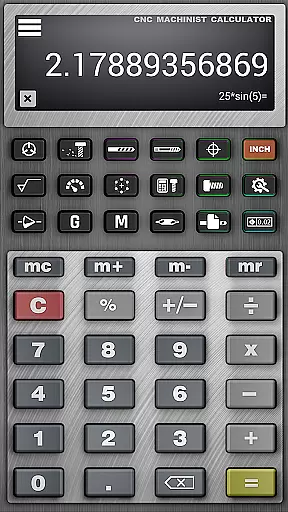
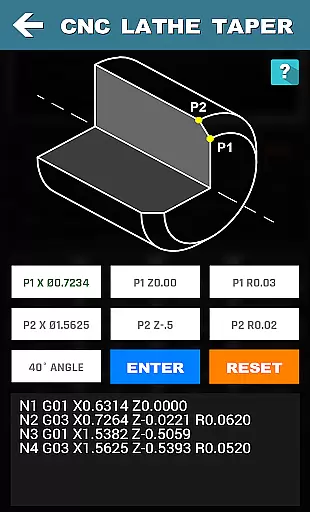
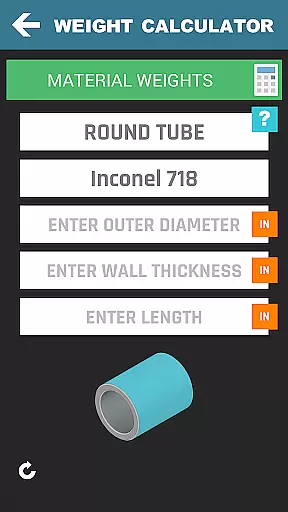

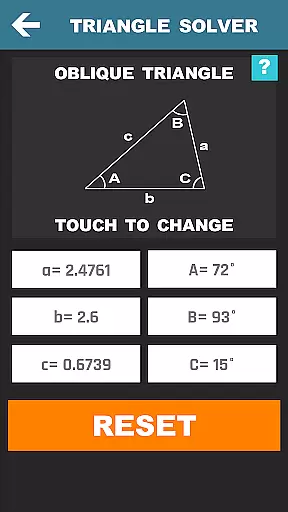
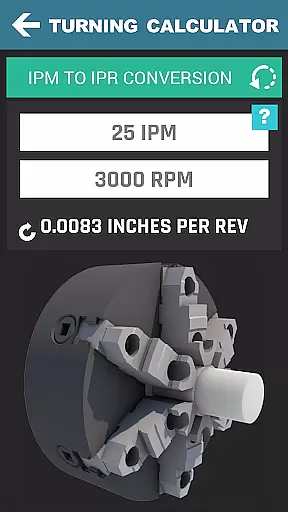
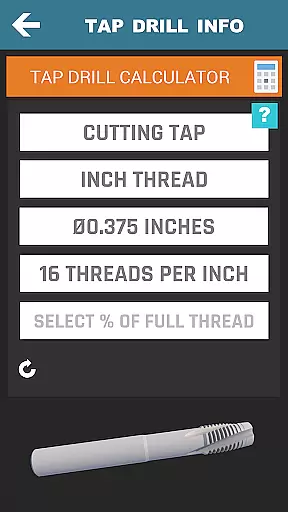

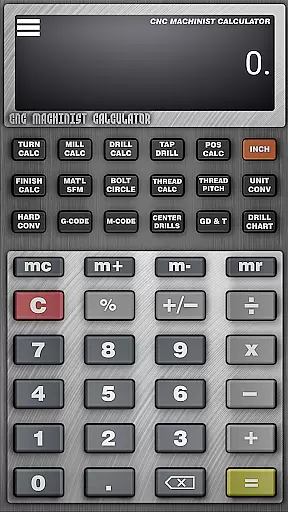
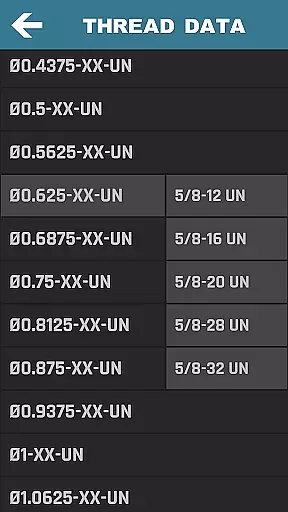

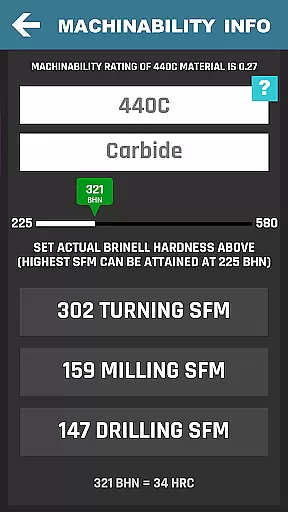
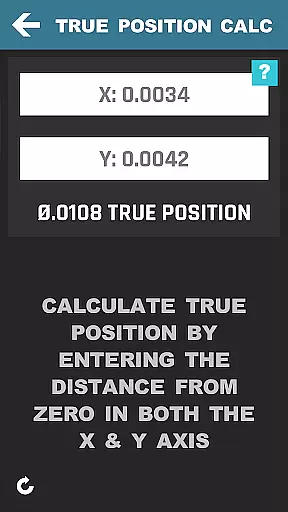
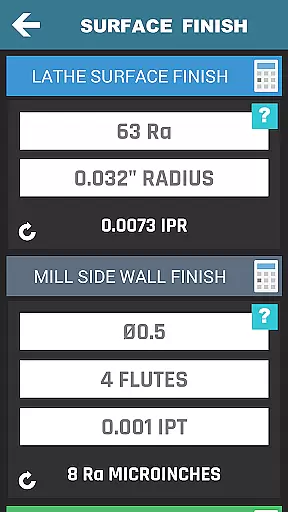
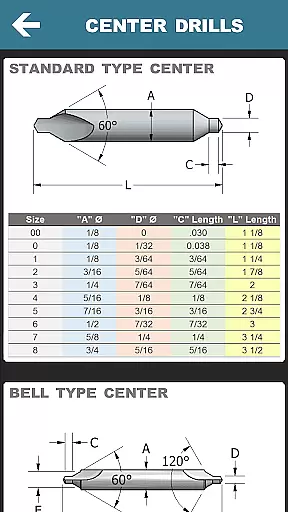
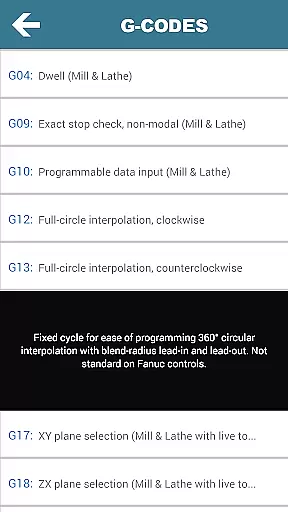
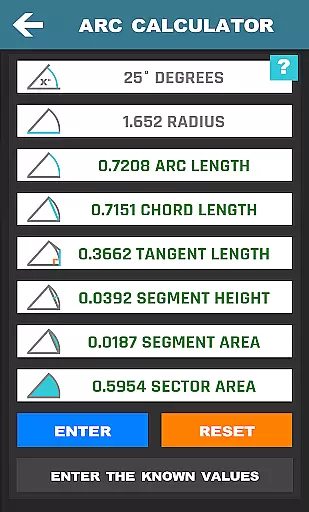
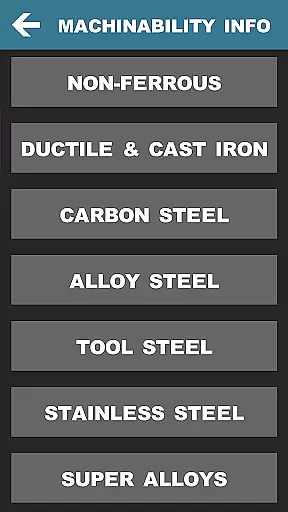
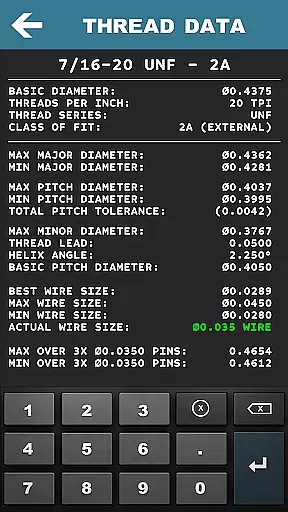
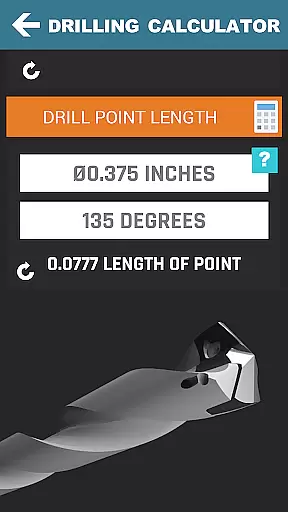
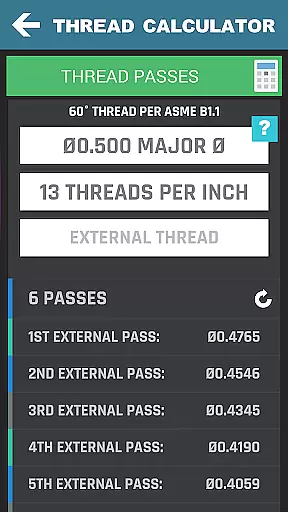
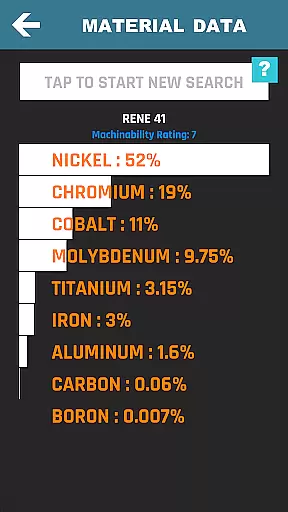
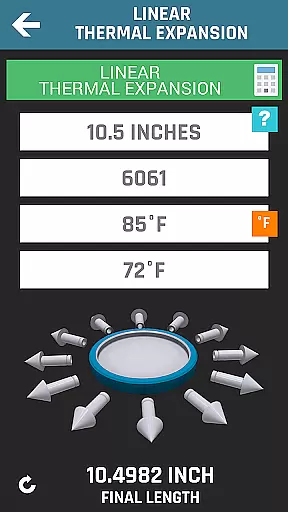
CNC Machinist Calculator Pro is a comprehensive productivity tool designed specifically for professionals in the manufacturing industry. This includes machinists, CNC operators, and toolmakers, as well as hobbyists who require quick calculations on machining parameters. The app provides over 35 categories of calculators and tools that cover turning, milling, drilling, thread calculation, and more.
One of the key features of this app is its ability to perform complex machining calculations with ease. For instance, users can calculate cutting speeds, cycle times, and feed rates based on material properties. Additionally, it offers unit conversion, hardness conversions, and access to a machinist forum, making it an all-in-one solution for CNC programming needs.
The app's true value lies in its versatility and depth of functionality. Whether you're calculating thread dimensions or determining material weights, CNC Machinist Calculator Pro ensures precision and efficiency. Its use extends beyond professional environments to educational settings, where it serves as a learning aid for those entering the field of CNC machining.
CNC Machinist Calculator Pro stands out due to its extensive range of specialized calculators tailored for CNC machining processes. It includes Turning Calculators for lathe operations, such as cutting speed and cycle time calculations, which are crucial for efficient machining. Milling Calculators offer functionalities like radial chip thinning and metal removal rate calculations, essential for precise milling work.
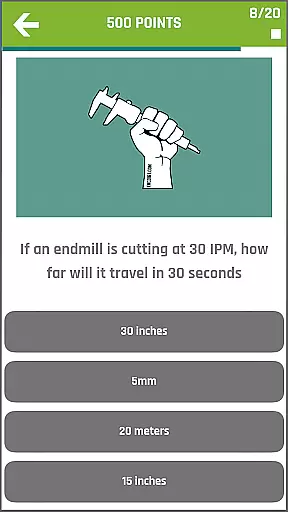
In addition to these, the app provides Drilling and Gun Drilling Calculators, Thread Calculators, and True Position Calculators, each designed to streamline specific machining tasks. Notably, the app also features a scientific calculator with trigonometric functions, a material property search tool, and a Machinist Test to assess user skills. These diverse features ensure that users have all necessary computational tools at their fingertips.
Each feature within CNC Machinist Calculator Pro is crafted to enhance productivity and accuracy in machining operations. From exporting G-code for chamfers to offering grinding calculations, the app supports both novice and experienced machinists in optimizing their workflows. By consolidating these tools into a single platform, the app significantly reduces the time and effort required for complex machining calculations.
In the realm of CNC machining, effective task management is crucial for optimizing workflow and ensuring precision. CNC Machinist Calculator Pro excels in this area by providing a comprehensive suite of calculators tailored for various machining operations. From turning and milling to drilling and thread calculations, each tool is designed to streamline complex computations into manageable tasks.
The application's interface organizes these calculators intuitively, allowing machinists to quickly access the specific calculation they need. Whether it's determining cutting speeds, cycle times, or material-specific parameters, users can efficiently manage their tasks without switching between multiple apps or references.
By consolidating essential machining calculations into one platform, CNC Machinist Calculator Pro not only saves time but also reduces the potential for human error. This consolidation ensures that all critical data is at the user's fingertips, enabling them to focus on the machining process itself rather than getting bogged down with manual calculations.
Ultimately, the app's robust task management capabilities empower manufacturing engineers, CNC operators, and hobbyists alike to enhance productivity and maintain high standards of accuracy in their work.
For professionals who rely on precise calculations across different devices, cross-device synchronization is vital. CNC Machinist Calculator Pro addresses this need by ensuring reliable data consistency whether you're using a smartphone, tablet, or any other compatible device.
This reliability stems from the app's cloud-based architecture, which automatically updates calculations and preferences across all linked devices. As a result, a machinist can start a computation on their tablet at the office and seamlessly continue working on their smartphone while on the shop floor.
The synchronization feature extends beyond mere convenience; it enhances collaboration among team members. Multiple users can access standardized calculation methods and shared data sets, promoting uniformity in machining operations and reducing discrepancies that could arise from using outdated or inconsistent information.
With CNC Machinist Calculator Pro's dependable cross-device synchronization, users can trust that their critical machining data remains current and consistent, no matter where they are or which device they choose to use.
Comprehensive toolset
User-friendly interface
Regular updates
Wide material support
Active community forum
Premium price point
Steep learning curve
Occasional bugs
Limited offline help
Heavy on resources

The long-awaited modern gallery app for your Nextcloud server
 4.70
4.70
The upgraded version of Name Wheel with AI and the power to add your own wheels.
4.2
Device's storage information in a simple and clear graphical form (infographics)
4.10
Remotely view listen control and record cameras.
3.70
IP Camera Viewer - Android TV : RTSP Surveillance camera viewer for Android TV
4.0
Subscribe to Webcal & .ics calendars and keep them up-to-date!
4.50
A beautiful digital clock with autostart and many other functions
4.70
AT&T Internet customers can use this app to personalize their Wi-Fi network.
4.40
Daily processing of PDF documents.
4.40
8 custom complications. Custom Time Fonts. Beautiful color schemes. A++ Design.
5.00
Seamlessly integrate data and reports to build your presentation to impress
4.80
Send files, sync SMS, notifications & clipboard across devices via local network
4.40
A lightweight JSON & XML files creator, editor and viewer (Premium Version)
4.40
Docker, Kubernetes management over Portainer Mobile
4.40
Make apps & sites with natural language prompts
4.10
Cloud storage, automatic phone backup, and more.
4.10
Ultimate Virtual AI Character for immersive Roleplay Chat. Perfect Companion
3.90
Experience and share your SolidWorks designs on your Android® phone and tablet.
2.50
Ads Free App! Editor, Hide File, Copy, Move, Delete and Rename.. all facility av
1.70


User Reviews