
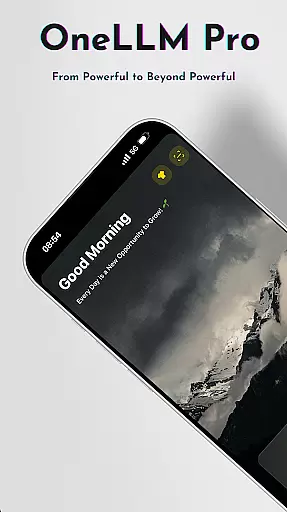
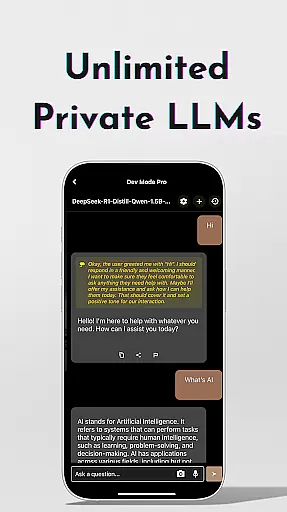
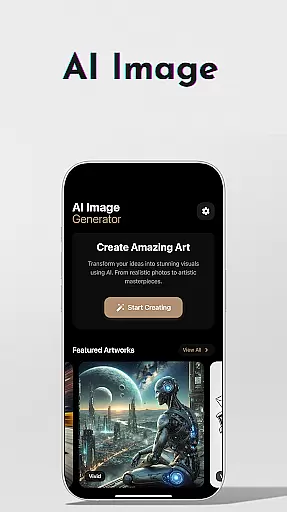
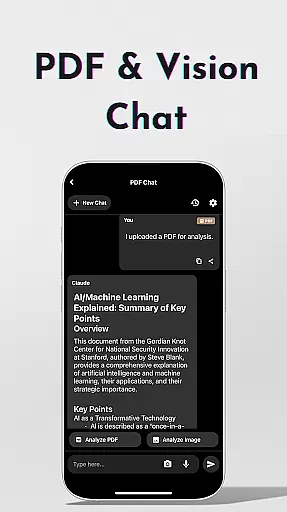
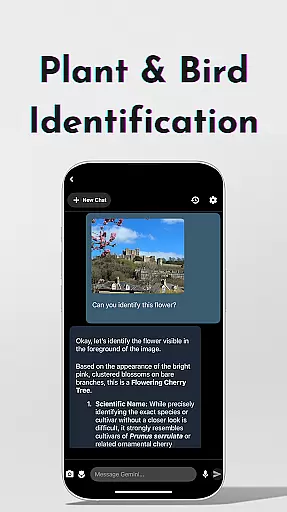
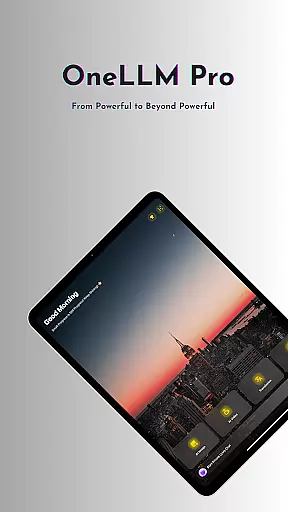
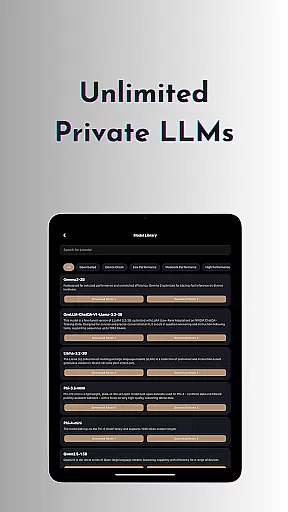
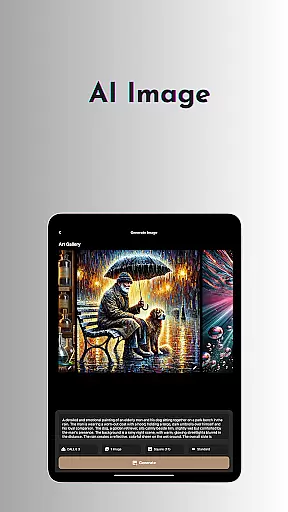
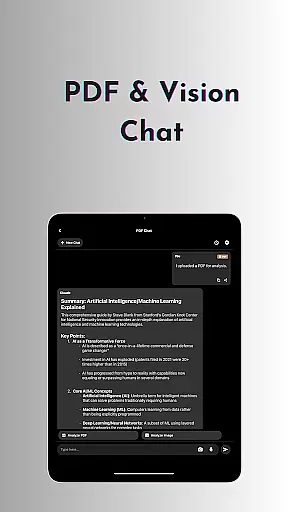
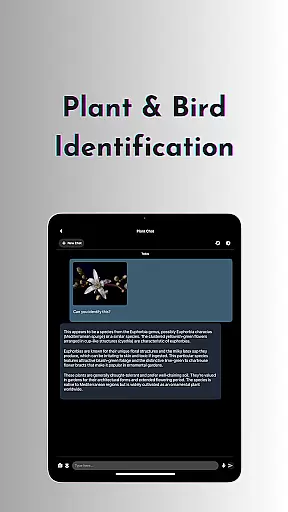
OneLLM Pro is a cutting-edge productivity app that seamlessly integrates local and cloud AI capabilities, offering users an extensive suite of tools for various tasks. Whether offline or online, it provides lightning-fast, secure interactions with features like private local LLMs, AI video and image generation, and offline OCR document scanning.
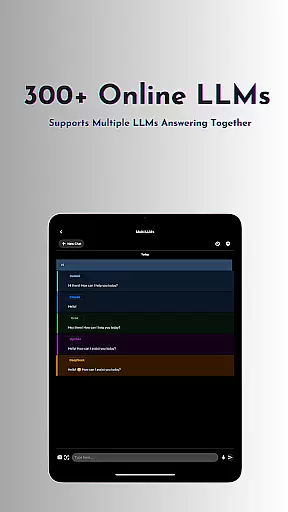
The app supports over 300 leading LLMs, allowing users to switch between models effortlessly. With specialized toolkits including AI notes, chat with PDFs, plant and bird identification, and multi-LLM response modes, OneLLM Pro caters to diverse needs from personal productivity to professional development.
Optimized for all devices, OneLLM Pro ensures exceptional performance while maintaining user privacy through local processing and no external data sharing. Its ad-free experience and customizable settings make it ideal for both casual users and developers seeking advanced configurations.
OneLLM Pro boasts an expansive set of features designed to enhance productivity across multiple domains. The app offers unlimited access to private local LLMs, enabling users to handle daily tasks without internet dependency. It also connects to powerful cloud-based LLMs such as ChatGPT 4o, Claude, and DeepSeek when more demanding computations are required.
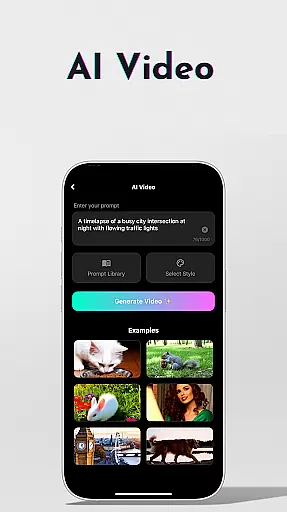
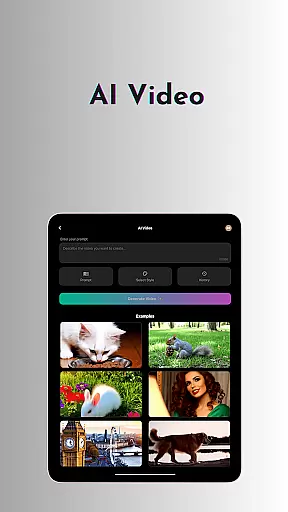
Among its standout functionalities are AI video generation, which transforms ideas into cinematic experiences, and AI image creation powered by Stable Diffusion and DALL·E 3. Users can scan documents offline using OCR technology, generate strong passwords, and even identify plants and birds using the latest AI techniques.
Additional highlights include simultaneous multi-LLM responses, study assistance tools, and an AI browser for digesting complex articles quickly. With Hugging Face integration, smart LLM matching, and developer mode for fine-tuning parameters, OneLLM Pro delivers unparalleled customization and control.
Task management is a cornerstone of productivity applications, and OneLLM Pro excels in this area by offering users an extensive suite of AI-driven tools designed to streamline workflows. The app's core task management feature revolves around its ability to seamlessly integrate local and cloud-based AI capabilities, ensuring that users can manage their tasks efficiently regardless of internet connectivity.
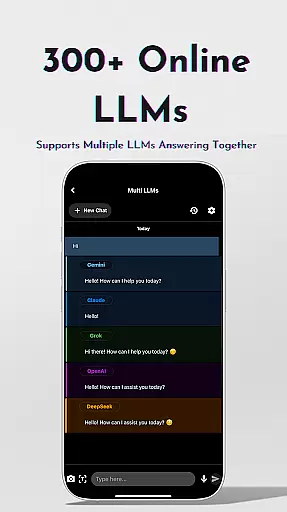
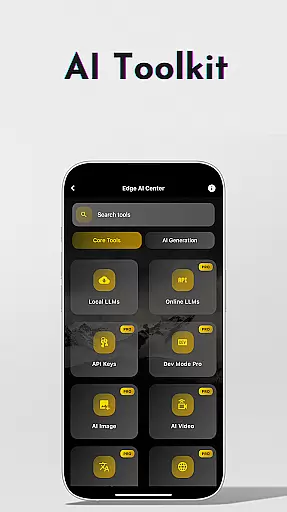
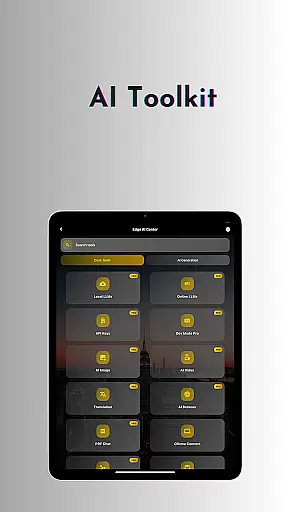
OneLLM Pro provides a comprehensive toolkit covering a wide array of use cases, from handling daily needs with offline LLMs to leveraging over 300 online LLMs for complex tasks. This flexibility allows users to customize unique AI characters tailored to specific chat demands, enhancing the efficiency of task delegation and completion.
Users benefit from advanced features such as Multi-LLM Simultaneous Response Mode, which enables them to receive instant answers from leading LLMs without switching apps. Additionally, the Study Assistant supports various input methods, making it easier to incorporate learning into daily routines. These robust functionalities ensure that OneLLM Pro stands out in task management, providing users with powerful tools to optimize their productivity.
Cross-device synchronization is crucial for maintaining consistency and accessibility across multiple devices, and OneLLM Pro ensures reliable performance in this aspect. By integrating both local and cloud AI capabilities, the application guarantees that user data remains synchronized and up-to-date, regardless of the device being used.
The app supports a variety of features that enhance cross-device synchronization. For instance, users can access nearly 300+ advanced Large Language Models (LLMs) via cloud integration, while also utilizing offline LLMs for private and secure interactions. This dual capability ensures that whether users are on entry-level or flagship devices, they experience seamless synchronization and consistent performance.
Moreover, OneLLM Pro includes Smart LLMs Matching, which intelligently recommends models optimized for each deviceu2019s specifications, thus ensuring efficient storage and battery usage. With privacy controls that keep data local and an ad-free experience, users can trust that their information is secure and their workflow uninterrupted. Overall, OneLLM Pro delivers dependable cross-device synchronization, empowering users to stay productive across all their devices.
Extensive AI toolkit
Offline functionality
Privacy-focused design
Cloud and local options
Developer-friendly features
Complex setup required
Premium subscription needed
High system requirements
Limited free model access
Occasional bugs reported

Client for Nextcloud Deck
 4.60
4.60
Create study competitions, track your hours, and stay consistent with friends
4.4
Ads Free App! Editor, Hide File, Copy, Move, Delete and Rename.. all facility av
1.70
Professional calendar app for Google Calendar, MS Outlook & Exchange
4.20
Send files, sync SMS, notifications & clipboard across devices via local network
4.40
CalenGoo is a very flexible and feature-rich calendar app
4.40
Great calculator for Android named one of USA TODAY's "25 Essential Apps".
4.90
Ultimate Virtual AI Character for immersive Roleplay Chat. Perfect Companion
3.90
Set up, print, and get support—in one place
4.20
8 custom complications. Custom Time Fonts. Beautiful color schemes. A++ Design.
5.00
Mind Map and brainstorm, note taking and idea collection
4.80
aCalendar+ makes your day, week and month
4.70
Docker, Kubernetes management over Portainer Mobile
4.40
Secure your apps with lock screens, use custom themes and different features.
4.40
When you Focus, so will your Bean in this cozy focus timer
4.30
Activate Two Factor Authentication (2FA or Multi OTP), Password manager and more
4.10
Create and edit presentations with Google Slides, part of Google Workspace.
4.00
All in one sketching tool. Technical and General drawing. Online Maps support.
3.70
Find and delete junk files & block unwanted notifications & manage files
3.70


User Reviews