
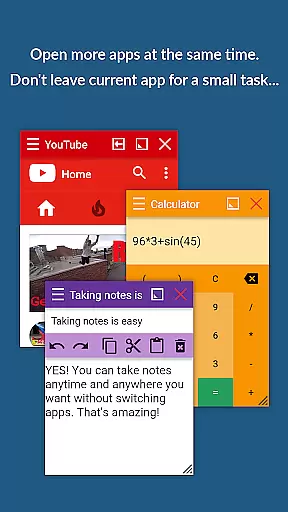
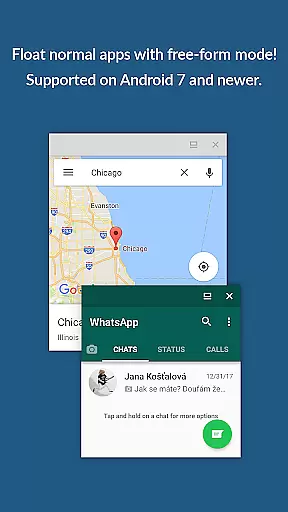
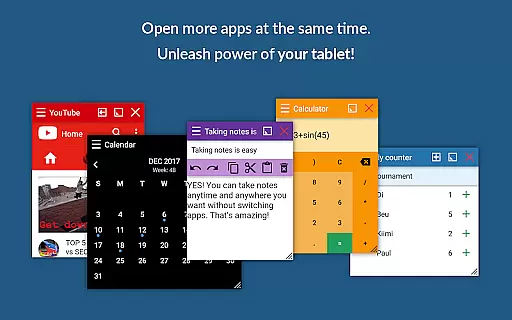
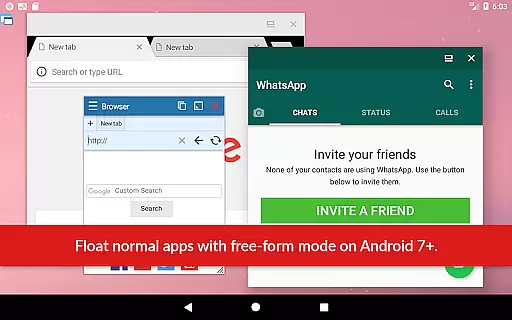
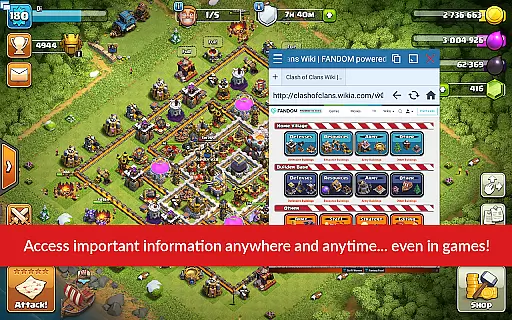
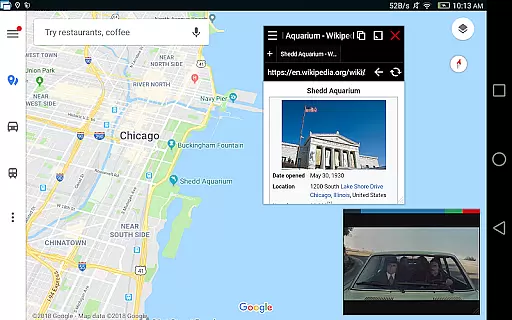
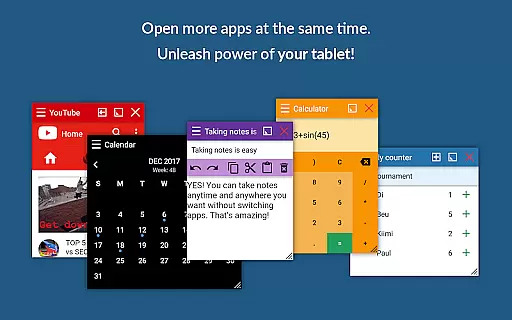
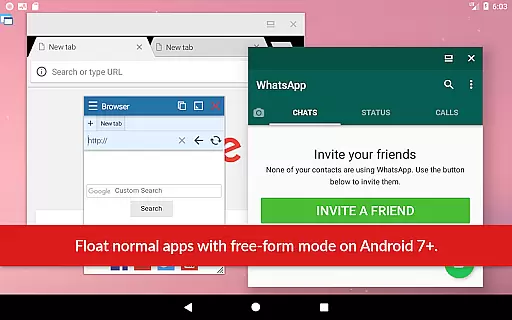
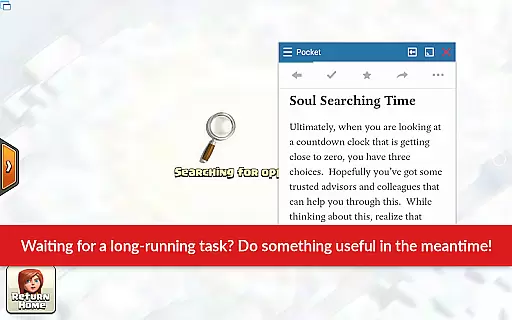
Floating Apps revolutionizes multitasking on Android devices by enabling users to run multiple apps simultaneously in floating windows. This allows seamless integration of tasks such as watching videos while working, taking notes, or viewing documents without switching contexts.
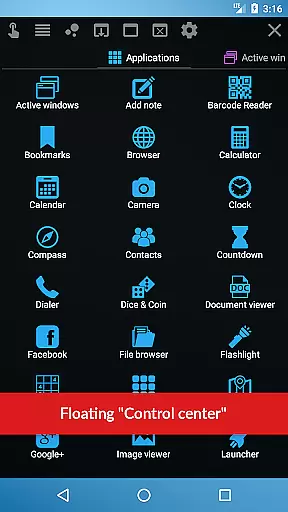
With over 41 built-in floating apps including a browser, document viewer, media players, and utilities like a calculator and translator, the app caters to diverse productivity needs. Its customization options and support for creating custom floating apps from widgets and URLs make it an indispensable tool for power users.
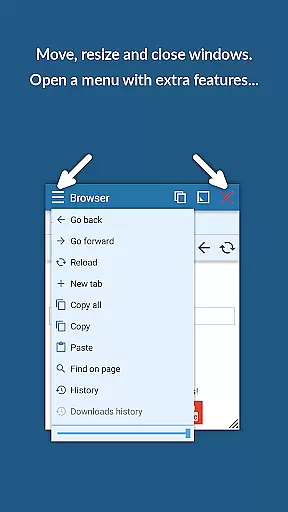
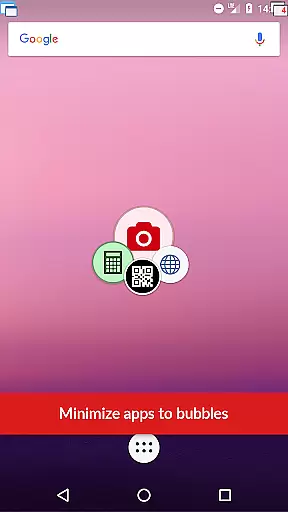
The app boasts advanced features that enhance multitasking capabilities. Users can access floating apps through a movable quick launch icon, resize and move windows effortlessly, and maximize or minimize them as needed.
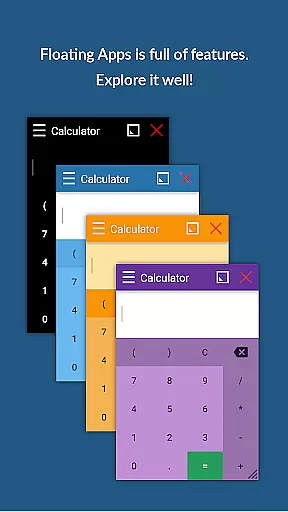
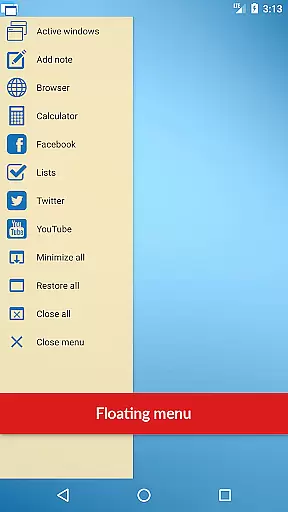
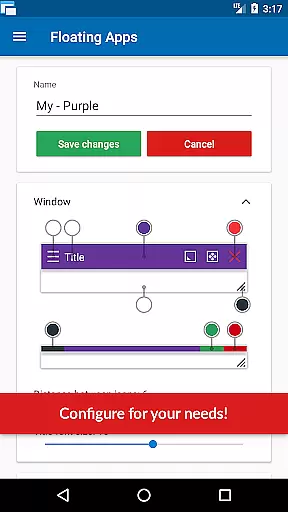
Additional functionalities include turning home screen widgets into floating apps, accessing normal and recent apps via a powerful floating menu, and controlling window transparency. These features collectively ensure an optimized and flexible user experience across different scenarios and preferences.
Floating Apps revolutionizes the way users handle multiple tasks on their Android devices by offering a robust platform for core task management. This is not just about running apps simultaneously; it's about enhancing productivity without losing the convenience of multitasking.
The app provides over 41 floating mini-apps, ranging from a floating browser, document viewer, YouTube, calculator, to even a paint app. Each mini-app operates in its own floating window, allowing users to arrange and resize them according to their preference. This setup enables seamless transitions between tasks without the need to close or switch apps, thus maintaining workflow continuity.
For users, this means the ability to watch instructional videos while writing a report, take quick notes during a video call, or check a PDF manual while troubleshooting an issue. The practicality of having multiple apps accessible at once significantly boosts efficiency and makes complex tasks more manageable.
Ultimately, Floating Apps transforms the Android multitasking experience into something akin to desktop computing. By providing tools that are easily accessible and infinitely customizable, it empowers users to tailor their digital workspace to fit their unique task management needs.
In today's interconnected world, the ability to synchronize data across multiple devices reliably is paramount. Floating Apps addresses this need by ensuring that your floating apps and their data are consistently updated across all your devices.
While the primary function of Floating Apps is to enhance multitasking on a single device, its design takes into account the modern useru2019s tendency to operate across several devices. Whether you're switching from a tablet to a phone or sharing information with a colleague, the app ensures that your floating apps retain their state and data integrity.
This cross-device reliability is particularly beneficial for professionals who rely on real-time data access and updates. Imagine starting a document review on your tablet during your commute and seamlessly continuing on your office computer. Such fluidity in task transition is invaluable in maintaining productivity and responsiveness.
By prioritizing synchronization reliability, Floating Apps not only enhances individual task management but also supports a cohesive digital ecosystem where data flows effortlessly between devices, keeping users connected and up-to-date regardless of their location or the device in hand.
Enhances multitasking
Customizable floating apps
Wide range of built-in apps
User-friendly interface
Comprehensive language support
May consume more resources
Interface can be cluttered
Limited iOS compatibility
Premium features require payment
Steeper learning curve

Secure, fast, open-source, Remote Desktop Client for Windows and Linux with SSH
 4.60
4.60
⏰ Finally a timer app which can run multiple timers simultaneously on your watch
3.90
PDF scanner & converter for files, photos, lottery, QR codes. One swipe away!
4.50
A beautiful digital clock with autostart and many other functions
4.70
Scientific calculator for Android - looks and operates like the real thing!
4.90
Ultimate Virtual AI Character for immersive Roleplay Chat. Perfect Companion
3.90
Okta MFA
4.70
Seamlessly read, manage, and organize all your PDF files solution in one place
4.40
Put a lock on your cloud: Take the security of your data into your own hands
3.70
Multilingual translator for text, voice, and image translation!
4.90
Simple notepad & memo. Take notes, to-do list, shopping list with reminders.
4.80
QuickBooks Workforce lets teams view pay info and track time in one place.
4.70
Secure your apps with lock screens, use custom themes and different features.
4.40
When you Focus, so will your Bean in this cozy focus timer
4.30
A customizable calendar for your Wear OS watch
4.20
All in One PDF Reader: Manage, Read and Edit your Documents
4.20
Easily read and manage all your PDF files
4.10
Code on-the-go with VScode for Android. Edit,debug and collaborate from mobile!!
3.10
Experience and share your SolidWorks designs on your Android® phone and tablet.
2.50


User Reviews