
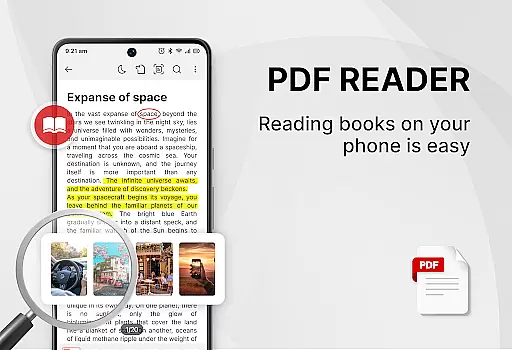
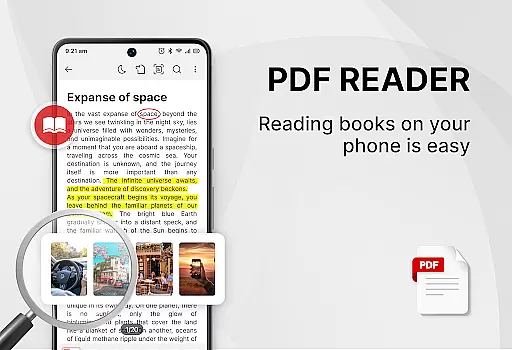
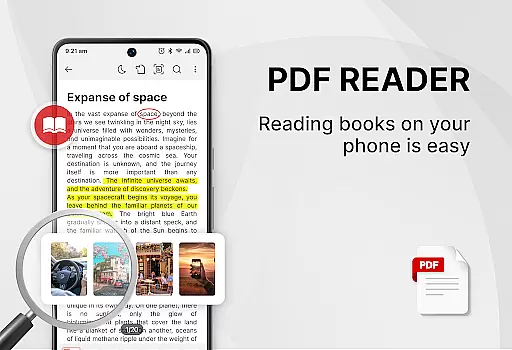
PDF Reader - Smart PDF Viewer is a comprehensive document management app designed for Android users. This free application allows you to read and manage all your PDF files with ease. The app supports various document formats including PDFs, documents, receipts, and more.
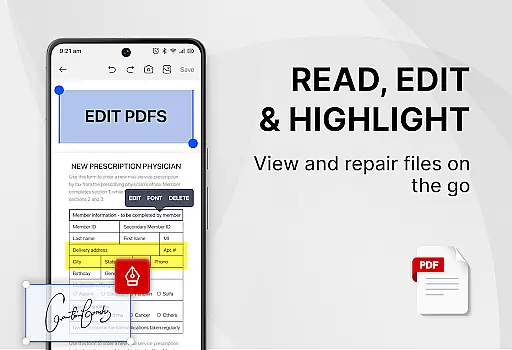
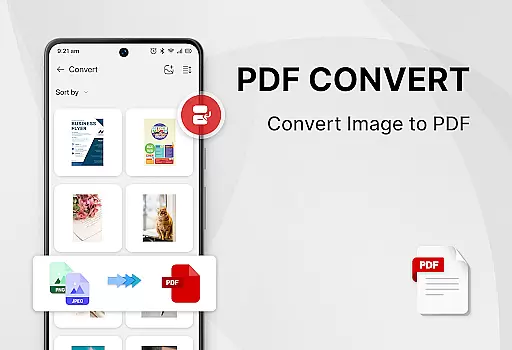
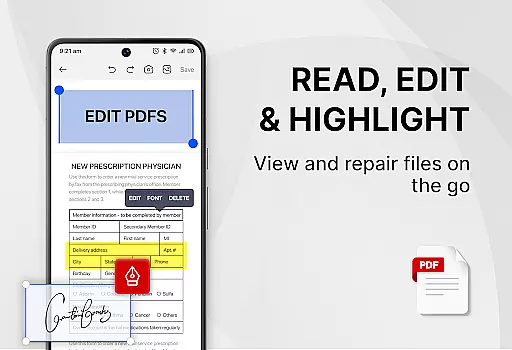
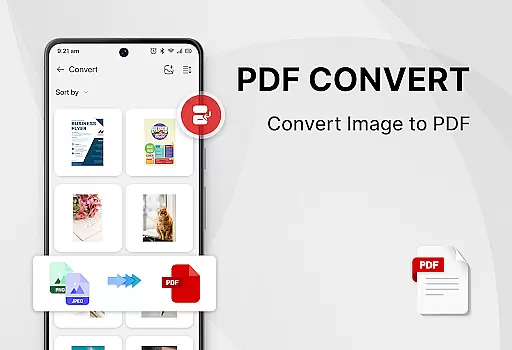
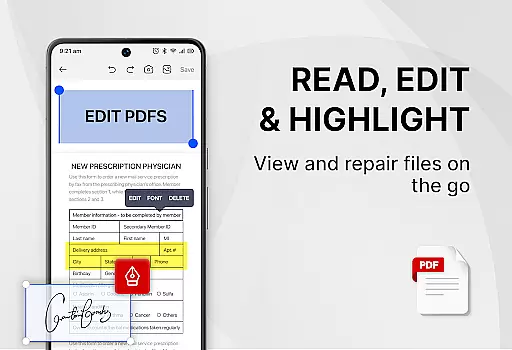
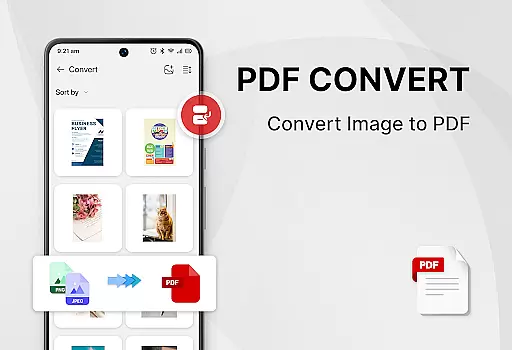
In addition to reading, the app provides powerful tools such as adding e-signatures, converting PDFs to images, merging and splitting PDFs, and sharing PDF files with others. With its all-in-one functionality, you get a PDF reader, ebook viewer, and PDF editor combined into one convenient package. It also offers a PDF converter to transform images or scanned files into PDF format.
This app is particularly useful for students and professionals who need to handle multiple document types regularly. Its intuitive interface and robust features help improve work or study efficiency significantly.
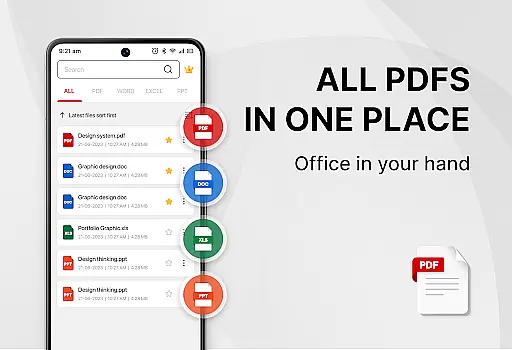
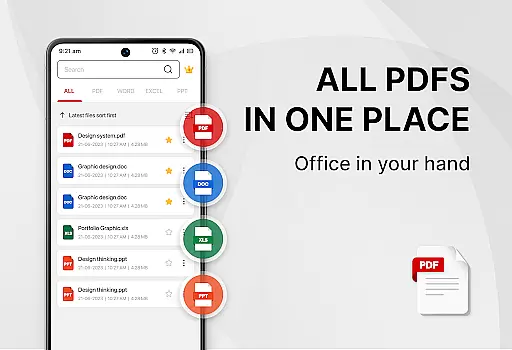
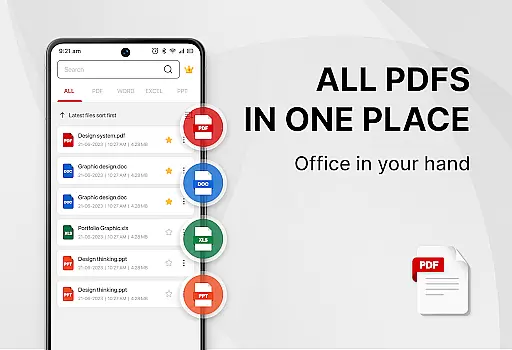
Smart PDF Reader stands out with its extensive feature set tailored for productivity. One of the key highlights is the smart search functionality that displays all document files like PDFs, Word, Excel, and PPTs. Managing and searching through PDF files is straightforward and efficient.
The app includes a powerful suite of PDF tools. Users can easily add e-signatures, convert images to PDFs, scan paper documents to PDF, and even convert Word documents to PDF. Additionally, it allows users to search and copy any text within PDF files effortlessly. Other notable features include merging and splitting PDF files, setting passwords for document protection, and switching between light and dark modes with a single click.
These features collectively ensure that users have a versatile tool at their disposal, making document handling seamless and efficient.
In the realm of productivity, effective task management is crucial for maintaining an organized workflow. PDF Reader - Smart PDF Viewer offers a comprehensive suite of tools that streamline document handling and enhance productivity. This app allows users to effortlessly manage their PDF files through features like smart search, easy file categorization, and quick access to recently opened documents.
The application's strength lies in its ability to handle all document formats, from PDFs to Word, Excel, and PPT files. Users can easily search and manage their files, ensuring that important documents are always at their fingertips. The inclusion of light and dark mode provides comfort during long reading sessions, adapting to various lighting conditions and personal preferences.
By integrating essential functions such as merging, splitting, and protecting PDFs with passwords, this app ensures that users can perform necessary tasks without switching between multiple applications. These capabilities not only save time but also contribute to a more focused and efficient work process, ultimately enhancing the user's ability to manage tasks effectively.
Reliable cross-device synchronization is a cornerstone of modern productivity tools, allowing seamless transitions between devices without losing progress or data integrity. PDF Reader - Smart PDF Viewer excels in this area by providing consistent access to documents across different platforms. Whether you're switching from a phone to a tablet or sharing files with colleagues, the app ensures that your documents remain up-to-date and accessible.
This app supports a wide array of functionalities including e-signature addition, image-to-PDF conversion, and document scanning, which are synchronized reliably across devices. Such features empower users to continue their work uninterrupted, regardless of the device they choose to use. The ability to convert Word documents to PDF and vice versa further enhances flexibility in document management.
Moreover, the app's requirement for MANAGE_EXTERNAL_STORAGE permission underscores its commitment to reliable document access and editing. While this permission is essential for locating and managing files, it also guarantees that users experience minimal disruptions when accessing their documents on any device. With these robust synchronization capabilities, PDF Reader - Smart PDF Viewer significantly boosts productivity and collaboration efficiency.
User-friendly interface
Comprehensive PDF tools
Free and easy to use
Supports multiple formats
Powerful editing capabilities
Requires storage permission
Limited advanced features
Occasional ads in free version
Interface may feel cluttered
Some features need internet

Planet Free VPN - The best Fast Unlimited and Secure VPN Without Logs
 4.50
4.50
aCalendar+ makes your day, week and month
4.70
Activate Two Factor Authentication (2FA or Multi OTP), Password manager and more
4.10
Docker, Kubernetes management over Portainer Mobile
4.40
A beautiful digital clock with autostart and many other functions
4.70
To do list widget with a notebook organizer, checklist, simple shopping list
4.60
This small app MUST BE INSTALLED after purchase, else license won't work
4.40
Okta MFA
4.70
Browse and view your photos and videos from the phone with photo & video hide.
4.10
Seamlessly integrate data and reports to build your presentation to impress
4.80
Scan paperwork into PDF/JPG, generate your own e-signature and send fax or email
4.70
A simple Whisper AI keyboard for reliable speech transcription and rewording
4.60
Subscribe to Webcal & .ics calendars and keep them up-to-date!
4.50
The ultimate file manager for rooted devices. The original and still the best.
4.00
Remotely view listen control and record cameras.
3.70
Experience and share your SolidWorks designs on your Android® phone and tablet.
2.50
Ads Free App! Editor, Hide File, Copy, Move, Delete and Rename.. all facility av
1.70
Create study competitions, track your hours, and stay consistent with friends
4.2
A comprehensive suite of tools designed specifically for Lactation Consultants
4.3


User Reviews