
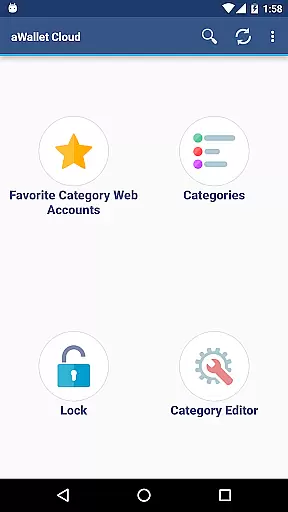
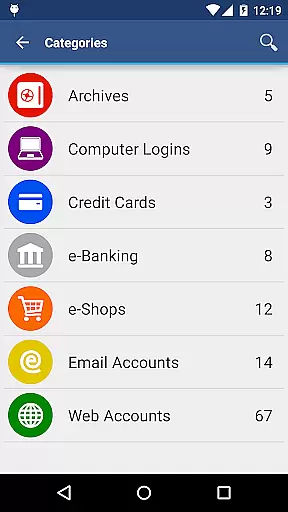
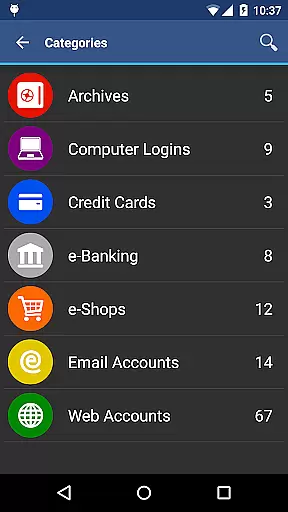
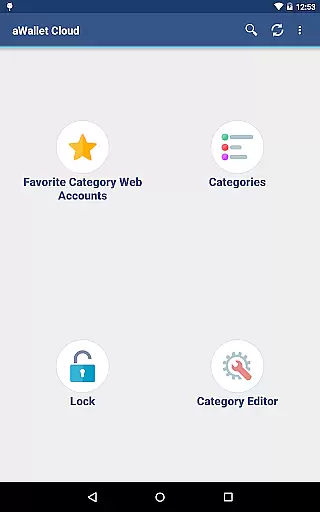
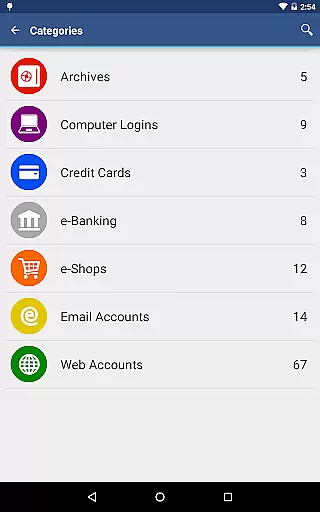
aWallet Cloud Password Manager is a robust productivity application designed to securely store sensitive information such as passwords, credit card details, e-banking credentials, and web accounts. The app ensures top-notch security by encrypting all stored data using AES or Blowfish algorithms with key sizes of 256, 192, or 128 bits.
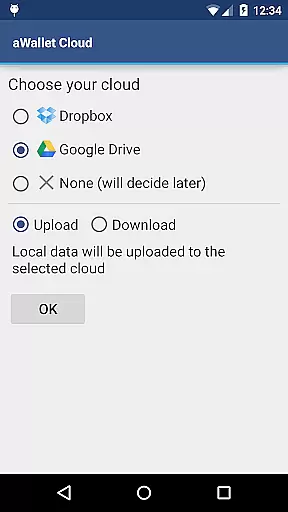
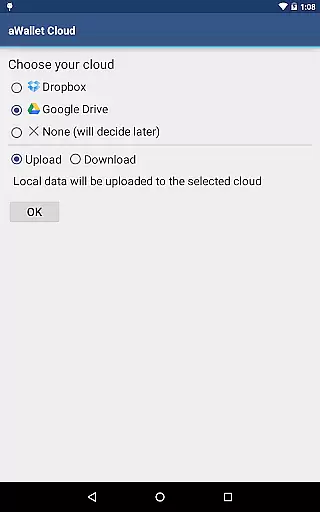
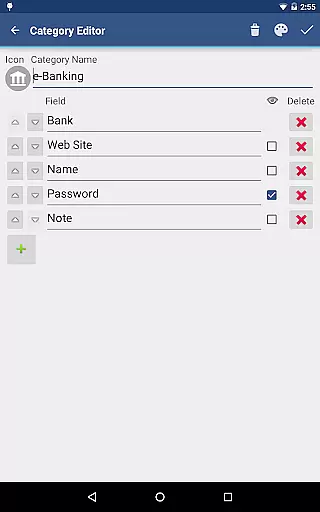
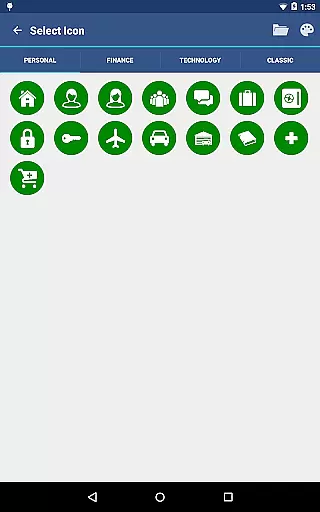
One of the standout features is its ability to synchronize encrypted data with your personal cloud storage accounts like Dropbox or Google Drive. This functionality allows users to access their critical information across multiple devices seamlessly. Additionally, the app offers an array of customization options through its built-in Editor, enabling users to create or modify data categories with custom icons.
The app also includes practical features such as field search, auto-lock, and backup/restore capabilities for the encrypted data file to an Android USB device. Users can export unencrypted data in CSV format, making it versatile for various use cases. With no advertisements and advanced security measures, aWallet Cloud Password Manager is ideal for individuals seeking a secure and efficient way to manage their digital credentials.
aWallet Cloud Password Manager stands out due to its comprehensive feature set tailored for secure data management. One of its core functionalities is the synchronization of encrypted data with cloud services like Dropbox or Google Drive, ensuring that users can access their information from any device without compromising security.
The app provides a built-in Editor that allows users to customize data categories with unique icons, enhancing the organization and accessibility of stored information. It supports searching within fields, which makes locating specific entries quick and easy. Furthermore, the Auto lock feature adds an extra layer of security by locking the app after a period of inactivity, which can be preconfigured by the user.
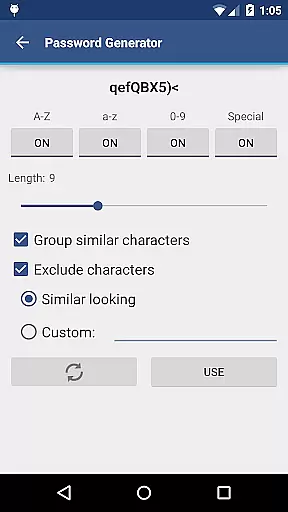
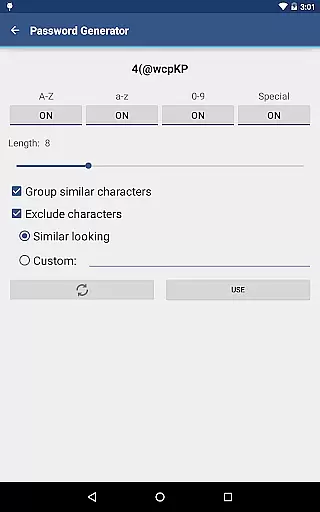
For users seeking additional convenience, the app offers PRO features such as fingerprint and facial recognition unlock on compatible devices. The inclusion of a Password Generator and CSV Import/Export capabilities further enriches the user experience. These features collectively ensure that aWallet Cloud Password Manager not only secures your data but also makes managing it intuitive and hassle-free.
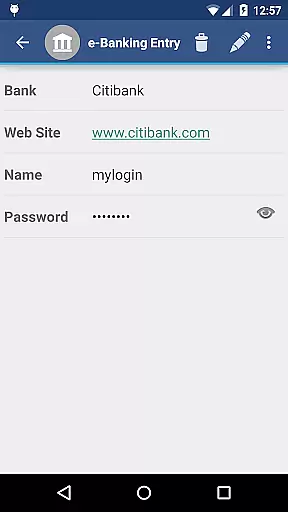
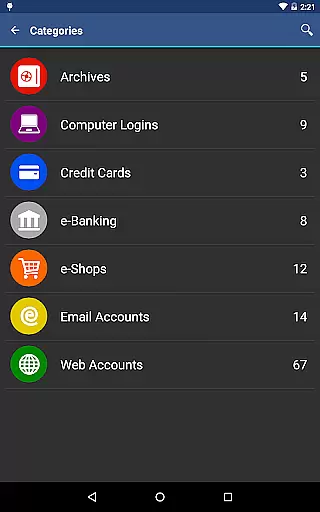
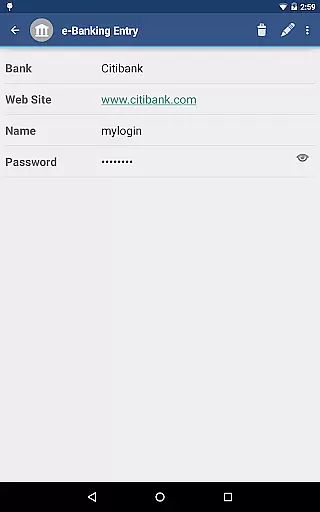
aWallet Cloud Password Manager excels in core task management by providing a comprehensive suite of features for securely handling sensitive information. The app allows users to store various types of data, including passwords, credit card details, and e-banking credentials, all within a structured and organized environment.
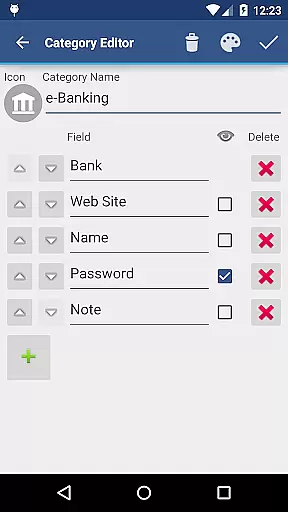
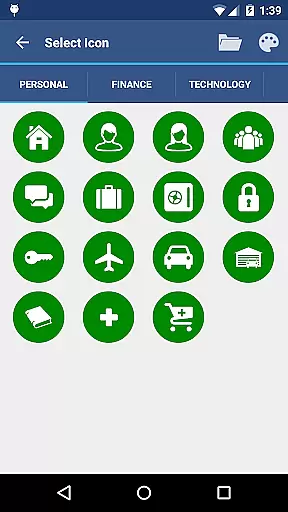
With its built-in Editor, users can customize categories and icons, tailoring the experience to their personal needs. This level of customization ensures that all critical information is systematically arranged, making it easily accessible when needed.
The synchronization feature with cloud services like Dropbox or Google Drive adds another layer of convenience, allowing secure access to your data from multiple devices. This seamless integration facilitates efficient task management across different platforms without compromising security.
Additionally, the app supports functionalities such as backup and restore, auto-lock, and password generation, which collectively enhance productivity by streamlining routine tasks while maintaining top-notch security standards.
Cross-device synchronization is a pivotal feature of aWallet Cloud Password Manager, ensuring reliable access to encrypted data on any compatible device. By leveraging trusted cloud services such as Dropbox or Google Drive, the app provides a consistent and secure way to manage your data wherever you are.
This synchronization process is not only about convenience but also about maintaining up-to-date information across all your devices. Whether you add a new password or update existing details, changes are promptly reflected everywhere, reducing the risk of using outdated credentials.
Furthermore, the robust encryption protocols used by aWallet guarantee that your synchronized data remains protected at all times. With advanced algorithms like AES and Blowfish, combined with strong master passwords, users can be confident that their cross-device syncing does not expose them to additional security risks.
Overall, this reliable synchronization capability empowers users to efficiently manage their digital lives without being tied down to a single device, enhancing both accessibility and peace of mind.
Highly secure encryption
Cloud synchronization
Customizable categories
Auto-lock feature
No advertisements
Complex for beginners
Limited free features
Requires cloud account
No multi-platform support
Premium features cost extra

Experience Reading - Night Mode for Documents
 4.40
4.40
All in one sketching tool. Technical and General drawing. Online Maps support.
3.70
Make your handwriting beautiful, even more than pen on paper.
3.60
Multilingual translator for text, voice, and image translation!
4.90
Code on-the-go with VScode for Android. Edit,debug and collaborate from mobile!!
3.10
Docker, Kubernetes management over Portainer Mobile
4.40
* block pre-roll ads, pop-up and forced redirect ads * Samsung certification app
4.00
Great calculator for Android named one of USA TODAY's "25 Essential Apps".
4.90
A simple Whisper AI keyboard for reliable speech transcription and rewording
4.60
Direct Chat without saving contacts & Dual WA Account on Single Device
4.70
Quickly and easily keep track of your work shifts
4.70
Translate text/voice/photos in 150+ languages. Offline & fast translator app.
4.50
A Pixel Art watchface inspired by other iconic 90s designs for Wear OS devices!
4.40 4.20
4.20
Easily read and manage all your PDF files
4.10
Auto-shutoff Alarm with Sunrise, Sunset & Fixed Options.
3.50
ID.me Authenticator is a simple and free Two Factor Authentication solution
3.50
Create study competitions, track your hours, and stay consistent with friends
4.2
A simple, portable logger for POTA, SOTA, Field Day, and more
4.2


User Reviews