![[KNA003] SHADOW logo](https://cdn.linksharehub.com/ocp/?u=https%3A%2F%2Fl3.fancapitalize.com%2Fimages%2F2025%2F12%2Fed57289588f1b2b2f7d51c4bcafcf7a9.jpg&t=webp)
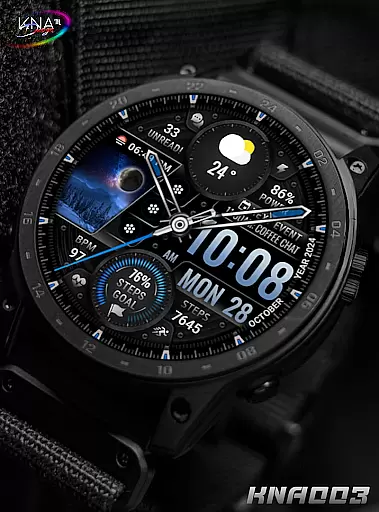
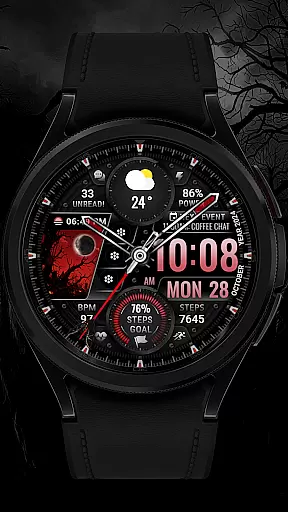
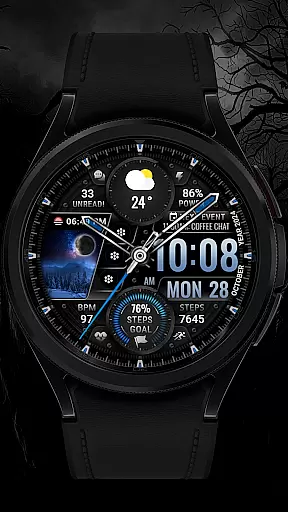
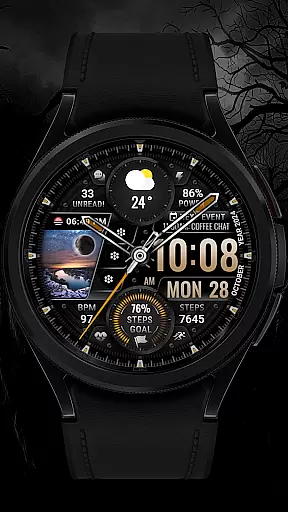
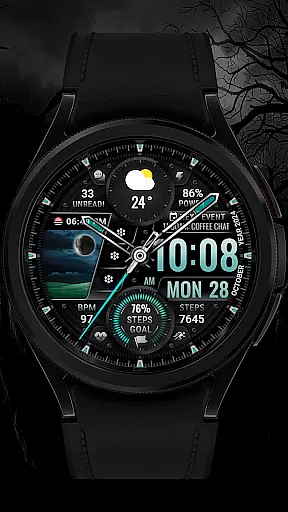
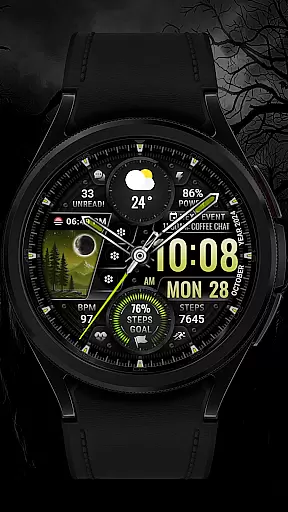
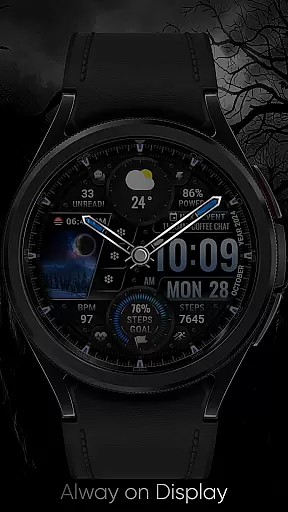
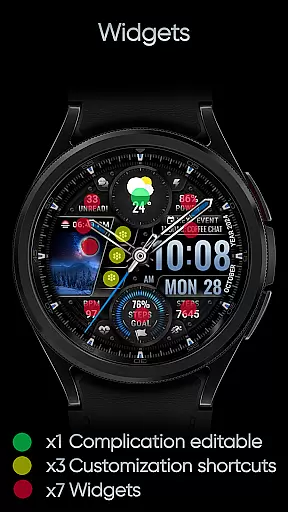
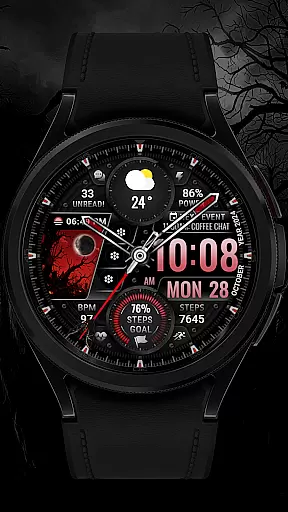
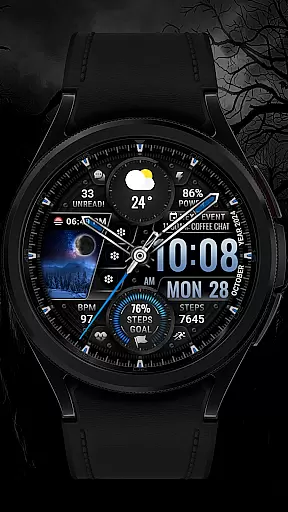
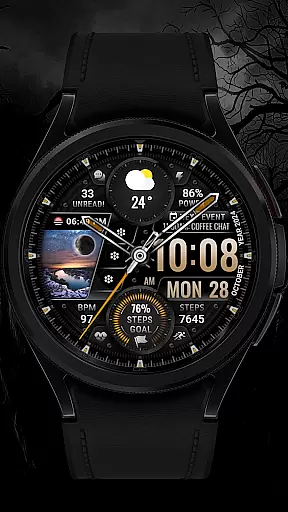
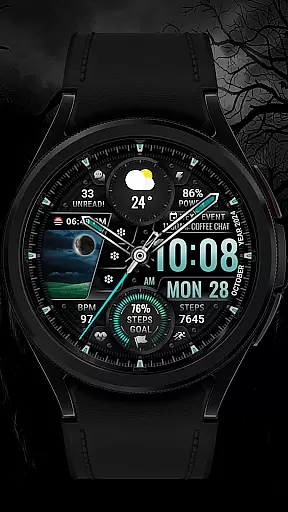
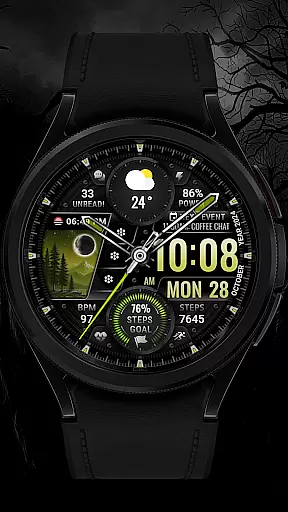
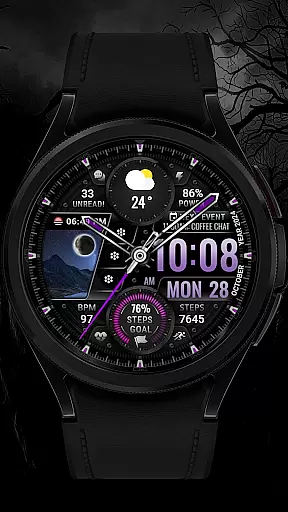
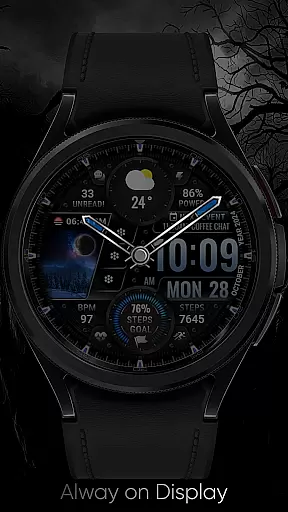
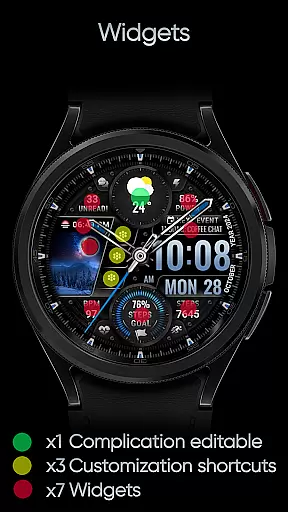
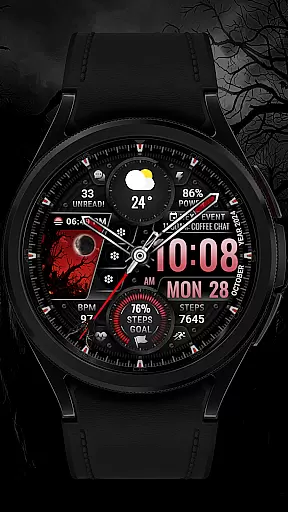
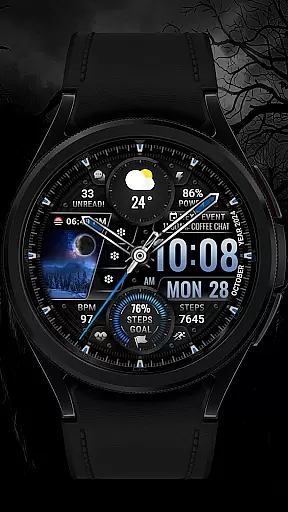
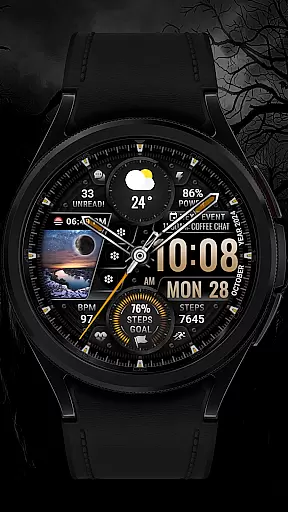
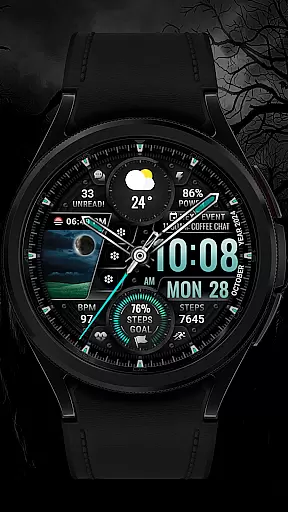
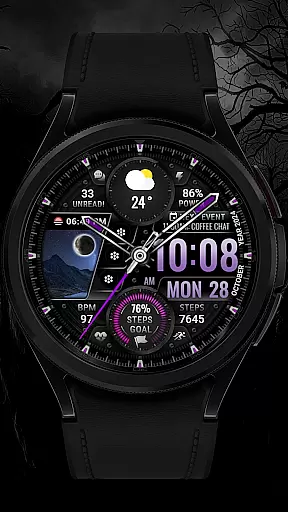
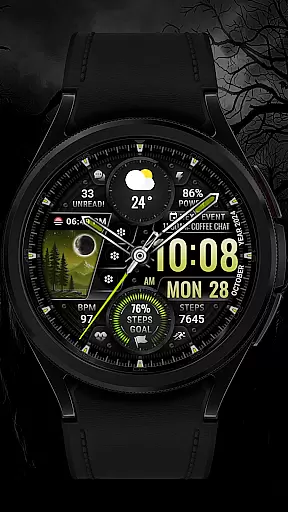
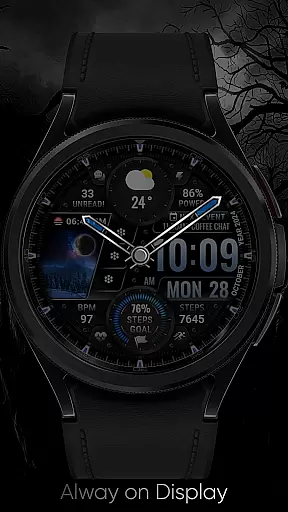
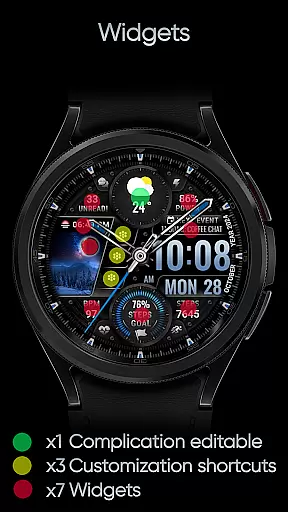
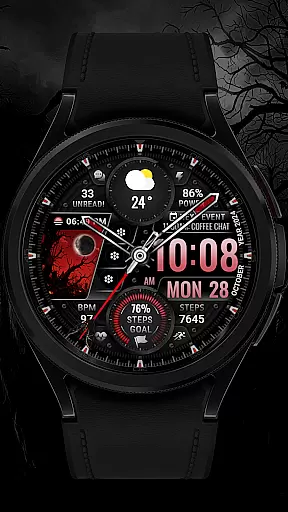
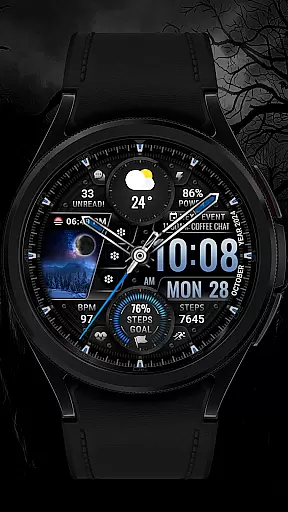
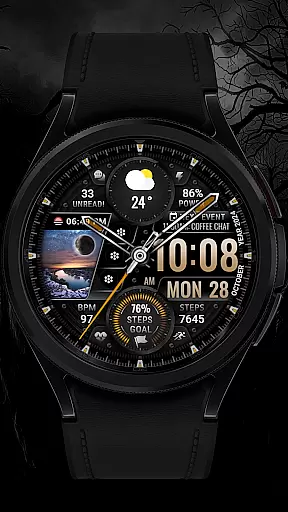
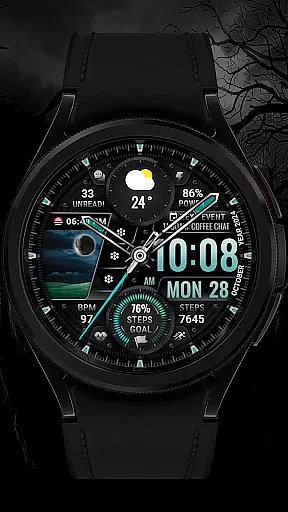
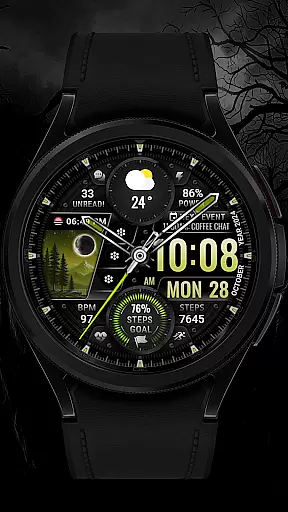
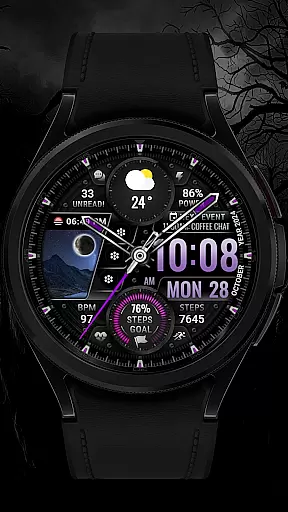
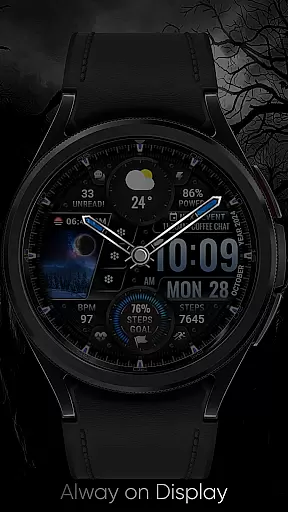
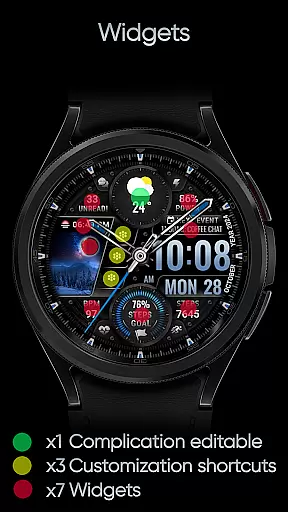
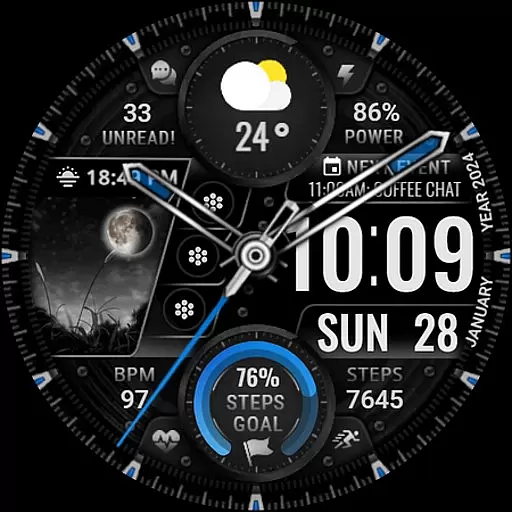
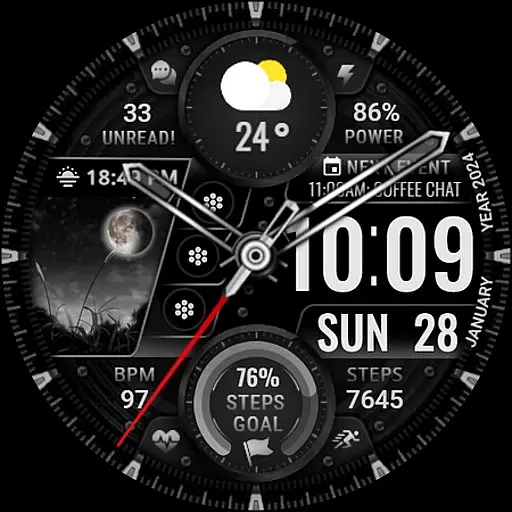
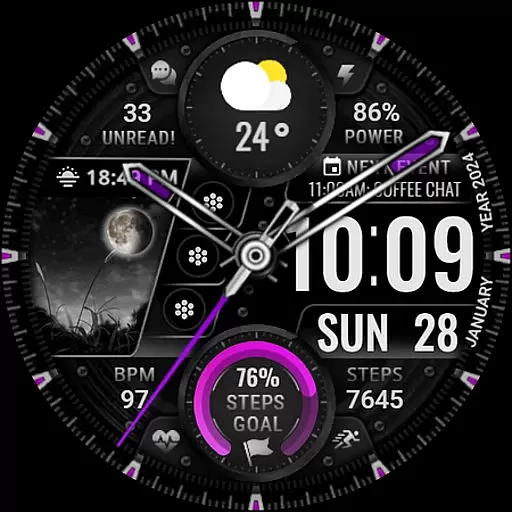
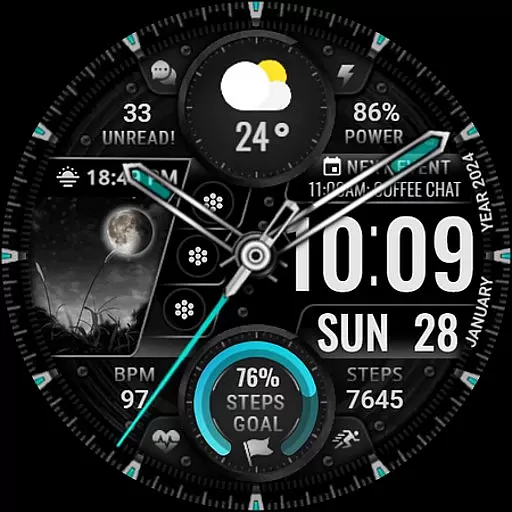
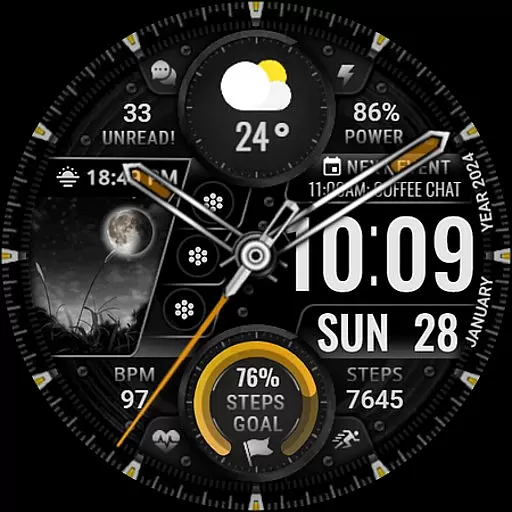
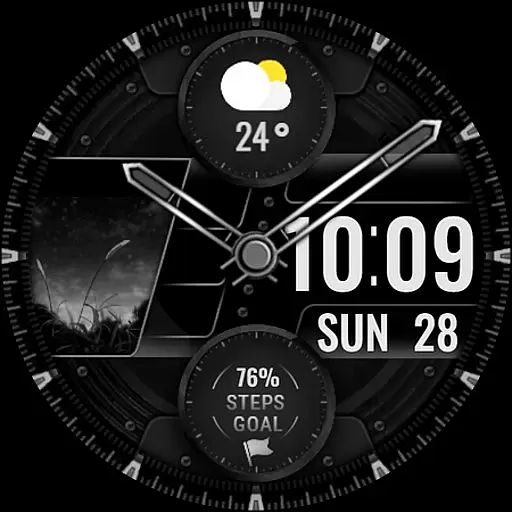
[KNA003] SHADOW is a feature-rich watch face designed specifically for Wear OS devices, offering users a customizable and visually appealing interface. This application supports both analog and digital styles, providing essential information such as date, day of the week, and month. With one editable complication and three app shortcuts, users can tailor their watch face to display the data most relevant to them.
The watch face also includes five color options for the background, clock hands, and steps progress indicator, allowing for personalization that matches individual style preferences. Additional features like step count, heart rate monitoring, battery level display, moon phase tracking, unread message counts, and upcoming events ensure comprehensive functionality. The field background animation adds an extra layer of visual interest, making this watch face not only practical but also aesthetically pleasing.
Compatible with API level 30+ devices including Google Pixel watches and Galaxy Watch series 4, 5, and 6 among other Wear OS models, [KNA003] SHADOW enhances user experience by delivering a blend of utility and design. Before installation, users should verify their device's compatibility with Wear OS to ensure seamless integration and optimal performance.
[KNA003] SHADOW stands out in the Art & Design category due to its extensive customization options and robust feature set tailored for Wear OS devices. One of the key highlights is the ability to customize complications, enabling users to choose from various data types such as weather updates, world clocks, sunrise/sunset times, and barometric pressure readings. This flexibility ensures that each user can create a personalized watch face that meets their specific needs.
In addition to customizable complications, the watch face offers three editable app shortcuts, allowing quick access to frequently used applications directly from the home screen. Users can select from a variety of display elements including date, day of the week, month, step count, heart rate, battery level, moon phase, unread message counts, and upcoming events. These features collectively provide a holistic view of daily activities and important notifications at a glance.
Visual customization is another strong suit of [KNA003] SHADOW. With five distinct color options available for the background, clock hands, and steps progress indicator, users have ample opportunity to adjust the aesthetics according to their preferences. The inclusion of field background animations further enhances the visual appeal, creating a dynamic and engaging user interface. Overall, these features make [KNA003] SHADOW a versatile and attractive choice for those seeking a highly functional and stylish watch face.
In the realm of digital art and design, having a comprehensive suite of creative tools is essential for unleashing an artist's full potential. The [KNA003] SHADOW watch face for Wear OS offers a versatile canvas for personal expression right on your wrist. With features such as analog and digital styles, date, day of the week, and month displays, this app provides foundational elements that any designer would appreciate.
Moreover, the inclusion of one editable complication and three editable app shortcuts allows users to tailor their watch faces with specific data points or applications they frequently use. This level of customization ensures that designers can create a personalized and efficient workspace directly on their wearable device.
The ability to choose from five colors for the background, clock hand, and steps progress adds another layer of personalization. By integrating health metrics like step count, heart rate, battery level, moon phase, unread message count, and next event indicators, the [KNA003] SHADOW becomes more than just a timepieceu2014it transforms into a dynamic accessory that reflects both style and substance.
Flexibility in canvas and format options is crucial for artists and designers who wish to explore various mediums and styles without constraint. The [KNA003] SHADOW watch face excels in providing this adaptability through its customizable interface. Users can touch and hold the display to access the customization options, allowing them to modify the appearance and functionality according to their preferences.
Complicationsu2014a key feature of smartwatch designu2014offer unparalleled versatility by enabling users to select from a range of data sources including weather updates, world clocks, sunrise/sunset times, and barometric pressure readings. This capability not only enhances the aesthetic appeal but also increases the practical utility of the watch face.
It's important to note that while some features may vary across different models, the core experience remains consistent. Compatible devices include those running API level 30+ such as Google Pixel watches and Galaxy Watch series 4, 5, and 6 among other Wear OS models. This compatibility ensures that a broad spectrum of users can enjoy the benefits of a flexible and responsive design platform tailored to individual needs.
Highly Customizable
Versatile Complications
Visually Appealing Design
Comprehensive Data Display
Dynamic Animations
Limited Device Compatibility
Complex Setup Process
Potential Battery Drain
Feature Limitations on Some Models
No Automatic Application

Sketch, trace and master AR drawing with awesome anime art!
 3.30
3.30
Remove Background, Magic Eraser, Photo Enhancer, Story Templates, Collage Maker
4.30
Create color palette from Image, RGB & RYB Color wheel harmonies, Color Scheme
4.50
Painting, drawing, & sketching
4.50
Get creative and make art with your Sesame Friends!
4.00
Android 14 style widgets and wallpapers app.
4.4
Kling AI is an image and video generation and editing studio powered by AI.
4.50
Turning simple sketches into captivating tales filled with life and motion
3.90
Create Logos, Tattoos, AI Art & more with our AI Photo Generator & Design Editor
4.20
Mobile pixel art editor. Simple. Fast. Portable.
4.80
Draw on screen: FP sDraw is a simple and lightweight drawing app
4.70
Photo editor for art, avatars, filters & fun transformations.
4.60
Draw glowing spinners, relax, and spin your creative art
4.60
The perfect place to start sketching! Use Sketchbook to draw and paint sketches.
4.50
Draw Trace image sketch by, AR art projector app, Easy to trace any image.
4.50
Nano Banana AI Image Generator, Anime Filter, AI Portrait, AI Photo Generator
4.30
AI Art Generator transforms your words into AI generated art & paintings.
3.70
Create cute cat emojis & PFPs! Fun, custom avatars for cat lovers.
3.70
Your Essential Color Theory Guide: Red, Yellow, Blue (RYB)
4.5


User Reviews