
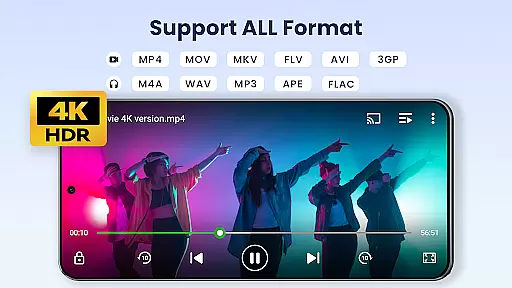

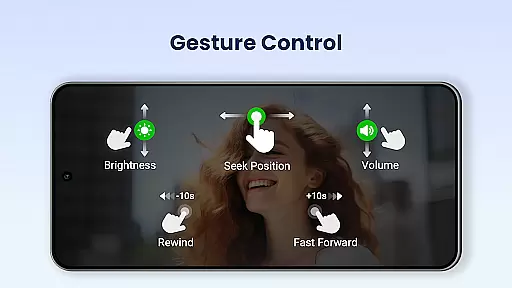
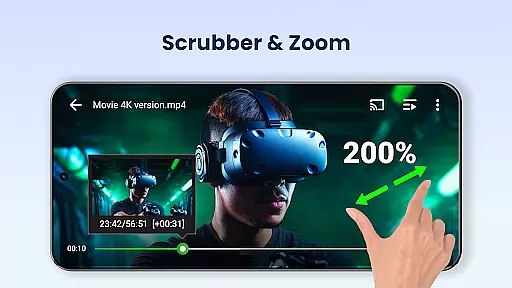
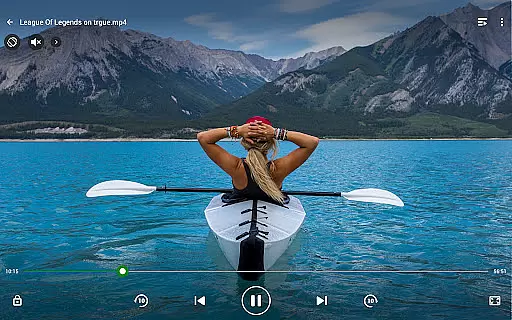
Video Player All Format is a professional video playback tool designed for both Android tablets and phones. This versatile player supports all video formats including MKV, MP4, AVI, and more, with ultra HD capabilities for 4K video files. The app ensures high-definition playback while offering advanced features such as hardware acceleration and Chromecast support.
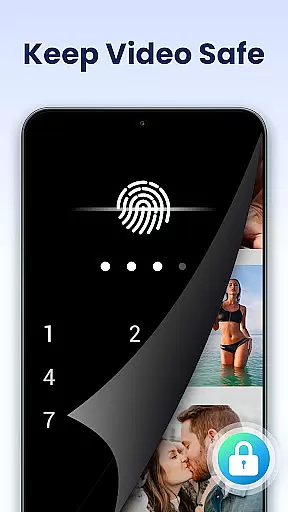
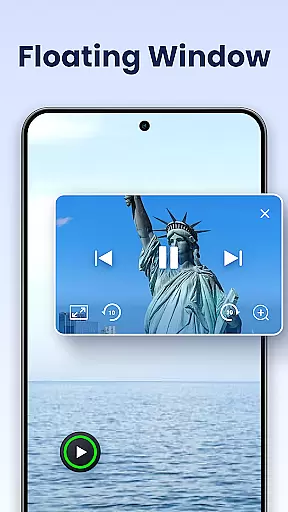
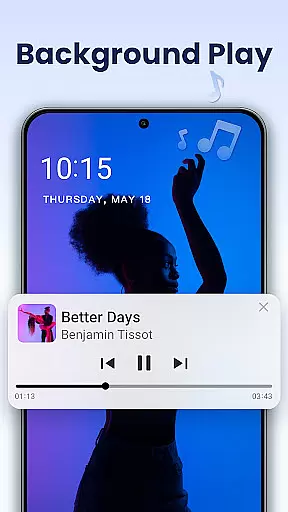
One of the standout features of this app is its ability to safeguard user privacy through a private folder feature, allowing users to password-protect their private videos. Additionally, it offers convenient functionalities like pop-up video, background play, night mode, and playback speed control, making it an all-in-one solution for video enthusiasts who value both security and usability.
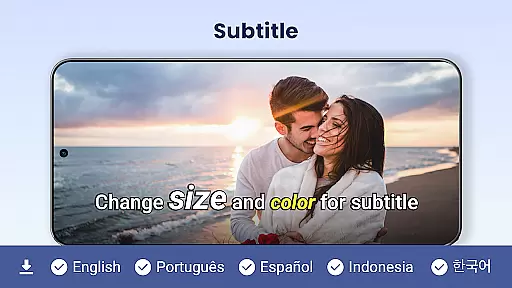
Video Player All Format stands out due to its comprehensive feature set tailored for diverse user needs. It supports all popular video formats and provides an exceptional playback experience with its hardware acceleration and 4K ultra HD support. Users can cast their videos to TV using Chromecast, download subtitles, and enjoy multi-functional playback options like auto-rotation and aspect-ratio adjustments.
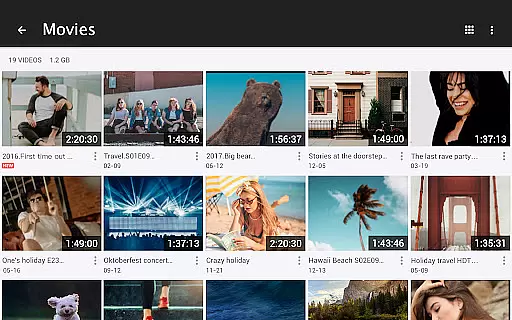
The app also includes practical tools such as a file manager that automatically identifies all video files on your device and SD card, making video management and sharing effortless. With additional features like pop-up window support, split-screen mode, background play, and night mode, users can customize their viewing experience extensively. These robust capabilities ensure smooth and versatile media consumption across different devices.
Video Player All Format stands out as a versatile video playback tool that supports an extensive range of video formats, making it adaptable to various user needs.
The application is designed to handle ALL video formats including MKV, MP4, M4V, AVI, MOV, 3GP, FLV, WMV, RMVB, TS, and more. This ensures that users are not limited by specific file types and can enjoy both standard and high-definition content without conversion hassles.
With capabilities extending to Ultra HD and 4K video playback, the app caters to videophiles who demand crisp, clear imagery in their viewing experience. The support for such high-resolution formats positions Video Player All Format as one of the premier choices for Android users seeking quality and flexibility.
By identifying all video files on your device and SD Card automatically, it streamlines media management while offering smooth playback across different resolutions and codecs. This comprehensive compatibility ensures that whether you're watching on an Android phone or tablet, your videos will play flawlessly.
While Video Player All Format primarily focuses on video playback, it also integrates advanced features akin to AI-powered editing tools that enhance the overall user experience.
One notable feature is its speed control functionality, allowing users to adjust playback speed from 0.5 to 2.0 easily. This capability offers a level of customization similar to what one might expect from dedicated video editing software, providing slow motion & fast motion settings that can transform how content is consumed.
In addition to speed adjustments, the player includes multi-playback options like auto-rotation, aspect-ratio changes, and screen-lock features which give users more control over their viewing environmentu2014akin to manipulating video properties during post-production.
Moreover, with subtitle downloader support and easy management or sharing of videos, this app blends traditional playback functionalities with modern enhancements typically found in sophisticated editors. These combined attributes make Video Player All Format not just a viewer but an all-in-one media handling solution.
Supports all video formats
Ultra HD and 4K support
Private folder for security
Chromecast integration
User-friendly interface
No iOS version available
Occasional ads in free version
Limited advanced editing
Subscription for premium
Heavy on storage

The smartest M3U IPTV Player your playlists have ever seen.
 4.5
4.5
A full editing room to accompany your Insta360 cameras and handheld gimbals.
3.30
Fast, private downloading, video saving, social media
4.50
Download website videos fast&privacy
4.40
GENRAL PRO - General Pro is the best video player that fully supports all formats.
4.70
IPTV Loader, loads your own Playlist. DOES NOT CONTAIN ANY LIST OR CHANNELS
4.60
Watch IPTV on your Android device
4.60
Video player with 4K & 1080P support, popup play, background play and subtitle.
4.20
convenient, safe and fast at Video Downloader & Player
4.60
Pro video editor app for Instagram, edit video with song, AI, effect & slowmo.
4.80
Find, download, and play torrents with the official BitTorrent® Pro app
4.70
Cast Videos from Web Browser, IPTV to Roku, Chromecast, DLNA, Smart TV +more
4.60
VLC Remote lets you control your VLC Media Player on Mac, PC or Linux.
4.60
Cast movies, tv shows and live streams to Chromecast, Roku, DLNA, Fire TV & more
4.60
Photo and Music Video Creator into Stunning Videos—Effortlessly
4.40
Video player, file manager for all formats, 4K/HD media player supports subtitle
4.30
IPTV Player - Watch live TV from m3m & m3u8 playlist, stream IPTV on mobile
3.30
Client application for NextPVR software
3.00
The essential companion to your Blue Iris PC software
2.50


User Reviews