



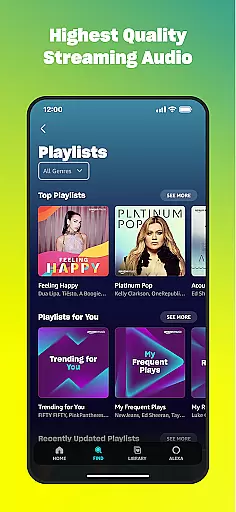
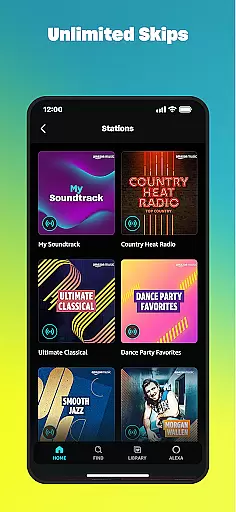
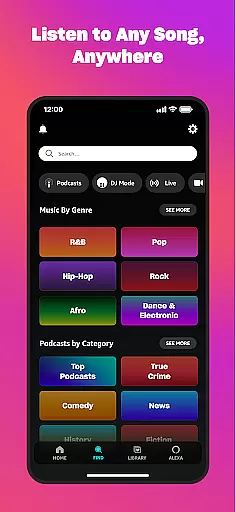
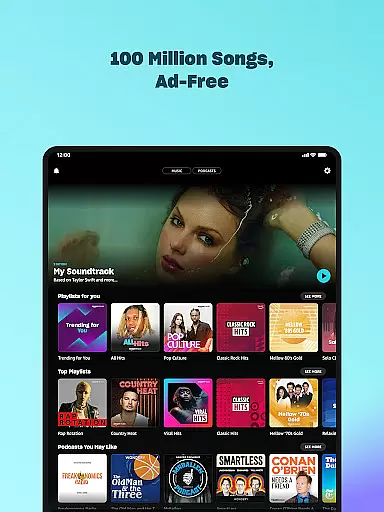

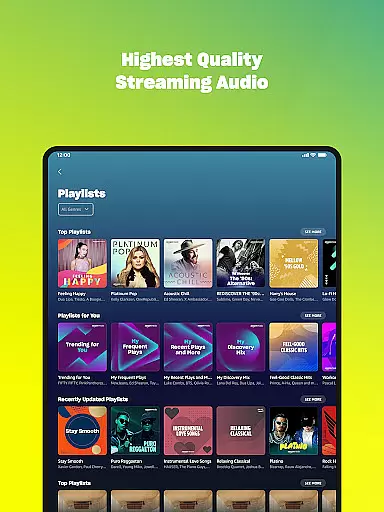
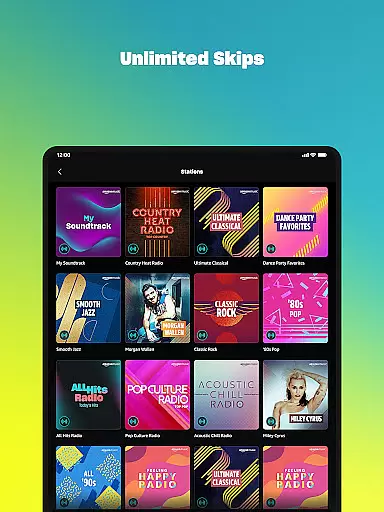
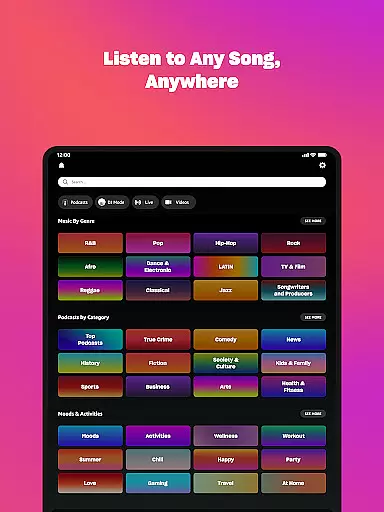
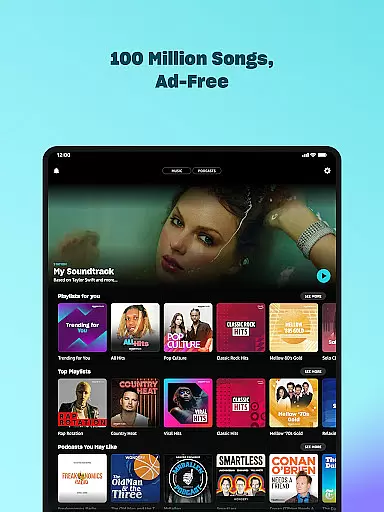

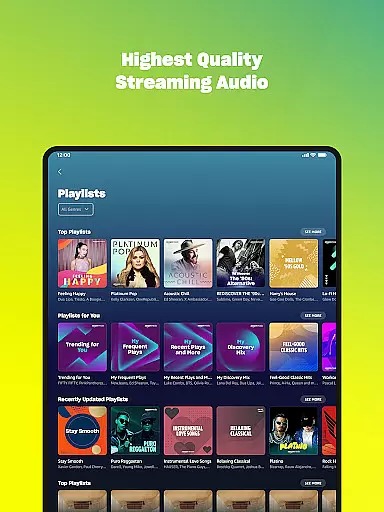
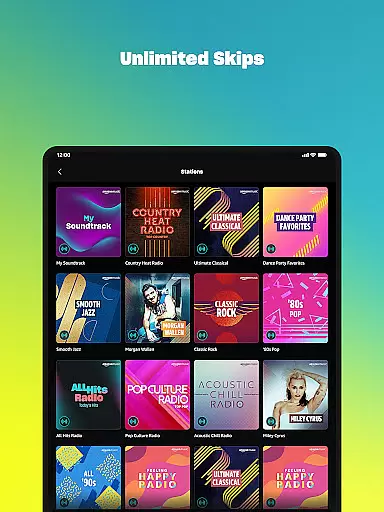
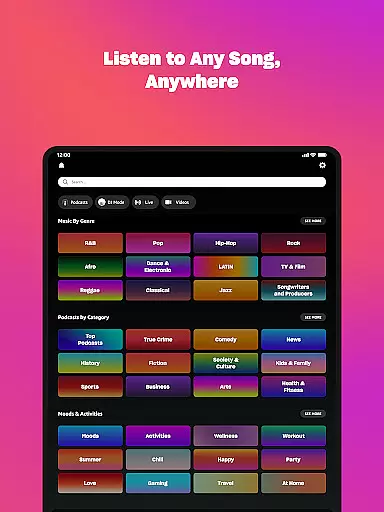



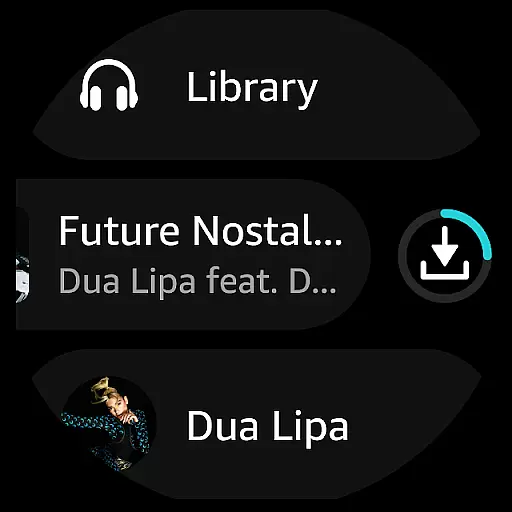
Amazon Music is a comprehensive music streaming service that redefines how users discover and enjoy their favorite tunes. The app offers free access to thousands of stations, millions of podcast episodes, and personalized recommendations based on user preferences. Prime members benefit from an ad-free experience with the largest catalog of top podcasts and unlimited skips.
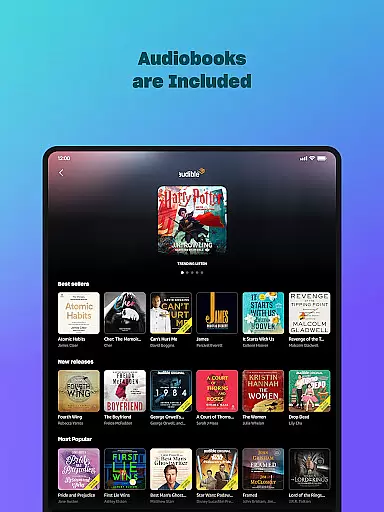
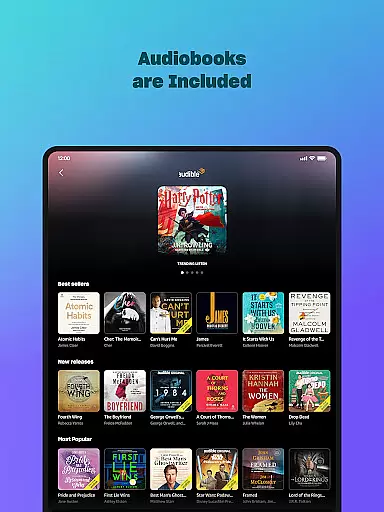
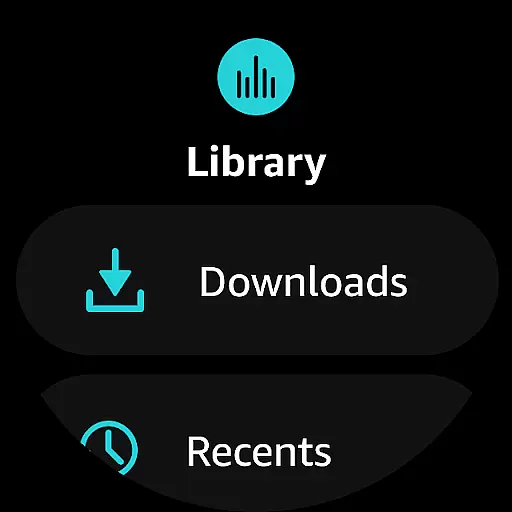
For those seeking premium features, Amazon Music Unlimited provides access to 100 million songs, audiobooks, and spatial audio experiences. With offline listening capabilities and Wear OS integration, users can enjoy their music library directly from their wrist, making it ideal for Android smartwatch owners who want seamless music access on the go.
Amazon Music stands out with its tiered service offerings. Free users can enjoy curated playlists and podcasts without needing a credit card. Prime members receive enhanced benefits like ad-free listening and shuffle play options across all artists and albums.
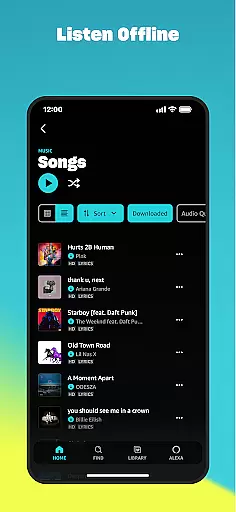
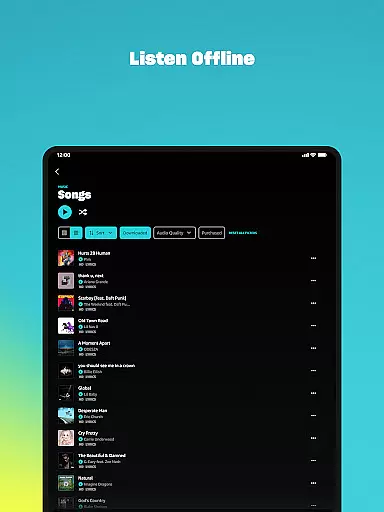
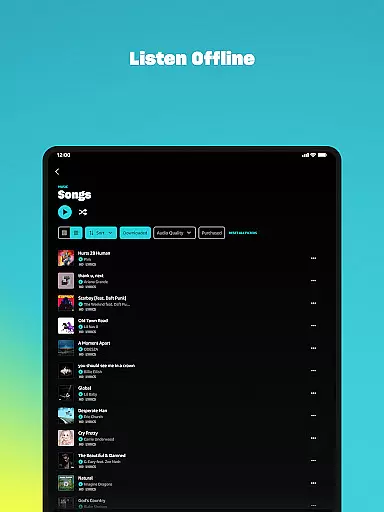
The Amazon Music Unlimited subscription elevates the experience further by providing on-demand access to over 100 million songs. Users can download content for offline playback, import playlists from other platforms, and explore spatial audio tracks. The app also supports Wear OS, allowing users to control music playback directly from their smartwatch and store music locally for offline listening.
Companion app integration is essential for a seamless experience between mobile devices and wearables. Amazon Music ensures that your favorite playlists, albums, and personalized recommendations are effortlessly synchronized across your smartphone and Wear OS device.
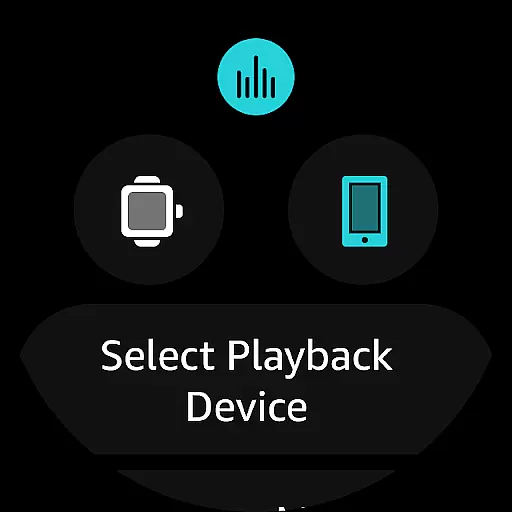
The app allows users to access their entire music library directly from their wrist. This includes the ability to play top recommendations, search for specific songs or albums, and control playback on linked Android devices. Such functionality enhances user convenience by minimizing the need to frequently interact with the phone.
Furthermore, Amazon Music supports offline listening by enabling downloads onto the wearable device. This feature is particularly beneficial for users who engage in activities where carrying a phone might not be practical, such as jogging or exercising. The synchronization process is smooth, ensuring that users can transition between devices without any disruptions.
Overall, the companion app integration provided by Amazon Music significantly enriches the user experience by offering flexibility, ease of access, and continuity across multiple devices, making it an indispensable tool for tech-savvy individuals.
Ensuring broad compatibility with various Wear OS devices is crucial for maximizing user accessibility. Amazon Music has been optimized to work seamlessly with a wide range of smartwatches running on Wear OS, providing users with a versatile and reliable music streaming solution.
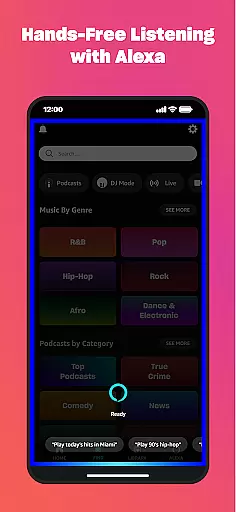
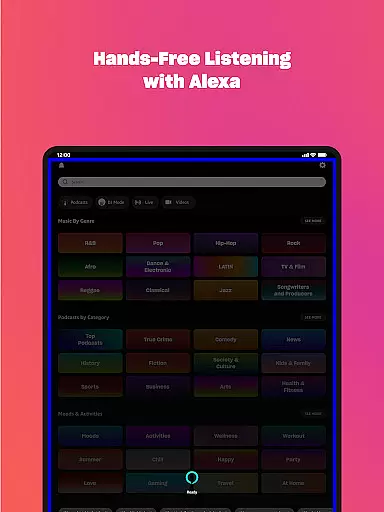
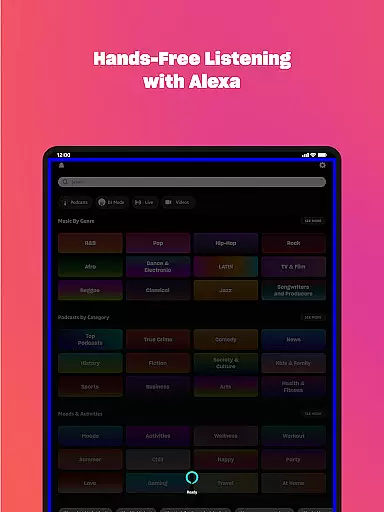
The application leverages the capabilities of Wear OS to deliver an intuitive and responsive interface. Users can easily navigate through their music library, access playlists, and control playback with simple voice commands or touch gestures. This level of integration enhances the overall usability of both the app and the wearable device.
Moreover, Amazon Music's compatibility extends beyond just playing music. It also supports advanced features like casting to compatible Android devices and controlling playback directly from the watch. These functionalities ensure that users have complete control over their audio experience without needing to reach for their phones.
In summary, Amazon Musicu2019s robust compatibility with Wear OS devices offers a comprehensive and user-friendly experience, allowing customers to enjoy their favorite tunes conveniently and efficiently, regardless of their chosen wearable technology.
Extensive music library
Ad-free listening
Offline playback support
Wear OS integration
Playlist import feature
Limited free features
Subscription cost
Regional restrictions
Complex pricing tiers
Interface learning curve

Gym Log & Workout Tracker | Fitness Journal, Training & Weight Lifting Planner
 4.90
4.90
Analog watch face with 8 complications and expedition styling
4.0
Artistic Digital Watchface
4.2
Simple Analog-Digital Watchface For Wear OS 3.0 and Up Smartwatches
4.3
Digital, flexibly customizable watch face. For Wear OS 5.0, API 34+ and later.
5.00
Structured watch face with seven complications and modular UI elements
3.90
Hyperlocal rain alerts by MyRadar using patent-pending technology, radar & more
4.80
Want to take charge of your health? Let Google Fit help you reach your goals.
3.50
Toyota app currently supports 2010 or newer vehicles (2018 or newer for Hawaii).
4.50
Diet tracker for weight loss - track calories, food and macros. Simple and easy!
4.70
Hybrid watch face for Wear OS with customizable complications by Matteo Dini MD
4.70
Walking app for weight loss: walk & step tracker, pedometer, indoor treadmill
4.60
A realistic hybrid watch face with many customization options.
4.60
Elegant animated Christmas tree with multiple customization options
4.20
Connect, create, and collaborate with Gmail, part of Google Workspace.
4.10
Stay in touch with your friends and family using LINE!
3.40
Watch face designed for Thanksgiving Day. 7 Background Styles included.
3.20
Sleek, highly customizable watch face inspired by Galaxy Watch Circle Dashboard.
4.5
Fitness interactive virtual pet super fighter boy watch face
4.0


User Reviews