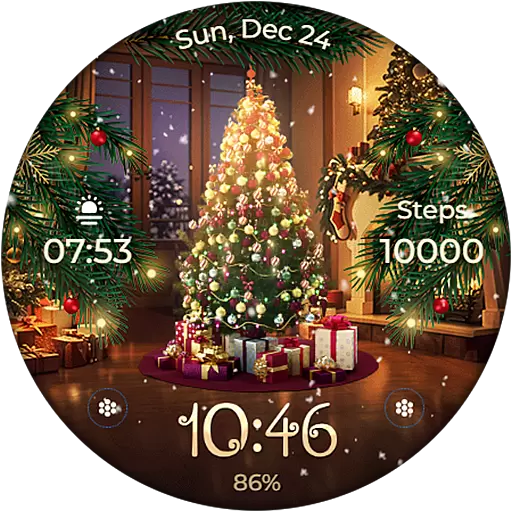
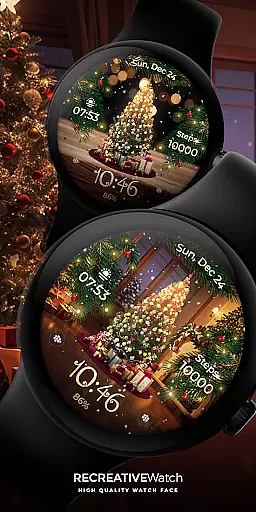
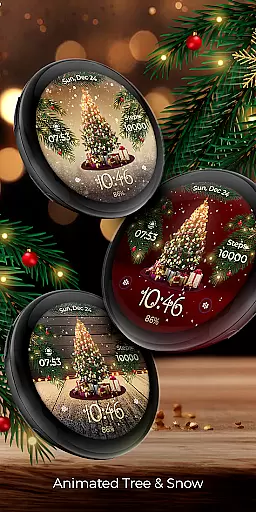
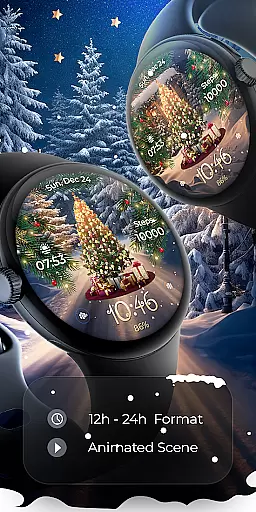
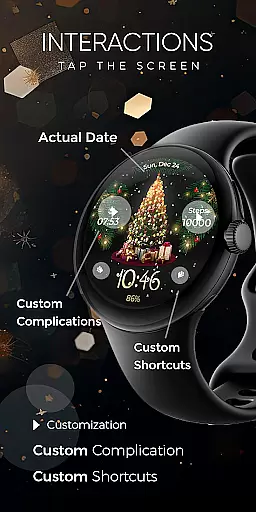
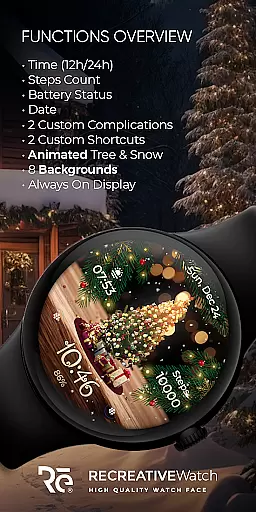
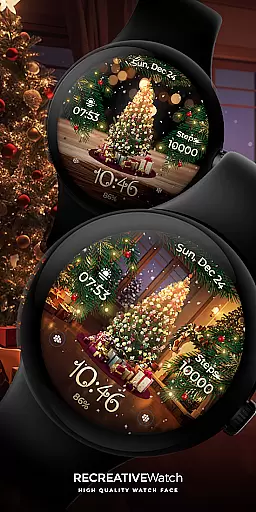
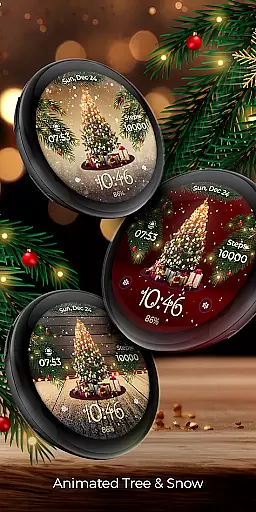
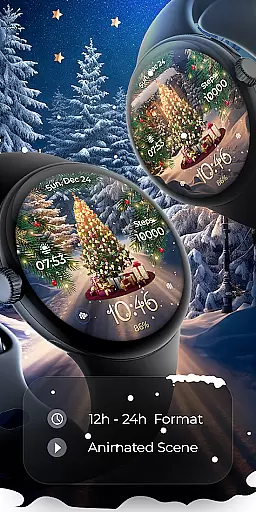
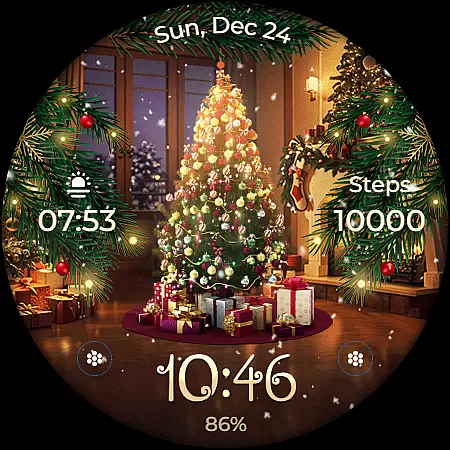
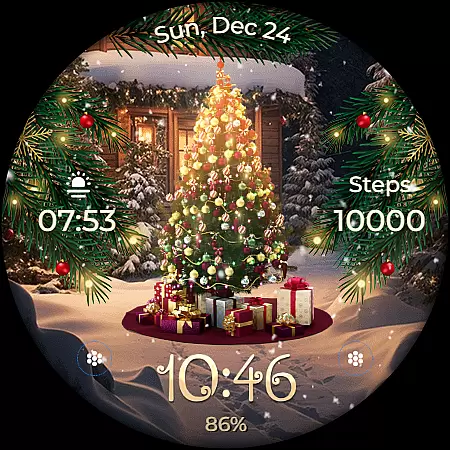
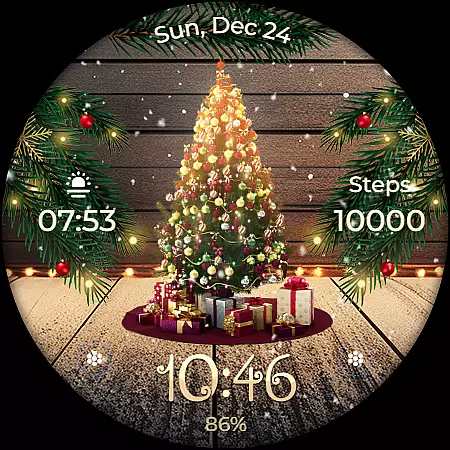
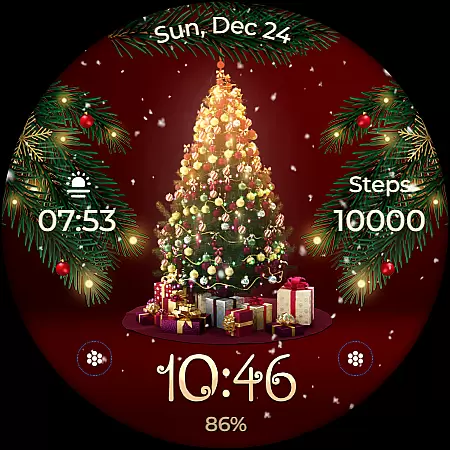
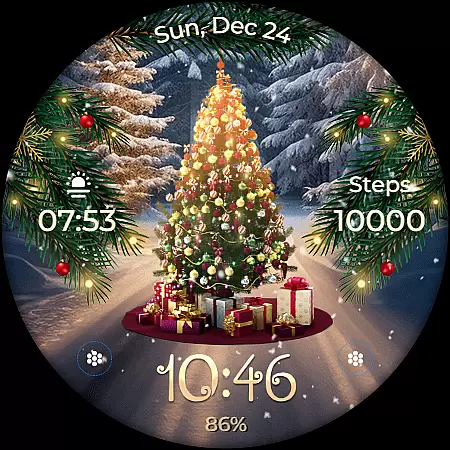
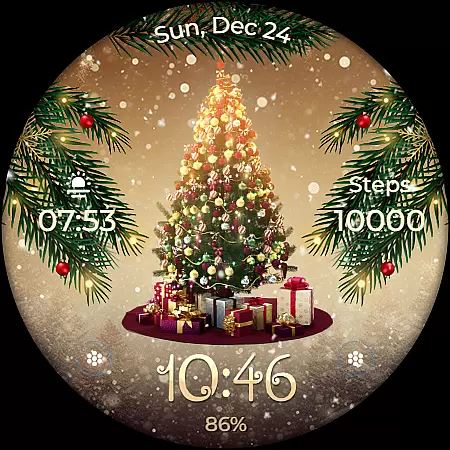
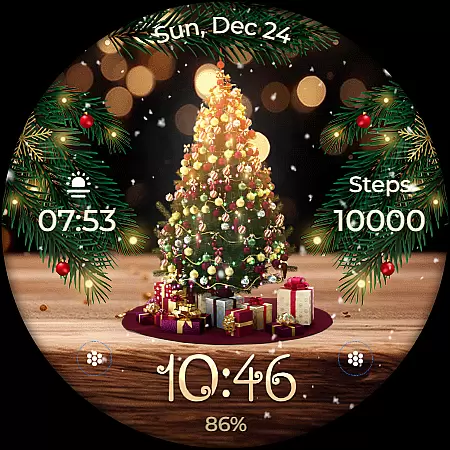
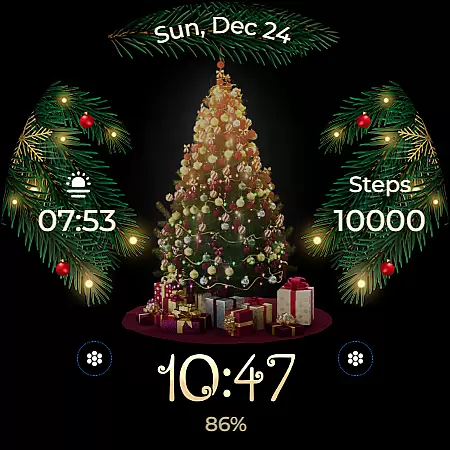
Animated is a festive Wear OS watch face that brings the magic of Christmas to your wrist. Featuring a lively animated Christmas tree adorned with presents, the watch face creates a winter wonderland experience with cascading snowflakes and enchanting sparkles. Beyond its holiday charm, it offers practical functionalities including digital time display, date, battery status, and step count.
The watch face supports Always ON Display with customizable colors and modes, allowing users to tailor their experience. With compatibility across API level 33+ devices such as Google Pixel and Galaxy Watch series, Animated ensures both style and utility. Whether you want to embrace the holiday spirit or simply enjoy a visually appealing watch face, this app delivers a unique blend of festivity and functionality.
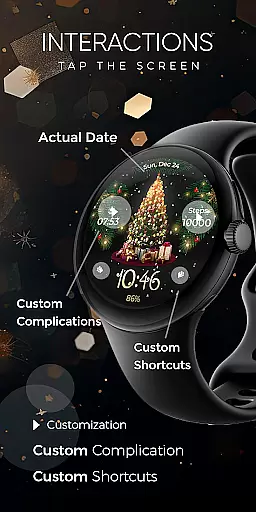
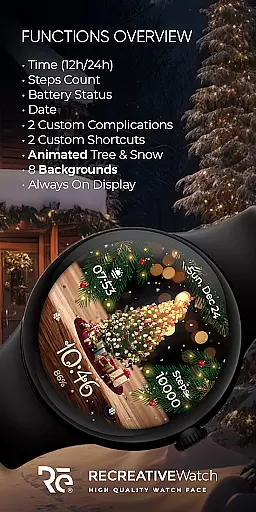
Animated stands out with its feature-rich design tailored for Wear OS devices. The watch face displays 12/24h digital time, date, battery level, and step count, ensuring users stay informed while enjoying the festive animations. Two customizable complications and shortcuts allow personalization, enabling users to access their preferred data directly from the watch face.
With support for Always ON Display, users can choose different color schemes and modes to suit their preferences. The inclusion of eight unique backgrounds adds variety, while the animated Christmas tree, snow, and magical sparkles create an immersive seasonal experience. These features collectively enhance both aesthetics and usability, making Animated a versatile choice for those seeking a balance between functionality and holiday cheer.
Companion app integration is essential for ensuring seamless functionality between a Wear OS watch face and its corresponding mobile application. The Animated Christmas watch face utilizes the companion app to facilitate installation and customization, making it easier for users to access and personalize their watch face.
This particular watch face offers an engaging experience with features like an animated Christmas tree, snowflakes, and sparkling effects. Through the companion app, users can effortlessly install these enchanting visuals on their smartwatches. Additionally, the app serves as a control center where users can manage settings without hassle.
While the mobile app contains ads, it enhances user convenience by providing quick access to customization options such as backgrounds, complications, and shortcuts. This ensures that wearers have a delightful experience every time they glance at their wrists during the festive season.
Ensuring compatibility across various devices is crucial for any Wear OS application. The Animated Christmas watch face supports API level 33+ devices including Google Pixel watches, Galaxy Watch series (4, 5, 6), and other Wear OS models. This broad compatibility allows more users to enjoy the magic of Christmas on their smartwatches.
The watch face boasts numerous features designed specifically for Wear OS, such as digital time display in both 12/24h formats, date, battery status, step count, customizable complications and shortcuts, and multiple background options. These elements come together to create a personalized yet festive experience tailored to each user's preferences.
For optimal performance, especially concerning battery life, it is recommended to disable the Always On Display mode when not needed. With proper device support and thoughtful design considerations, this watch face brings holiday cheer while maintaining practical usability throughout the day.
User-friendly interface
Highly customizable
Festive animations
Battery optimization options
Wide device compatibility
Limited to Wear OS
Ads in mobile app
Holiday-themed only
Complex setup process
Performance may vary

Highly customizable hybrid watch face for Wear OS, perfect for everyday use.
 4.60
4.60
Snowflake Rose Gold Watch Face - Digital, modern, & sleek with GYRO effect.
4.10
A full-featured Amazon Alexa voice assistant that can show you things.
3.70
Elegant animated Christmas tree with multiple customization options
4.20
Wear Os Watch Face - Animated Snow Effect & Magic Spark - 6 Scenes
4.10
Watch face for Wear OS.
4.20
Stylish digital watch face for Wear OS devices with customizable features
4.4
Your local weather forecast, storm tracker, radar maps & live weather news
3.40
From periods to pregnancy & perimenopause, Flo helps you track it all. Try now.
4.70
Digital, flexibly customizable watch face. For Wear OS 5.0, API 34+ and later.
5.00
The most customizable hybrid watch face. For Wear OS 5.0, API 34+ and later
4.70
Rose gold watch face with festive lights & customizable features.
4.60
Deck out your Wear OS Watch face with a beautifully decorated pine wreath!
4.50
Digital watch face. For Wear OS devices.
4.40
Bold, Modern Hybrid Watch Face for Wear OS. 10 Colors, Rich Info Display.
4.30
Calming & relaxing sounds for sleeping and stress relief. Stay focused all day!
4.20
Viewer for Wyze/Yi/Eufy/Arlo/ONVIF/RTSP/P2P IP cams w/ adv. features & DIY DVR
4.00
Get helpful reminders, take progress photos and find answers to your questions.
3.90
Simple Analog-Digital Watchface For Wear OS 3.0 and Up Smartwatches
4.3


User Reviews