
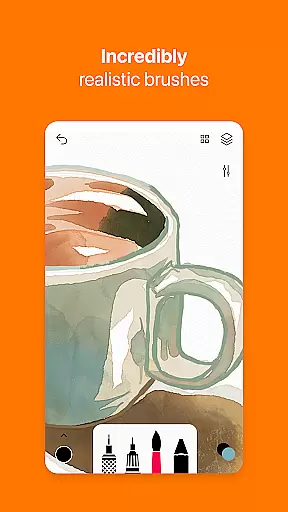
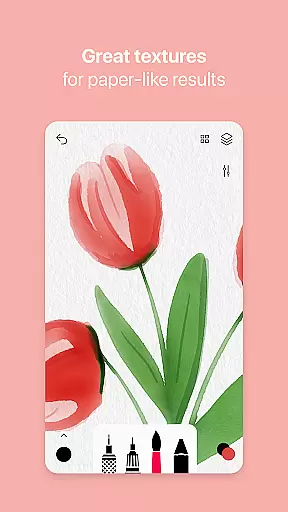
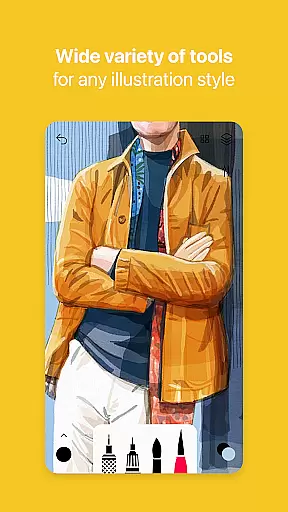
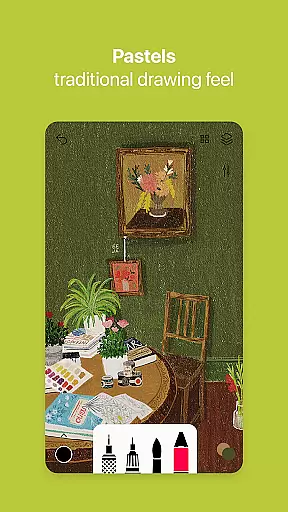

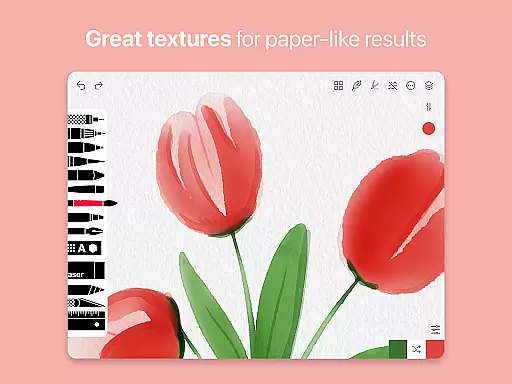
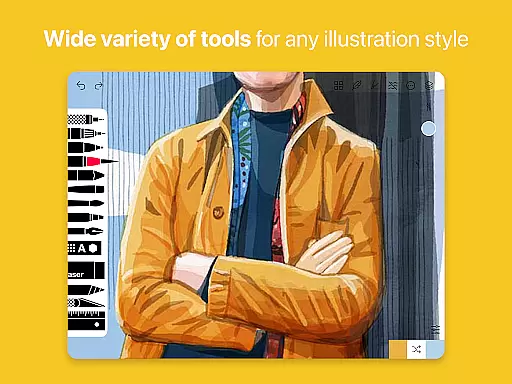
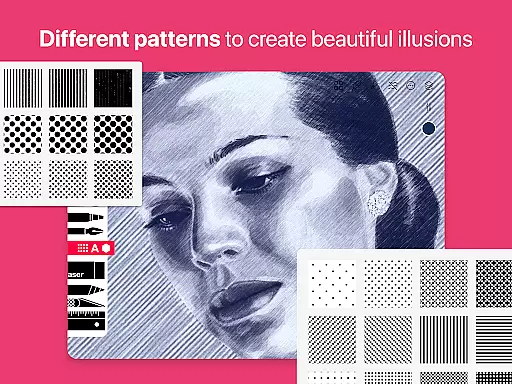
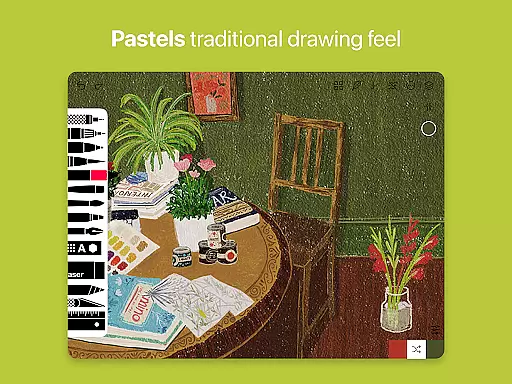
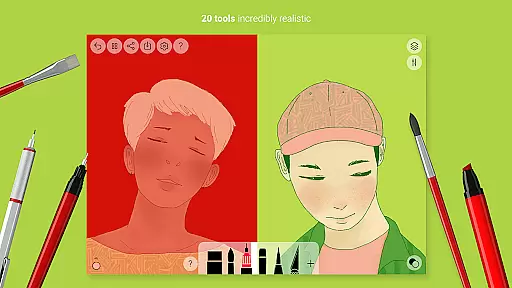
Tayasui Sketches is a premier drawing application designed for artists and creatives who value precision and beauty in their digital artwork. The app offers an impressive selection of over 20 ultra-realistic tools, each meticulously crafted to mimic traditional art mediums. These include watercolor brushes that behave like real paint, oil pastels, acrylics, and various pens.
What sets Sketches apart is its intuitive interface combined with advanced features such as layers, brush editing, and stylus support. This makes it not only powerful but also accessible for users of all skill levels. Whether you're sketching ideas, creating detailed illustrations, or experimenting with color, Tayasui Sketches provides the tools necessary to bring your visions to life with stunning realism.
The app's subscription model offers both weekly and yearly options, providing flexibility for different user needs. With Pro options, users gain access to additional features like importing photos and advanced sharing capabilities. Tayasui Sketches is ideal for anyone looking to create professional-quality artwork on their mobile device.
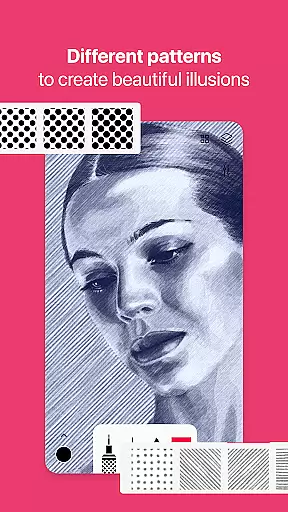
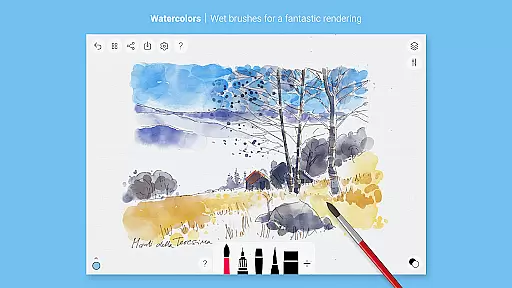
Tayasui Sketches stands out with its collection of beautifully designed brushes that adapt to the user's movements, adjusting pressure, angle, and width just like real-world tools. The watercolor brushes are particularly noteworthy, offering an incredibly realistic wet brush experience that captures the nuances of traditional watercolor painting.
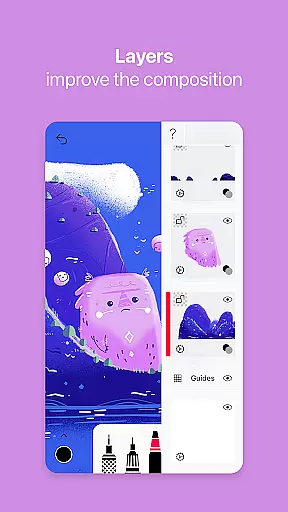
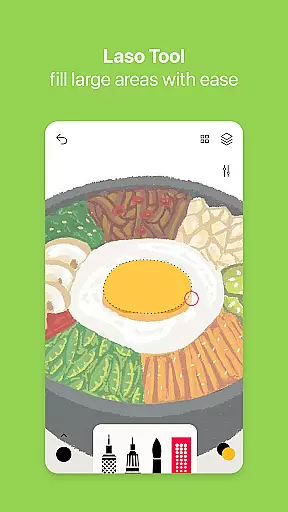
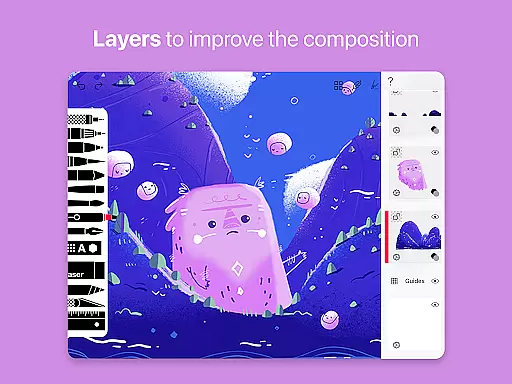
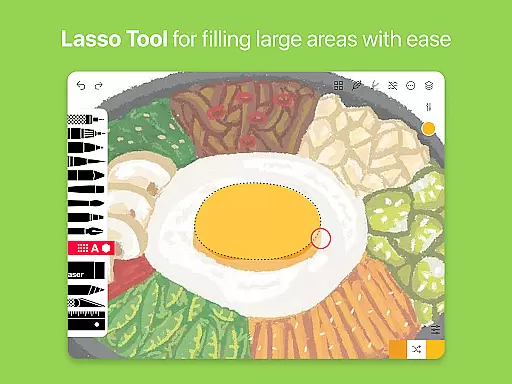
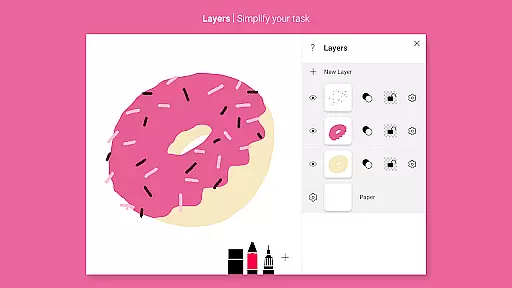
In addition to its impressive brush library, the app includes advanced functionalities such as layers, which simplify complex tasks by allowing users to work on different elements separately. The Brushes Editor lets users customize their tools, while the Color Eyedropper enables precise color matching. Sharing and exporting artworks is made easy with enhanced export functions.
For those seeking even more creative control, Tayasui Sketches supports a variety of input methods including styluses, making it compatible with various devices and drawing tablets. This versatility ensures that whether you're using your fingers or a specialized drawing tool, the app delivers a seamless and responsive drawing experience.
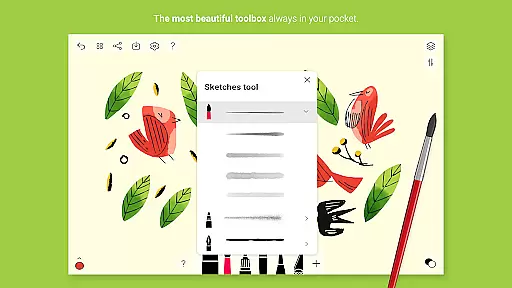
In the realm of digital art, having a comprehensive set of creative tools is paramount. Tayasui Sketches offers over 20 ultra-realistic instruments, ranging from pens and brushes to advanced features like layers and an intuitive Brushes Editor.
Each tool within the application has been meticulously crafted to mimic real-world counterparts. For instance, the watercolor wet brush provides an incredibly lifelike experience that adapts to the user's movements in terms of pressure, angle, and width, ensuring every stroke behaves vividly as it would on paper.
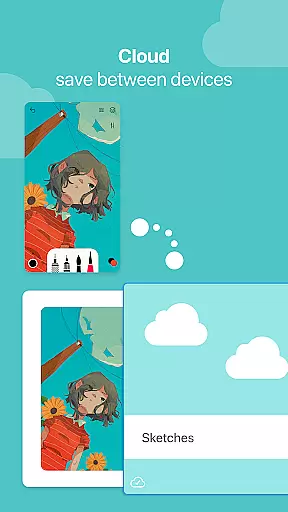
Users benefit from advanced sharing and export functions, alongside the ability to import photos, thus enhancing their creative process. The inclusion of stylus support further enriches the drawing experience, making it more tactile and precise.
The app's dedication to providing a complete artist's toolkit empowers creators to bring their visions to life with stunning realism and detail, elevating their work to professional standards.
A versatile canvas is essential for artists seeking to explore various formats and dimensions in their work. Tayasui Sketches excels in this area by offering flexible canvas options that cater to different artistic needs.
Artists can utilize layers to simplify complex tasks, allowing for non-destructive editing and intricate detailing. This feature is complemented by the ability to import photos, which serves as a foundation for digital paintings or reference images.
The app supports a wide array of tools including pens, rotting, felt pens, and even text, enabling users to create mixed media pieces or detailed illustrations without format restrictions.
With its adaptive canvas and format flexibility, Tayasui Sketches ensures that artists are only limited by their imagination, not by the software they choose to express their creativity.
User-friendly interface
Realistic brush effects
Advanced layer management
Customizable tools
Stylus compatibility
Subscription required
Limited free features
No desktop version
Some tools iPad-only
Auto-renewal policy

Paint with oils and sketch with natural tools on a realistic virtual canvas.
 3.80
3.80
Art of Combination Wear OS Watch Faces
4.3
Photo editor for art, avatars, filters & fun transformations.
4.60
Get creative and make art with your Sesame Friends!
4.00
Get an overview over all your embroidery threads, projects and more.
4.60
A luxurious gold watch face for an elegant and refined look.
4.2
Photo stitcher for automatically screenshot stitching into a long screenshot
4.70
Create and Design Custom Logos in Seconds with AI-Powered Tools!
4.40
Create amazing pictures and unleash your creative genius with AR Drawing Sketch
4.40
Draw beautiful mandala's very easily
4.60
Draw, fidget, and spin glow art! Relax and express your creativity with a finger
4.60
Customizable Outlined Fonts. Watch Face Format. Battery friendly Digital Clock.
4.20
Text to Image, Image to Video & AI Chat
4.20
Create cute cat emojis & PFPs! Fun, custom avatars for cat lovers.
3.70
AI Assistant, powered by ChatGPT GPT-4 & GPT-4o. Your intelligent companion.
3.50
Create trending AI photos & videos with powerful effects and 3D styles.
3.20
Transform photos into amazing monochrome dither art with professional algorithms
4.4
Art of Combination Wear OS Watch faces
4.4
Your Essential Color Theory Guide: Red, Yellow, Blue (RYB)
4.5


User Reviews