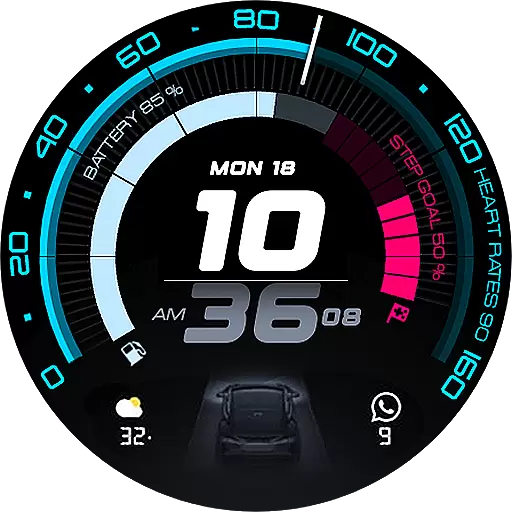
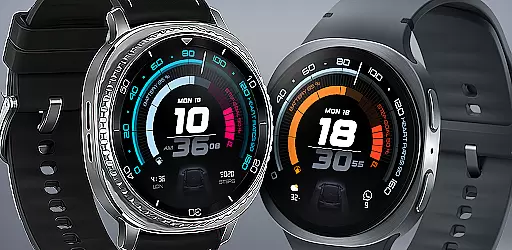
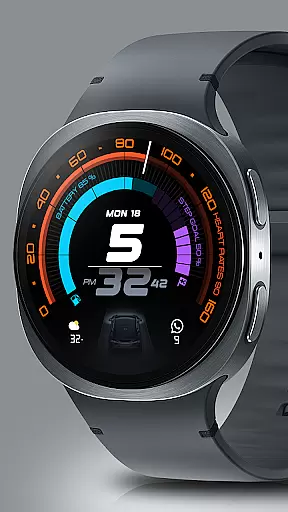
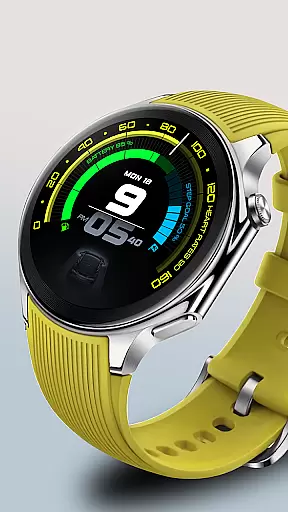
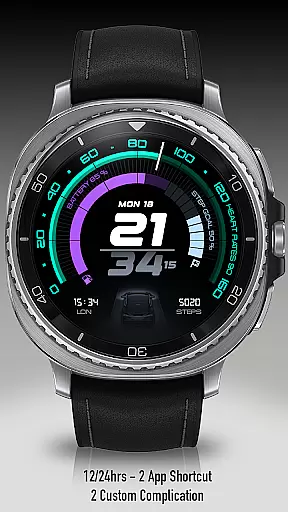
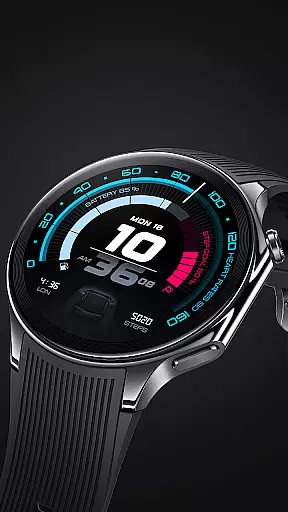
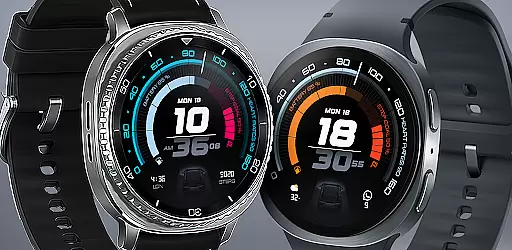
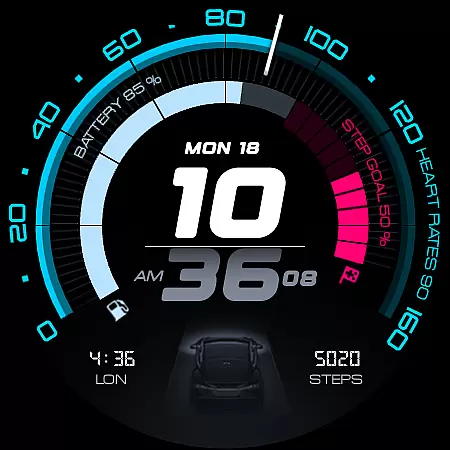
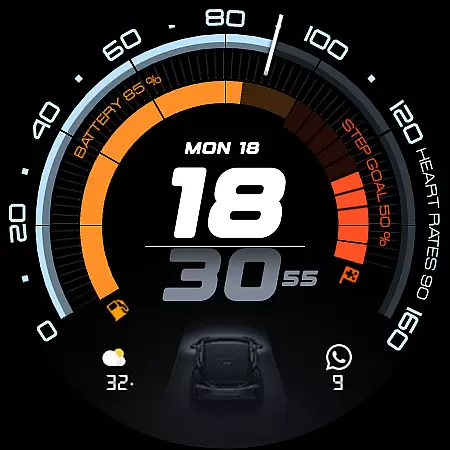
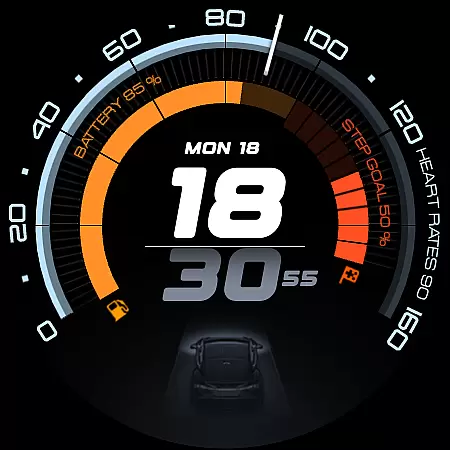
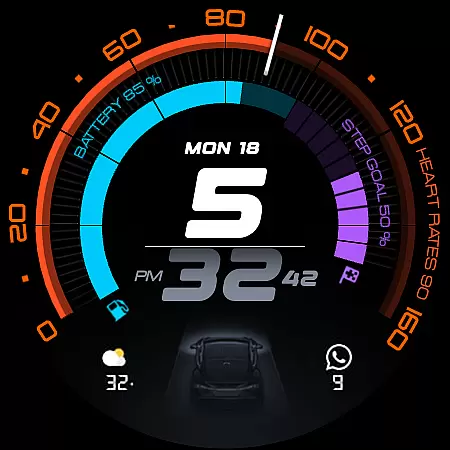
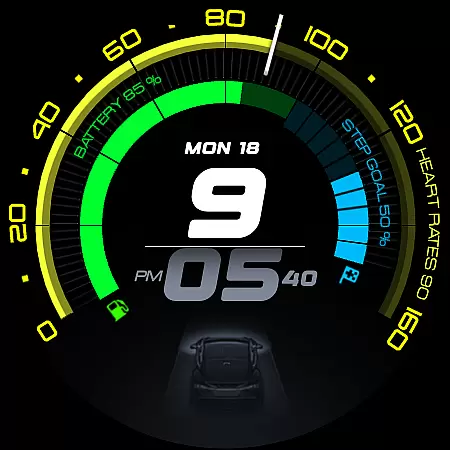
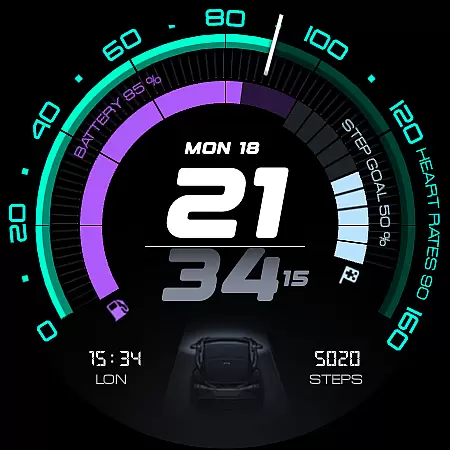
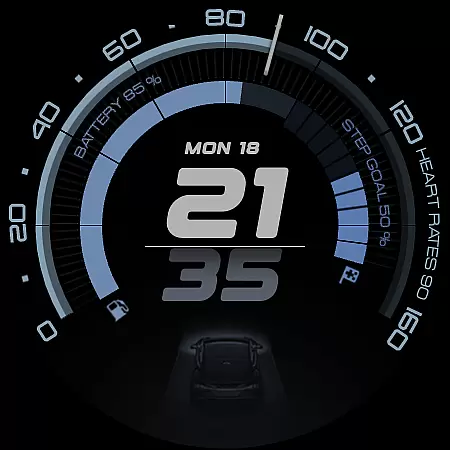
ARS Acceleration is a high-performance watch face designed for users who need quick access to essential information. It combines bold digital time display with vibrant activity arcs and health tracking features.
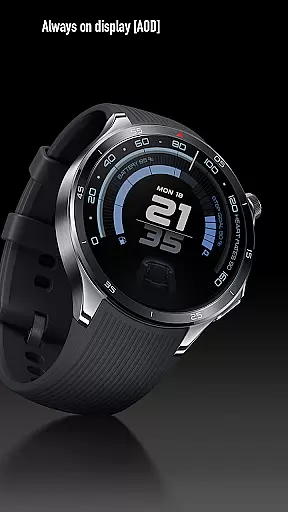
The interface includes real-time metrics like heart rate, battery level, step count, and weather updates. Its automotive-inspired design offers both style and functionality, adapting seamlessly between day and Always-On modes.
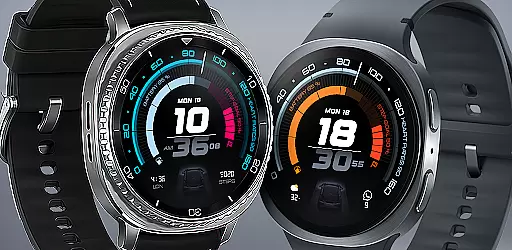
This watch face stands out with its dynamic and modern interface. The vibrant color-coded activity arcs provide an instant view of your progress, while customizable complications allow personalized shortcuts.
Supporting both 12/24-hour formats, ARS Acceleration provides dual app shortcuts for convenience. The design ensures that all vital information is accessible at a glance, making it ideal for those with active lifestyles.
Companion app integration is essential for a seamless smartwatch experience. ARS Acceleration excels in this area by offering users the ability to sync data effortlessly between their wearable and mobile devices. This ensures that all health metrics, notifications, and customizations are up-to-date across platforms.
The watch face supports real-time updates, allowing users to receive heart rate, battery level, step count, and weather information directly on their wrist. By integrating with the companion app, these features become more powerful, enabling detailed analysis and personalized insights based on user activity.
Additionally, ARS Acceleration provides customizable complications and dual app shortcuts, which can be managed through the companion app. Users can tailor their watch face to display the most relevant information, enhancing both convenience and efficiency. This level of personalization ensures that each user's experience is unique and aligned with their individual needs.
Ensuring broad device compatibility is crucial for any Wear OS application. ARS Acceleration is designed to work seamlessly with a wide range of Wear OS devices, providing users with a consistent experience regardless of their hardware choice. This compatibility extends to various screen sizes and resolutions, ensuring crisp visuals and optimal performance.
The watch face takes full advantage of Wear OS capabilities, including both 12/24-hour time formats and an Always-On Display mode. These features adapt dynamically to user preferences and ambient light conditions, offering a versatile and adaptive interface that suits any situation.
Moreover, ARS Acceleration's automotive-inspired design and vibrant color-coded activity arcs cater to users seeking both style and functionality. By supporting a variety of customization options, the watch face remains visually appealing while delivering essential health and fitness tracking. This balance of aesthetics and utility makes it a top choice for performance-oriented individuals.
Real-time health tracking
Vibrant activity displays
Customizable shortcuts
Sleek automotive design
Always-On functionality
Limited to Android Wear
Battery consumption
Premium cost
Complex settings
Fewer themes

sleep, alarm, snoring, stress, healing, focus, sound therapy, circadian rhythm
 4.10
4.10
Find EV charging stations
4.30
The ultimate destination for kids ages 3-8 to explore the Marvel Universe!
4.30
Stay in touch with your friends and family using LINE!
3.40
Funny animated watch face for Thanksgiving
4.1
Minimalistic design modern digital watch face.
4.2
Hybrid Vibrant Health Watch Face for Wear OS
4.4
Your local weather forecast, storm tracker, radar maps & live weather news
3.40
Control your Samsung Smart TVs, appliances, and SmartThings-compatible devices
4.60
Period, ovulation & pregnancy tracker. Fertility insights & menstrual calendar.
4.90
A modern hybrid informative watch face for Wear OS designed by BALLOZI
4.80
To-Do List: daily schedule planner, task organizer, to do reminder app, calendar
4.60
Retro digital watch face with customizable colors and a unique lighting effect
4.60
Stylish, Energizing and Modern Watch Face crafted by Dominus Mathias.
4.50
Your music, your playlists, and more—offline and unlimited.
4.20
"PER27 Galaxy Digital" is a digital Wear OS watch face designed by PERSONA
4.10
Precision analog watch face with 7 complications and style options
4.2
Analog watch face with 8 complications and expedition styling
4.3
Artistic Digital Watchface
4.2


User Reviews