
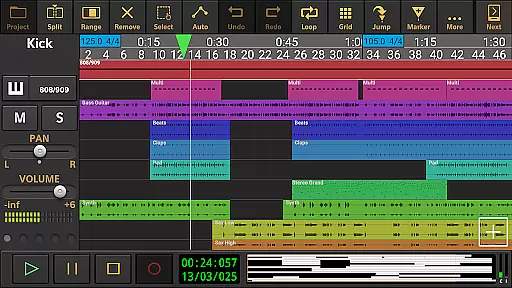
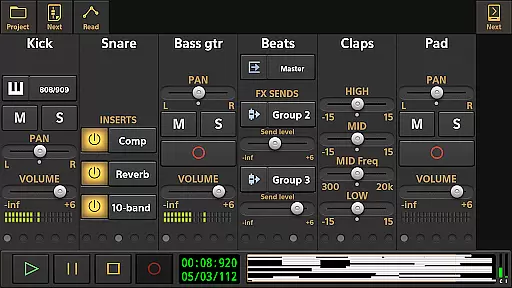
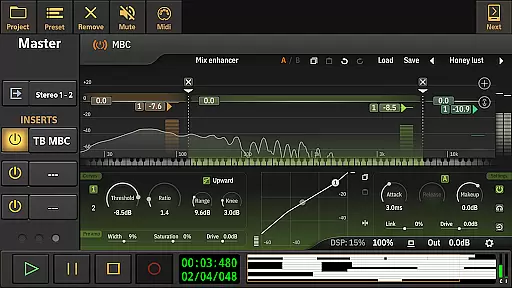
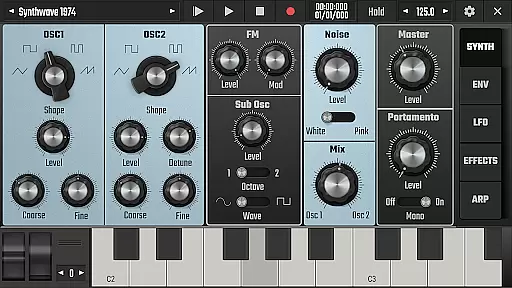
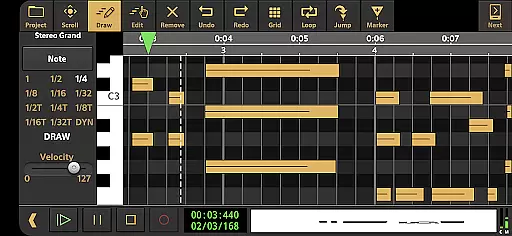
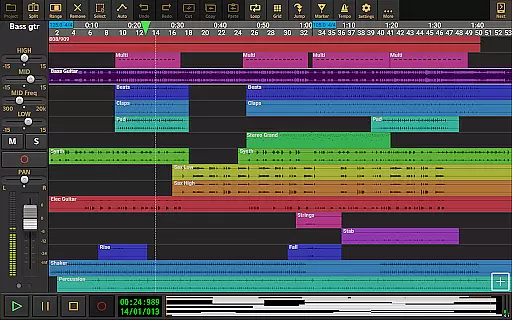
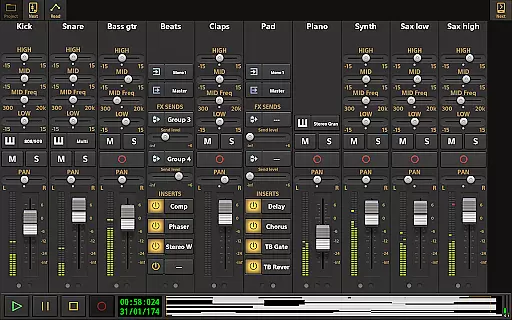
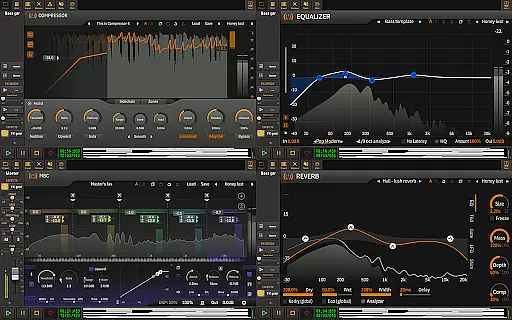
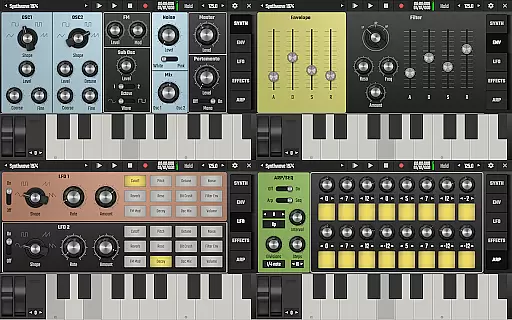
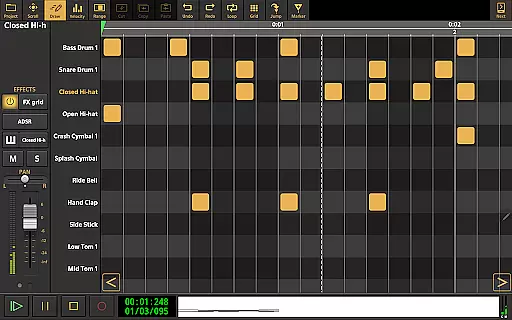
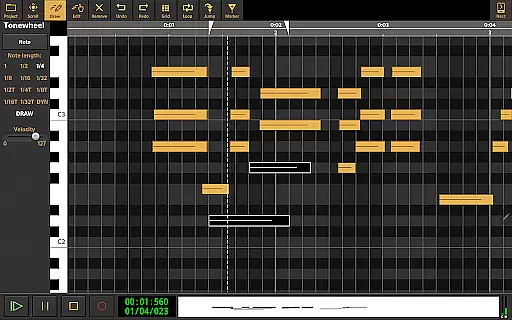
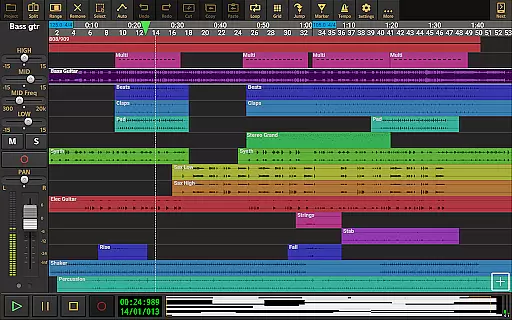
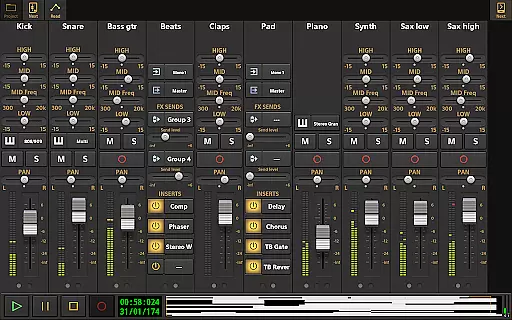
Audio Evolution Mobile Studio is a comprehensive digital audio workstation (DAW) designed for Android users to create, mix, and edit music directly from their mobile devices. It offers professional-grade features such as multitrack audio and MIDI recording, virtual instruments, real-time effects, and mixer automation.
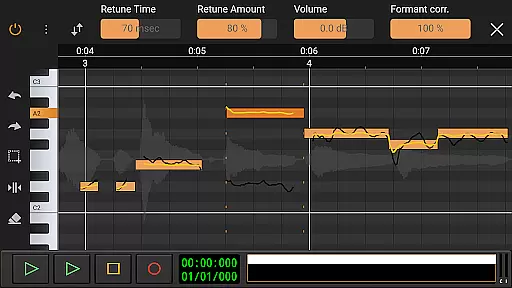
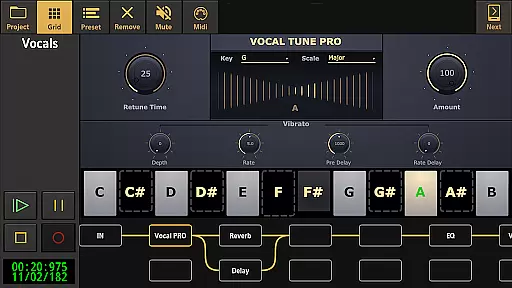
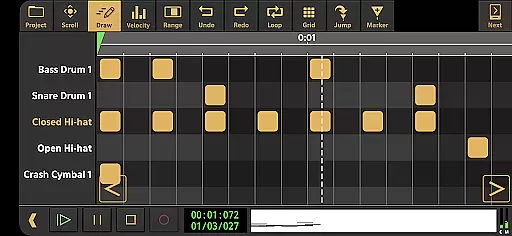
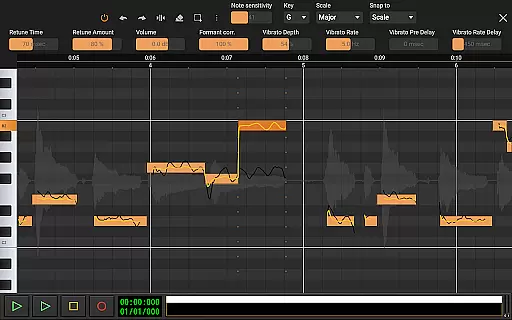
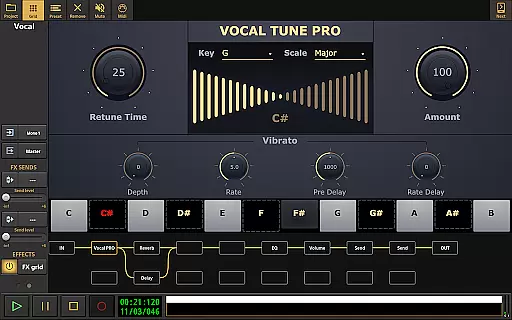
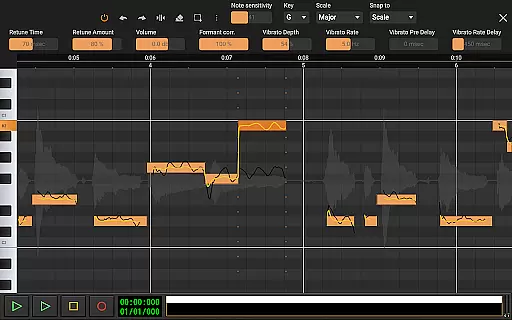
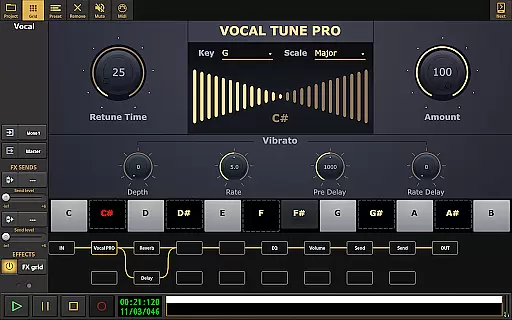
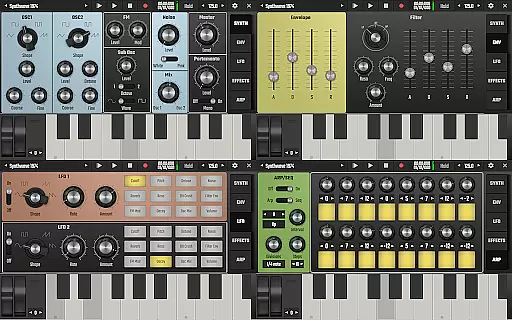
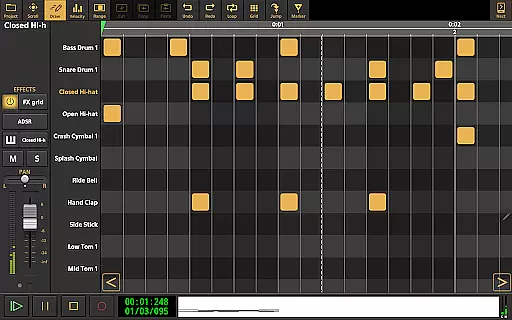
The app supports advanced functionalities like Vocal Tune Studio for pitch correction, Evolution One synthesizer, drum pattern editing, and low latency recording via USB audio interfaces. With unlimited undo/redo options, flexible effect routing, and support for various audio formats, it provides an all-in-one solution for both amateur and professional musicians.
Ideal for on-the-go music production, this app replaces traditional 4-track recorders at an affordable price. Whether you're capturing song ideas or producing full compositions, Audio Evolution Mobile Studio empowers your creativity with powerful tools that rival desktop DAWs.
Audio Evolution Mobile Studio stands out with its extensive feature set tailored for music creators. The app includes Vocal Tune Studio for precise vocal tuning, Evolution One - a virtual analog synthesizer, and a robust drum pattern editor supporting custom audio files.
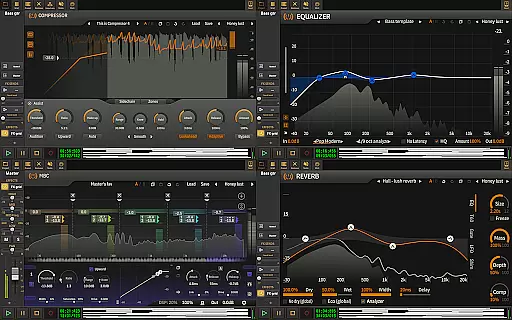
It enables low latency recording through optional USB audio drivers, allowing high-quality multi-channel input. Users can apply real-time effects including EQs, reverb, compressors, and more. The flexible effect routing system lets you build complex signal chains with parallel paths and parameter automation.
Additional capabilities include tempo changes, punch in/out during recordings, MIDI remote control, and project interchangeability between Android and iOS versions. Cloud sync with Google Drive facilitates easy project sharing across devices, making collaboration seamless and efficient.
Audio Evolution Mobile Studio offers an extensive music library that caters to a wide range of musical genres and styles. The app includes various virtual instruments, drum pattern editors, and sample-based Soundfont instruments, ensuring musicians have access to high-quality sounds for their compositions.
The inclusion of ToneBoosters effects and instruments as optional in-app purchases further expands the sonic palette available to users. These additions are crafted by reputable developers, guaranteeing both sound quality and authenticity. This means that musicians can rely on these tools to produce professional-grade music without worrying about the legitimacy of the sounds they use.
Moreover, Audio Evolution Mobile Studio allows users to import their own audio files in formats such as WAV, MP3, AIFF, FLAC, OGG, and MIDI. This feature not only enhances creative freedom but also ensures that any copyrighted material remains under the user's control, promoting ethical music production practices.
By providing a vast array of legitimate sound options and supporting third-party plugins, this app empowers creators to build complex arrangements while respecting intellectual property rights.
When it comes to audio quality, Audio Evolution Mobile Studio stands out with its ability to handle high-resolution audio recording and playback. With support for 24-bit/96kHz audio through an optional custom USB audio driver, the app delivers pristine sound quality that rivals desktop digital audio workstations (DAWs).
This level of audio fidelity is crucial for professionals who demand the best possible sound for their projects. The app's capability to record and play back multi-channel audio at low latency ensures that every nuance of a performance is captured accurately, making it ideal for studio-quality productions.
In addition to high-resolution audio support, the app provides flexible effect routing and real-time effects processing. Users can apply a variety of effects including EQs, compressors, reverbs, and more, all while maintaining the integrity of the original audio signal. This flexibility allows for detailed sound shaping and mixing, resulting in polished final products.
Furthermore, the mastering feature enables exporting mixes to WAV, MP3, AIFF, FLAC, or OGG files, giving users multiple options for distributing their music with optimal audio quality. Whether creating demos or final releases, Audio Evolution Mobile Studio ensures that audio clarity and detail are preserved throughout the entire production process.
Professional-grade features
Extensive real-time effects
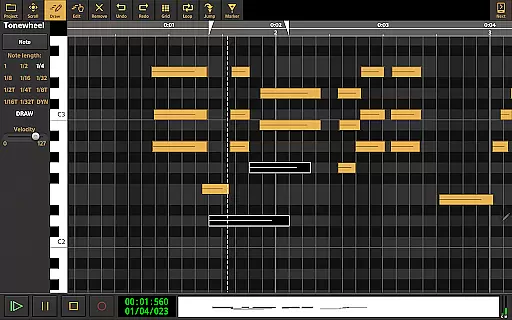
Versatile MIDI support
High-quality audio processing
Flexible effect routing
Steep learning curve
Some features require in-app purchases
Interface may feel cluttered
Advanced functions need powerful hardware
Limited free instrument packs

The Skullcandy App Experience
 3.20
3.20
Background pads for your band
3.80
Advanced 10-Band Audio Graphic Equalizer Sound Booster Pro
4.30
Unleash your creativity! Turn simple prompts into full fledged songs.
4.70
Listen radio AM / FM Stations. Live AM / FM Radio App Station. Radio Com.
4.70
No wifi music app. Mp3 offline. Tuner radio, young radio music. Music downloader
4.20
Responsive piano with great sounds, graphics, and songs
4.80
Full featured mp3 and audio player with Chromecast and Android Auto support.
4.40
Uninterrupted Tunes, Unmatched Vibes
3.90
JBL PartyBox APP works with 110/310/710/120/320/520/Encore/Encore 2/Encore Ess 2
4.80
A complete sound package for the sound engineer or enthusiast
4.60
Reverse your voice & songs instantly! Fun singing challenge with cool effects.
4.60
Your HD audio recorder on the go for music, meetings, ambience, animal sounds…
4.30
The original SP-1200 experience on your iPad
4.20
Next generation modular control surface
4.10
Sheet music reader, piano & music note player. Play music score & learn to read.
3.90
Learn to play the piano using falling notes!
3.80
MilkDrop for Android TV
3.00
Remove ads permanently from Music Visualizer
4.3


User Reviews