
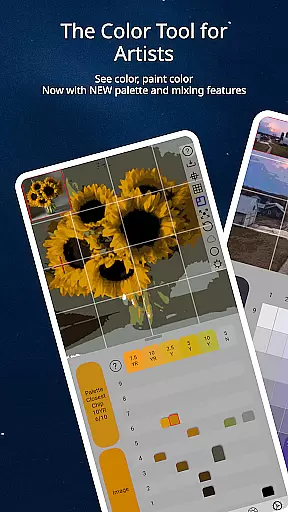
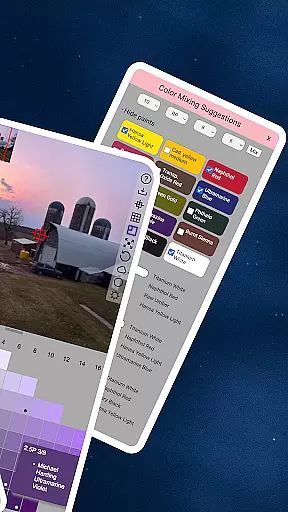
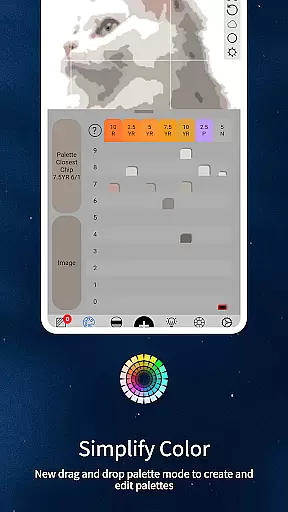
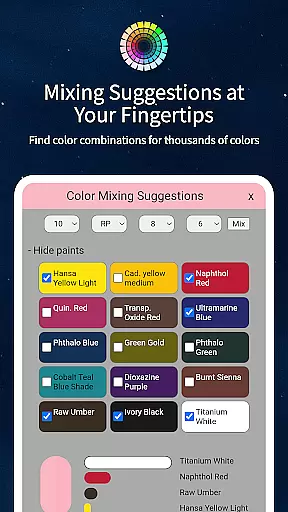
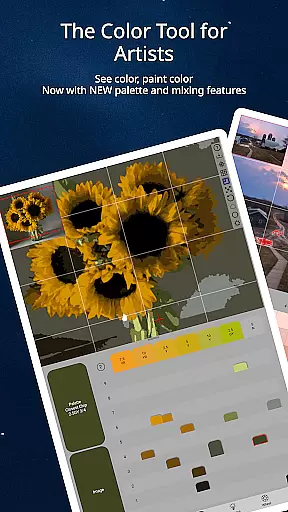
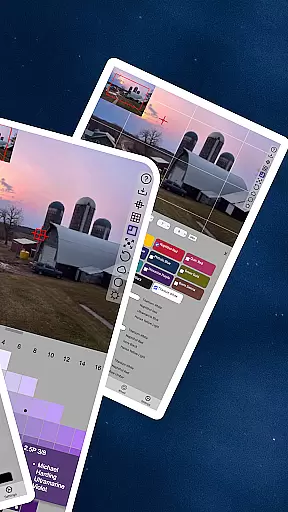
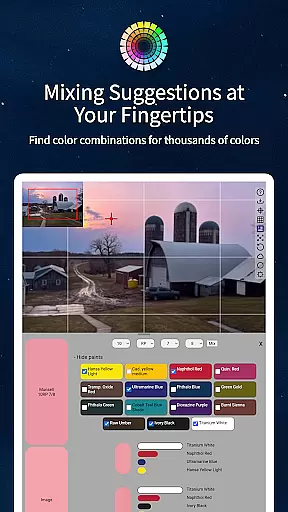
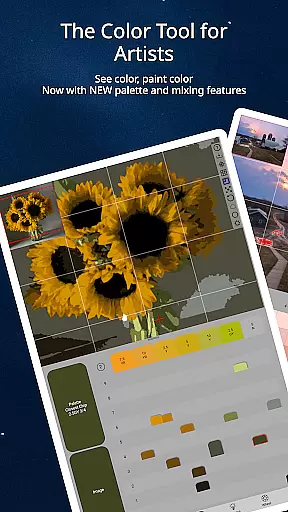
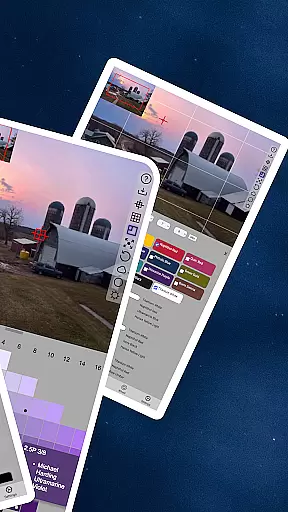
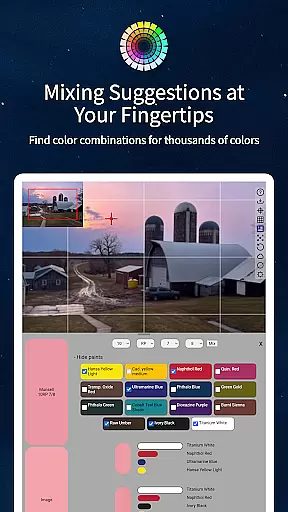
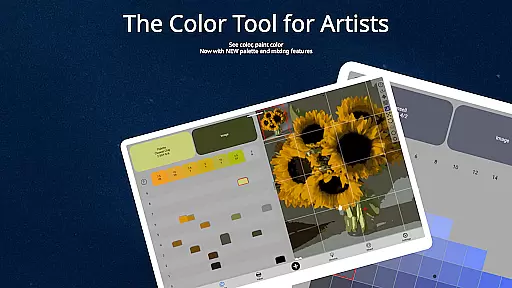
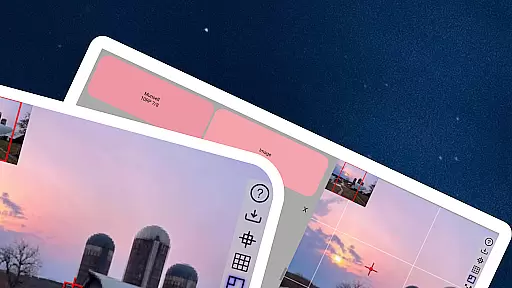
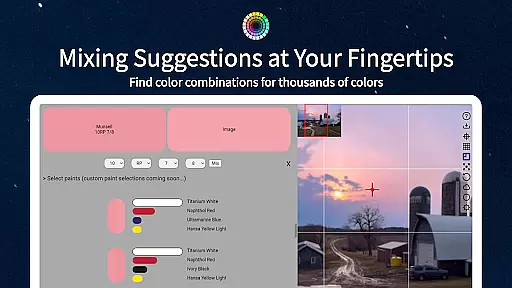
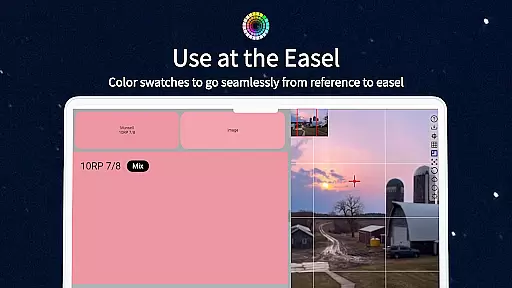
ChromaMagic is an innovative color analysis tool designed specifically for artists. This application allows users to load any photo or reference image and instantly identify the exact color properties using the Munsell color system. The app provides detailed breakdowns of hue, value, and chroma, enabling artists to accurately translate what they see into their artwork.
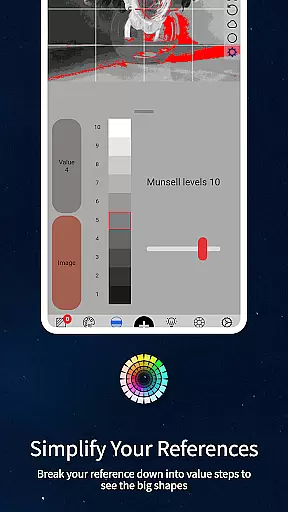
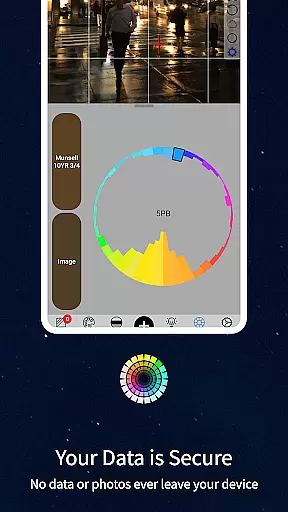
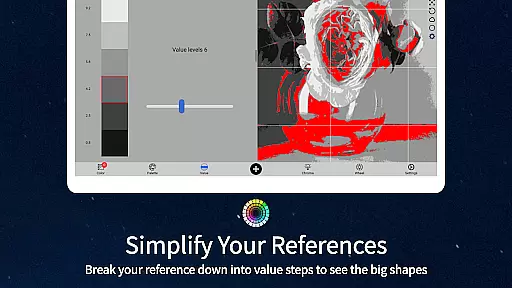
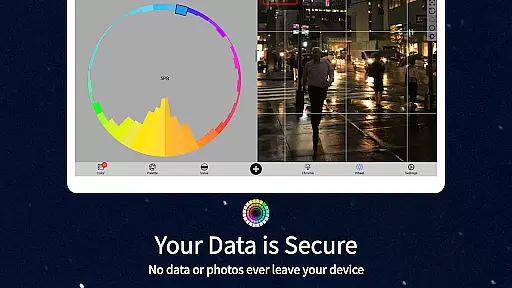
The app's standout feature is its ability to help artists truly understand color beyond traditional models. By offering multiple viewing modes - including Value mode, Grayscale mode, Chroma mode, and Color Wheel distribution - ChromaMagic helps artists develop a deeper understanding of color relationships and properties. Whether you're working in oils, acrylics, or digital media, this tool bridges the gap between observation and execution.
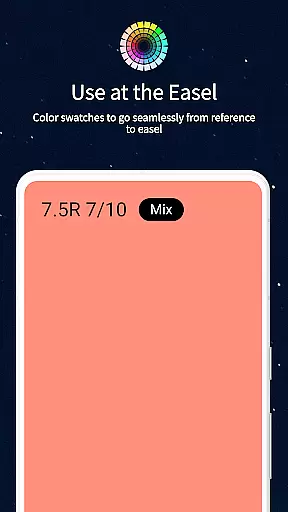
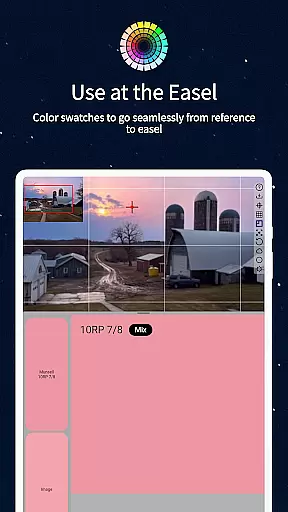
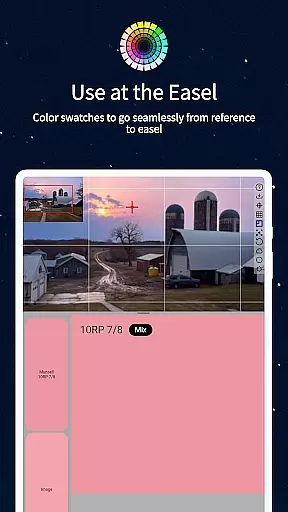
With its intuitive interface featuring smooth zoom and pan capabilities, plus offline functionality, ChromaMagic proves invaluable for both studio work and plein air painting sessions. The inclusion of paint brand references makes it particularly useful for oil painters seeking precise color matches.
ChromaMagic distinguishes itself through several advanced features that cater specifically to professional artists. The core functionality revolves around its sophisticated color analysis engine, which breaks down any captured color into its Munsell components of hue, value, and chroma. This scientific approach to color identification surpasses traditional artist color wheels.
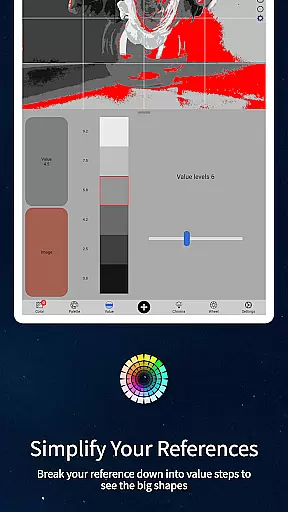
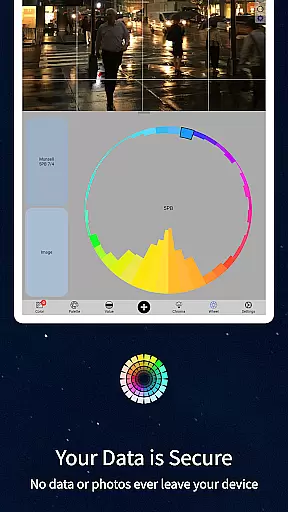
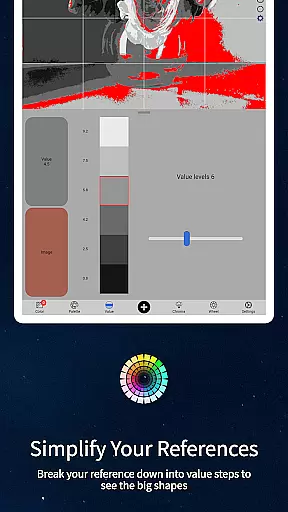
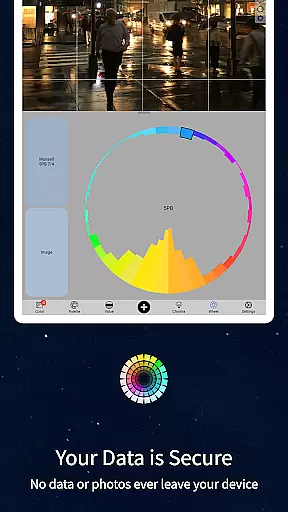
The application offers five distinct viewing modes that serve different artistic needs. Value mode helps organize compositions by major tonal shapes, while Grayscale mode reveals subtle value differences. Chroma mode displays saturation levels, and the Color Wheel view shows relationships between colors. Additionally, the averaging feature allows analysis across multiple pixels, providing more accurate readings from complex surfaces.
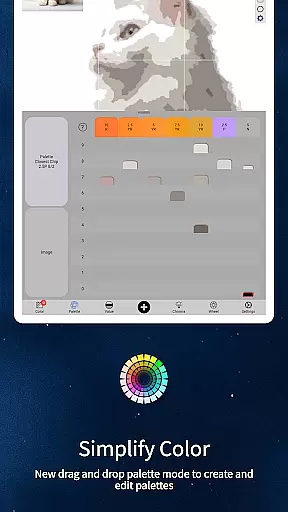
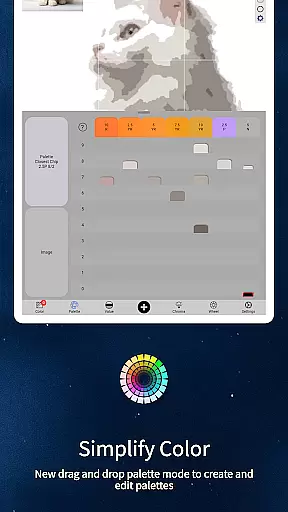
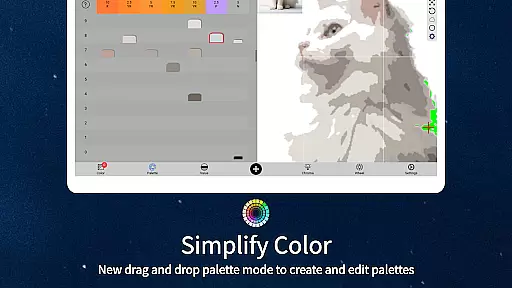
Practical features include drag-and-drop functionality for desktop users, paint brand cross-referencing for over hundreds of oil paints, and calibration tools for mixing accuracy. The buttery-smooth interface with zoomable, pannable images ensures precise color selection, while offline capability makes it suitable for location work.
In the realm of digital artistry, having access to comprehensive tools can significantly enhance an artist's workflow. ChromaMagic stands out by offering a suite of creative instruments that cater specifically to the needs of artists who are focused on color accuracy and manipulation.
The application provides users with five distinct modes to dissect and understand colors in their reference images. These include the Munsell color mode for detailed hue, value, and chroma analysis, as well as additional modes for organizing references into major value shapes, reducing images to grayscale, assessing saturation levels, and visualizing color distribution around the wheel.
Moreover, ChromaMagic is not just about static color analysis; it also offers dynamic features such as zoomable and pannable image interfaces, which allow for seamless exploration of details without being constrained by physical space or internet connectivity.
By integrating these advanced functionalities, ChromaMagic empowers artists to make informed decisions when mixing paints, ensuring that the colors they use are true to their vision and enhancing the overall quality of their artwork.
Flexibility in canvas and format options is crucial for artists who need to adapt their work across different mediums and devices. ChromaMagic addresses this need by providing a versatile platform that supports various workflows and environments.
Artists can utilize ChromaMagic on multiple devices, from desktops to tablets, allowing them to continue their creative process whether at home, commuting, or even outdoors. This cross-device compatibility ensures that inspiration is never lost due to location constraints.
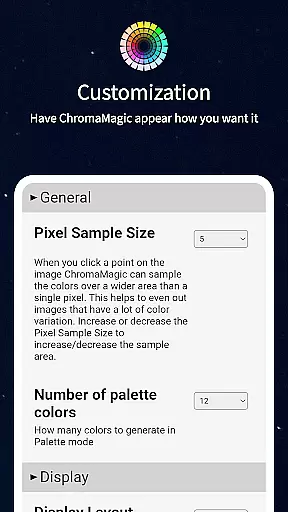
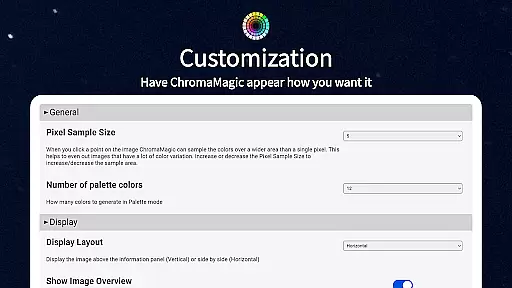
Additionally, the app facilitates working with large color sets by enabling users to average colors over multiple pixels, up to 2500 if necessary. This feature simplifies complex color schemes and helps maintain consistency across vast digital canvases.
Furthermore, ChromaMagic includes practical enhancements like drag-and-drop file loading and integration with hundreds of oil paint options, making it easier than ever for artists to transition between digital and traditional media while maintaining precise color matching.
Accurate color analysis
Multiple viewing modes
Offline functionality
Paint brand references
Intuitive user interface
Steep learning curve
Premium price point
Advanced features only
Artists niche market
Device compatibility

Image/ Text to Video Generator
 4.40
4.40
Sketch, plan, take notes and illustrate on an infinite canvas.
4.20
Create stylish invitation cards using templates for weddings, birthdays & RSVP.
4.20
Draw on screen: FP sDraw is a simple and lightweight drawing app
4.70
Draw anime easily with AR guidance, sketch templates & trace tools!
3.10
The perfect place to start sketching! Use Sketchbook to draw and paint sketches.
4.50
800+ Drawing, Painting Lessons App to Practice, Sketch & Paint Art.
4.30
Photo stitcher for automatically screenshot stitching into a long screenshot
4.70
Explore future self face age filter & remove background image for a unique look.
3.50
Mobile pixel art editor. Simple. Fast. Portable.
4.80
Draw glowing spinners, relax, and spin your creative art
4.60
Draw beautiful mandala's very easily
4.60
Turn your drawings into flipbook-style animations with simple creative tools
4.60
Text to Image, Image to Video & AI Chat
4.20
Unleash Your Creativity with Draw Cartoon - AR Drawing App
4.10
Design unique, funny and adorable cat stickers that reflect your own style!
3.80
Your homescreen as an elegant glass with customized blur, lighting, and visuals.
3.70
Create sweet, cool and unique couple avatars easily, in just a few steps!
3.40
Pose and morph realistic male and female models! 3D poser app
3.00


User Reviews