

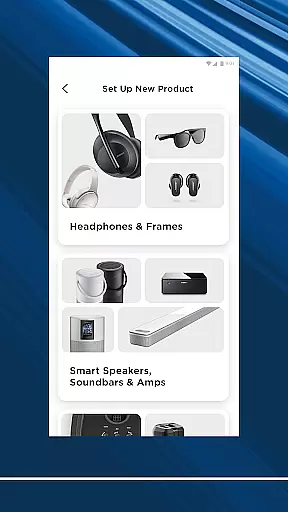
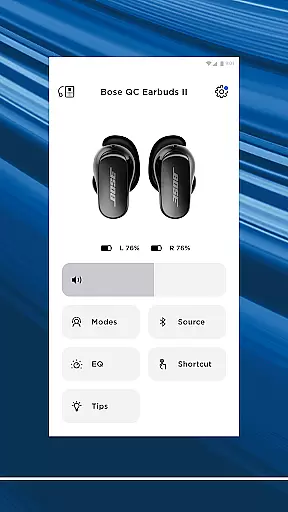
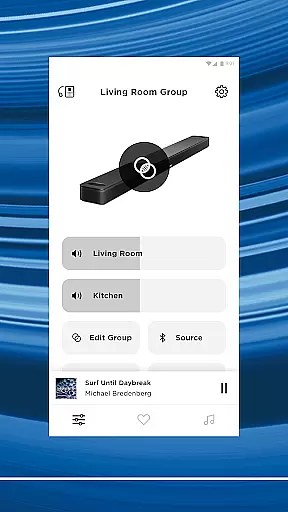
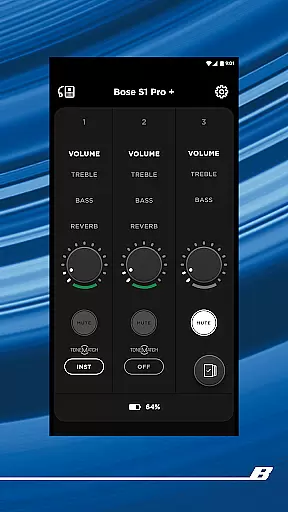

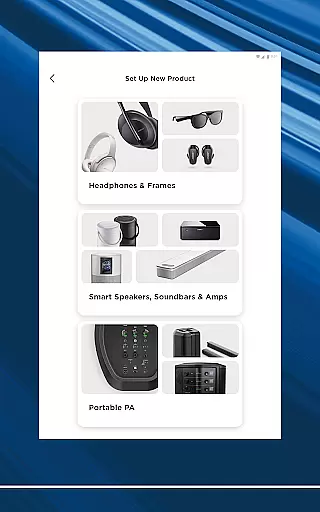
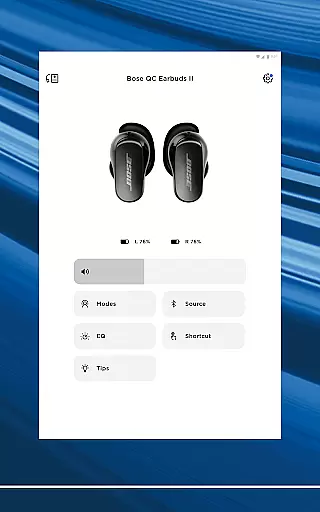
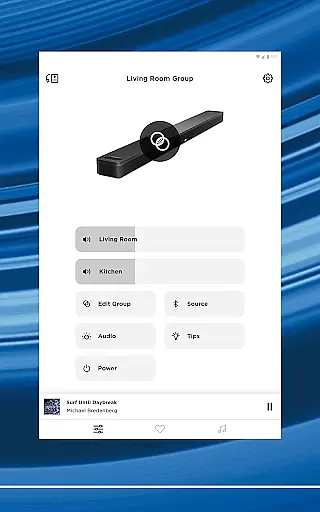
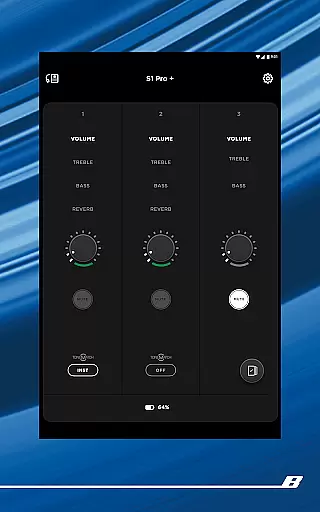

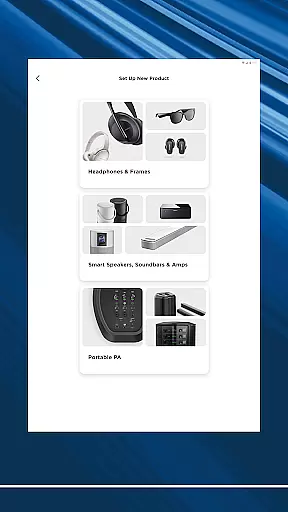
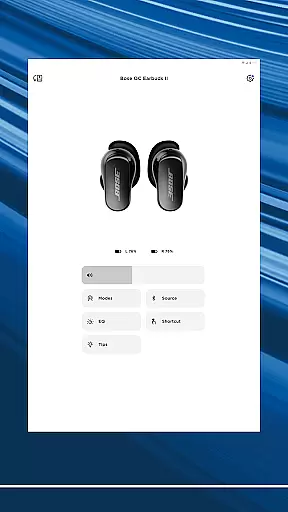
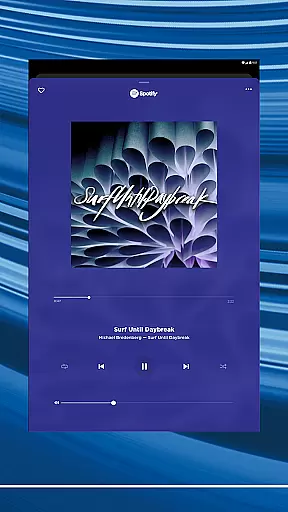
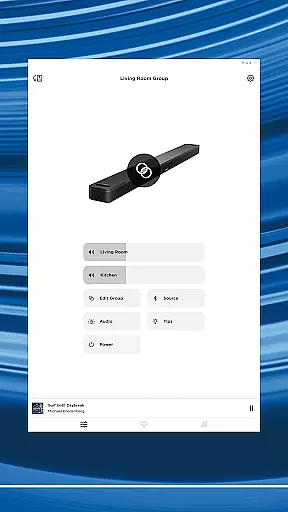
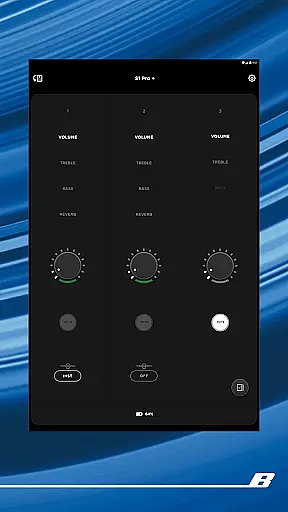
The Bose app is your ultimate control center for all Bose products, allowing seamless management of speakers, soundbars, headphones, and more from a single interface. Designed to enhance your audio experience, the app provides intuitive controls for noise cancellation, EQ settings, and product customization.
Whether you're setting up new devices or controlling existing ones, the Bose app offers effortless navigation and personalized features. Enjoy synchronized music across your home, create custom presets, and access popular streaming services with just a few taps. This comprehensive solution ensures optimal performance and convenience for every Bose user.
One of the standout features of the Bose app is its ability to personalize your listening environment. With QuietComfort products, you can toggle between Quiet Mode for full noise cancellation and Aware Mode to stay connected to your surroundings. Advanced options like ActiveSense technology adjust ambient sounds to comfortable levels.
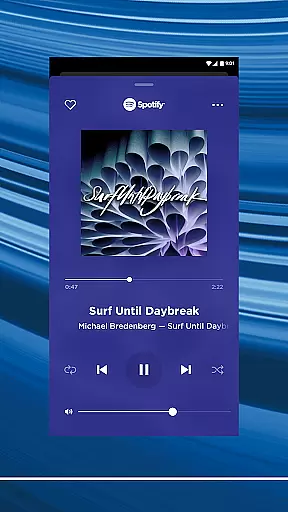
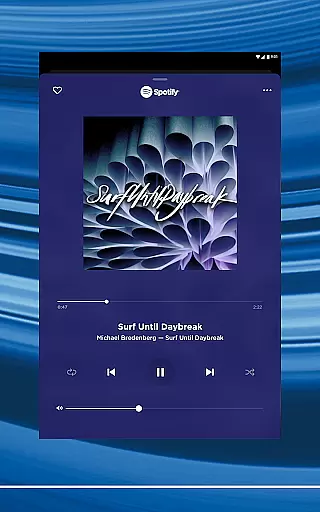
The app also supports immersive audio experiences through customizable EQ settings and shortcut configurations. From easy setup processes to multi-room audio management, it empowers users to tailor their sound systems effortlessly. Integration with major streaming platforms like Spotify, Pandora, and Amazon Music ensures quick access to your favorite content.
The Bose app offers seamless integration with major music streaming services like Spotify, Pandora, Amazon Music, SiriusXM, iHeartRadio, and TuneIn. This extensive connectivity provides users access to a vast music library while ensuring all content is properly licensed and authenticated.
By partnering with reputable music platforms, Bose guarantees that users can enjoy a wide variety of music genres and playlists without worrying about copyright infringement issues. The app's ability to bring together multiple services under one interface not only simplifies the user experience but also enhances the credibility of the music sources.
For audiophiles and casual listeners alike, having immediate access to such a diverse range of high-quality audio content significantly enriches the listening experience. Whether you're into classical symphonies or modern pop hits, the Bose app ensures you have everything you need at your fingertips.
Bose products are renowned for delivering exceptional sound quality, and the Bose app takes this a step further by offering customizable EQ settings. Users can fine-tune their audio experience according to personal preferences, whether they prefer deep bass tones or crisp treble sounds.
In addition to adjustable EQ settings, the app supports various audio formats, ensuring compatibility across different devices and systems. This flexibility allows users to maintain optimal sound quality regardless of the playback device being used.
Features like Immersive Audio from the Ultra line provide an unparalleled auditory experience, making listeners feel as if they're in the middle of a live performance. With these advanced audio options, Bose continues to set the standard for superior sound quality in the music and audio industry.
Seamless device integration
Customizable audio settings
Intuitive user interface
Wide platform compatibility
Advanced noise cancellation
Limited third-party support
Occasional connectivity issues
Premium feature costs
Steep learning curve
High device dependency

Pay Once, no monthly payment
 4.60
4.60
A synth that really lets you shape your sounds!
4.50
Time Trainer: accurate metronome w tools to help you develop your internal time!
4.20
Network/Cloud Streaming, Visualization, Graphic Equalizer and Sound Effects.
4.20
No wifi music app. Mp3 offline. Tuner radio, young radio music. Music downloader
4.20
Music, News & Sports Radio Tuner App. Tune in Live FM & AM Radio Stations.
4.80
Learn and play 2M+ music tabs & chords on guitar, ukulele, bass, and more
4.30
Learn the notes on the guitar fretboard fast with this easy and fun app
4.60
Full featured mp3 and audio player with Chromecast and Android Auto support.
4.40
Offline Music Player & MP3 Player.Powerful equalizer, Lyrics, Themes, Tag Editor
4.80
Full-featured, High-Quality Groovebox Workstation, perfect for Live Performance!
4.80
Responsive piano with great sounds, graphics, and songs
4.80
Bass Booster & Volume Equalizer Pro improves your music and video sound quality
4.60
Equalizer, Bass Booster and Volume Booster (Eq & Bass) improve sound quality
4.30
Advanced 10-Band Audio Graphic Equalizer Sound Booster Pro
4.30
The alternative folder based music player.
4.20
VB-AUDIO Software / VBAN-Receptor allows listening to any VBAN Streams
4.10
Turn your Android phone into a professional audio analyser with up to 120 bands.
4.00
The iconic iOS metronome app is now on Android.
3.70


User Reviews