
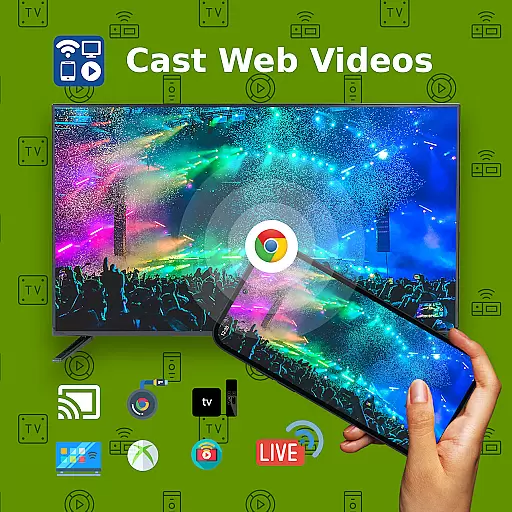
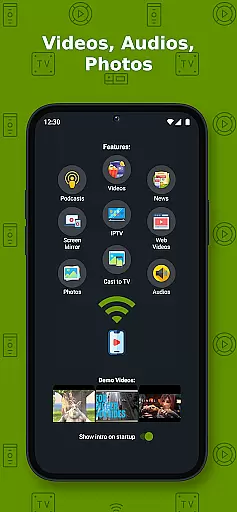
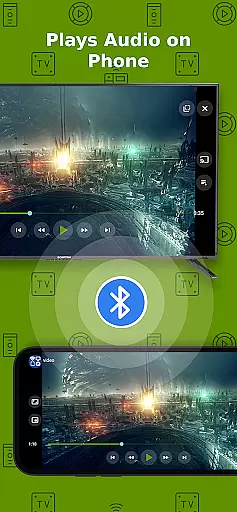
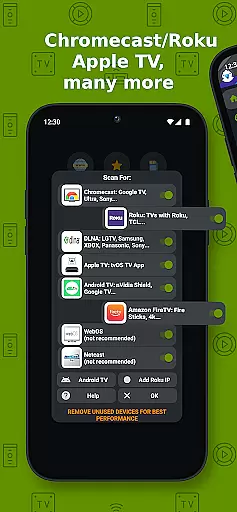
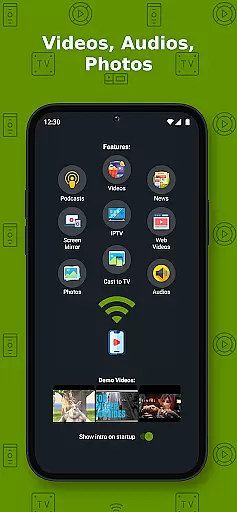
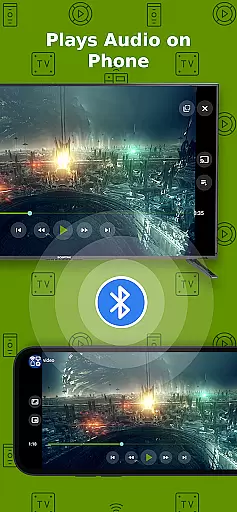
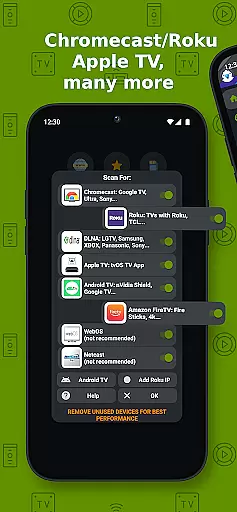
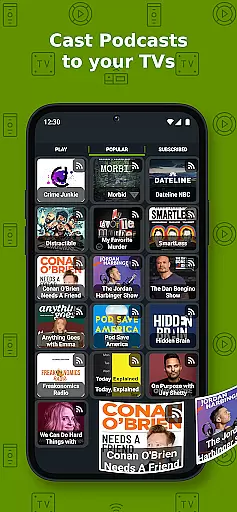
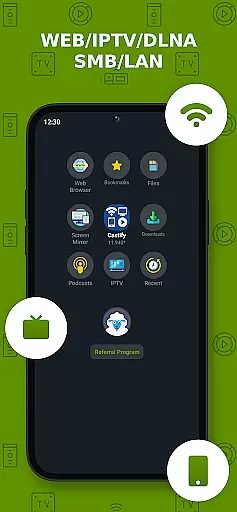
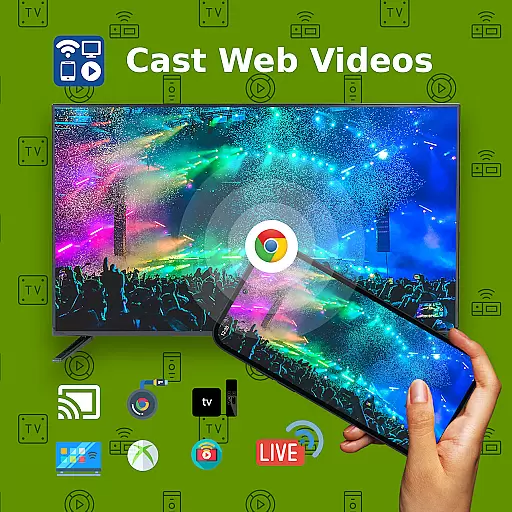
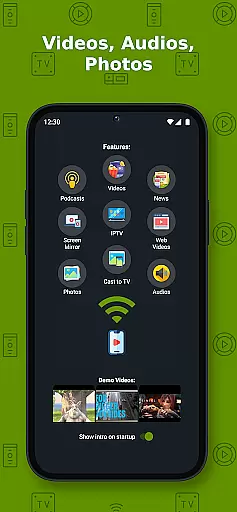
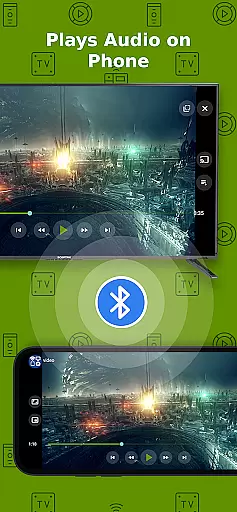
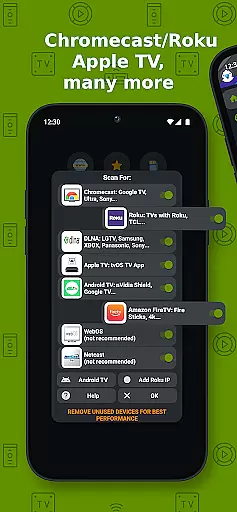
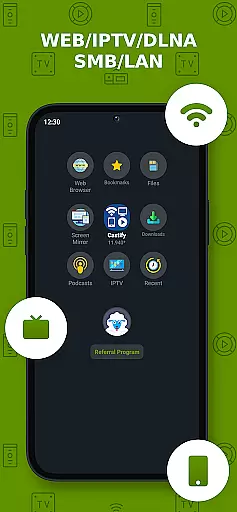
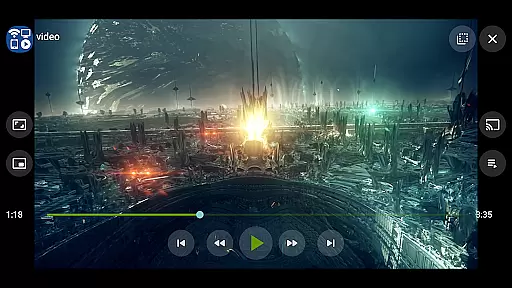
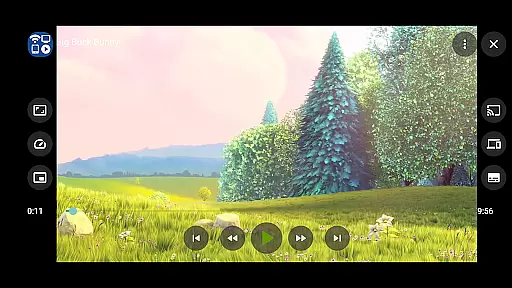
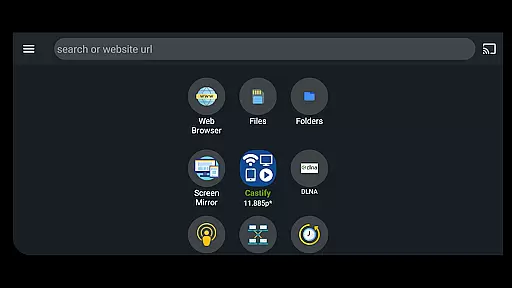
Cast to TV+ Chromecast Roku TV is a versatile streaming application that allows users to cast videos, music, photos, and more from their mobile devices to various streaming devices. Compatible with a wide range of platforms including Chromecast, Roku, Fire TV, Xbox, and DLNA-enabled smart TVs, this app offers an extensive array of features such as AI Subtitle Generation, universal remote controls, and screen mirroring.
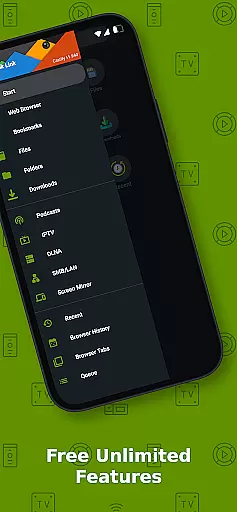
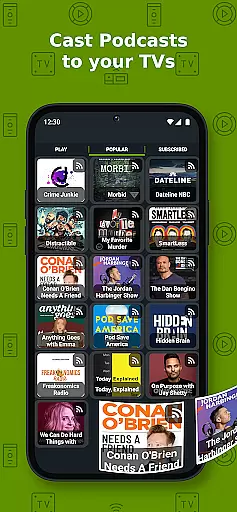
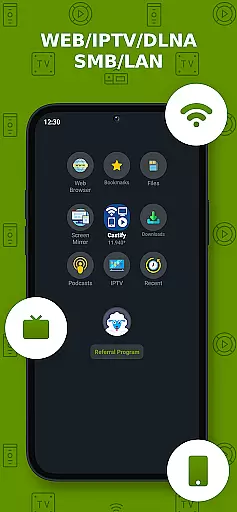
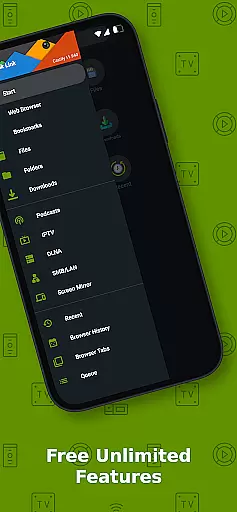
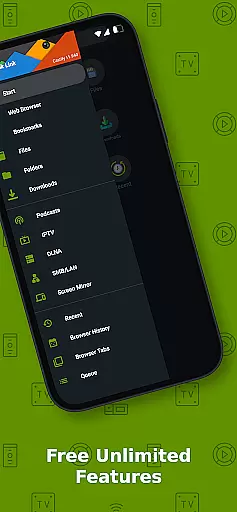
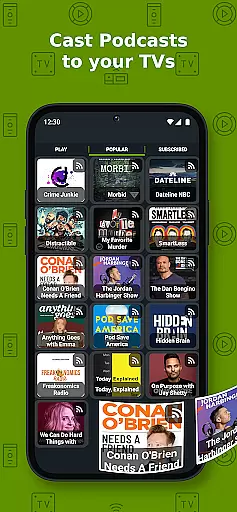
The app's standout feature is its ability to stream content not only from local files but also from websites, IPTV, podcasts, and DLNA servers. Whether you're looking to enjoy personal media collections or online content, Cast to TV+ provides seamless integration across multiple devices. Its compatibility with different formats like MP4, MKV, MP3, and JPG ensures that users can enjoy high-quality playback on their preferred display devices.
For those who value convenience and quality, the app supports 4K and HD streaming where available, making it ideal for home entertainment systems. With added functionalities like Picture in Picture (PiP) and subtitle support for Chromecast & Roku, this app enhances viewing experiences while maintaining ease of use. Although some advanced features may be limited on certain devices, overall, it delivers robust performance for most users.
Cast to TV+ Chromecast Roku TV boasts a comprehensive set of features designed to enhance multimedia streaming. One of its key capabilities is AI Subtitle Generation and Translation, which automatically creates and translates subtitles for any video, thus broadening accessibility. Additionally, the app functions as a universal remote control for various devices including Roku, Android TV, Samsung, and LGTV, offering unparalleled convenience.
Another notable feature is Screen Mirroring, which is particularly beneficial for users with newer Android devices. This function allows users to mirror their device screens directly onto their TVs, providing a larger and more engaging viewing experience. Moreover, the app supports IPTV m3u playlists, enabling users to stream live TV channels from around the world. With options like website bookmarks and searching videos on any site, navigation becomes intuitive and efficient.
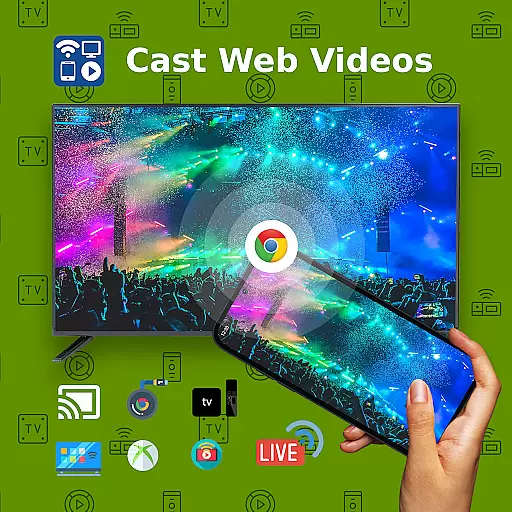
Despite these impressive features, there are some limitations based on the streaming receiver used. For instance, Apple TV AirPlay requires specific settings adjustments, and certain formats like MKV files might not be supported on all devices. Nevertheless, the app's ability to cast content to any web browser—including Chrome and Firefox—ensures flexibility and broad compatibility. By focusing on delivering original sources without modification, Cast to TV+ maintains the integrity and quality of the streamed content.
Video format compatibility is a crucial feature for any video player and editor, ensuring that users can enjoy content in various formats without technical hindrances. Cast to TV+ Chromecast Roku TV supports an extensive range of formats including MP4, MKV, MP3, JPG, PNG, HTML5 video, HLS Live Streaming, and IPTV m3u files or URLs. This wide compatibility ensures that whether you're streaming movies, music, or photos, the app facilitates seamless playback on your device.
The application's ability to handle 4K and HD videos where available elevates the viewing experience, catering to users who demand high-quality visuals. However, it's important to note that while the app boasts broad format support, certain proprietary video and movie formats may not be compatible with casting to TV. This limitation is due to the app's design principle of not modifying video sources but rather sending the original source to streaming receivers.
For users, this means they can confidently access and cast content from a multitude of sources, knowing that Cast to TV+ Chromecast Roku TV will likely support their desired format. Whether casting locally stored files or streaming online content, the assurance of format compatibility enhances user satisfaction by reducing playback issues and ensuring a smoother entertainment experience.
AI-powered editing features represent a significant advancement in video player and editor applications, providing users with tools that enhance and simplify the editing process. Cast to TV+ Chromecast Roku TV incorporates AI technologies to offer innovative functionalities such as AI Subtitle Generate and AI Subtitle Translation. These features allow users to create subtitles for any given video and translate SRT subtitles into different languages, making content more accessible to a global audience.
In addition to subtitle capabilities, the app leverages AI to improve overall user interaction with media content. By intelligently analyzing video data, the app can optimize streaming quality and ensure that users enjoy the best possible viewing experience. The inclusion of AI-driven features not only sets Cast to TV+ Chromecast Roku TV apart from traditional video players but also aligns with modern expectations for smart, adaptive technology solutions.
Ultimately, these AI-powered editing features empower users to customize and enhance their media with minimal effort. Whether adjusting subtitles for better comprehension or utilizing intelligent streaming optimizations, the app provides a versatile toolkit for personalizing content. This technological edge not only improves accessibility and convenience but also enriches the entertainment experience, demonstrating the app's commitment to integrating cutting-edge solutions in video playback and editing.
User-friendly interface
Wide device compatibility
AI Subtitle Generation
Screen Mirroring
Universal Remote Controls
Limited AirPlay support
Some format restrictions
Occasional connectivity issues
Device-specific limitations
No hosting of content

Video Downloader is an utility that can save videos and music from web sites
 4.20
4.20
Play ALL formats in 4K & HD. Video downloader, MP3 player, Chromecast & more.
4.80
All format media Player, no need video converter any more!
4.00
AirMirror Receiver - Screen mirroring/cast web videos to Android TV by AirPlay.
4.40
GENRAL PRO - General Pro is the best video player that fully supports all formats.
4.70
Browser for Sony TV to stream web videos, online movies and live tv
3.20
The essential companion to your Blue Iris PC software
2.50
Video&Drama Player All Format is a HD video player, music player
3.00
Manage your YouTube channel on the go
4.40
An easy-to-use and all-round screen recorder with audio
4.80
All in one HD video downloader & player for multiple formats with full privacy
4.70
Snaptubè Video Downloader app allows to download videos and music in Snaptube. .
4.60
Fast & easy HD video downloader for all formats, support 4K playback & download.
4.60
Fast & Private Video Downloader App. Save all videos easily from the Internet.
4.40
Viddo: Generate Action Figure, AI Anime, AI kiss, AI hug Video from image & text
4.40
Video player, file manager for all formats, 4K/HD media player supports subtitle
4.30
Online Videos Player
3.90
You can play SWF format file!
2.50
Video player with powerful streaming playback and various convenient features.
2.10


User Reviews