
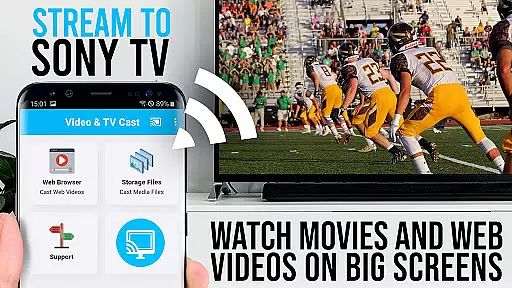
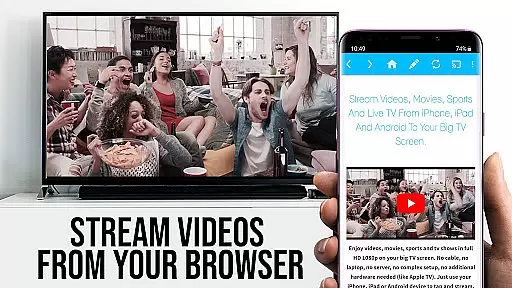
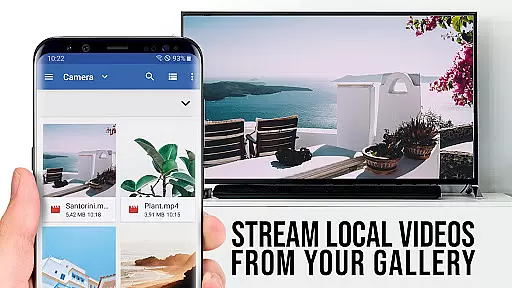
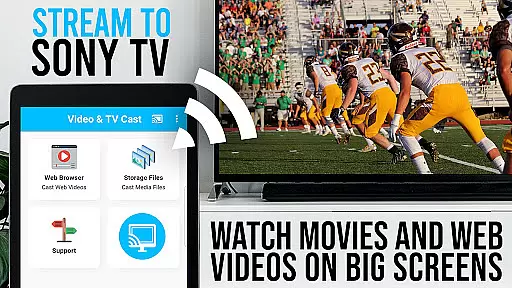
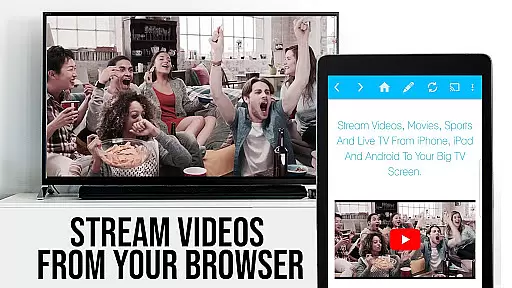
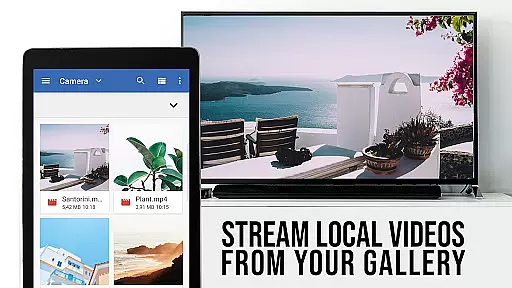
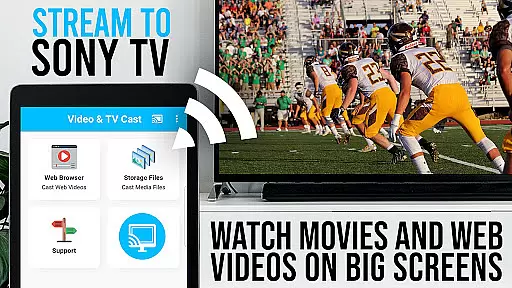
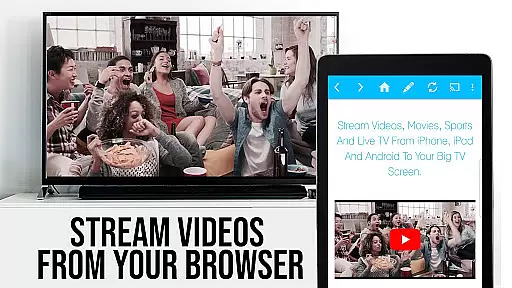
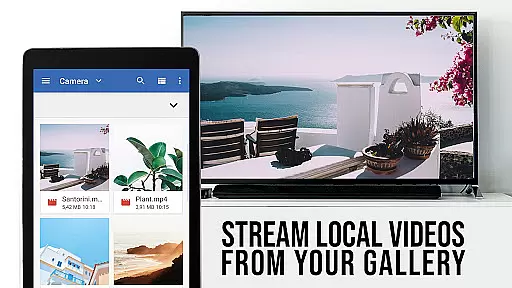
TV Cast Pro for Sony TV is a premier application designed to enhance your viewing experience by streaming web videos, online movies, livestreams, and live-TV shows directly on Sony TVs. This app eliminates the need for an additional streaming box, supporting formats like mp4, m3u8, hls livestreams, video over https, and Full HD content. It's tailored specifically for Sony TVs with the built-in Video & TV Cast app, offering users an unlocked premium feature set.
The app allows seamless browsing and casting of videos from the web to your Sony TV. By simply navigating to your preferred website and tapping on the embedded video, you can cast it instantly. The PRO edition offers exclusive features such as remote playbar control, ad-blocking, unlimited bookmarks, desktop mode, and customizable homepage settings, providing a comprehensive and user-centric streaming solution.
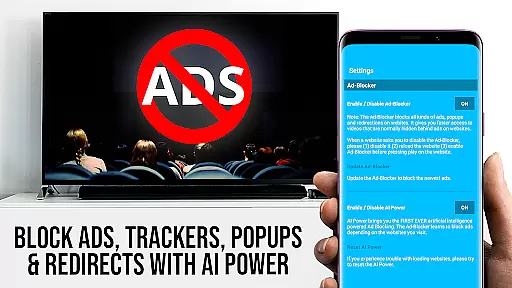
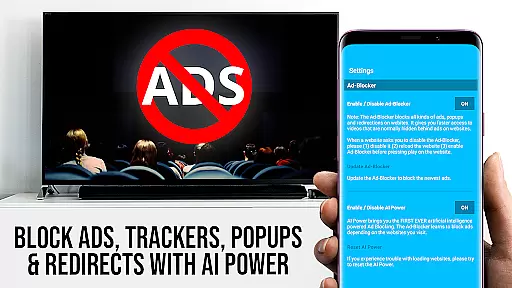
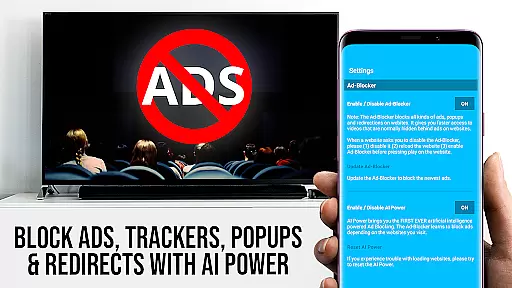
TV Cast Pro stands out with its specialized features crafted for an optimal streaming experience. The Remote Playbar feature provides advanced video control options including scrubbing, forward, rewind, play, pause, and stop functions while browsing. Its Ad-Blocker ensures an uninterrupted viewing experience by blocking ads and popups on most websites, which can be toggled in the settings.
Users benefit from the Bookmark management system, allowing them to save and organize numerous bookmarks efficiently. The Desktop Mode feature enables loading desktop versions of websites, enhancing compatibility with certain web services. Additionally, the ability to change the homepage adds a personal touch to user navigation. These features collectively ensure that TV Cast Pro delivers a versatile and high-quality streaming service tailored to individual preferences.
TV Cast Pro for Sony TV offers extensive video format compatibility, ensuring users can enjoy a wide range of content without limitations. The app supports popular formats such as mp4, m3u8, and hls livestreams, allowing seamless streaming of videos directly to Sony TVs.
The ability to handle video over https further enhances the security and reliability of streamed content. This feature is particularly important for users who prioritize data protection while enjoying their favorite web videos and online movies.
With Full HD support, the app delivers crisp and clear visuals, elevating the viewing experience on the largest screen in your home. This high level of compatibility ensures that whether you're watching live streams or recorded shows, the quality remains top-notch.
Users should note that while the app provides broad format support, certain DRM-protected videos from platforms like Netflix and Amazon are not supported. However, for the vast majority of other content, TV Cast Pro ensures smooth playback and an enjoyable entertainment experience.
While TV Cast Pro for Sony TV focuses primarily on streaming capabilities, it incorporates AI-powered features that enhance user interaction and content management. Although not a traditional video editor, the app's intelligent systems assist in optimizing the streaming experience through advanced functionalities.
The Remote Playbar feature exemplifies this AI integration, offering users advanced video control while browsing. This includes intuitive options for video scrubbing, forward, rewind, play, pause, and stop functions. Such controls provide a level of precision and convenience typically found in dedicated video editing software.
Additionally, the app's Ad-Blocker demonstrates AI-driven website analysis by effectively blocking ads and popups on most visited websites. Users can toggle this feature at any time through the settings menu, giving them control over their browsing environment while maintaining optimal performance.
These AI-powered features work together to create a more streamlined and enjoyable user experience, making content discovery and management both efficient and user-friendly. While not a replacement for professional editing tools, these capabilities significantly enhance the overall functionality of the application.
User-friendly interface
No extra streaming hardware needed
Supports multiple video formats
Ad-free experience
Advanced video controls
Limited to Sony TVs with specific apps
Doesn't support DRM protected content
Occasional connectivity issues
Some features require testing
Not all videos are cast-compatible

Online Videos Player
 3.90
3.90
A full editing room to accompany your Insta360 cameras and handheld gimbals.
3.30
Photo and Music Video Creator into Stunning Videos—Effortlessly
4.40
GENRAL PRO - General Pro is the best video player that fully supports all formats.
4.70
Play and download HD videos from all sources — fast, simple, and all-in-one.
4.0
Add date and time watermark to photos and videos
4.50
All in one multi protocols stream receiver for AirPlay, Cast and DLNA.
3.60
Cast movies, tv shows and live streams to Chromecast, Roku, DLNA, Fire TV & more
4.60
VLC for Android is the best open source video and music player, fast and easy!
4.10
A Simple app to download Video & Music from the Internet.
4.70
High-Quality USB Camera Viewer & HDMI Display
4.70
Browser + Remote for Roku to stream webvideos, online movies and livestreams
4.60
Fast video downloader & private browser. Save HD clips to watch offline.
4.40
KMPlayer Plus (Divx Codec) officially support Divx codec.
4.30
Powerful Video Editor & Photo Editing App —— Quick Edits & Stunning Effects!
4.30
Web Browser for LG TV to stream webvideos, online movies and livestreams in HD
4.20
Video player with 4K & 1080P support, popup play, background play and subtitle.
4.20
LumaFusion: The Ultimate Storytelling Experience for Video Editing
4.10
Kodi media center, a free and open source cross-platform entertainment hub
3.60


User Reviews