
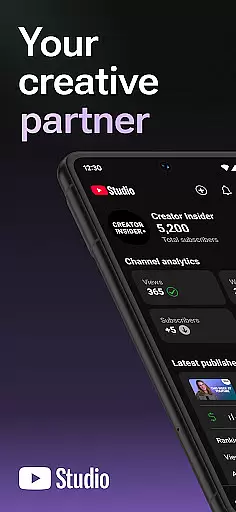
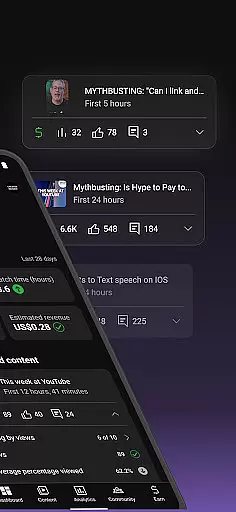
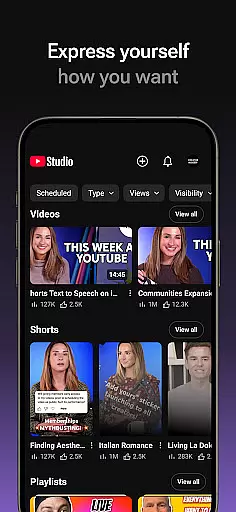
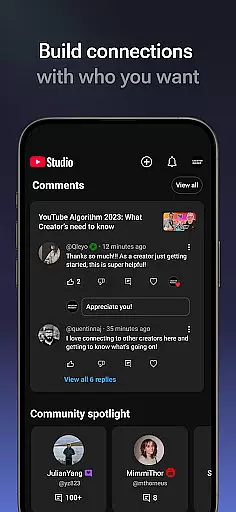
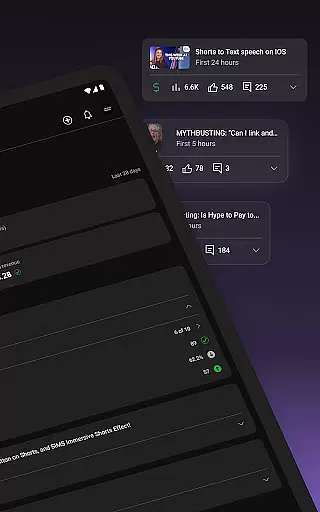
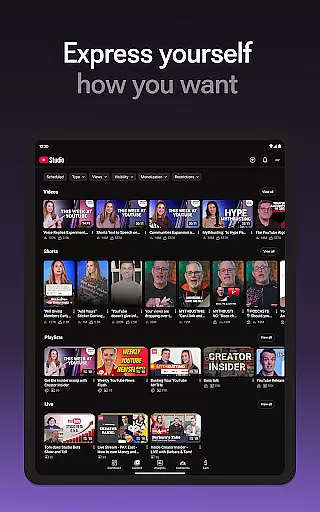
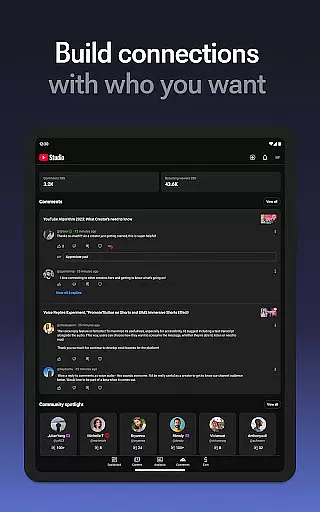
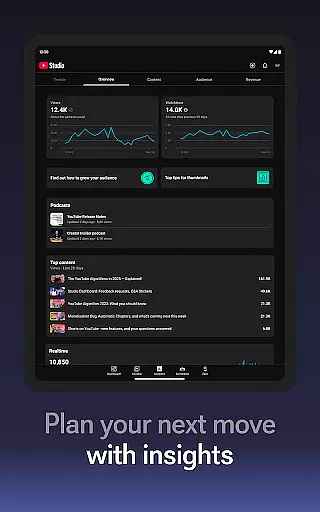

YouTube Studio is the official mobile app designed for content creators to manage their YouTube channels effectively. The app provides a comprehensive suite of tools that allow users to monitor channel performance, engage with their audience, and customize content directly from their mobile devices. With features like the Channel Dashboard, detailed Analytics, and comment management, it offers everything needed to optimize a YouTube channel's growth and engagement.
The app stands out by enabling creators to make real-time updates to their channel's appearance and video information. This ensures that creators can maintain a professional presence while responding promptly to audience feedback. Whether you're tracking video performance or moderating community discussions, YouTube Studio delivers critical insights and controls right at your fingertips.
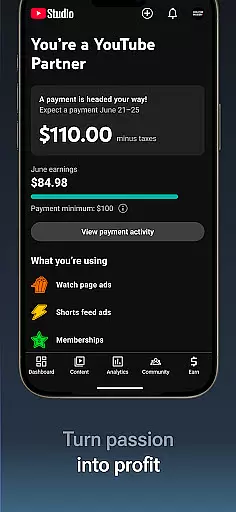
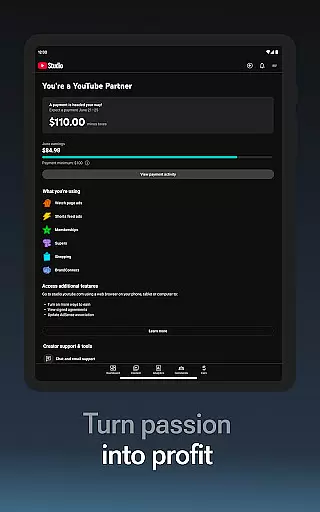
For creators looking to monetize their content, YouTube Studio streamlines the process by providing easy access to the YouTube Partner Program. This feature empowers creators to turn their passion into a business by unlocking various monetization options. Overall, YouTube Studio is an indispensable tool for modern content creators who want to maximize their channel's potential while staying connected with their audience.
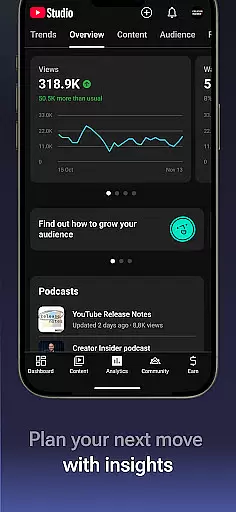
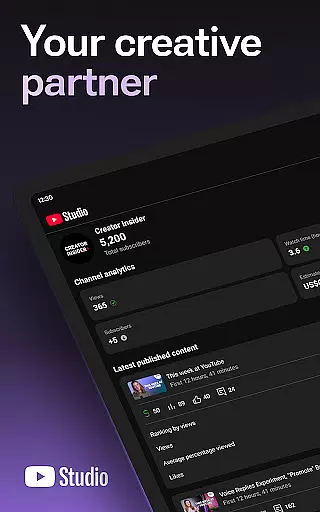
YouTube Studio boasts a variety of advanced features tailored specifically for managing YouTube channels efficiently. One of its standout capabilities is the Channel Dashboard, which gives users an instant snapshot of their channel's performance metrics. This includes views, watch time, and subscriber trends, all presented in an intuitive interface that makes it easy to track progress over time.
In addition to performance tracking, the app offers robust Analytics tools that provide deeper insights into how different types of content are performing. Creators can analyze data related to videos, shorts, and livestreams separately, helping them understand what resonates most with their audience. The ability to sort and filter comments further enhances community management by allowing creators to prioritize important conversations.
Another key feature is the flexibility to update video details on the go. Users can modify titles, descriptions, tags, and thumbnails directly through the app, ensuring their content remains optimized for discovery. Moreover, YouTube Studio simplifies the path to monetization by integrating seamless access to the YouTube Partner Program. This combination of powerful analytics, customizable options, and monetization support makes YouTube Studio a complete solution for serious YouTubers.
Video format compatibility is a crucial feature for any video editing or management tool, including YouTube Studio. This functionality ensures that creators can upload, manage, and edit videos in various formats without worrying about quality loss or technical issues.
YouTube Studio supports a wide range of video formats, allowing content creators to focus on their creativity and audience engagement rather than technical limitations. Whether you're uploading standard MP4 files or high-resolution 4K videos, the app provides seamless integration and processing.
The benefit of robust video format compatibility is the flexibility it offers to creators. They can experiment with different types of content, from shorts to long-form videos, knowing that YouTube Studio will handle the technical aspects efficiently. This ensures that creators can reach their audience across different devices and platforms without any hitches.
For professional YouTubers and businesses, this means they can maintain a consistent posting schedule and deliver high-quality content to their viewers, enhancing both viewer satisfaction and channel performance.
AI-powered editing features represent a significant advancement in video production tools, enabling creators to enhance their content with minimal effort. YouTube Studio incorporates several AI-driven functionalities that simplify the editing process and improve overall video quality.
One key feature is automated video enhancement, which uses AI algorithms to optimize video brightness, contrast, and color balance. This ensures that every piece of content looks professional and visually appealing, even if the original footage was suboptimal.
Another advantage is the smart editing suggestions provided by the app. These suggestions help creators trim unnecessary parts, add relevant transitions, and even recommend optimal video lengths based on audience retention data. Such insights save time and allow creators to focus on storytelling and engaging with their community.
Ultimately, AI-powered editing not only streamlines the content creation process but also empowers creators to produce higher-quality videos consistently, leading to better audience engagement and growth for their channels.
User-friendly interface
Comprehensive analytics
Real-time updates
Monetization support
Comment management
Limited desktop features
Occasional bugs
Ads in free version
Complex navigation
High learning curve

Save photos and videos from social apps in one tap.
 3.60
3.60
A Quick and Pro Video Editor
4.70
Create photo video with music & template. AI video maker for stunning slideshow.
4.60
Full HD Video mp3 Player, MP4 player play 1080p, File manager, Video Downloader
4.40
Play ALL formats in 4K & HD. Video downloader, MP3 player, Chromecast & more.
4.80
Add date and time watermark to photos and videos
4.50
Flud is a simple and beautiful BitTorrent client for Android.
4.80
Cast movies, tv shows and live streams to Chromecast, Roku, DLNA, Fire TV & more
4.60
Video player with 4K & 1080P support, popup play, background play and subtitle.
4.20
AI Video Editor with Music, Filter, Slideshow, Effect, Merge & Trim Video.
4.80
GENRAL PRO - General Pro is the best video player that fully supports all formats.
4.70
Watch a large amount of high-definition short drama content
4.60
Snaptubè Video Downloader app allows to download videos and music in Snaptube. .
4.60
Search & download videos from net with all video downloader, auto-detect & safe.
4.60
VLC Remote lets you control your VLC Media Player on Mac, PC or Linux.
4.60
AirMirror is Receiver for Screen Mirroring and Casting from Apple Devices.
3.60
Watch full episodes of your favorite Cartoon Network and Cartoonito shows!
3.50
This app is an emulator of some specific IPTV boxes
3.50
The essential companion to your Blue Iris PC software
2.50


User Reviews