
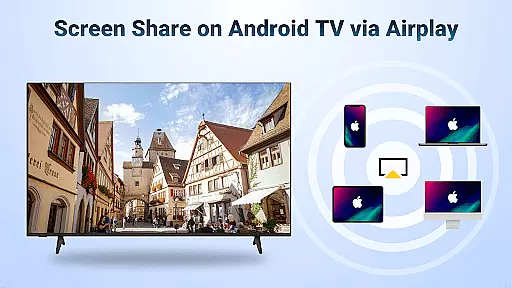
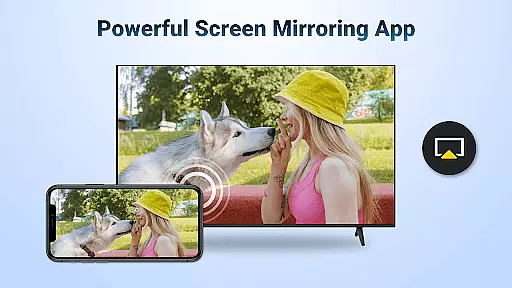
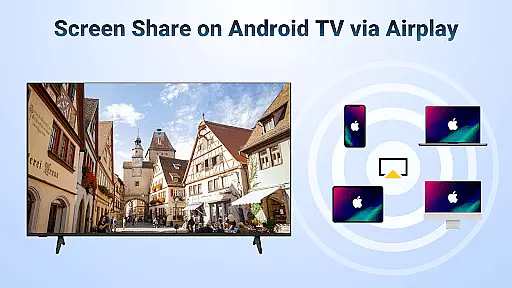
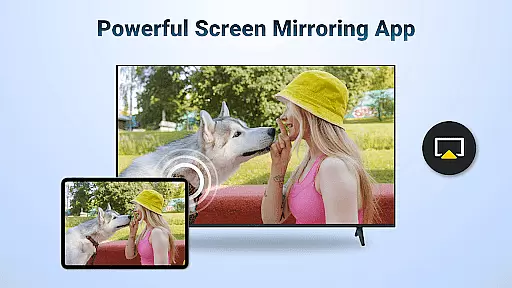
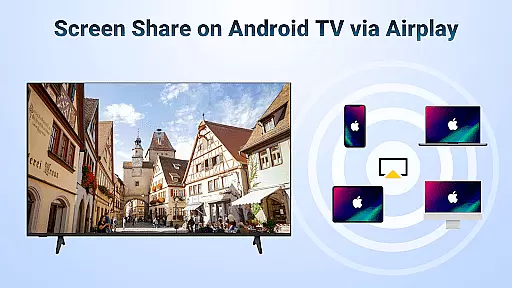
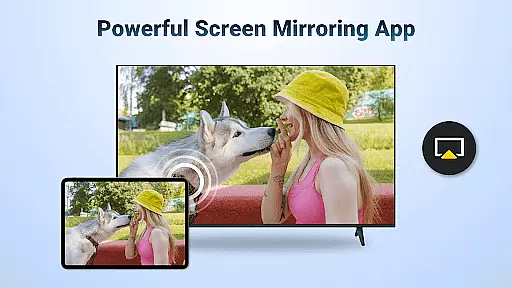
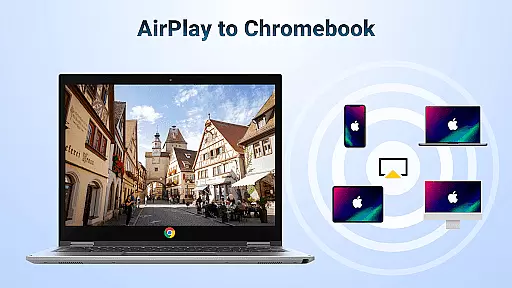
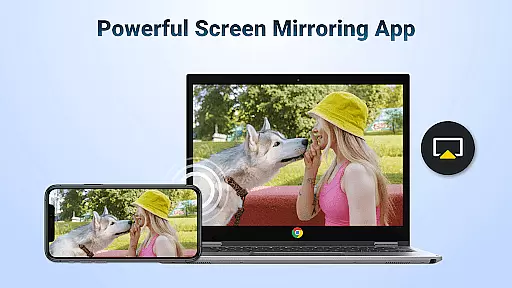
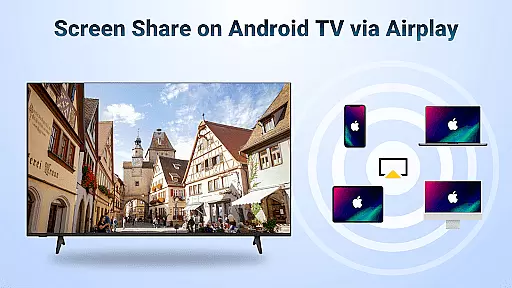
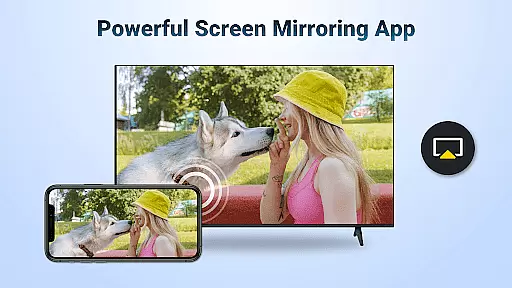
AirMirror is a powerful wireless streaming receiver app that allows users to seamlessly mirror and cast content from their Apple devices to Android TV over WiFi. This innovative solution eliminates the need for additional converters or frequent device switching, making it an ideal tool for both personal and professional use.
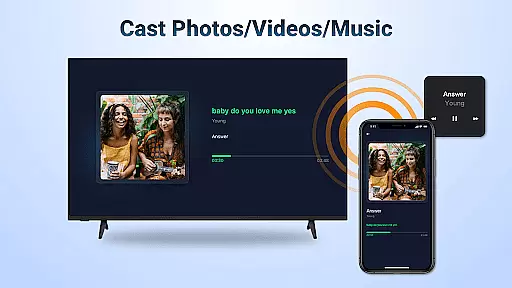
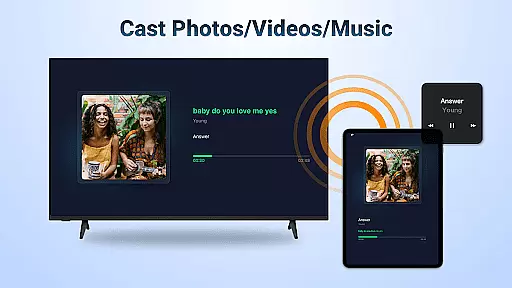
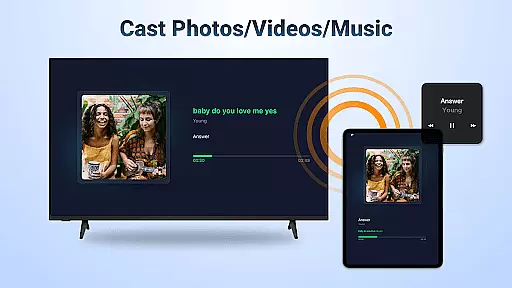
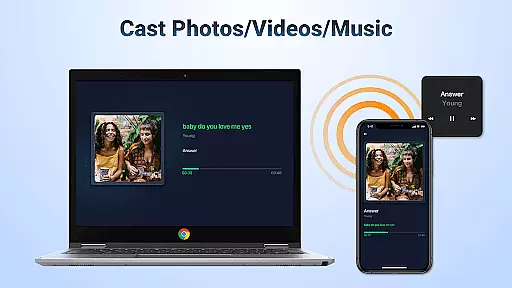
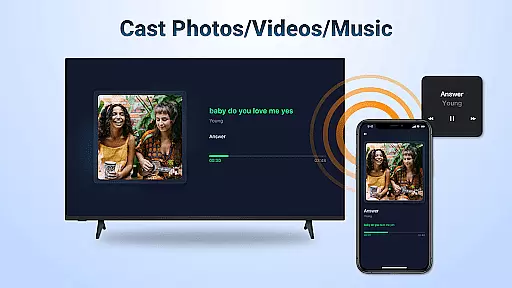
The application supports screen mirroring of photos, web videos, and audio files directly from iOS devices to Android TV. Whether you're conducting business presentations, sharing gaming experiences with friends, or enjoying family photos on a larger display, AirMirror provides a smooth and stable connection for all your multimedia needs.
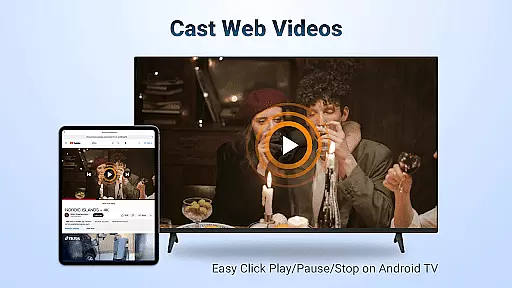
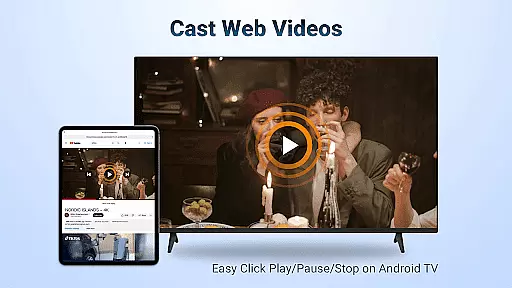
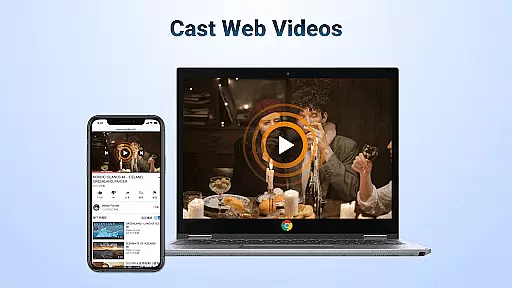
AirMirror offers a comprehensive set of features designed to enhance user experience across different scenarios. The app supports AirPlay-enabled devices, allowing users to stream audio, video, and photos effortlessly. It also enables casting of web videos with impressive speed and stability.
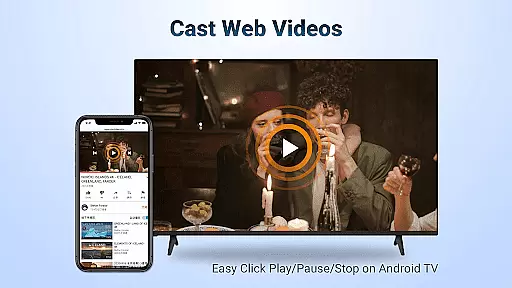
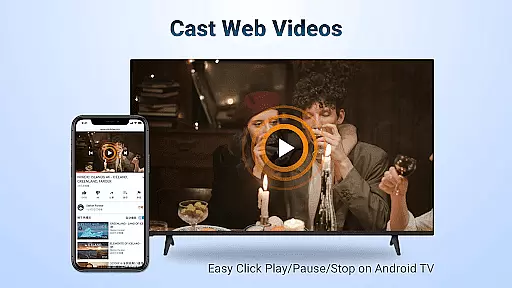
One notable feature is the ability to control playback directly on the receiving end, including options to play, pause, and stop media. Users can switch between landscape and portrait modes according to their preference. The app ensures simple connectivity and maintains a stable mirroring and screen casting performance throughout its usage.
Video format compatibility is a crucial feature for any video player and editor, ensuring that users can access and play a wide range of video formats without the need for conversion or additional software. AirMirror: TV Cast via AirPlay supports streaming audio, video, and photos from devices enabled with Airplay, including iTunes and iOS devices.
This application facilitates screen casting of videos and music from various streaming media platforms where DRM allows, making it versatile for different user needs. The ability to cast web videos via Airplay is smooth and super fast, enhancing the user experience by reducing loading times and buffering.
Users benefit from the straightforward connectivity and stable mirroring provided by AirMirror. Whether you're sharing a presentation during business meetings or enjoying game time with friends, this app ensures your content is streamed seamlessly to an Android TV. This reliability in maintaining a consistent connection is vital for uninterrupted viewing experiences.
The flexibility of switching between landscape and portrait modes on your own adds another layer of convenience, catering to diverse preferences and scenarios. With these capabilities, AirMirror stands out as a robust solution for those looking to mirror and cast their digital content effortlessly.
AI-powered editing features represent the cutting-edge advancements in video players and editors, enabling users to enhance their content through intelligent automation. While AirMirror: TV Cast via AirPlay primarily focuses on seamless screen mirroring and casting, its integration with AI functionalities offers unique advantages.
One notable feature is the ability to control playback directly on the receiving end enabled with Airplay. Users can click Play, Pause, or Stop without needing to interact with the source device, streamlining the process and providing greater control over the viewing experience. This intuitive interaction mimics the benefits seen in advanced AI-driven applications.
Although AirMirror does not explicitly market itself as an AI-centric tool, its smart connectivity and stable performance echo the principles of AI-powered solutions. By ensuring simple yet effective connections, it minimizes technical disruptions, allowing users to focus on enjoying their mirrored content rather than troubleshooting connectivity issues.
For educators, professionals, and entertainers alike, these features translate into practical benefits such as sharing teaching materials, presenting business reports, or discussing movie plots with friends. The app's capacity to handle DRM-free content efficiently underscores its utility in both personal and professional contexts.
User-friendly interface
Seamless device compatibility
Stable wireless connection
Wide range of supported content
Cost-effective solution
No DRM content support
Limited to same WiFi network
Occasional connectivity issues
Dependent on WiFi quality
Device-specific limitations

Powerful HD video player with support for all formats & subtitles.
 4.3
4.3
Video Downloader, Multiple Resolution Options, Video Player
4.50
IPTV Loader, loads your own Playlist. DOES NOT CONTAIN ANY LIST OR CHANNELS
4.60
Manage your IPTV live channels and VOD playlists (no playlist included)
3.80
Browser for Samsung TV to stream webvideos, online movies and livestreams in HD
4.10
LumaFusion: The Ultimate Storytelling Experience for Video Editing
4.10
Browser + Remote for Roku to stream webvideos, online movies and livestreams
4.60
Livestream, news, & gaming content. Watch, chat, and upload. Join Rumble today!
3.80
Fast private browser with secure, seamless access & supported video downloads!
4.00
Find, download, and play torrents with the official BitTorrent® Pro app
4.70
Cast to Chromecast, Xbox, Fire Stick, Roku, DLNA, Smart TV & No Feature Limited!
4.50
Fast & Private Video Downloader App. Save all videos easily from the Internet.
4.40
Your media, on your terms.
4.10
All format media Player, no need video converter any more!
4.00
Stream Web Videos to Chromecast, Samsung, LG, Sony, Roku, Fire TV, DLNA + more
4.00
AirMirror is Receiver for Screen Mirroring and Casting from Apple Devices.
3.60
This app is an emulator of some specific IPTV boxes
3.50
Download videos easily & play them all in one smart, powerful video manager.
3.40
IPTV Player - Watch live TV from m3m & m3u8 playlist, stream IPTV on mobile
3.30


User Reviews