
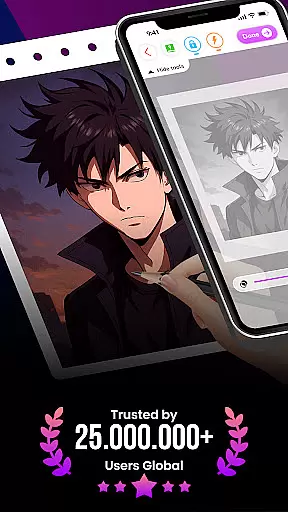
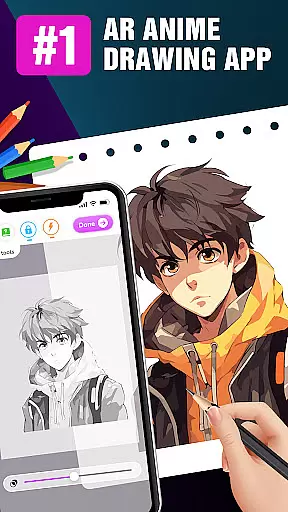
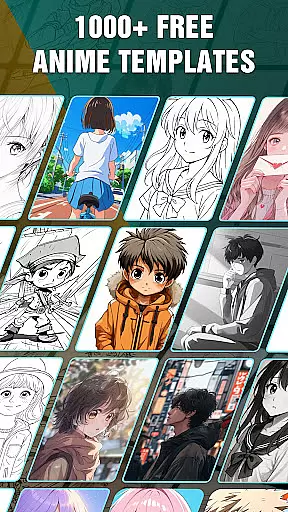
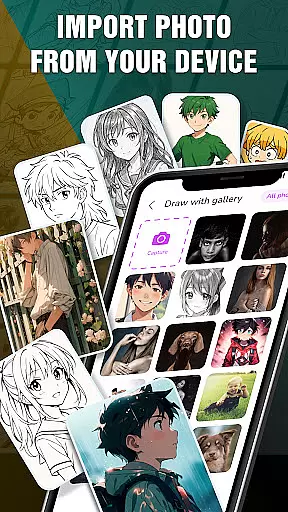
Draw Anime: AR Drawing Sketch is an innovative application designed to bring anime drawing into the augmented reality space. This app caters to both beginners and experienced artists, offering step-by-step tutorials that simplify the drawing process. By utilizing the device's camera, users can incorporate real-world elements into their sketches, creating a seamless blend of reality and imagination.
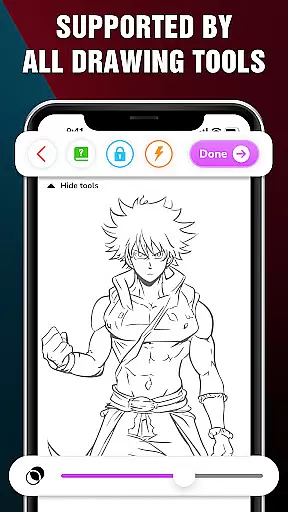
The app provides advanced drawing options such as Extend, Adjust Opacity, On/Off Flashlight, Lock, and Reset, allowing for a customizable drawing experience. It also includes features for tracking artistic progress and saving favorite creations, making it an ideal tool for teenagers and anime enthusiasts who wish to learn and improve their skills in a fun and engaging way.
Draw Anime: AR Drawing Sketch stands out with its unique combination of augmented reality and traditional drawing techniques. The app offers step-by-step guidance through tutorials, breaking down complex drawing processes into manageable steps. This makes learning accessible for users of all skill levels.
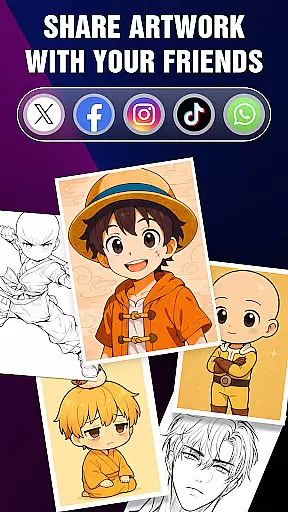
One of the key features is the ability to infuse real-world elements into drawings using the device's camera. Users can also enhance their sketches with advanced options like adjusting opacity and controlling the flashlight. Additionally, the Artwork feature allows users to track their progress, save their favorite characters, and share their creations with friends, providing a comprehensive platform for artistic expression and growth.
In the realm of digital art, having a comprehensive set of creative tools is essential for artists to fully express their visions. The 'Draw Anime: AR Drawing Sketch' app offers an extensive suite of features tailored for anime art enthusiasts.
From step-by-step tutorials that break down complex drawing processes into manageable steps, to advanced options like adjusting opacity and utilizing a flashlight, this app provides everything needed to create stunning anime artwork. These functionalities ensure that both beginners and experienced artists can find value and enhance their skills.
The ability to infuse real-world elements into sketches through augmented reality not only broadens the scope of creativity but also makes the drawing process more engaging and fun. This feature allows users to blend their surroundings seamlessly with their imaginative creations.
By offering such a complete toolkit, the app empowers users to track their artistic journey, save their favorite works, and share their masterpieces with friends, ensuring a rich and fulfilling creative experience.
Flexibility in canvas and format options is crucial for artists who wish to customize their workspace according to their specific needs. The 'Draw Anime: AR Drawing Sketch' app excels in providing adaptable solutions for various artistic endeavors.
Artists can enjoy the freedom of drawing on a digital canvas that mimics real-world dimensions and properties, allowing them to experiment with different styles and techniques without limitations. This adaptability ensures that every piece of art created is a true representation of the artist's vision.
Moreover, the app supports saving and sharing artworks in multiple formats, making it convenient for users to distribute their work across various platforms or preserve them for future reference. Such versatility enhances the overall user experience.
With these flexible canvas and format options, users can focus on their creative process, knowing that their final products will be compatible with other devices and software, thus streamlining their workflow and boosting productivity.
User-friendly interface
Step-by-step tutorials
Augmented reality integration
Advanced drawing tools
Artistic progress tracking
Limited to anime style
Requires camera access
Premium features may cost extra
Occasional bugs reported
Learning curve for beginners

Create trending AI photos & videos with powerful effects and 3D styles.
 3.20
3.20
Digital Drawing: Draw & Paint
4.10
AI Face Swap, Video Effects Editor, Realtime Morph, Funny Video FX,AI Filters
3.70
Your Essential Color Theory Guide: Red, Yellow, Blue (RYB)
4.0
Nano Banana AI Image Generator, Anime Filter, AI Portrait, AI Photo Generator
4.30
Photo editor for art, avatars, filters & fun transformations.
4.60
Your AI soulmate — meaningful chats, and unique emotional moments
4.70
Turning simple sketches into captivating tales filled with life and motion
3.90
An intuitive, high-performance painting app that lets you focus on creating
4.40
Create stunning art with AI.
4.80
Draw, fidget, and spin glow art! Relax and express your creativity with a finger
4.60
Everything you need to create hand drawn animation, anywhere you go!
4.40
Draw, make movies & animate cartoons easily with our 2D animation maker app
4.40
Bring One UI 8.5 Icons to life -elegant dark icons with a modern, premium touch.
4.30
Floor Plan Creator lets you create, edit and share floor plans.
4.00
Create stunning video, photo & magic from text with FlixAI GPT video generator.
3.10
Art of Combination Wear OS Watch faces (for Wear OS 5+ devices)
3.00
Transform photos into amazing monochrome dither art with professional algorithms
4.5
Android 14 style widgets and wallpapers app.
4.1


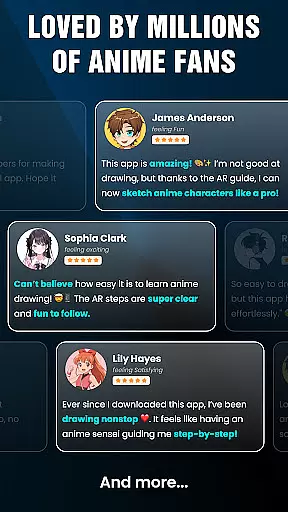
User Reviews