
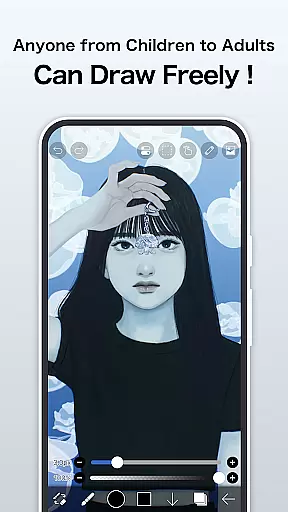
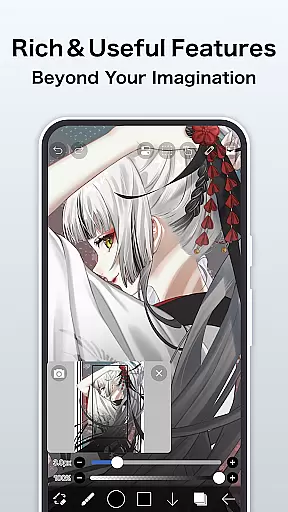
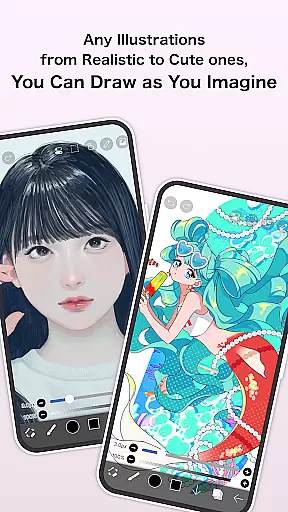
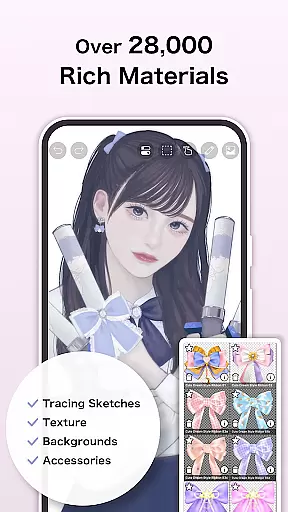
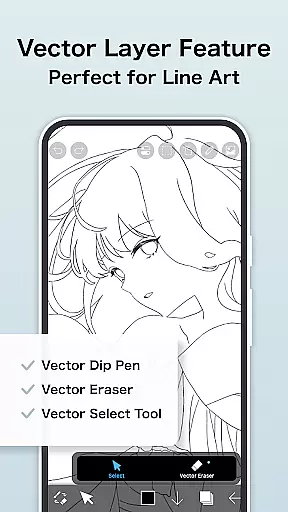
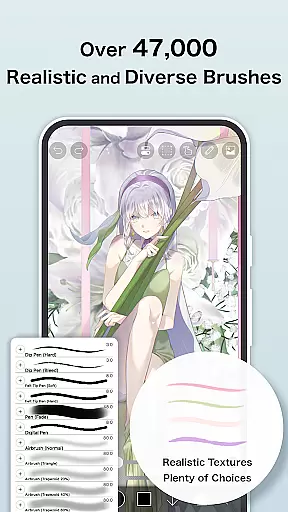
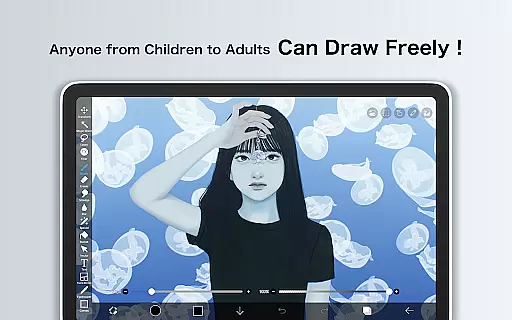
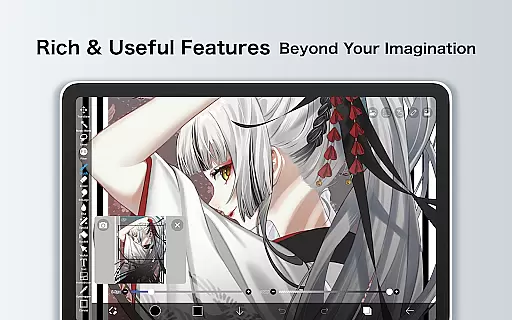
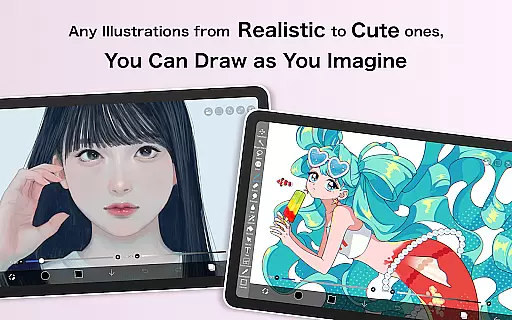
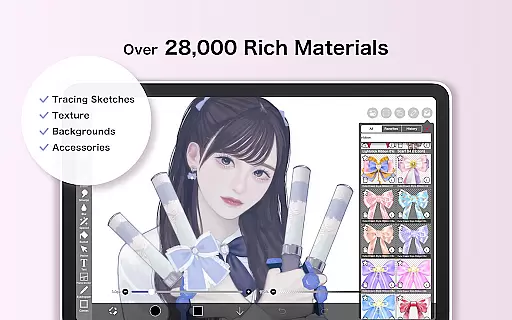
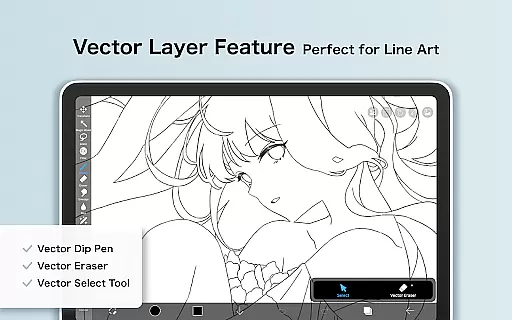
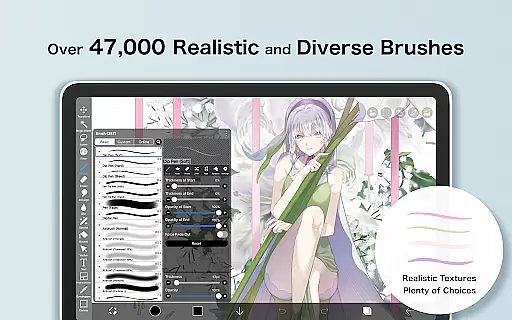
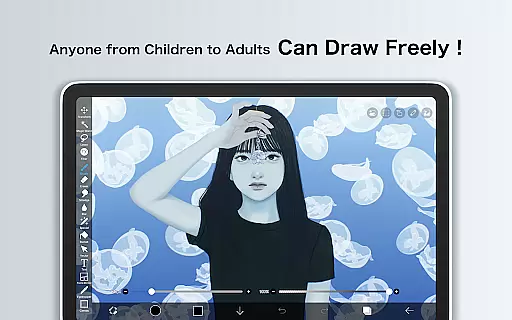
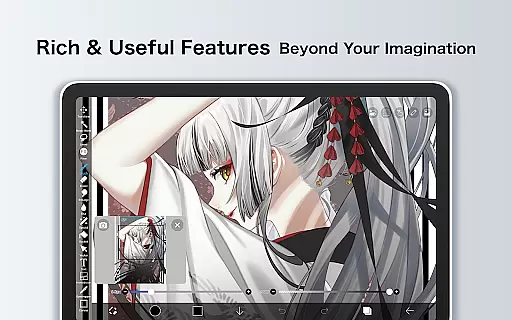
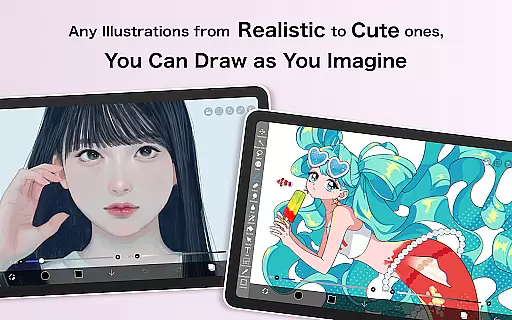
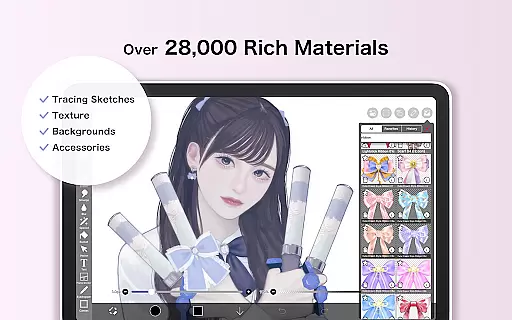
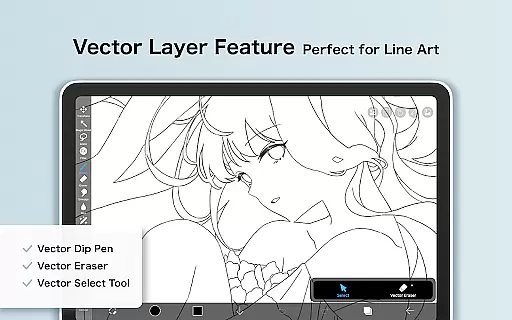
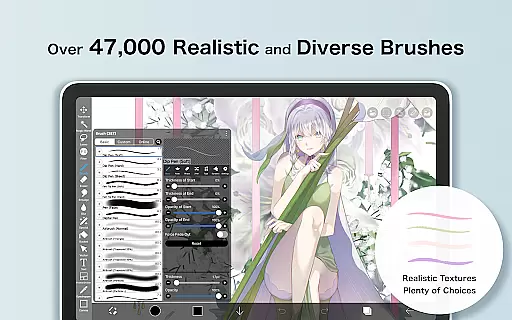
ibis Paint X is a premier digital art application designed for both amateur and professional artists, offering an extensive suite of creative tools. With over 47000 brushes, 27000 materials, and advanced features like Vector tool and Animation support, it provides a desktop-level drawing experience on mobile devices. The app also includes unique functionalities such as AI Disturbance and stroke stabilization, making it versatile for various art styles.
Beyond its robust drawing capabilities, ibis Paint X fosters a creative community by allowing users to share their drawing processes. This social aspect enables users to learn from each other through process videos, enhancing individual skills and techniques. Available for free with optional Prime Membership for advanced features, the app suits a wide range of artistic needs and preferences.
One of the standout aspects of ibis Paint X is its vast array of customization options. Users can choose from over 47000 brushes, including specialized types like dip pens, oil brushes, and charcoal brushes, each providing a unique texture and style. The app supports unlimited layers with individual blending modes, empowering artists to create complex compositions with precision.
In addition to its drawing tools, ibis Paint X offers innovative features like AI Disturbance, Vector tools, and Animation support, which cater to modern digital art demands. The app's social functionality allows users to record and share their drawing processes, promoting a collaborative learning environment. These comprehensive features make ibis Paint X suitable for both personal projects and professional artwork.
In the realm of digital art, having a comprehensive suite of creative tools is paramount. ibis Paint X stands out by offering over 47000 brushes, which include a variety of types such as dip pens, felt tip pens, and even oil brushes. This vast selection allows artists to emulate traditional media or explore new styles digitally.
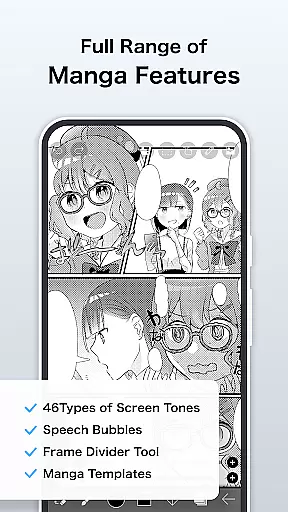
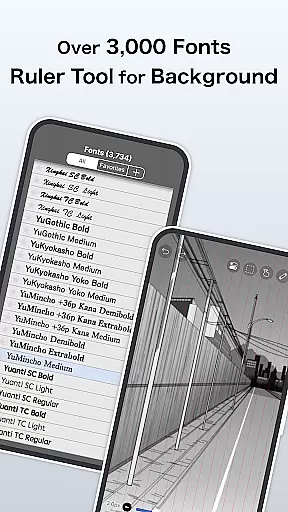
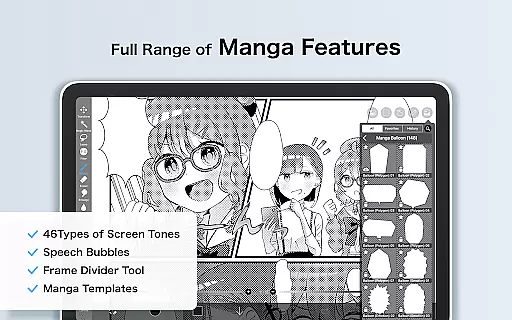
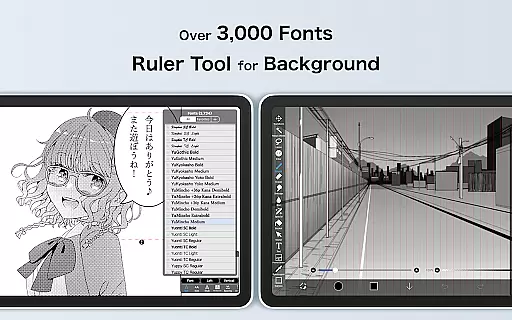
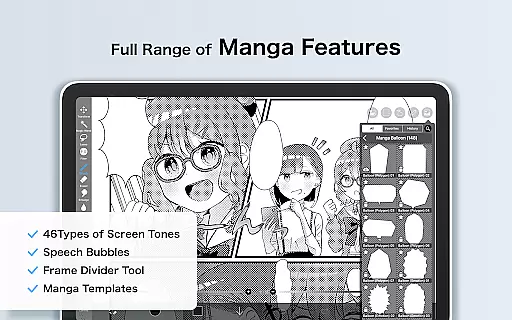
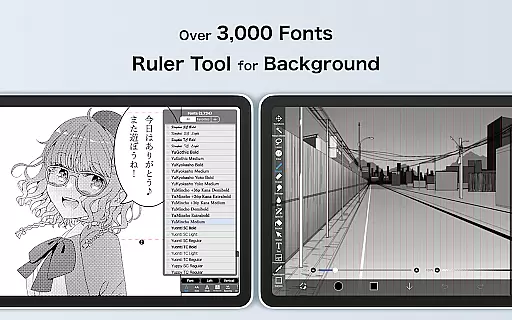
Layer functionality is another crucial aspect where ibis Paint X excels. Artists can work with unlimited layers, each with customizable parameters like opacity and blending modes. The app also provides advanced text tools for manga creation, supporting vertical and horizontal text with multiple fonts, enabling creators to produce professional-looking comic panels.
Beyond static artwork, ibis Paint X includes animation features and an AI Disturbance tool, broadening its appeal to animators and experimental artists. With these robust offerings, users can execute complex projects within a single application, making it a one-stop solution for diverse artistic needs.
Flexibility in canvas and format options is essential for artists who need to adapt their work for different mediums and platforms. ibis Paint X addresses this need by providing a versatile workspace where creators can customize their canvas size and resolution to fit specific project requirements.
The app supports importing from the photo library, allowing artists to incorporate existing images into their work seamlessly. Additionally, various layer commands such as duplication, inversion, rotation, and zooming offer precise control over the composition, enhancing the creative process.
For those looking to share their work, ibis Paint X facilitates exporting in multiple formats suitable for both digital and print use. This ensures that whether the final piece is destined for online publication or physical display, artists can achieve the desired quality and presentation without constraints imposed by the software.
User-friendly interface
Extensive brush library
Advanced layer options
Free version available
Active artist community
Prime Membership required
Ads in free version
Steep learning curve
Large app size
Limited offline resources

The ultimate tool for creating animations
 4.60
4.60
Create trending AI photos & videos with powerful effects and 3D styles.
3.20
Paint with oils and sketch with natural tools on a realistic virtual canvas.
3.80
The perfect place to start sketching! Use Sketchbook to draw and paint sketches.
4.50
Draw glowing spinners, relax, and spin your creative art
4.60
Share the joy of painting with ibis Paint! Drawing anime and manga art.
4.50
Sketch and paint on your device with the feel and freedom of drawing on paper
4.00
How to draw anime step by step for beginner easily by AR drawing sketch & paint.
3.60
Unleash your inner artist! Sketchar: AR Drawing for Limitless Creativity
4.40
Make your phone cooler and have a fantastic experience
4.80
Mobile pixel art editor. Simple. Fast. Portable.
4.80
Unleash your drawing and painting potential
4.50
Kling AI is an image and video generation and editing studio powered by AI.
4.50
Draw, make movies & animate cartoons easily with our 2D animation maker app
4.40
Beauty Camera - Selfie Camera is the ultimate beauty camera and selfie app
4.30
Create stylish invitation cards using templates for weddings, birthdays & RSVP.
4.20
Resize photos and print photos in exact size with our powerful photo printer!
3.80
Create cute cat emojis & PFPs! Fun, custom avatars for cat lovers.
3.70
Art of Combination Wear OS Watch Faces
3.30


User Reviews