
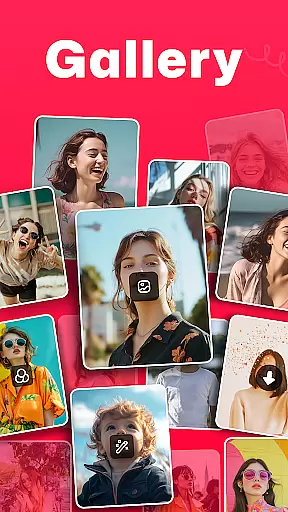
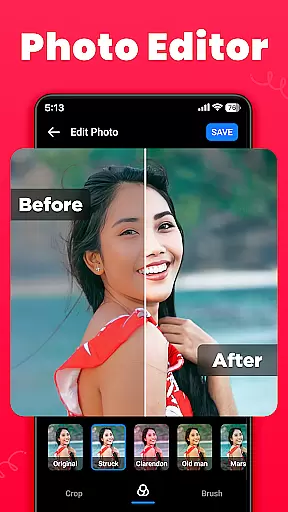
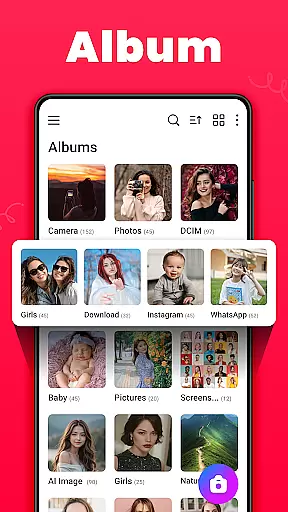
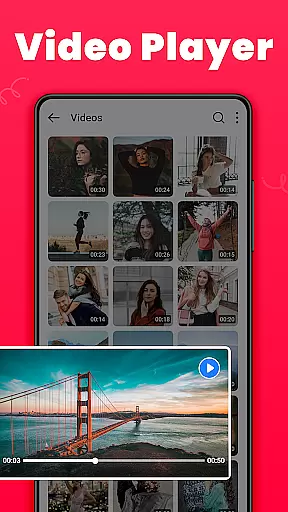
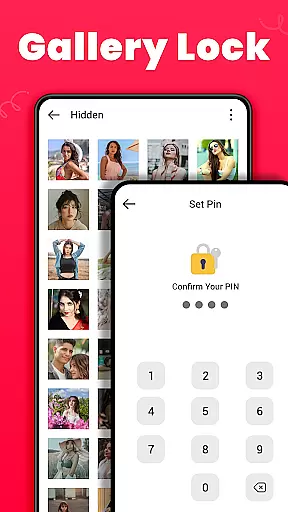
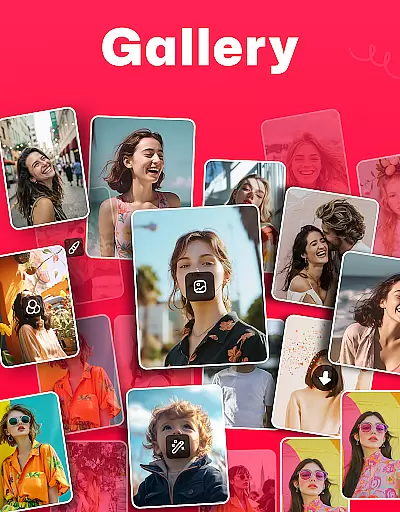
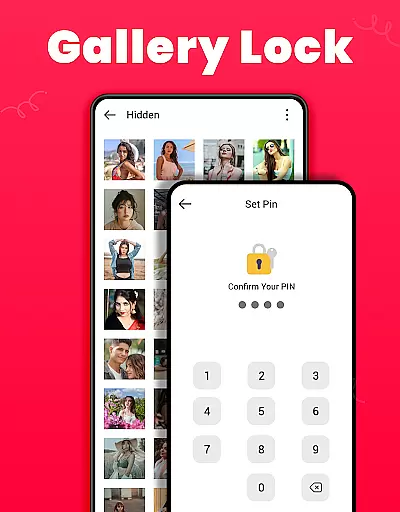
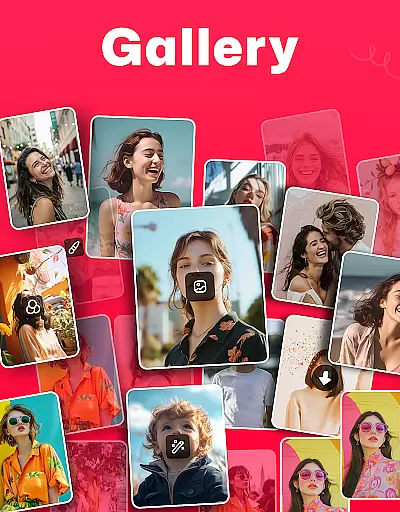
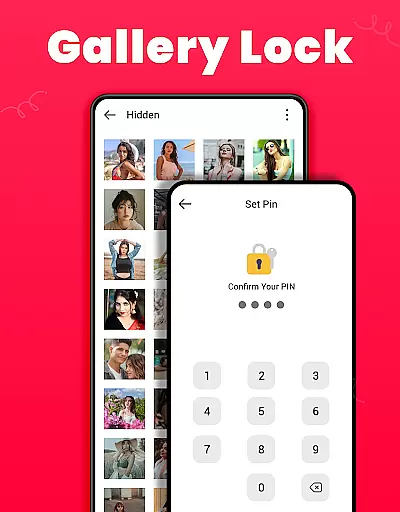
Gallery is a versatile offline photo and video management app designed for Android users. It offers an array of features including editing, sharing, and organizing media files effortlessly. The app stands out with its Gallery Lock feature, which allows users to secure sensitive content using a PIN or password, ensuring privacy and protection from unauthorized access.
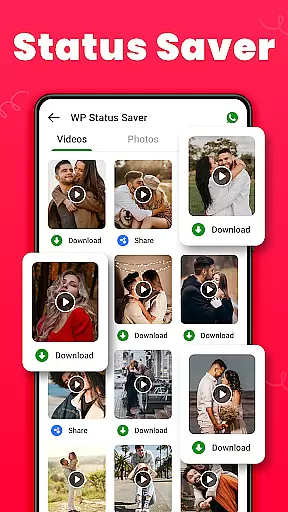
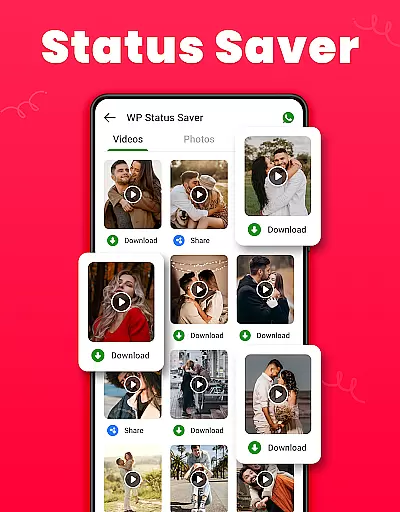
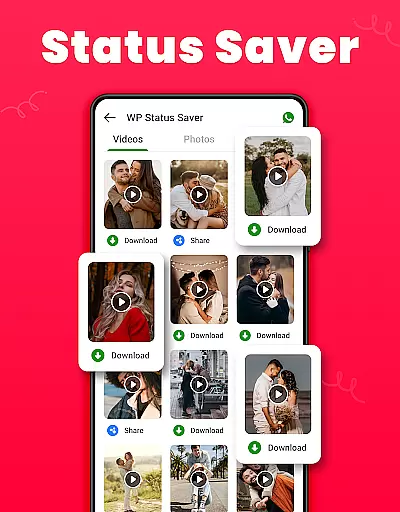
In addition to its security features, Gallery provides tools for enhancing user experience such as the ability to restore deleted photos, save WhatsApp statuses, and manage media through various sorting options. Its compatibility with Android 11 requires users to enable 'All Files Access' permission to fully utilize functionalities like file encryption and management. Whether you're looking to organize cherished memories or safeguard personal files, Gallery delivers a comprehensive solution.
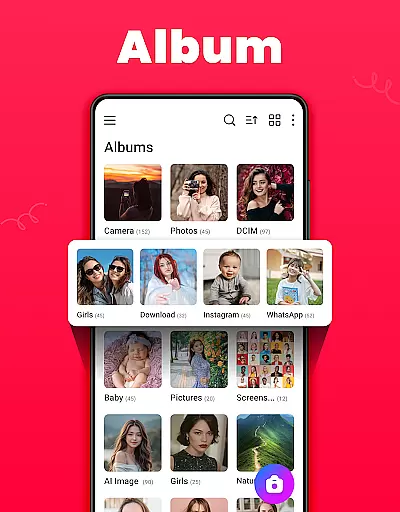
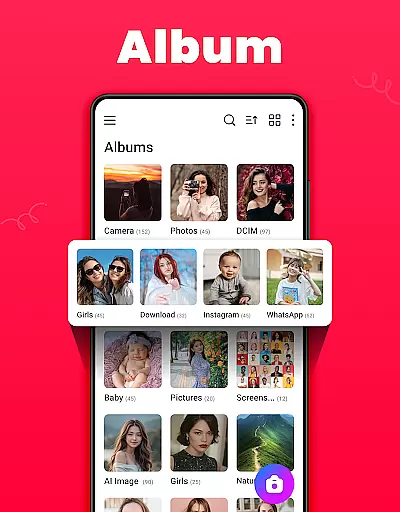
Gallery distinguishes itself through a rich set of features tailored for photo and video enthusiasts. One notable aspect is its intuitive interface that supports both light and dark modes, catering to user preference and ambient lighting conditions. Users can create custom albums, sort them by multiple criteria such as name or date, and even set favorite pictures as wallpapers.
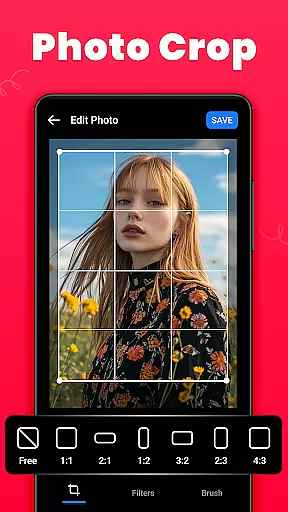
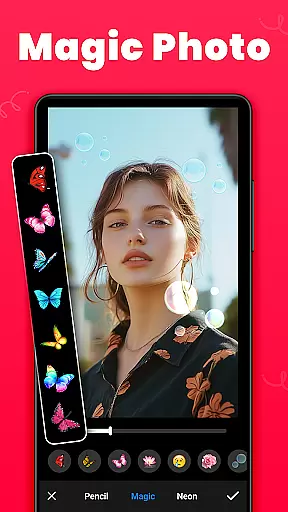
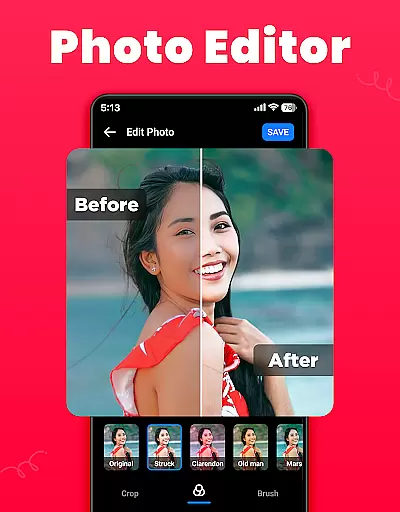
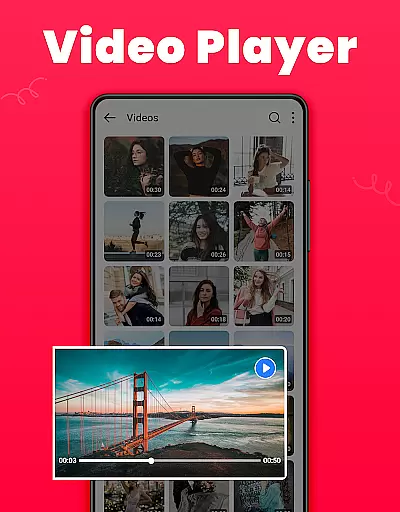
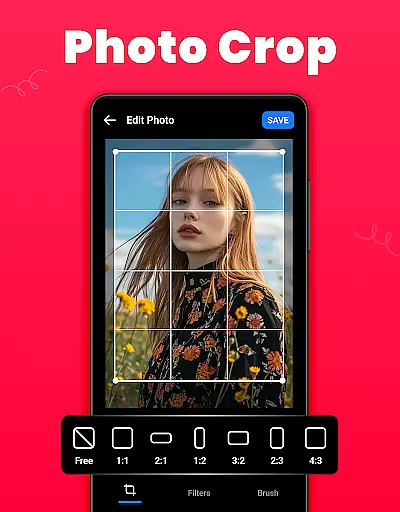
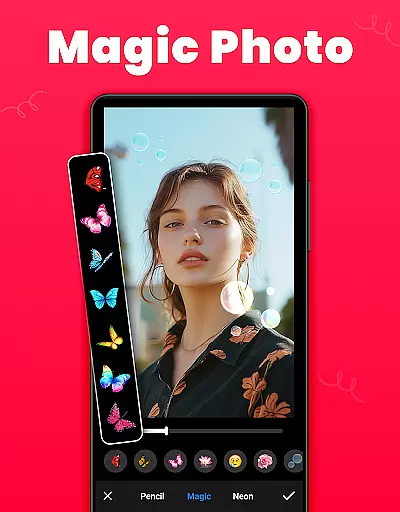
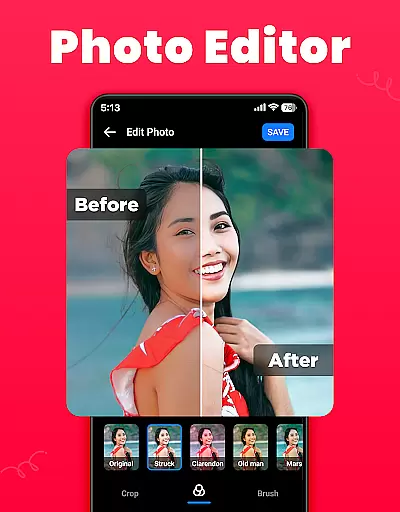
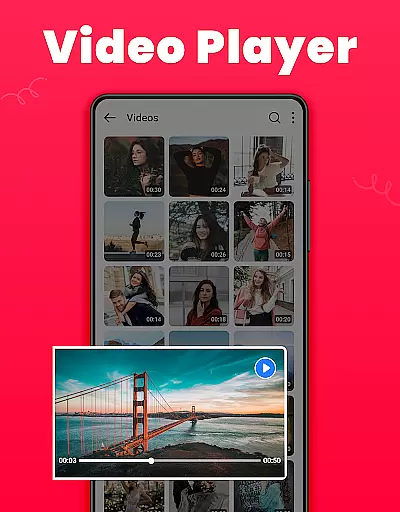
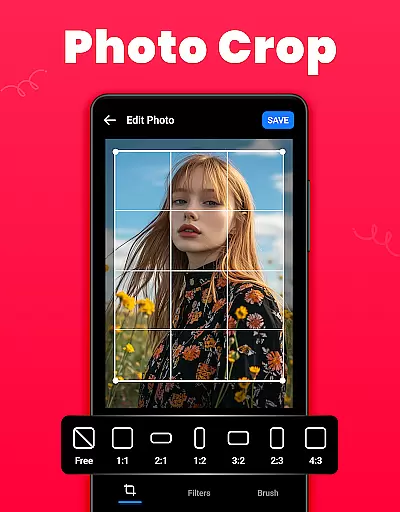
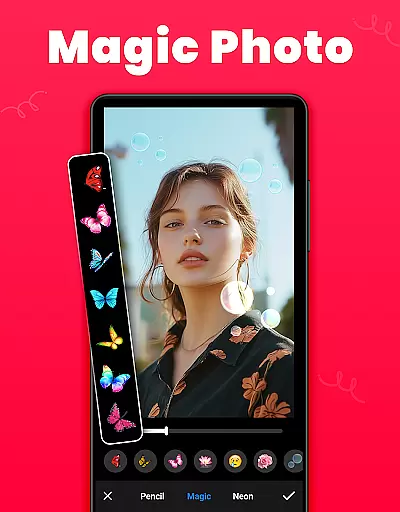
The app's editing suite includes essential tools like crop, filter, and brush functions, empowering users to refine their images creatively. Furthermore, it facilitates seamless social media sharing and offers a recycle bin feature for recovering accidentally deleted media. With capabilities ranging from HD video playback to efficient file management, Gallery ensures a robust and engaging multimedia handling experience.
Real-time capture and preview functionality is essential for any photography app as it allows users to frame their shots accurately. The Gallery app offers a seamless experience by providing instant feedback on the framing, lighting, and composition of photos or videos before capturing them. This ensures that users can take high-quality pictures without any guesswork.
The app's real-time preview feature is designed to be both intuitive and responsive. Users can see exactly what the camera sensor is detecting, with zero lag, which makes shooting spontaneous moments much easier. Additionally, the app may offer live filters or exposure adjustments that can be seen directly in the preview window, giving photographers more creative control over their work.
For users, this means fewer missed opportunities and better-prepared shots. Whether capturing everyday moments or special occasions, having an accurate real-time preview at your fingertips enhances the overall photography experience. It empowers users to take full advantage of their deviceu2019s camera capabilities while ensuring they get the shot they envision every time.
AI beauty and enhancement features have become increasingly popular in photo editing apps, offering tools that automatically retouch images while maintaining a natural look. The Gallery app leverages advanced AI algorithms to enhance facial features, smooth skin tones, and adjust lightingu2014all without making edits appear artificial or overly processed.
This app provides various AI-driven enhancements such as blemish removal, teeth whitening, and eye enlargement, all calibrated to preserve authenticity. By analyzing each photo individually, the app intelligently applies enhancements that complement the subjectu2019s natural appearance rather than distorting it. This approach helps maintain realism, even when significant improvements are made.
Users benefit from these sophisticated yet easy-to-use tools by achieving professional-quality edits with minimal effort. With AI beauty enhancements, individuals can feel confident sharing their best selves online or offline, knowing that their photos remain true to life. This balance between enhancement and naturalness sets the Gallery app apart from other photo editors available today.
User-friendly interface
Comprehensive privacy protection
Versatile editing tools
Efficient media organization
Offline functionality
Requires additional permissions on Android 11
Limited advanced editing features
May consume significant storage space
Occasional bugs in older devices
Interface may feel cluttered

Application for remote controlling DSLR
 3.00
3.00
Edit like a pro with Hypic. Apply filters, AI effects, & magic touch.
4.40
Collage your moments in one tap: 1000+ layouts, filters, stickers, and texts.
4.90
Use AI Video Generator to turn your words to ai generated videos.
4.50
Turn photos into cartoons & avatars! - Photo Editor, Cartoon Face!
3.90
Professional camera app that brings DSLR manual photography controls to Android.
4.20
Catch sunlight, sunrise sunset times and sun phases with the AR sun tracker.
4.10
PhotoSync Bundle Add-On License. Enables all features and services in PhotoSync.
4.60
Enhance, upscale, and transform your images — on your device, without limits
4.70
A collection of tools and reference tables for DPs, ACs, DITs and Operators.
4.70
Cartoon and artistic effects for your photos and videos
4.70
Add Watermark - Sign your pictures with a text or logo. Effective, quick, easy!
4.50
Natural Beauty, Selfie Retouch
4.30
AI-powered video creator by MiniMax - Where ideas meet cinema
4.20
Create & Edit with AI: AI Remove, Enhance, Retouch, Filter
4.10
Photo editor: face & body editor, beauty cam, filters and quality enhancer.
4.00
How would you look like with a differently shaped nose, chin or lips?
3.90
USB Storage Access for Photos, Videos, Music and Documents
3.80
Professional video recording application with manual controls for filmmakers!
2.80


User Reviews