
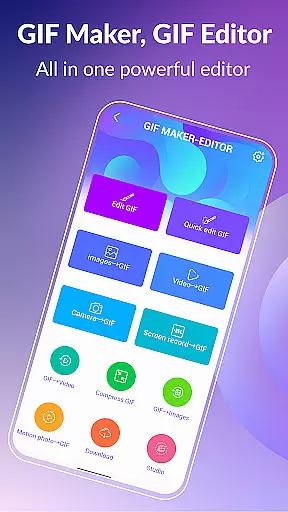
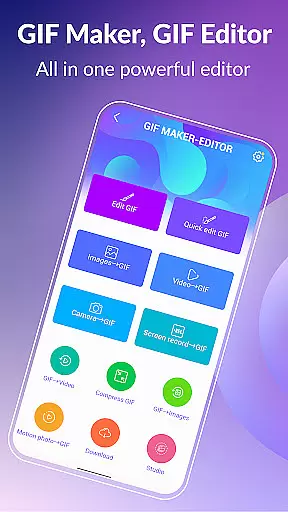
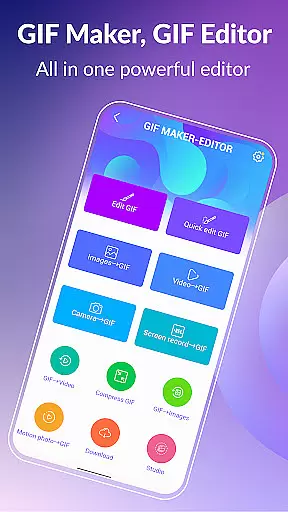

GIF Maker, GIF Editor Pro is a comprehensive photography app designed for creating and editing high-quality animated GIFs. This app supports up to 600 frames and HD resolution of 720x1280 pixels, ensuring your creations are crisp and detailed.
With an intuitive interface, the app allows users to transform images, videos, screen recordings, and existing GIFs into stunning animations. It supports various formats including PNG, JPEG, MP4, MPEG, FLV, 3GP, and more, providing flexibility in creativity.
Whether you're looking to make memes, edit GIFs with text and effects, or compress files for easier sharing, this app offers all the tools necessary to unleash your creativity. Its support for multiple languages makes it accessible worldwide.
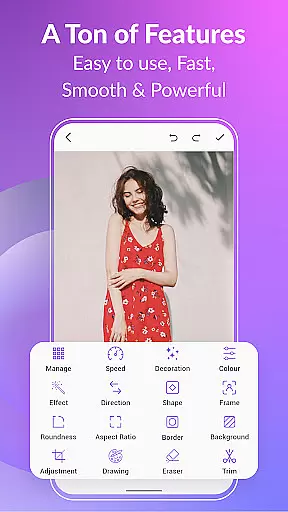
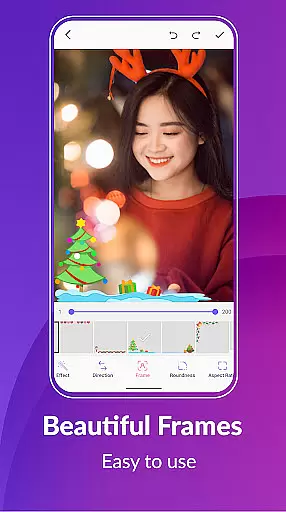
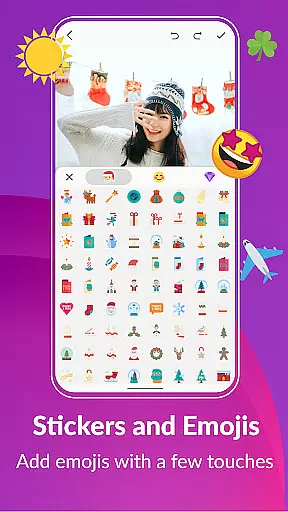
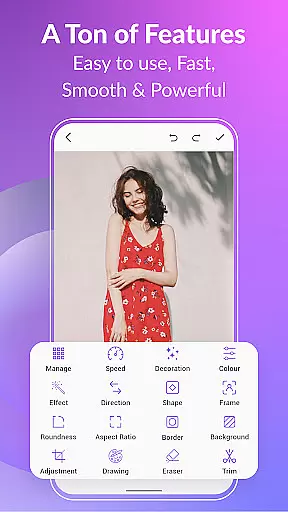
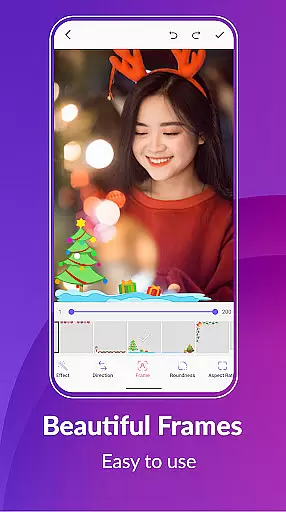
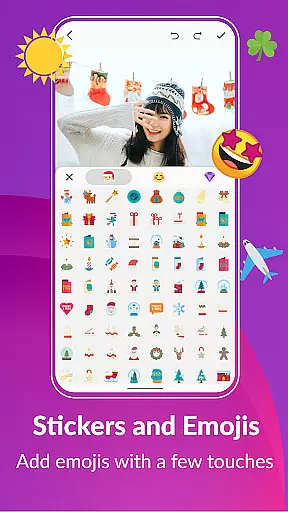
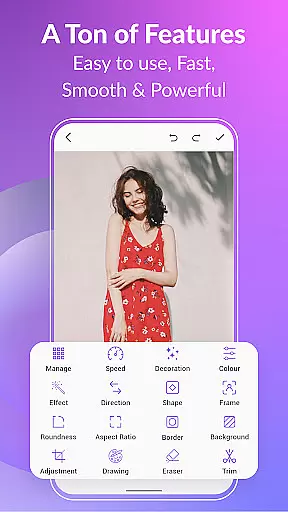
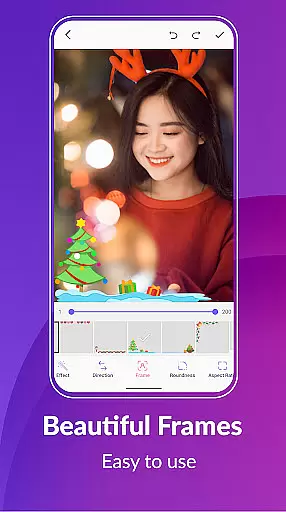
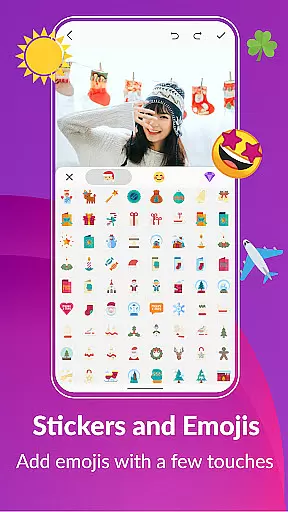
GIF Maker, GIF Editor Pro stands out with its extensive feature set tailored for both casual users and professionals. The app includes powerful editing tools such as crop, resize, speed adjustment, filters, trim, stickers, and more, allowing precise control over your creations.
One notable feature is the ability to convert GIFs to videos and vice versa, maintaining quality and resolution. Users can also apply background options like transparent, blur, or solid colors, adding depth to their animations.
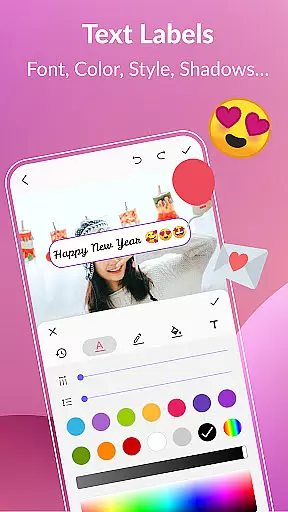
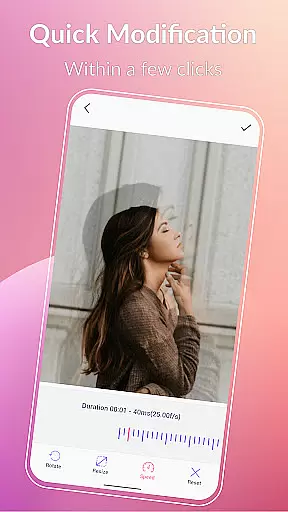
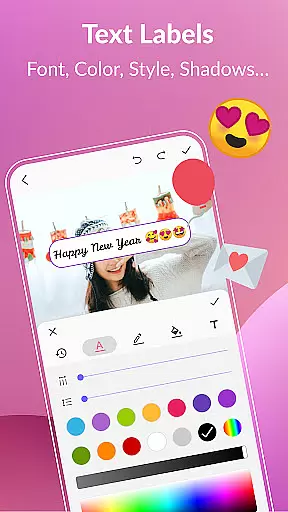
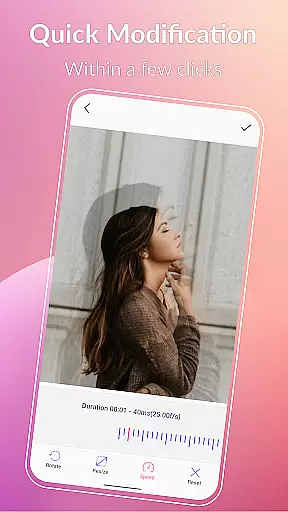
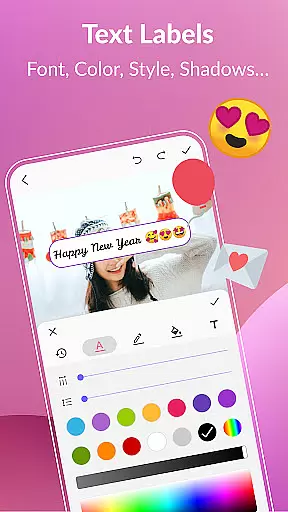
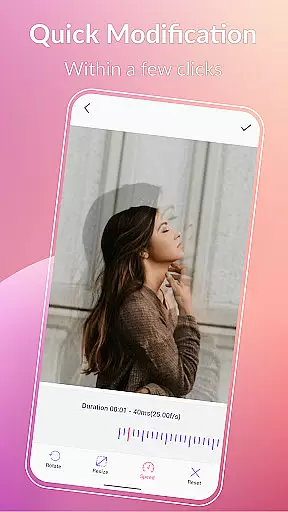
Additionally, the app provides quick modification tools, color filters, text labels, and meme creation capabilities. With support for exporting frames and sharing on platforms like WhatsApp, Facebook, and Twitter, it ensures your work reaches a broad audience.
Real-time capture and preview functionality is essential for any photography or GIF creation app. This feature allows users to see exactly what their final output will look like while they are still in the process of creating it. With GIF Maker, GIF Editor Pro, you can transform images, videos, and even screen recordings into animated GIFs with live previews at every step.
The application supports a wide range of formats including PNG, JPEG, MP4, MPEG, FLV, 3GP, and more. This versatility ensures that no matter what type of media you're working with, you'll be able to see your changes in real time without any hiccups. The ability to instantly view edits such as crop adjustments, filters, stickers, text labels, and color corrections means that users can fine-tune their creations until they are just right before exporting them.
For content creators who rely on precision and timing, having an accurate real-time preview can make all the difference. It saves time by eliminating guesswork and reduces the need for re-edits after export. Whether you're crafting memes, designing marketing materials, or simply expressing creativity through GIFs, this tool empowers users to produce high-quality work efficiently.
AI beauty and enhancement features have become increasingly popular in photo editing applications due to their ability to subtly improve images without making them appear overly processed. In GIF Maker, GIF Editor Pro, these enhancements extend beyond static pictures to include animated GIFs, ensuring each frame looks its best while maintaining natural aesthetics.
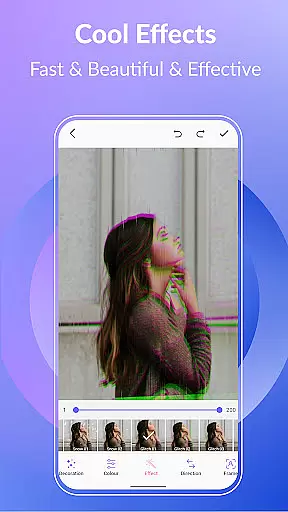
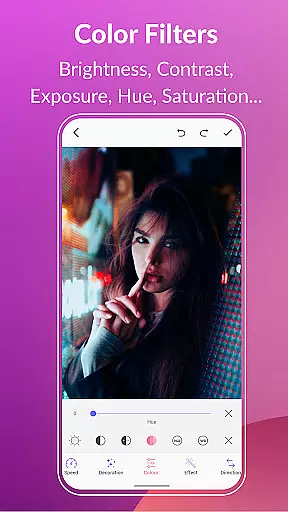
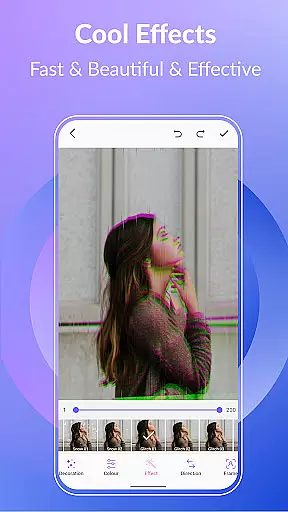
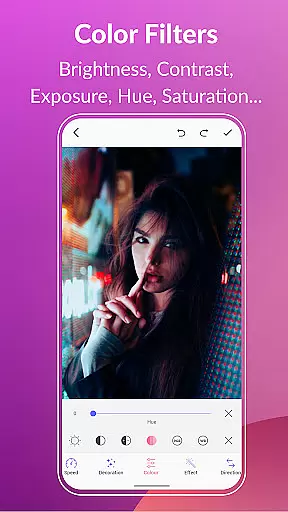
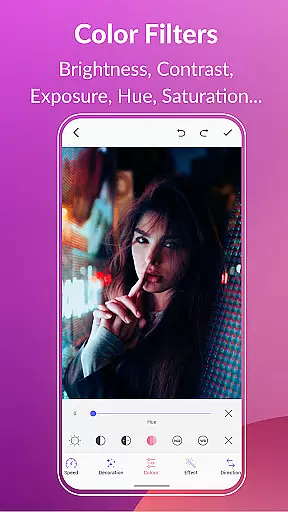
This powerful app offers various tools such as brightness adjustment, contrast tweaking, exposure correction, hue modification, saturation control, and white balance optimization. These options allow users to enhance their GIFs' visual appeal significantly. Additionally, advanced effects like 1977, Amaro, Brannan, Early Bird, Hefe, Glitches, VHS, and others provide creative ways to stylize animations further.
What sets GIF Maker apart is how seamlessly it integrates AI-driven enhancements into the workflow. Users can apply sophisticated modificationsu2014such as smoothing out skin tones, sharpening details, or adding artistic touchesu2014without compromising the authenticity of the original footage. As a result, whether youu2019re creating professional-grade content or personal projects, the outcome remains visually pleasing yet genuine-looking.
User-friendly interface
High-quality output
Extensive format support
Versatile editing tools
Multi-language support
Premium version required
Large file sizes
Limited free features
Occasional bugs
Ads in free version

AI portrait generator and polaroid AI selfie, fun AI generated AI photo creator!
 4.30
4.30
What celebrity do you look like? Celebs will find your celebrity match!
4.10
Perfect body tune & face app - photo retouch, makeup, slim body & beautify face.
4.80
Amazing Photo Effects - The most fun you can have with your photos!
4.70
A reflected light meter with spot metering and incident light metering.
4.40
Snap photos remotely using your Garmin watch as the camera trigger
4.5
A unique animation app. Powerful, easy to use, and lots of fun.
4.30
Try an anime version, cartoon yourself, and generate AI hug or aging videos!
3.70
Photo & Video Gallery app to manage albums and save WA Status easily.
4.70
Cartoon and artistic effects for your photos and videos
4.70
Easily view, share, delete photos with Gallery.
4.70
Add Watermark - Sign your pictures with a text or logo. Effective, quick, easy!
4.50
Transform photos into videos! Create realistic or anime-style images easily!
4.50
Future baby face generator: AI kids generator, kid face! What my baby look like?
4.40
[3DSteroid Pro] is a stereoscopic application for Android.
4.30
Create & Edit with AI: AI Remove, Enhance, Retouch, Filter
4.10
Perfect photos with body shaping, BG changer and object remover.
3.70
GCamera allows all GCam features on all phone models! Better photos with GCamera
3.30
HD Photo gallery and photo manager to edit, hide private photos, videos & albums
4.0


User Reviews