
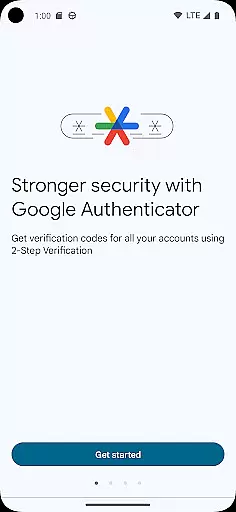
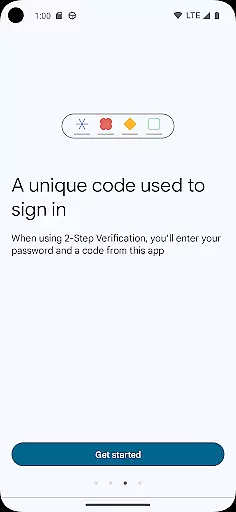
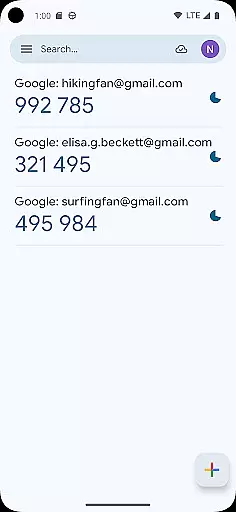
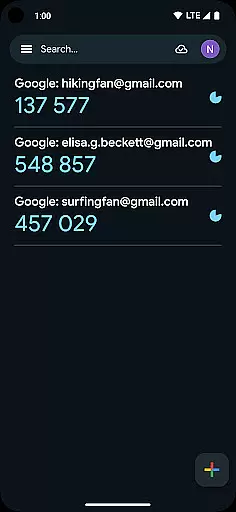
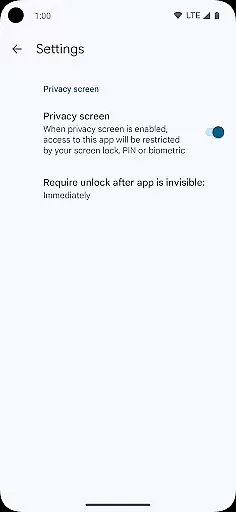
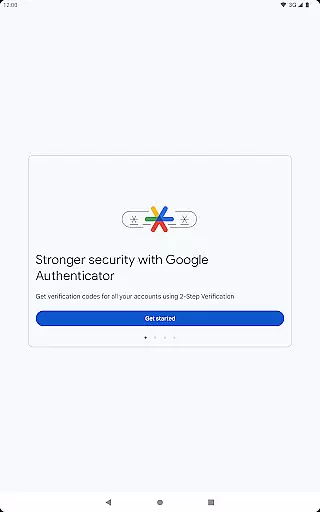
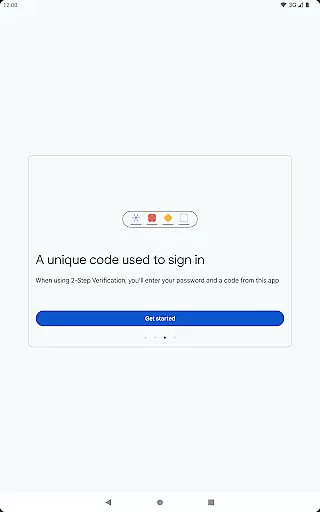

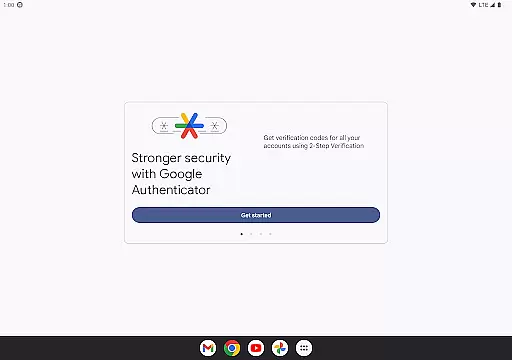
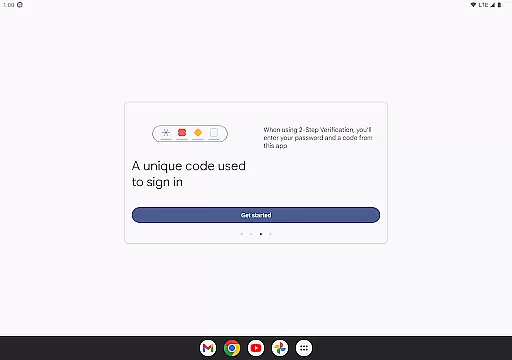
Google Authenticator is a security tool that provides an additional layer of protection for your online accounts through two-factor authentication. When signing in, users must enter both their password and a unique code generated by the app on their mobile device. This ensures enhanced account security even if passwords are compromised.
The app operates without requiring an internet or cellular connection, making it reliable in any situation. It supports syncing of verification codes to your Google Account, enabling access across multiple devices. With features like QR code setup, support for multiple accounts, and options for time-based or counter-based code generation, Google Authenticator offers versatile and convenient security solutions.
This application is particularly useful for individuals who prioritize digital security and manage multiple online accounts. By integrating seamlessly with Google's 2-Step Verification, it provides peace of mind knowing that sensitive information remains protected from unauthorized access.
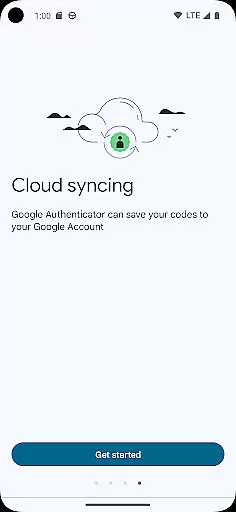
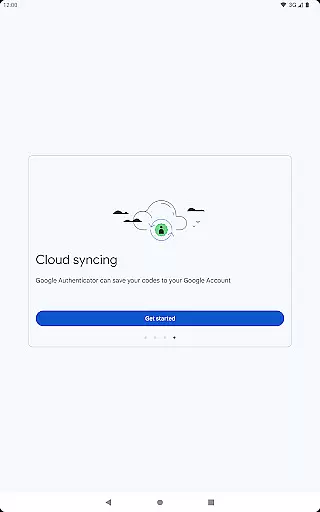
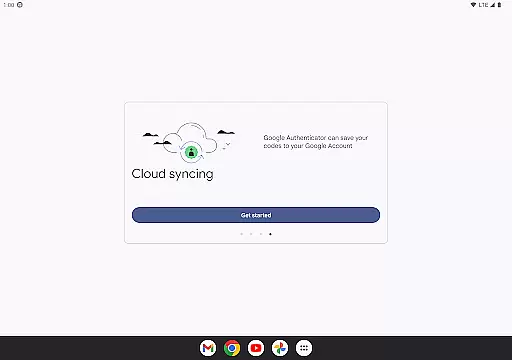
Google Authenticator stands out with its robust feature set designed to maximize security and convenience. One key feature is the ability to sync your authenticator codes directly to your Google Account, ensuring you never lose access even if your phone is lost or damaged. This cloud-based backup system is a significant advantage over similar apps.
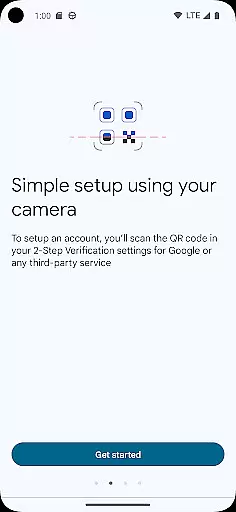
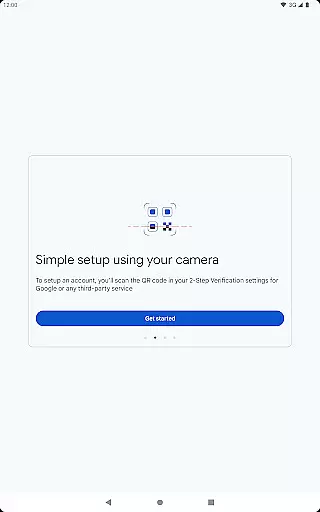
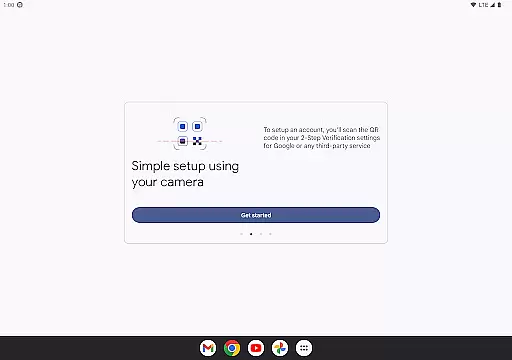
The app simplifies account setup through QR code scanning, allowing users to quickly configure new accounts without manual entry. It supports both time-based and counter-based code generation methods, catering to different user preferences and security requirements. Additionally, the ability to transfer accounts between devices using QR codes makes switching phones hassle-free.
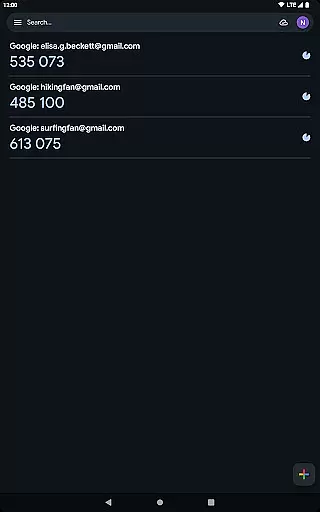
Another notable feature is its support for multiple accounts within a single interface. Users can manage all their two-factor authentication needs in one place, eliminating the need to switch between different apps. The app's offline functionality ensures codes can be generated anywhere, anytime, regardless of network availability.
Google Authenticator excels in providing highly accurate and effective two-factor authentication. The app generates time-based or counter-based codes that serve as the second verification layer for your online accounts.
By integrating advanced algorithms, it ensures that each code is unique and valid only for a short period. This dynamic approach significantly enhances account security beyond just passwords.
Even without an internet connection, the app reliably produces verification codes, making it convenient for users in various situations. This offline functionality guarantees access to your accounts anytime, anywhere.
The combination of multiple code generation methods and seamless integration with different platforms demonstrates the app's commitment to both accuracy and user convenience.
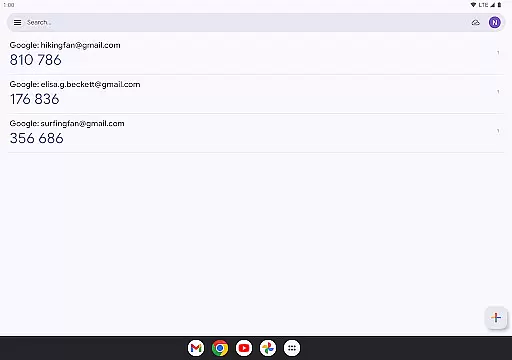
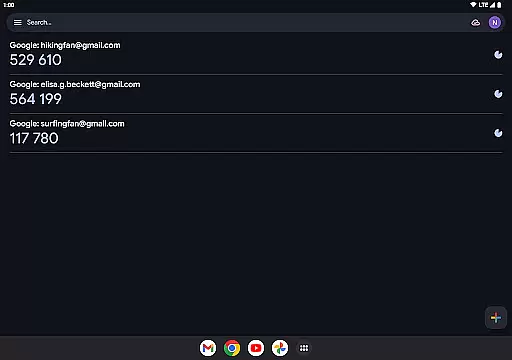
The interface of Google Authenticator showcases remarkable simplicity and intuitiveness, focusing on user-friendly design. Upon opening the app, users are greeted with a straightforward layout displaying their registered accounts and corresponding verification codes.
Adding new accounts is streamlined through QR code scanning, eliminating manual input errors and ensuring swift setup. This feature simplifies what could otherwise be a complex process into just a few taps.
Despite its powerful security features, the app maintains minimalistic visuals, avoiding unnecessary elements that could confuse users. Clear typography and logical organization make navigation effortless.
This balance between essential functionality and clean design ensures that even those unfamiliar with two-factor authentication can easily adopt and utilize Google Authenticator effectively.
Enhanced Security
User-Friendly Interface
Offline Code Generation
Cloud Backup Option
Multiple Account Support
No Desktop Version
Limited Customization
No Biometric Login
Occasional Sync Issues
Basic UI Design

Just swipe the edge to do something!
 4.40
4.40
PDF Reader - Document Viewer: Read, Manage & Organize Your Documents
3.10
Amateur Radio app for APRS: Track friends, exchange messages, get tactical info.
3.90
Excellent scientific calculator with symbolic algebra, integrals, derivatives
4.80
Making emulation easy for everyone!
4.30
Mirror your screen to Fire TV - Super fast and simple
4.40
Fast Video Downloader, Movie Downloader, Torrent Downloader & Adblock Browser
4.70
Pro Emulator is an easy to use game console emulator for a range of consoles.
4.40
fast and easy mp3 music downloader
4.80
Support Fossify apps with a warm thank you!
5.00
Navigate with Ease and Style
4.90
Extremely fast, secure, and protects your privacy
4.80 4.50
4.50
eXtended Permission Manager - a small app to manage permissions and AppOps
4.50
Universal TV remote control all TVs, Roku, LG, Samsung, Fire, Vizio, Sony, TCL.
4.40
Clean up large files and similar photos, fast and easy to use
4.40
MS-DOS in your pocket. Play old DOS games anywhere you are ;)
4.10
View detailed information about your Nissan Leaf the dealer never shows you.
4.10
A convenient photo, video, and file recovery tool.
4.00


User Reviews