
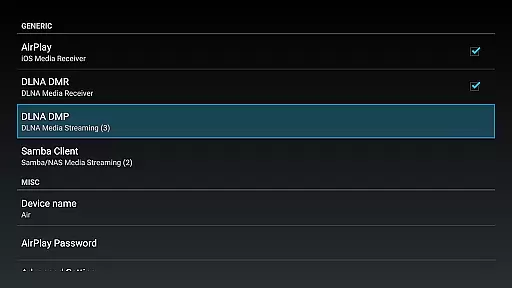
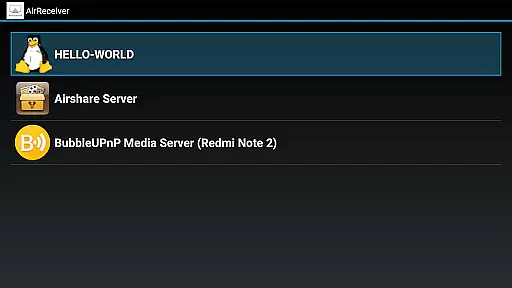

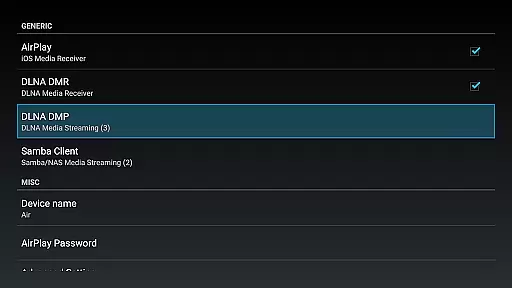
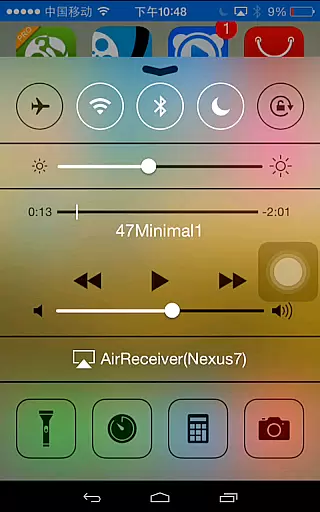
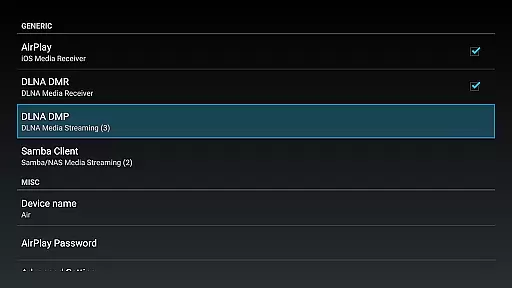
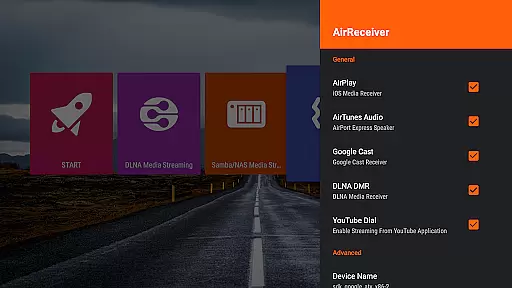
AirReceiver is a versatile streaming solution that supports multiple protocols including AirPlay, Cast, Wireless Display, and DLNA. This application allows users to stream screens, photos, music, and videos from their phones or laptops directly to a TV. It operates efficiently in the background, making it especially suitable for Android TV/Box setups.
With its compatibility across various devices and support for features like Youtube video streaming, audio sync with AirExpress devices, and full IOS16 support, AirReceiver enhances multimedia sharing experiences. Its ability to run as a service in the background and be configured with a custom network name adds to its convenience and user-friendliness.
AirReceiver boasts an array of features designed to optimize media streaming. Key functionalities include support for AirMirror which offers top-tier performance among third-party AirPlay applications, and slideshow capabilities for an enhanced viewing experience. The app also facilitates screen mirroring from PCs using the AirSender tool, ensuring broad device compatibility.
Additional notable features encompass streaming audio/video/photo content from both AirPlay and DLNA clients, background operation as a service, configurable network names, and automatic startup on device boot. These aspects collectively ensure seamless integration into users' digital ecosystems while providing robust performance and customization options.
Video format compatibility is a crucial feature for any video player or editor, ensuring that users can enjoy content in various formats without technical hindrances. AirReceiver AirPlay Cast DLNA supports an extensive range of video formats, making it versatile for streaming from different devices.
This application allows you to stream screen, photos, music, and videos from your phones and laptops directly to your TV. Its support extends to popular protocols like AirPlay, Cast, Wireless Display, and DLNA, which means no matter what device you're using, you're likely to find compatibility with AirReceiver.
Users benefit from the app's ability to handle Youtube videos, slideshow features, and even screen mirroring from a Windows PC using the AirSender tool. This flexibility ensures that whether you're looking to cast personal media or online content, AirReceiver facilitates a seamless experience across different platforms and devices.
AI-powered editing features represent the cutting-edge advancement in video players and editors, providing users with tools that enhance their media interactively and intelligently. While AirReceiver AirPlay Cast DLNA focuses primarily on streaming capabilities, its integration with AI functions subtly enhances user interaction through smart media handling.
The application supports audio sync with other AirExpress devices and excels in AirMirror performance, offering one of the best experiences among third-party AirPlay applications. These features hint at the underlying AI capability that optimizes the casting quality based on the network and device performance.
For users, this means enjoying a stable and high-quality streaming experience without manual adjustments. The app runs in the background as a service, allowing continuous media streaming to your Android device, which is particularly beneficial for Android TV/Box users who require uninterrupted playback.
User-friendly interface
Multi-protocol support
Background service operation
Customizable network settings
Seamless device compatibility
High CPU usage during AirMirror
Limited functionality on low-end devices
Potential conflicts with other apps
No built-in media player
Refund policy limitations

Client application for NextPVR software
 3.00
3.00
HD Video player all format, HD Videos, Cast & Subtitle. No annoying ads.
4.60
You can play SWF format file!
2.50
Cast Videos from Web Browser, IPTV to Roku, Chromecast, DLNA, Smart TV +more
4.60
Seamlessly connect and control your smart devices, anytime, anywhere with ease.
4.60
Fast & Private Video Downloader App. Save all videos easily from the Internet.
4.40
Powerful video player with advanced hardware acceleration and subtitle supports
4.20
Screen recorder with audio to take live videos & Screenshot in high quality!
4.70
Fast private browser with secure, seamless access & supported video downloads!
4.00
GENRAL PRO - General Pro is the best video player that fully supports all formats.
4.70
Auto video maker with music & exclusive filters. Video editing made simple.
4.50
Cast to Chromecast, Xbox, Fire Stick, Roku, DLNA, Smart TV & No Feature Limited!
4.50
Fast & Private HD Video Downloader with Built-in Proxy Browser and Video Player.
4.50
Fast video downloader & private browser. Save HD clips to watch offline.
4.40
Video player, file manager for all formats, 4K/HD media player supports subtitle
4.30
KMPlayer Plus (Divx Codec) officially support Divx codec.
4.30
Video player with 4K & 1080P support, popup play, background play and subtitle.
4.20
The smartest M3U IPTV Player your playlists have ever seen.
4.3
Powerful HD video player with support for all formats & subtitles.
4.2


User Reviews