
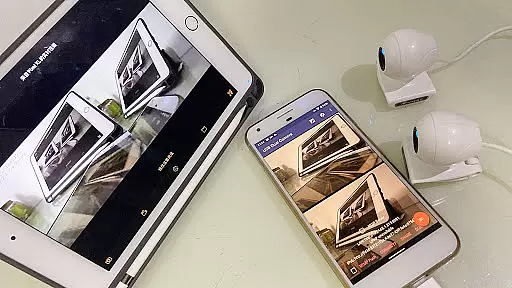
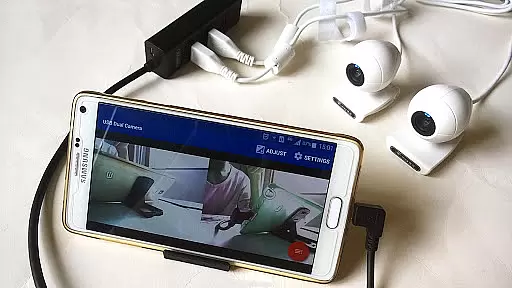
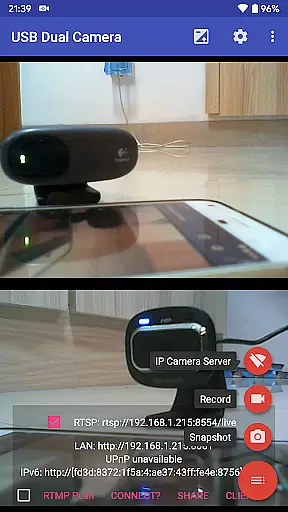
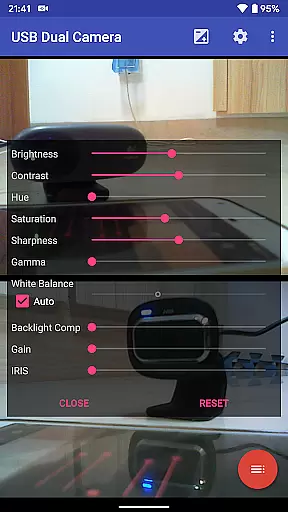
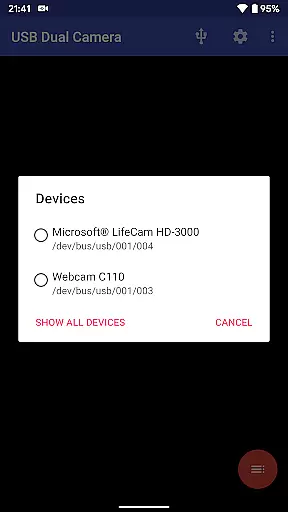

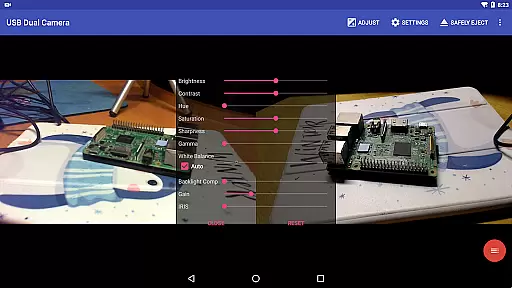
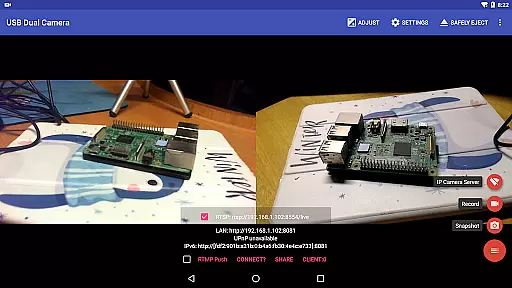
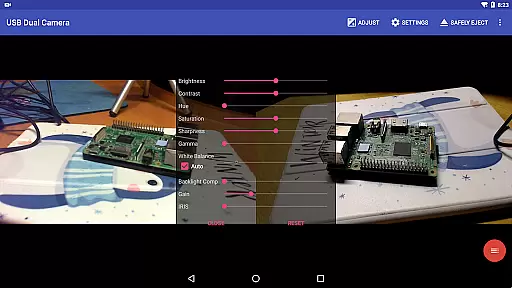
USB Dual Camera Pro is a versatile video application designed for Android users who need to connect and utilize two USB cameras simultaneously. This app supports UVC WebCams with microphones, video grabbers with audio input, and even non-UVC devices like USB Endoscopes. It allows users to record videos or capture snapshots while providing options for wireless IP camera functionality through an RTSP and HTTP server.
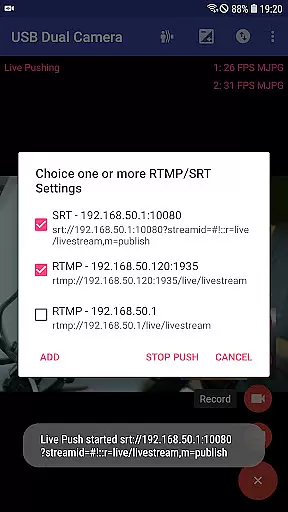
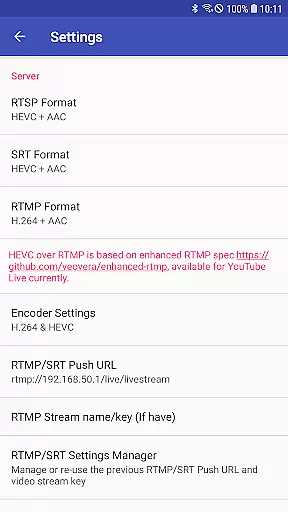
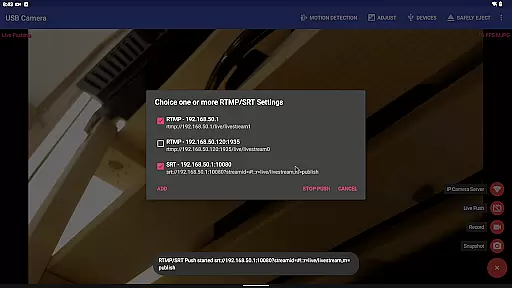
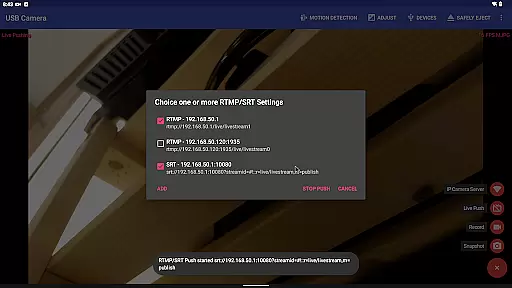
The app's core features include bi-directional audio support, video mixing capabilities, and the ability to push live streams to media servers using RTMP/SRT protocols. With support for advanced codecs like HEVC, H.264, and AV1, it ensures high-quality streaming and recording. Whether you're using it for security monitoring, content creation, or as a dashcam with loop-recording, USB Dual Camera Pro offers a comprehensive solution for all your dual-camera needs.
USB Dual Camera Pro stands out with its ability to handle two cameras at once, making it ideal for users who require multiple perspectives or redundancy in their recordings. The app supports various formats including MJPEG, H.264, H.265, and HEVC, ensuring compatibility across different devices and use cases. Its built-in RTSP and HTTP server functionality transforms your phone into a wireless IP camera, perfect for remote monitoring.
One of the standout features is its live broadcasting capability. Users can stream directly to platforms like YouTube Live using RTMP or SRT protocols, with support for secure connections via rtmps. Additionally, the app provides tools for audio mixing, video overlay, and timestamping, which are crucial for professional-grade productions. These features collectively make USB Dual Camera Pro a powerful tool for both amateur videographers and professional broadcasters alike.
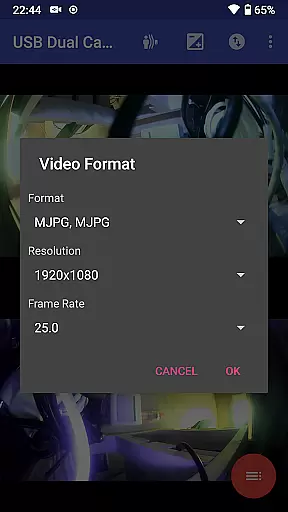
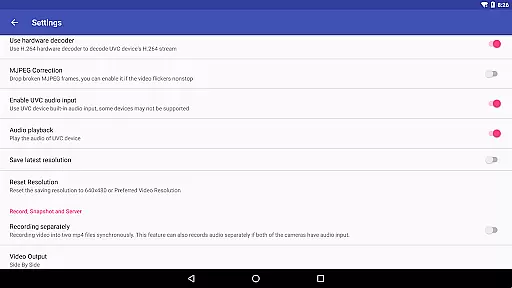
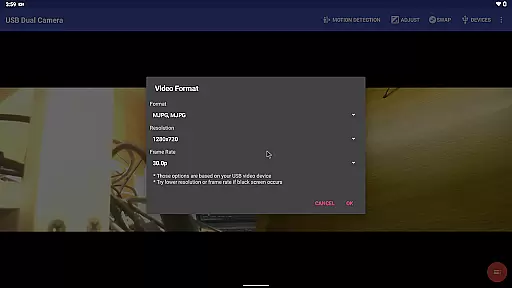
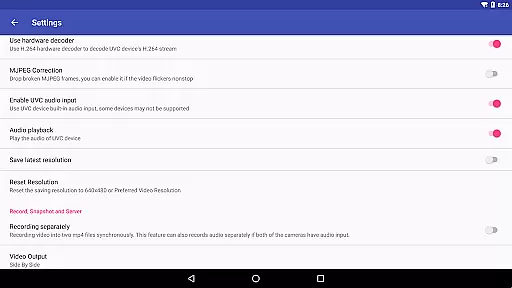
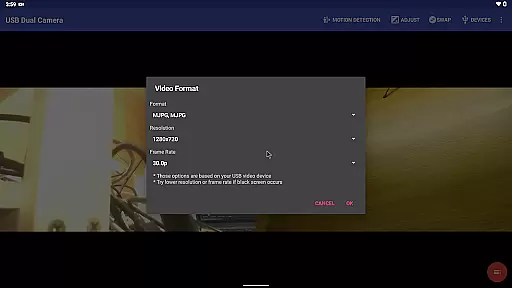
USB Dual Camera Pro demonstrates exceptional versatility in video format compatibility, ensuring a seamless experience for users working with diverse video sources. The application supports an extensive range of formats including MJPEG, H.264, H.265, HEVC, and even the newer AV1 codec.
This flexibility allows users to connect up to two USB WebCams or video capture cards simultaneously, provided the necessary format requirements are met. For instance, when using two cameras at once, MJPEG is required, while HEVC recording needs Android 5.0 or above, and AV1 streaming requires Android 10 or higher.
The app's ability to handle such a wide array of formats means that whether you're dealing with standard UVC WebCams or specialized devices like the Geek szitman supercamera, you can expect consistent performance and reliability. This comprehensive support ensures that users aren't limited by specific hardware constraints and can utilize their preferred devices without compromise.
By offering this level of format compatibility, USB Dual Camera Pro empowers users to maximize their creative potential, whether they're recording high-quality videos, streaming content, or setting up complex multi-camera configurations for professional applications.
While USB Dual Camera Pro primarily focuses on video capture and streaming capabilities, it incorporates several intelligent features that function similarly to AI-powered editing tools. One notable aspect is its automatic video processing capabilities, which include motion detection-based recording and automated FTP uploads.
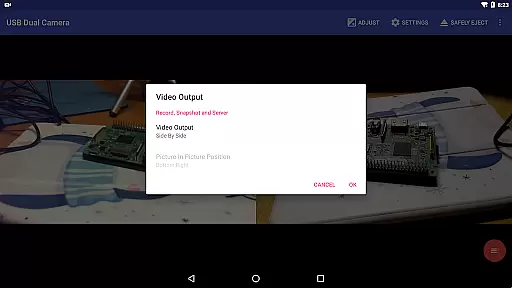
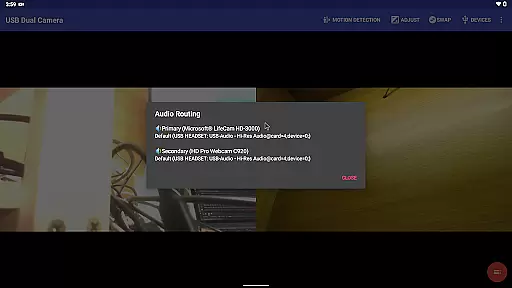
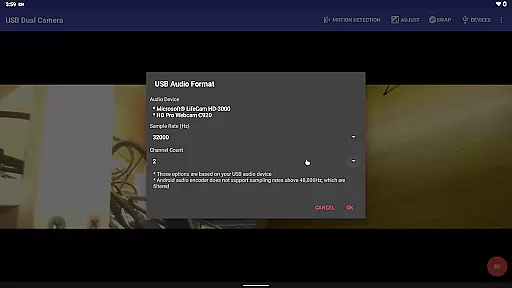
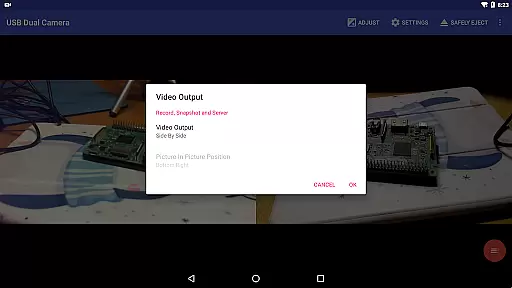
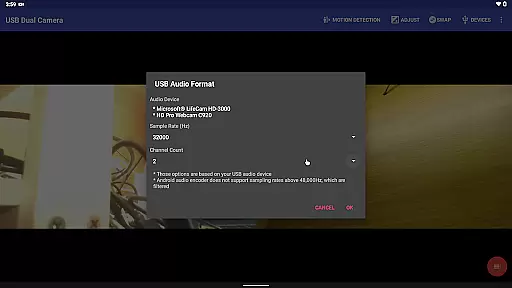
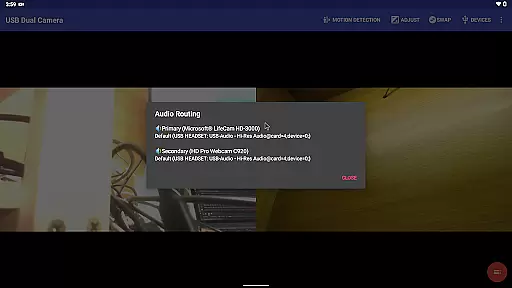
The application's ability to mix USB audio with built-in microphones or system audio represents another sophisticated feature that enhances the final output quality. This functionality, combined with its capacity to overlay internal camera footage onto external camera video, creates dynamic compositional possibilities that traditionally require complex editing software.
Furthermore, the app's advanced timestamping and metadata overlay features demonstrate intelligent automation typically associated with AI-powered editing solutions. Users can automatically add GPS coordinates, speed information, and other relevant data directly onto video frames during recording, streamlining what would normally be a post-production process.
These smart features, while not traditional AI editing tools, significantly reduce the need for extensive post-processing by incorporating valuable enhancements directly into the capture workflow, making USB Dual Camera Pro a powerful tool for both amateur and professional content creators seeking efficient production solutions.
Supports dual cameras
Advanced codec support
Bi-directional audio
Live streaming capabilities
Comprehensive monitoring tools
Requires good OTG cables
Power supply dependent
Complex setup process
Limited third-party app integration
Higher system requirements

Online Videos Player
 3.90
3.90
Powerful, professional, versatile teleprompter. Developed by an active film crew
4.00
Cast to Chromecast, Xbox, Fire Stick, Roku, DLNA, Smart TV & No Feature Limited!
4.50
1)AirPlay/DLNA Mirroring/Streaming, up to 4 connections; 2)Samba/NAS/DMS Player.
4.00
Fast & easy HD video downloader for all formats, support 4K playback & download.
4.60
Browser for Samsung TV to stream webvideos, online movies and livestreams in HD
4.10
Download Hub, easy and private way to download and enjoy your videos offline
4.80
Photo editor & video maker with music and slideshows.
4.10
Make videos you’re proud to share with Edits, a video editor for creators.
4.70
Snaptubè Video Downloader app allows to download videos and music in Snaptube. .
4.60
IPTV Loader, loads your own Playlist. DOES NOT CONTAIN ANY LIST OR CHANNELS
4.60
Watch IPTV on your Android device
4.60
Cast movies, tv shows and live streams to Chromecast, Roku, DLNA, Fire TV & more
4.60
Create & edit videos with AI
4.30
LumaFusion: The Ultimate Storytelling Experience for Video Editing
4.10
Cast to Smart TV, Fire TV. Cast video, photo - Fast & Stable!
3.90
This app is an emulator of some specific IPTV boxes
3.50
IPTV Player - Watch live TV from m3m & m3u8 playlist, stream IPTV on mobile
3.30
Video player with powerful streaming playback and various convenient features.
2.10


User Reviews