
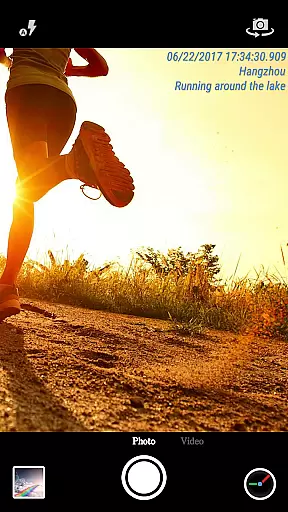
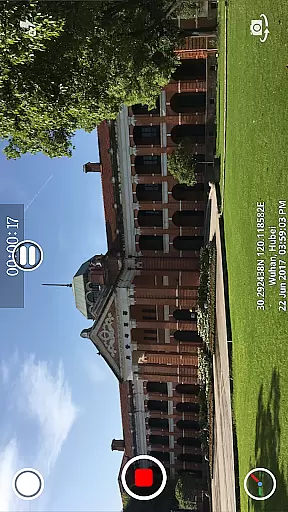
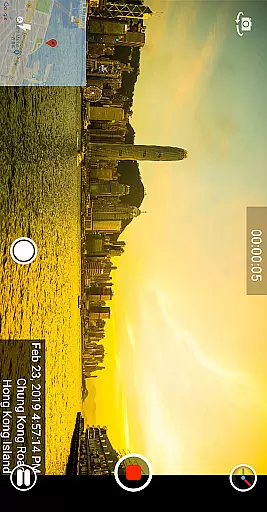
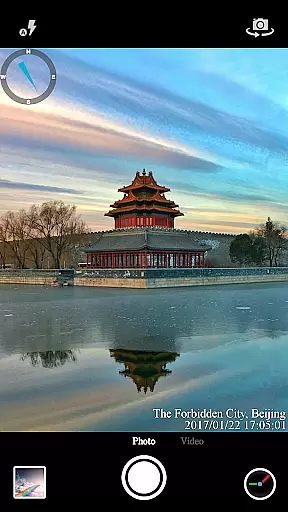

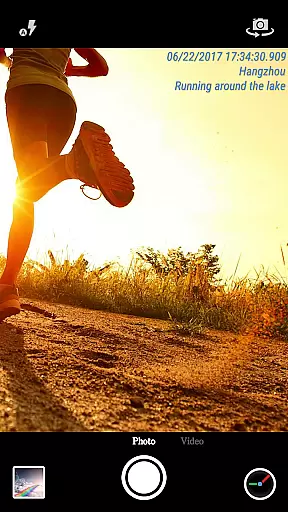
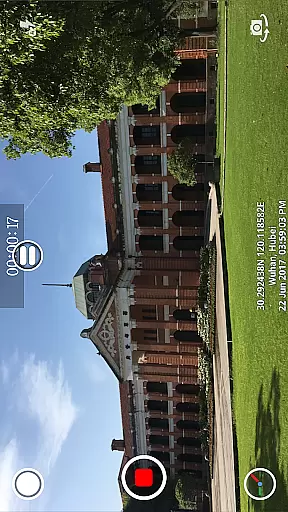
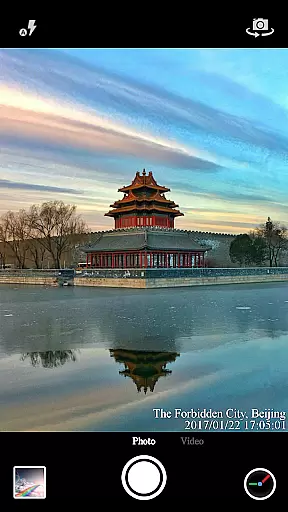

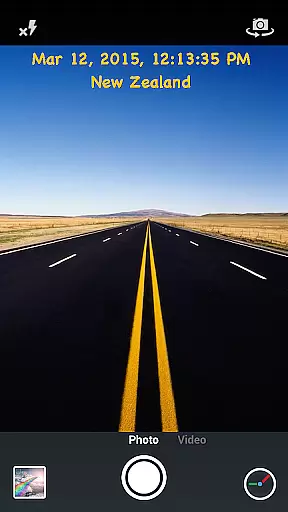
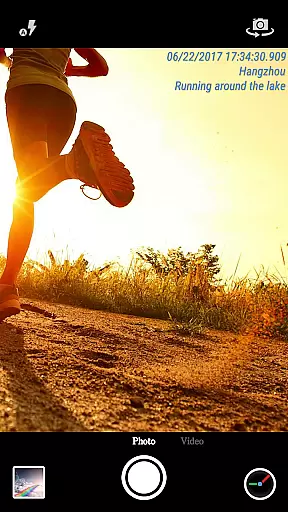
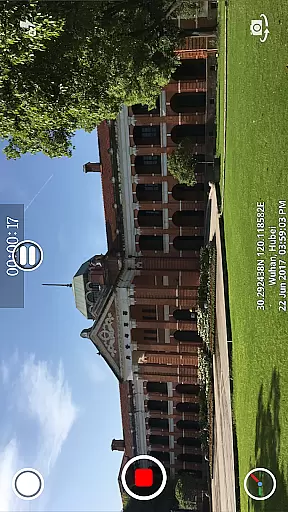
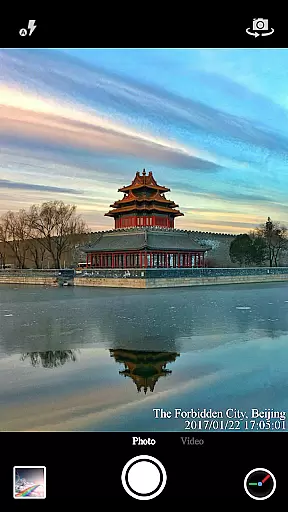

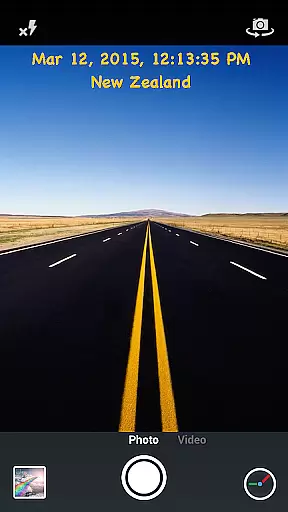
Timestamp Camera Pro is a powerful video and photo editing application that specializes in adding real-time timestamp watermarks to your media. The app allows users to capture photos and record videos with precise timestamp overlays, accurate to the millisecond. This feature is particularly useful for professionals who need to document events with exact timing, such as journalists or private investigators.
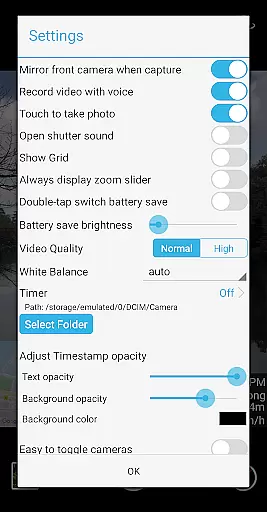
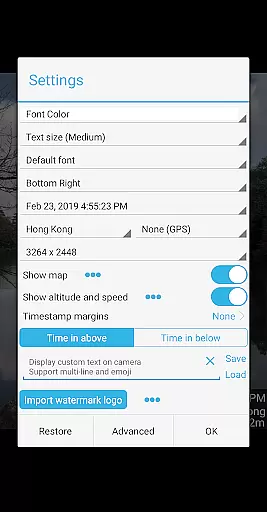
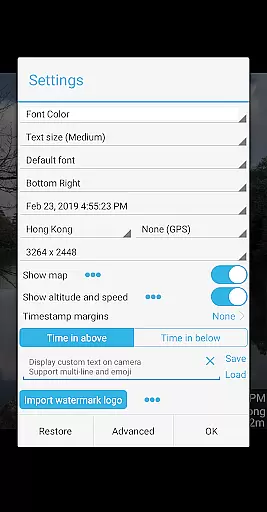
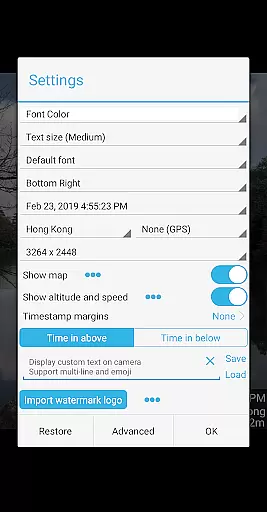
In addition to timestamps, the app offers customization options including font styles, colors, sizes, and positions. Users can also add location data, altitude, and speed information to their recordings. With support for custom text, emoji display, map overlays, and logo integration, Timestamp Camera Pro provides a versatile toolset for enhancing media content. Whether you're documenting a day out at the zoo or creating professional-grade video content, this app ensures your media is informative and personalized.
Timestamp Camera Pro stands out with its comprehensive feature set tailored for detailed media annotation. One of its key features is the ability to record videos with millisecond-accurate timestamp watermarks, a unique offering among mobile applications. It supports 61 different timestamp formats and allows users to customize the appearance of the timestamp through various fonts, colors, sizes, and positions on the screen.
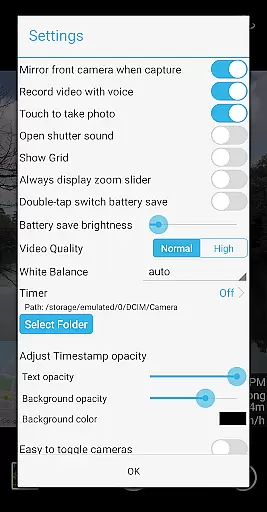
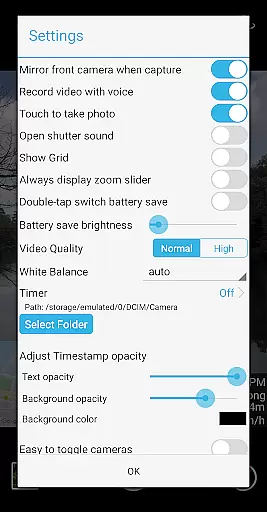
Beyond timestamps, the app includes advanced functionalities such as displaying custom text, emojis, maps, and logos on the camera interface. Users can adjust map scale, transparency, size, and position, while also having the option to include altitude and speed details. Additional features include battery saver mode, audio toggle for video recording, and the ability to change effects and camera orientation during recording. These capabilities ensure that users have extensive control over their media capturing experience.
Timestamp Camera Pro stands out with its extensive video format compatibility, ensuring that users can work with a wide array of file types without any hitches. The app supports popular formats such as MP4, AVI, and MOV, making it versatile for various devices and platforms.
Beyond just basic playback, the app allows real-time effects to be applied during both photo and video capture. This includes adding timestamps with millisecond accuracy, custom text, emoji, and even map overlays, all while recording. Such features ensure that no matter the original format, your content is enriched with necessary information and personal touches.
Users benefit from the ability to change resolution settings and save videos directly to an SD card, which is crucial for managing storage efficiently. With Timestamp Camera Pro, you're not limited by format restrictions, allowing seamless integration into professional workflows or personal projects.
The AI-powered editing features in Timestamp Camera Pro revolutionize how users interact with their media. By leveraging advanced algorithms, the app provides intelligent suggestions for enhancing videos and photos automatically. This includes optimizing brightness, contrast, and color balance to ensure every shot looks its best.
One standout feature is the automatic addition of geolocation data and timestamps, accurate to the millisecond. Users can customize these elements extensively, adjusting font styles, sizes, colors, and positions to suit their preferences. Additionally, the app's AI can suggest optimal placements for text and image overlays based on the content being captured.
These smart editing tools are designed to save time and enhance creativity, enabling users to focus more on capturing moments rather than post-processing. Whether you're a professional videographer or someone who enjoys casual photography, Timestamp Camera Pro's AI capabilities make editing intuitive and efficient.
Millisecond accuracy
Customizable timestamp
Location and GPS support
Real-time effects
User-friendly interface
Complex for beginners
Feature overload
Occasional bugs
Premium pricing
Limited free version

Client application for NextPVR software
 3.00
3.00
Create photo video with music & template. AI video maker for stunning slideshow.
4.60
Play ALL formats in 4K & HD. Video downloader, MP3 player, Chromecast & more.
4.80
IPTV Player - Watch live TV from m3m & m3u8 playlist, stream IPTV on mobile
3.30
Cast to Smart TV, Fire TV. Cast video, photo - Fast & Stable!
3.90
Cast movies, tv shows and live streams to Chromecast, Roku, DLNA, Fire TV & more
4.60
Download Hub, easy and private way to download and enjoy your videos offline
4.80
Create, Publish & Maximize
4.70
Photo editor & video maker with music and slideshows.
4.10
AI Video Editor with Music, Filter, Slideshow, Effect, Merge & Trim Video.
4.80
A Quick and Pro Video Editor
4.70
Video Player - Unlimited features, 30 days money back guarantee.
4.60
Browser + Remote for Roku to stream webvideos, online movies and livestreams
4.60
Full HD Video mp3 Player, MP4 player play 1080p, File manager, Video Downloader
4.40
Turn your phone into a wireless camera!
4.20
Powerful video player with advanced hardware acceleration and subtitle supports
4.20
Browser for Samsung TV to stream webvideos, online movies and livestreams in HD
4.10
Livestream, news, & gaming content. Watch, chat, and upload. Join Rumble today!
3.80
Browser for Sony TV to stream web videos, online movies and live tv
3.20


User Reviews