
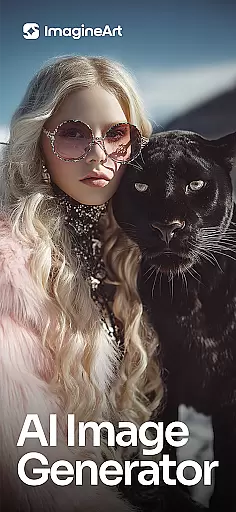
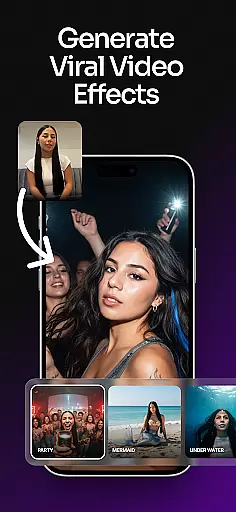
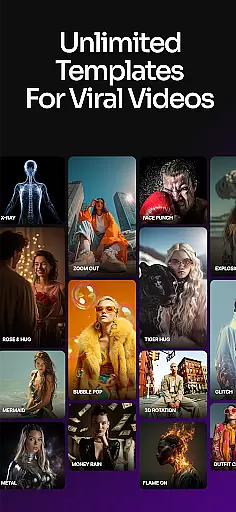
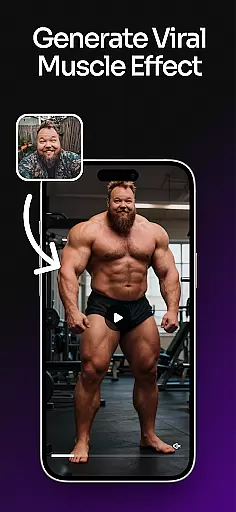
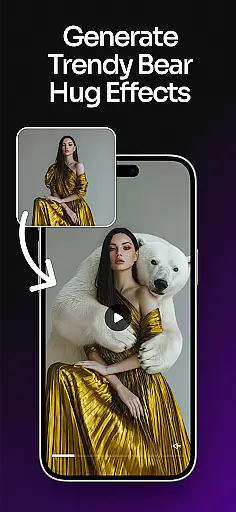
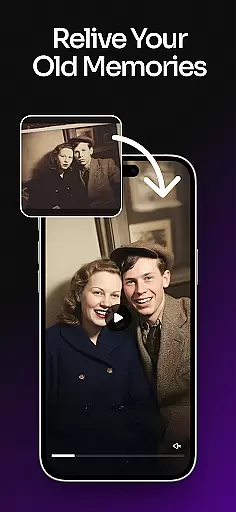
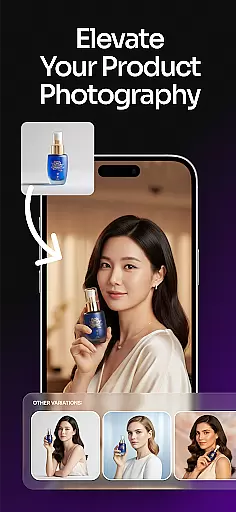
ImagineArt is an all-in-one AI art design studio that empowers users to create stunning visuals across various formats, including images, logos, posters, and more. With the power of Generative AI, this app caters to both personal and professional needs, making it easy for anyone to design from anywhere. Whether you're crafting business logos or fun memes, ImagineArt offers a versatile platform with over 100 categories of AI templates tailored to different creative projects.
The app's core functionality lies in its ability to generate multiple design results through simple text prompts. Users can customize styles, sizes, colors, and effects to achieve their desired outcome. Additionally, ImagineArt serves as a powerful AI photo generator, capable of producing realistic and professional visuals comparable to industry leaders like MidJourney and DALL-E. Its intuitive interface allows for instant transformations, such as replacing objects or adjusting image properties, ensuring a seamless design experience.
ImagineArt stands out with its comprehensive suite of AI-powered tools designed to enhance creativity and streamline the design process. The app includes features such as Text Editing, which allows users to effortlessly add, edit, or replace text on any design. Generative Fill enables seamless insertion or removal of objects within designs, while Image Resize ensures that creations fit perfectly into various formats like banners or social media posts.
Additional functionalities include Upscale Images, which enhances designs to 4K or 8K quality without losing detail, and Add Elements, allowing incorporation of text fonts, shapes, and stickers. The AI Photo Editor refines visuals with filters, effects, adjustments, and cropping options. These robust features collectively empower users to transform their ideas into polished artworks efficiently, positioning ImagineArt as a leader in AI-driven design solutions.
In the realm of digital creativity, having a comprehensive suite of tools is paramount. ImagineArt stands out by offering an extensive array of features that cater to every designer's needs. From AI-powered image generation to detailed photo editing capabilities, this application ensures that users have everything they require at their fingertips.
ImagineArt includes functionalities such as text editing, generative fill for seamless object insertion or removal, and image resizing tailored for various formats like banners and social media posts. Additionally, it provides upscale image options that enhance designs up to 4K or 8K quality without any loss in detail, making sure your creations always look sharp and professional.
The inclusion of specialized tools like flyer makers, poster makers, and logo generators empowers users to create customized content with ease. Whether you're designing promotional materials or crafting unique brand identities, ImagineArt's complete toolkit supports both creativity and efficiency.
By integrating these powerful features into one platform, ImagineArt not only simplifies but also enriches the design process. Users can focus on bringing their visions to life while relying on robust support from diverse creative instruments within the app.
Flexibility in canvas size and format options is crucial for accommodating different design requirements. ImagineArt excels in providing versatile solutions that adapt to various project specifications. This adaptability allows designers to switch between creating detailed illustrations, expansive posters, compact logos, and more without constraints.
With ImagineArtu2019s flexible canvas settings, users can easily adjust dimensions to fit specific needsu2014whether it's optimizing images for Instagram posts, YouTube banners, or even large-scale printouts. The ability to modify aspect ratios and resolutions ensures that each piece maintains its intended impact across multiple mediums.
Moreover, the platform supports exporting designs in several formats suitable for web use or high-quality prints. By enabling adjustments in output settings, ImagineArt guarantees compatibility with diverse platforms and devices, enhancing accessibility and usability of final products.
This level of canvas and format flexibility not only broadens creative possibilities but also streamlines workflow efficiency. Designers benefit from streamlined processes where changing project parameters doesn't hinder progress but rather enhances adaptability and innovation.
User-friendly interface
Extensive template library
High-quality image generation
Versatile design capabilities
Instant editing functions
Limited free features
Subscription costs may apply
Advanced tools require learning
Occasional processing delays
Internet connection necessary

Draw anime & manga drawing, art with templates to create stunning picture!
 4.50
4.50
Passport size photo maker, create ID photo and visa photo in seconds
4.80
Nano Banana AI Image Generator, Anime Filter, AI Portrait, AI Photo Generator
4.30
Your AI soulmate — meaningful chats, and unique emotional moments
4.70
Resize photos and print photos in exact size with our powerful photo printer!
3.80
Unleash the artist in you with our AR drawing and tracing tool for photo drawing
4.10
Everything you need to create hand drawn animation, anywhere you go!
4.40
Sketch and paint on your device with the feel and freedom of drawing on paper
4.00
Unleash your inner artist! Sketchar: AR Drawing for Limitless Creativity
4.40
See Color, Paint Color
4.90
Photo stitcher for automatically screenshot stitching into a long screenshot
4.70
The ultimate tool for creating animations
4.60
Create neon drawing with magic doodle and fun doodle art effects!
4.50
AI Tattoo Generator: Create Tattoo Designs & Get Ideas! Ink & Stencil Maker
4.50
Stylish letters, Stylish Keyboard, Symbols, Emojis, Cool nickname
4.40
Design your dream room with AI. Get decor ideas & plan home interiors
3.90
Art of Combination Wear OS Watch faces (for Wear OS 5+ devices)
3.90
Meet the magic aı 3d photo generator and smart AI video generator app.
3.20
Art of Combination Wear OS Watch faces
4.5


User Reviews