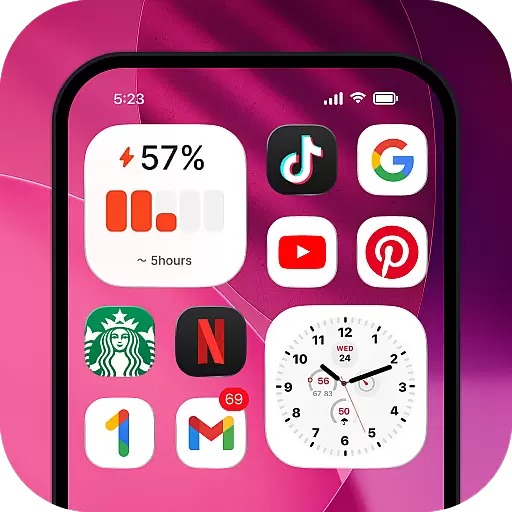
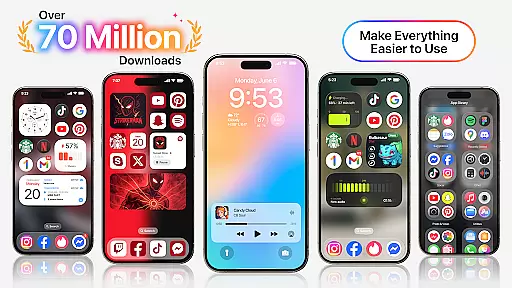
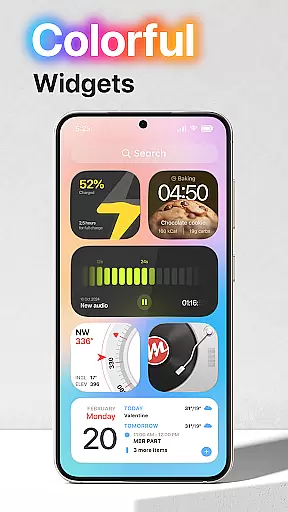
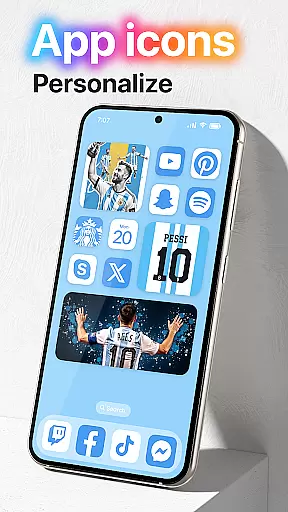
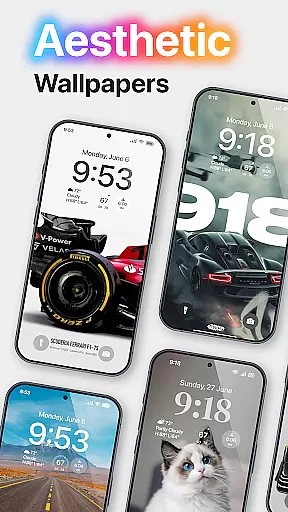
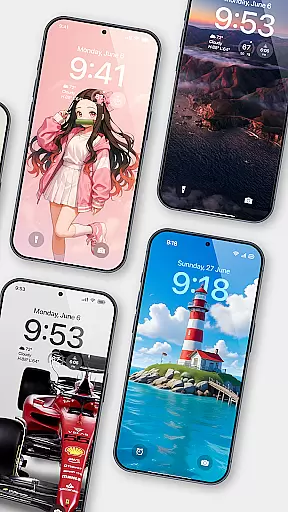
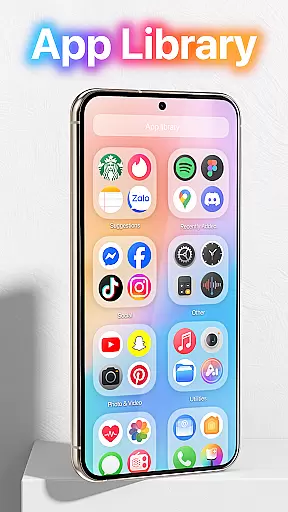
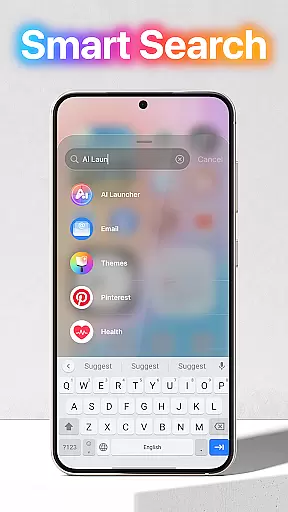
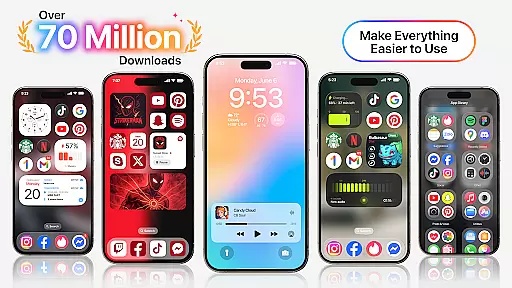
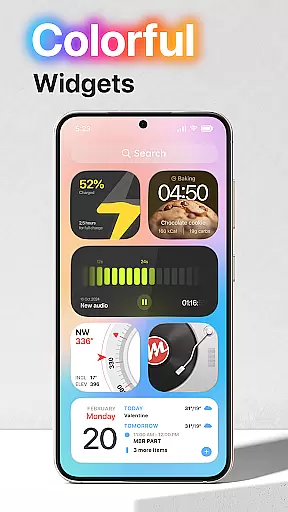
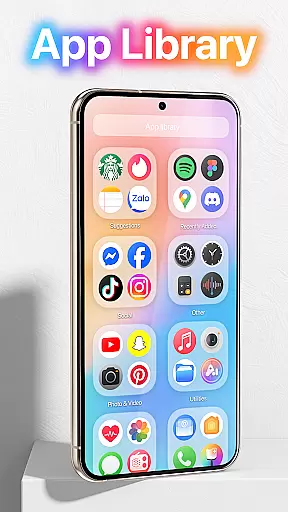
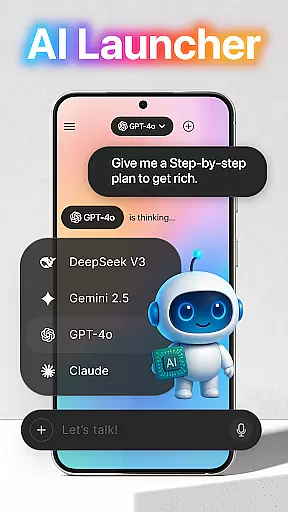
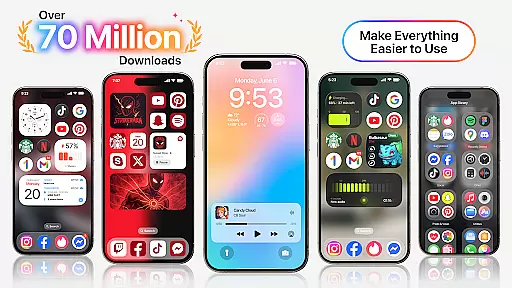
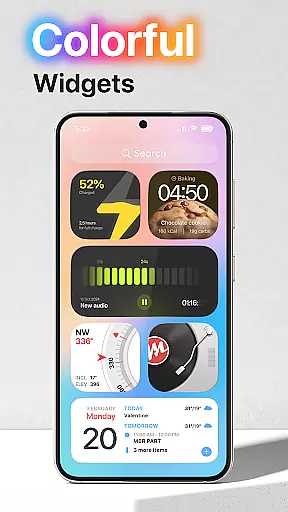
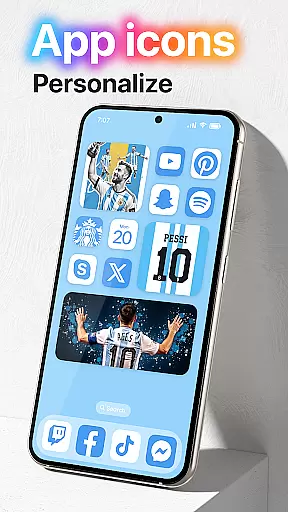
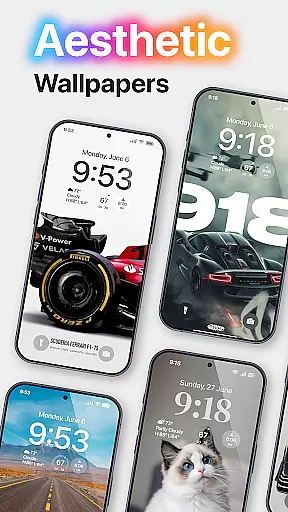
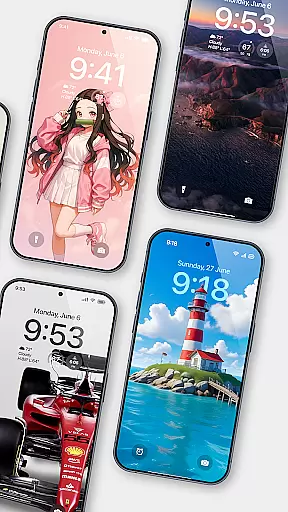
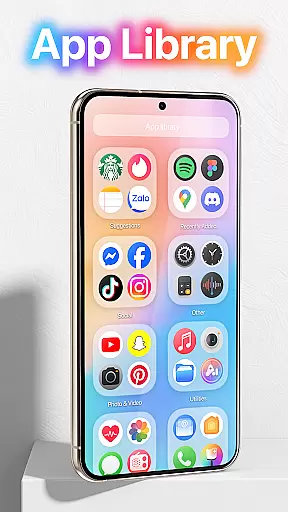
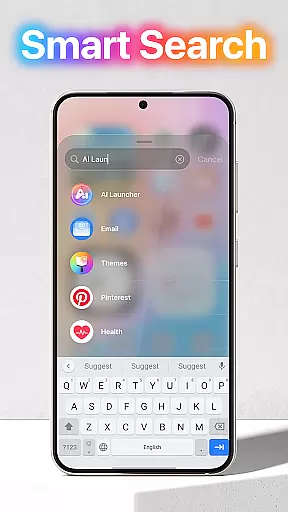
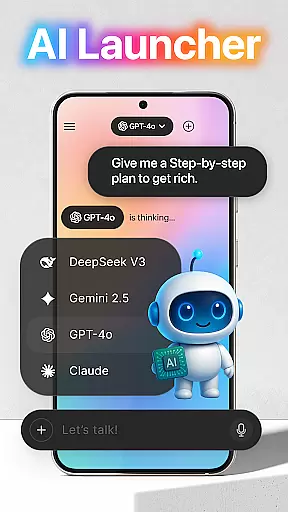
Launcher OS™ redefines the Android experience by transforming your mobile device into a more powerful, personal, and intelligent tool. This launcher app enhances your phone's capabilities with innovative features that go beyond traditional launchers.
The application offers advanced functionalities such as lock screen camera access, notification management, and built-in universal file search. These features ensure your device remains highly functional even when locked, while also providing seamless access to your content and files.
Ideal for users seeking a smarter mobile experience, Launcher OS™ is particularly beneficial for professionals who need quick access to their device's core functions without compromising on security or convenience.
Launcher OS™ stands out with its comprehensive feature set designed to optimize Android device performance. The app provides essential utilities like lock screen controls, which allow users to access the camera and view notifications without unlocking the device.
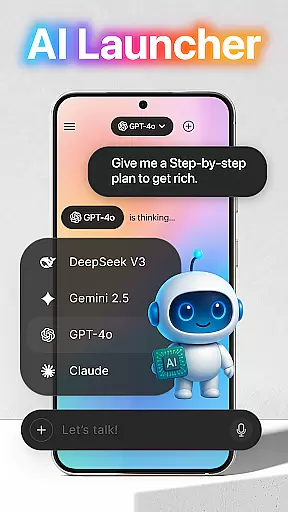
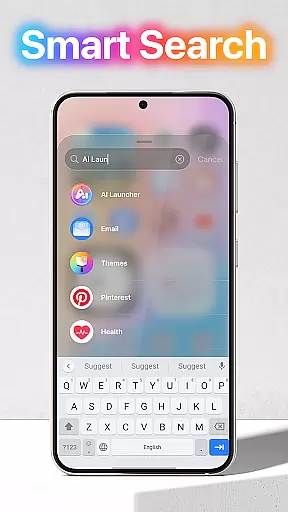
A key highlight is the built-in universal file search functionality, enabling users to quickly locate any file on their device. Additionally, the app supports voice-to-text conversion through microphone access, making it easier to interact with AI-powered services.
These features collectively create a more intuitive and efficient user experience, positioning Launcher OS™ as a top choice for those looking to maximize their device's potential while maintaining ease of use.
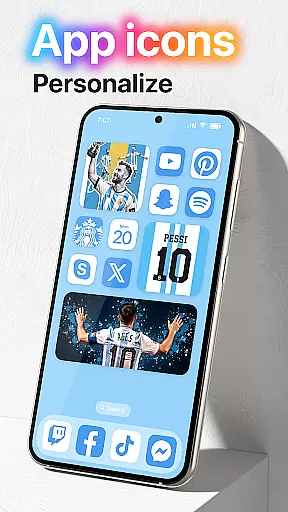
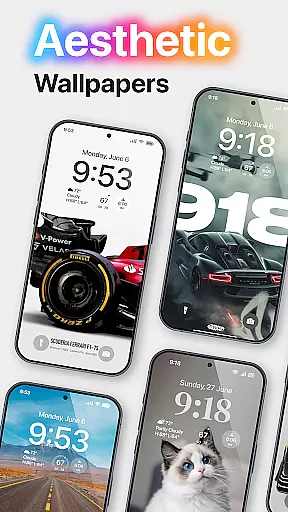
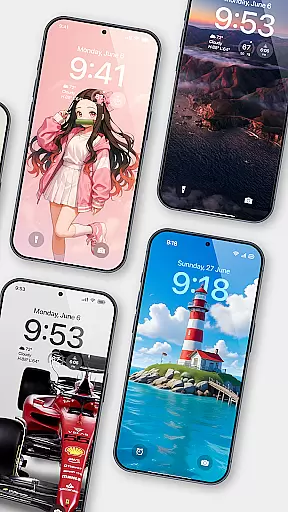
Launcher OS offers a wide array of customization options that allow users to tailor their smartphone experience according to their preferences. This includes the ability to change themes, icons, and wallpapers, providing a fresh look every day.
The app supports setting wallpapers from both local storage and its server, ensuring users have access to a vast library of images. With permissions like READ/WRITE_EXTERNAL_STORAGE, it simplifies the process of personalizing your device's appearance.
Moreover, Launcher OSu2122 enables users to customize their lock screens with notifications and direct camera access, enhancing both aesthetics and functionality. These features collectively ensure that each useru2019s device is truly one-of-a-kind.
By offering these extensive customization capabilities, Launcher OS empowers users to create an interface that not only looks good but also aligns perfectly with their workflow and lifestyle needs.
Theme compatibility in Launcher OS ensures that all visual elements, including icons, wallpapers, and overall UI design, work seamlessly together. This harmony between different components creates a cohesive and visually pleasing environment for users.
With support for various themes, Launcher OS allows users to switch between different looks effortlessly. Whether you prefer a minimalist design or something more vibrant and colorful, there is a theme available to match your style.
The app's DRAW OVER SCREEN permission helps maintain consistent theming across the entire device interface, even when using other applications. This means your chosen theme will be visible over all apps, keeping your deviceu2019s look uniform.
Ultimately, Launcher OSu2019s robust theme compatibility enhances user satisfaction by delivering a polished and integrated aesthetic experience, making daily interactions with your device more enjoyable and efficient.
Highly customizable
Advanced lock screen
Universal file search
Voice-to-text support
Enhanced functionality
Requires many permissions
May drain battery
Complex for beginners
Limited widget options
No dark mode

A launcher for Samsung Good Lock and Good Guardians modules without ads
 4.70
4.70
Turn text & photos into stunning AI videos, art, and creative visual stories.
4.50 4.50
4.50 4.50
4.50
Nothing Icon pack with more than 3750+ highly crafted icons.
4.70
Design your screen with unique, vibrant clocks
3.80
Icons made of colorful linear lines
4.60
Unleash Your Creativity and Connect with Loved Ones with Lockscreen Drawing!
4.20
300+ widgets inspired by Material You and Material 3 expressive design.
4.60
Customizable Glass widgets. Over 360+ stunning widgets and more!
4.70
Make your phone look simple & luxury, like iDevice
4.60
Embrace the Night. Unleash the power of darkness with Raven Dark Icon Pack
4.60
Ninja Turtles Cowabunga SE watch face for Wear OS
4.50
3D, live, and moving wallpapers & themes in 4K and HD for your device.
4.50
Transform your phone with Launcher iOS 26 - Smooth & elegant iOS experience
4.50
Customizable screen pets that play, climb, and keep you company.
4.50
Vibrant Adaptive Icons with Material You and Enhanced Monet Colors.
4.50
Unique Fonts, typefaces and stylish text. Fonts for Instagram, Whatsapp & others
4.20
Struggling to find apps? Use this app to locate and open any app on your phone!
2.20


User Reviews